


How well does a fanless 13-inch MacBook Air M5 handle heavy 4K video rendering in DaVinci Resolve 21 compared to a high-end Windows 11 desktop PC equipped with an NVIDIA RTX 5080 GPU? We ran a real-world export benchmark in a warm room (over 30 degrees Celsius) while recording the screen with OBS to compare render times, memory pressure, and active cooling benefits.

Review the Test Hardware and DaVinci Resolve 21 Timeline Setup
Our test machine is the 13-inch MacBook Air M5 in Midnight (Model A3449, MDHE4D/A) featuring the 10-core CPU, 8-core GPU, 16GB unified memory, and 512GB SSD running macOS 26.5, compared against a Windows 11 desktop PC powered by an NVIDIA GeForce RTX 5080 exporting the exact same project.
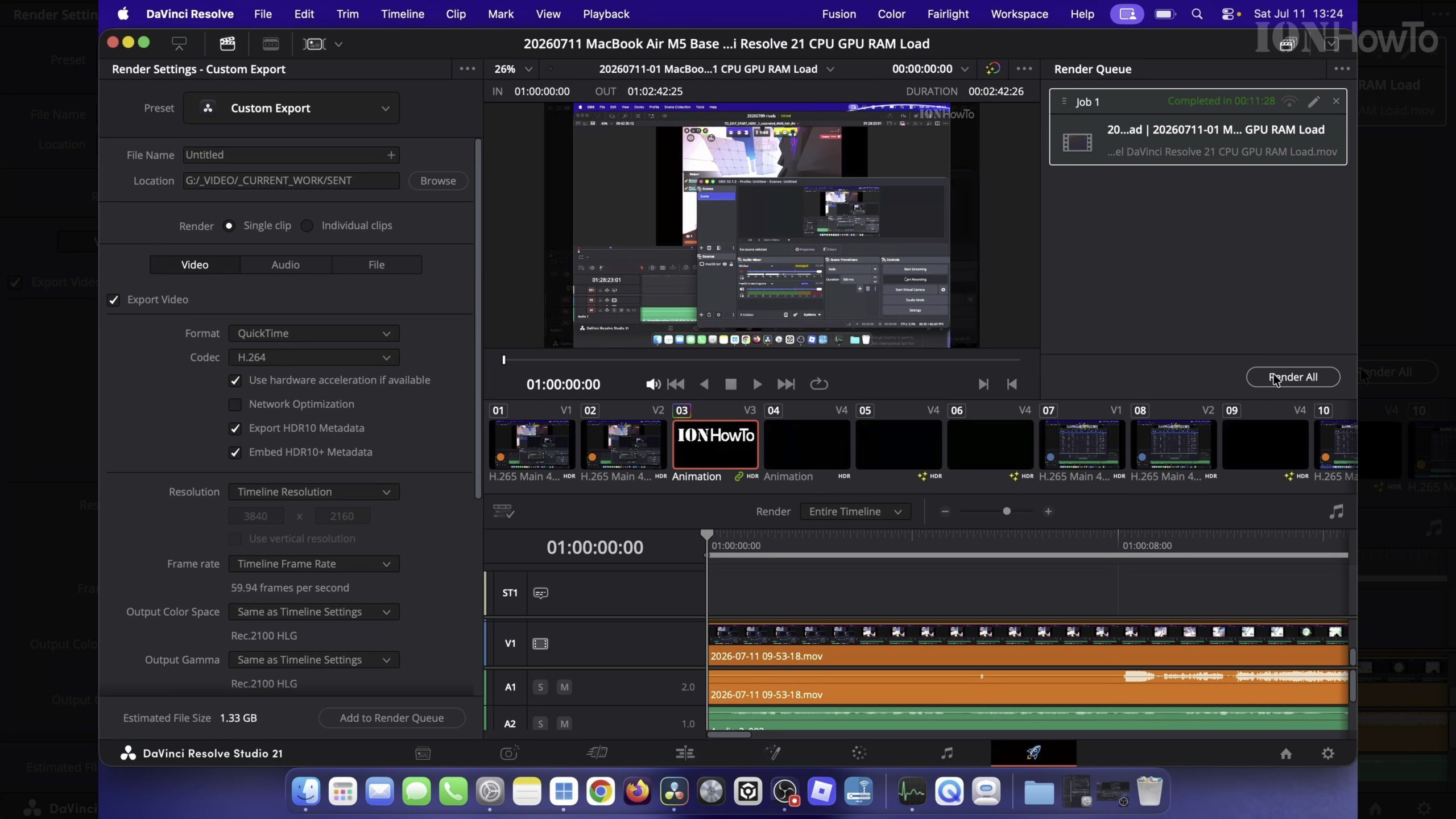
Test 1: MacBook Air M5 Render Time Without External Cooling (11+ Minutes)
Placed on a soft bed surface in a room above 30°C with no external airflow, the fanless MacBook Air M5 reached thermal throttling under full CPU and GPU load. Even so, it automatically managed its clock speeds to lower temperatures and completed the render cleanly in just over 11 minutes.
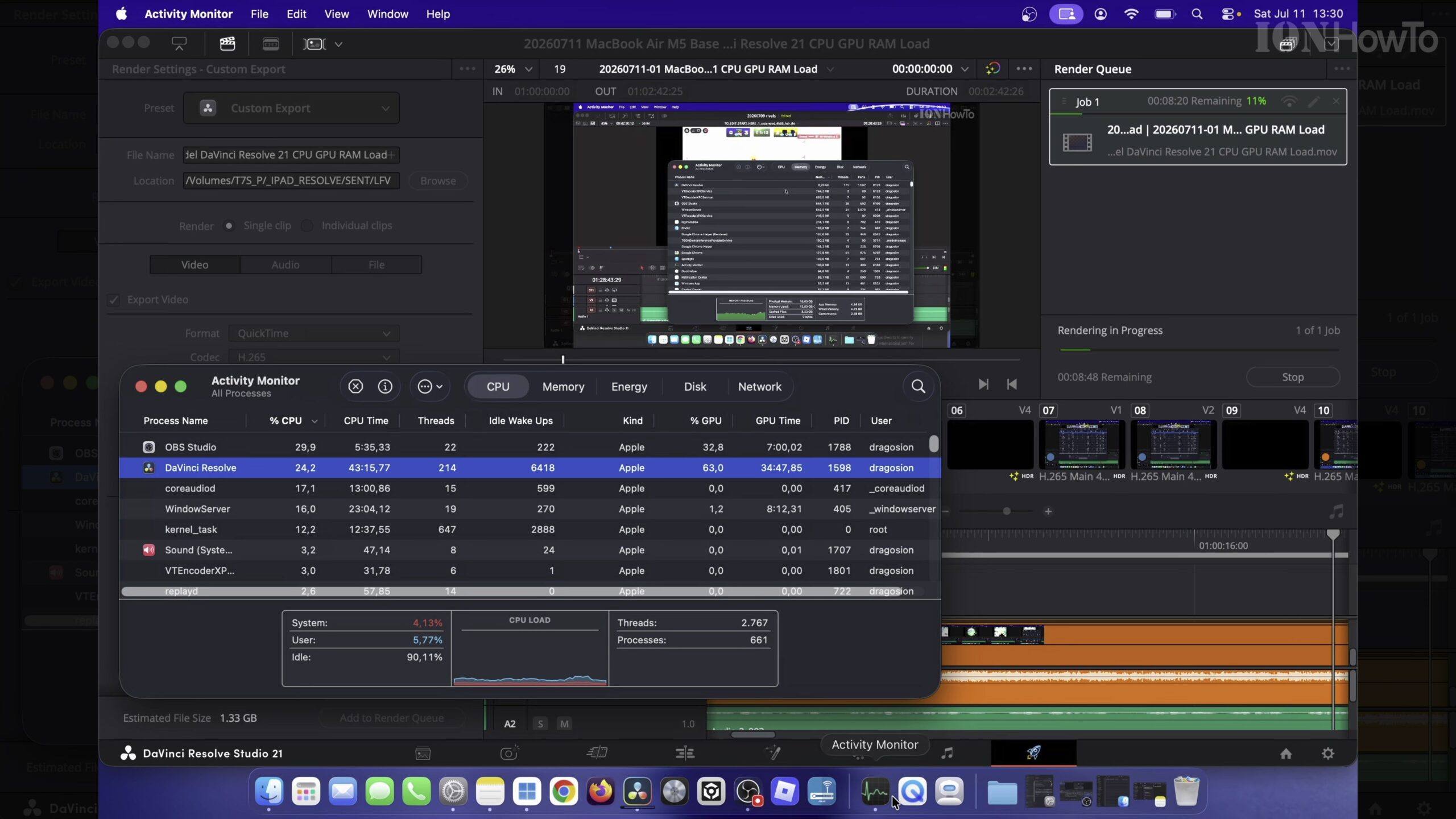
Monitor CPU, GPU, and 16GB Unified Memory Pressure During Export
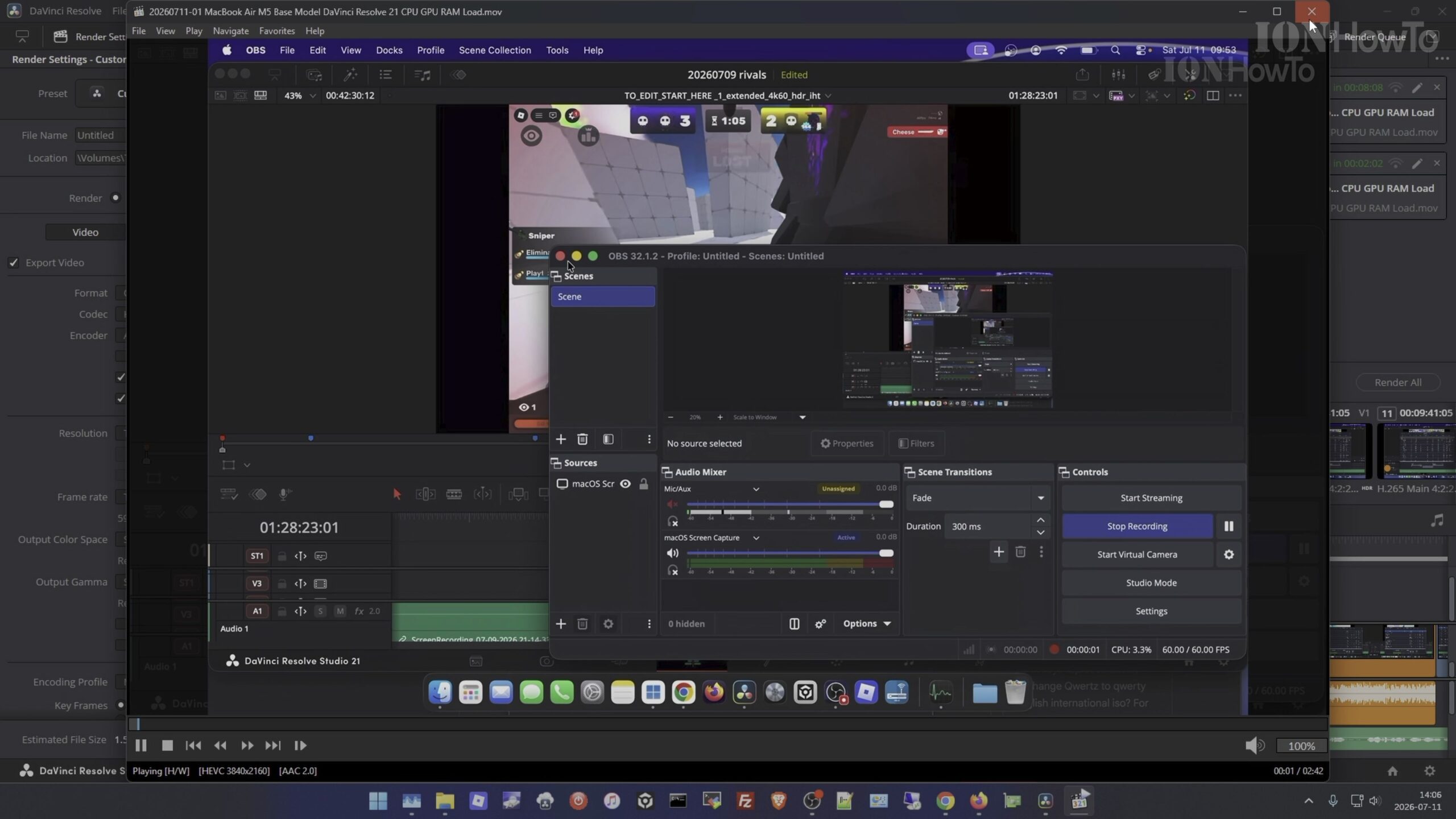
Opening macOS Activity Monitor during the DaVinci Resolve 21 export while OBS recorded the screen showed that 16GB unified memory pressure stayed well under control in the green zone, with zero dropped frames or out-of-memory errors.
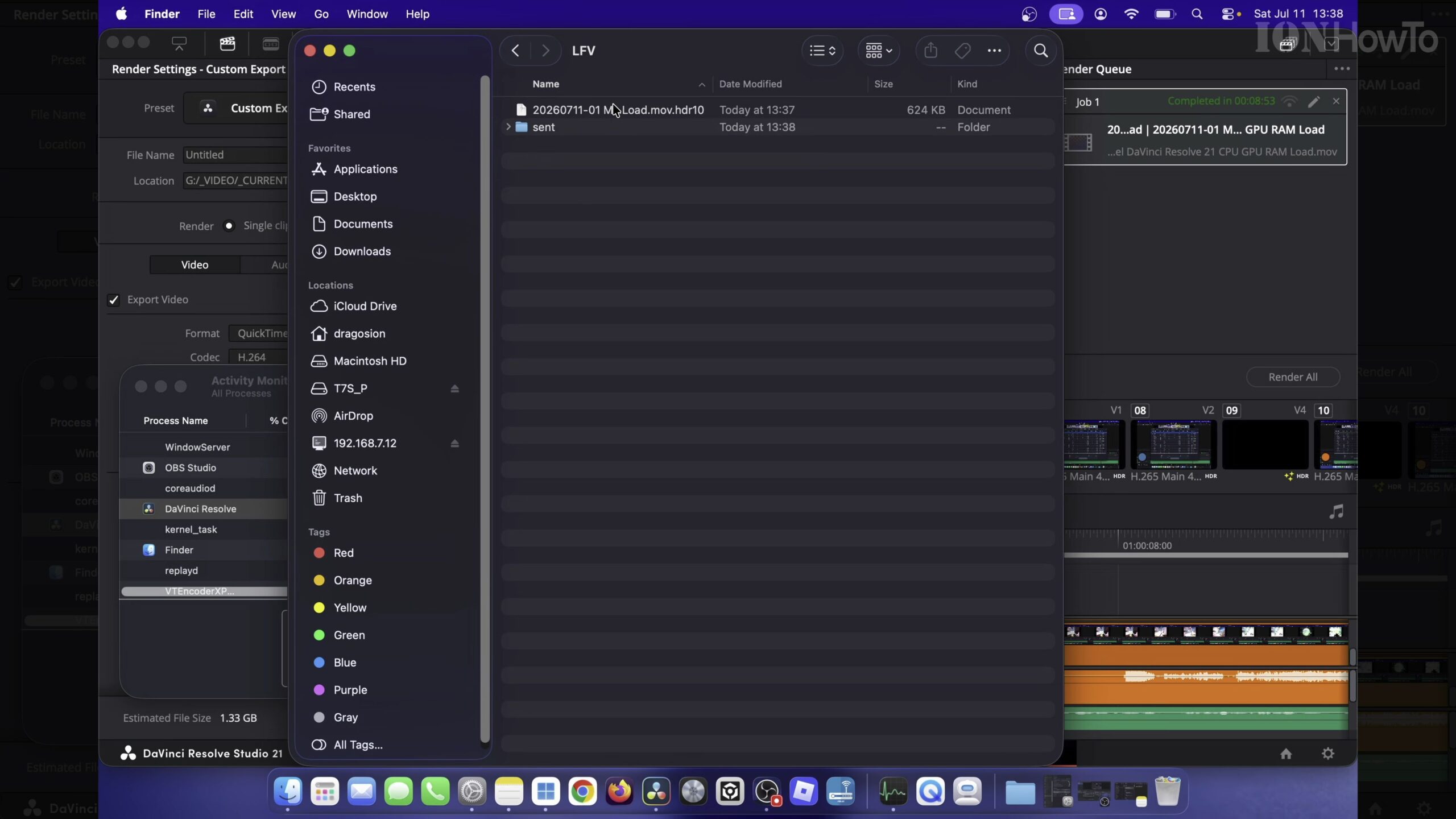
Test 2: MacBook Air M5 Render Time With External Cooling Fan (8+ Minutes)
Pointing an external cooling fan at the aluminum chassis of the MacBook Air M5 kept the enclosure noticeably cooler, reducing thermal throttling and cutting the total render time down to just over 8 minutes—saving roughly 3 minutes on the same timeline.
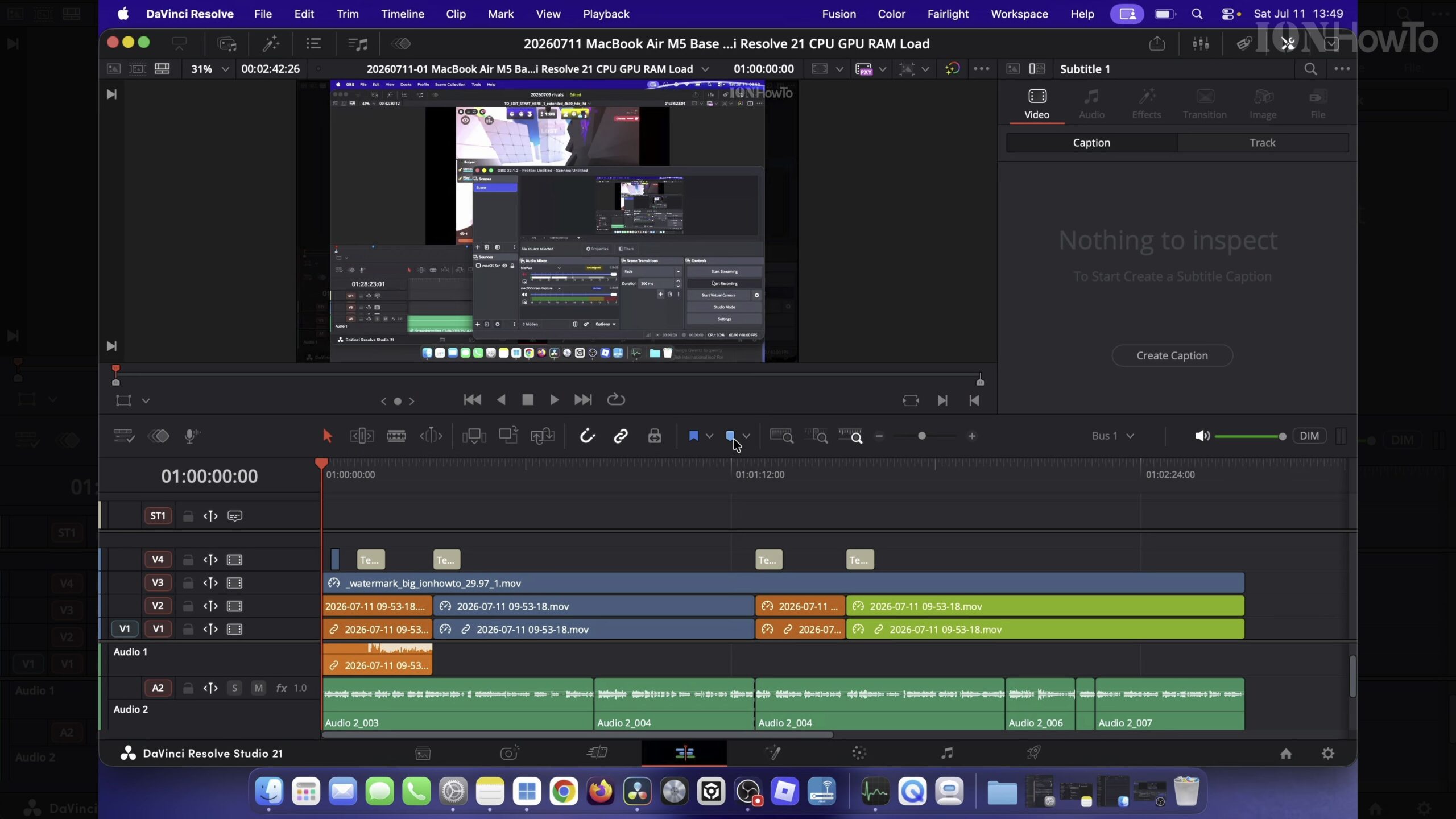
Test 3: Desktop PC with NVIDIA RTX 5080 Render Time (2+ Minutes)
Running the identical DaVinci Resolve 21 render on the desktop PC with dedicated high-wattage cooling and an NVIDIA RTX 5080 GPU finished in just over 2 minutes. This highlights an ideal hybrid workflow: edit smoothly on the ultra-portable MacBook Air M5 anywhere, and use remote rendering on a desktop PC when speed is critical.
Helpful Tips and Related Guides
Placing your MacBook Air M5 on a hard desk surface or small cooling stand makes a measurable difference during long video exports. Explore more benchmarks in our MacBook Air M5 category, check our DaVinci Resolve tutorials, or see our MacBook Air M5 4K Video Editing and External SSD Speed Test.
Leave a Reply Cancel reply