


Essential Tools for DIY Electronics Repair Fix Your Gadgets at Home
With the right tools and a bit of patience, you can repair your gadgets or phone. The essential tools you’ll need to start repairing your own electronics at home.
The Basic Tool Kit
Before looking into repairs, you’ll need a few good basic tools.

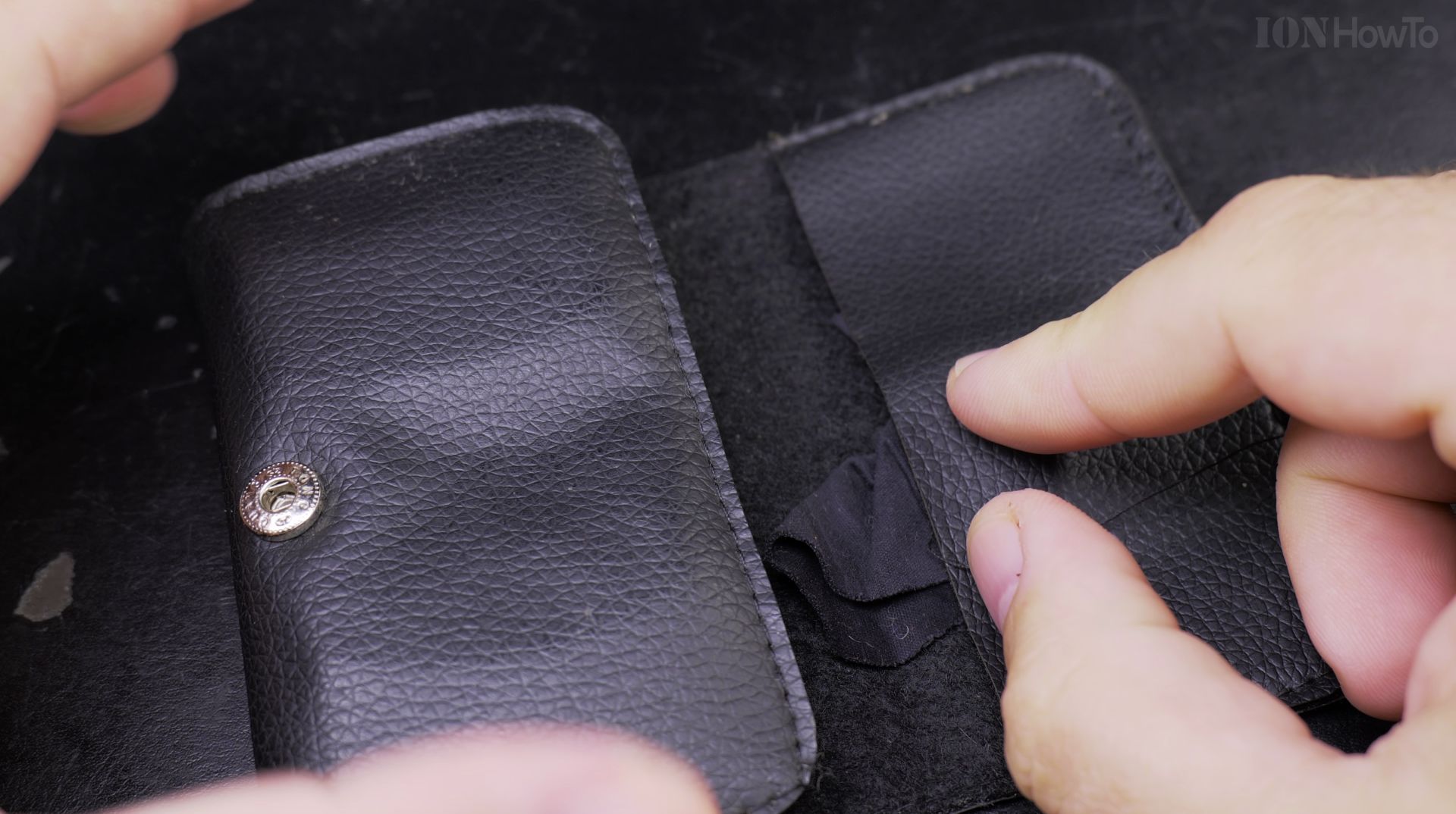
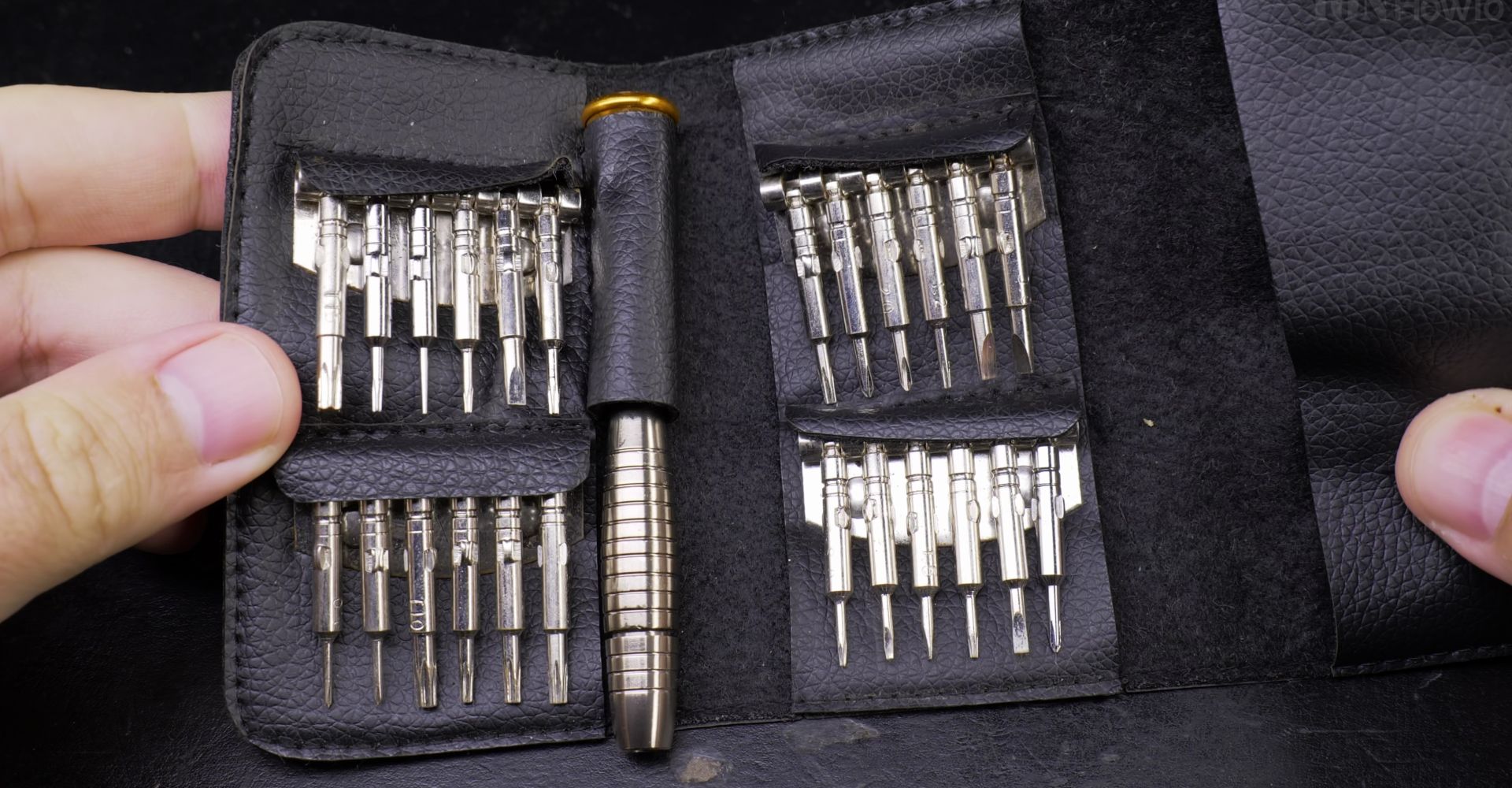
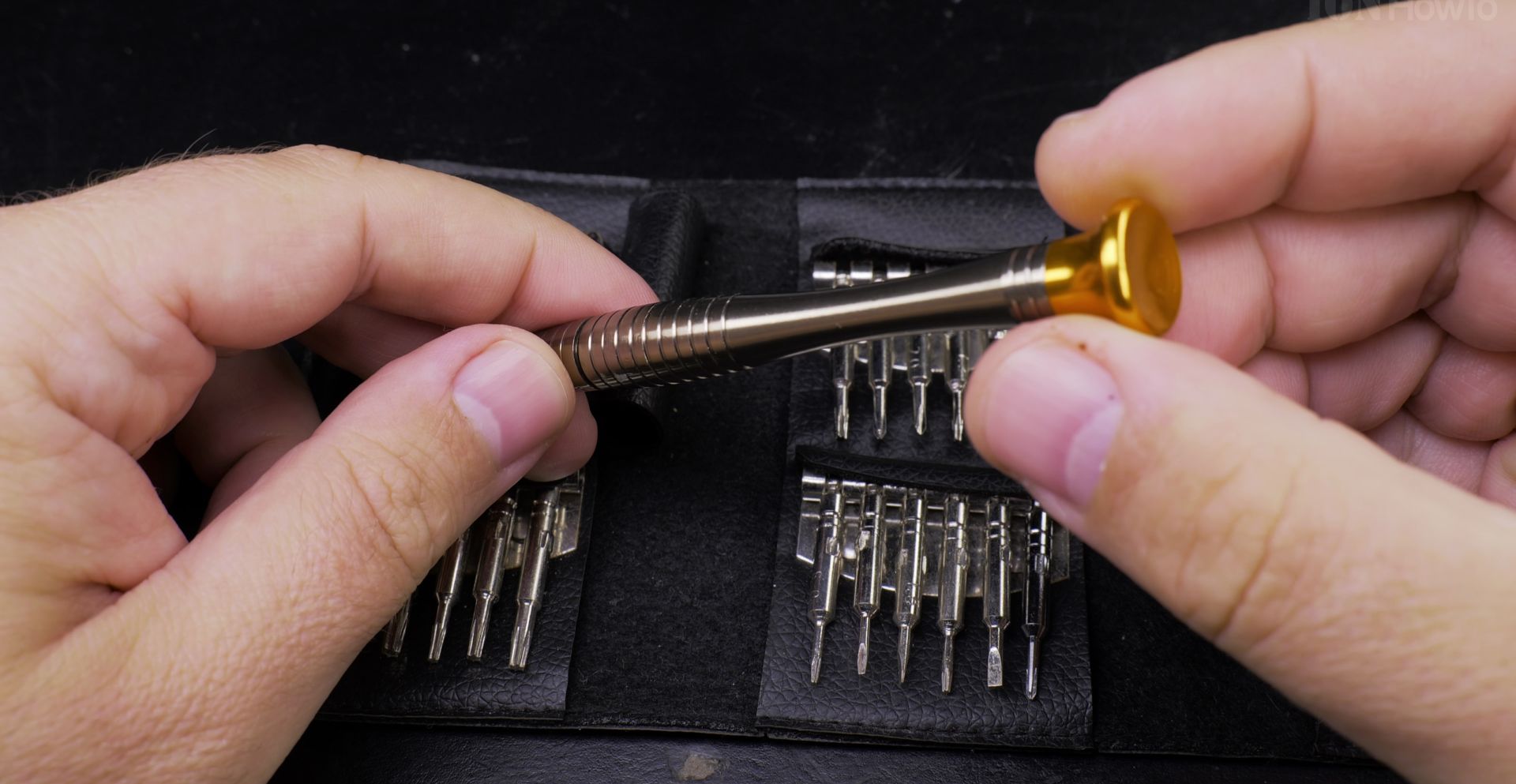
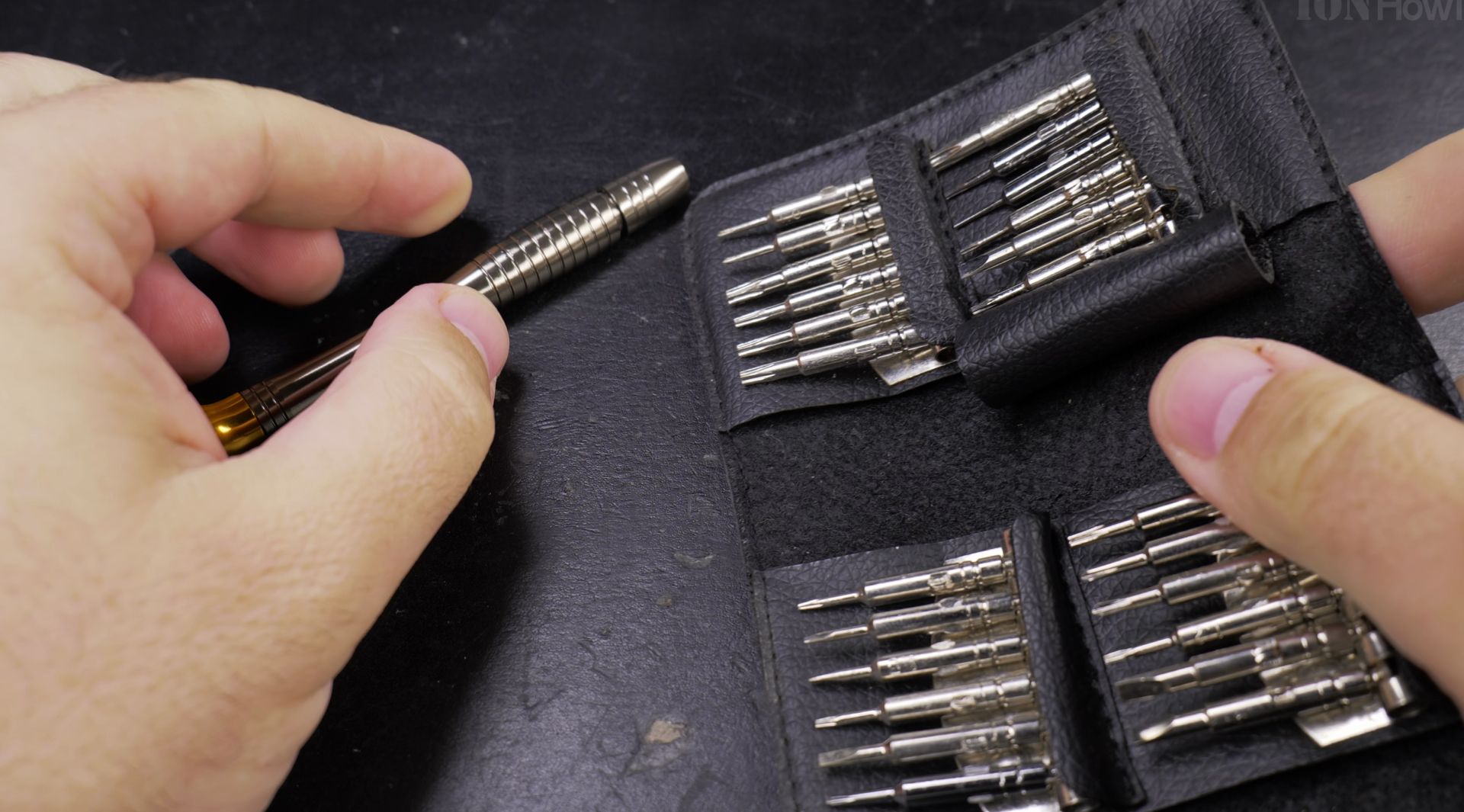
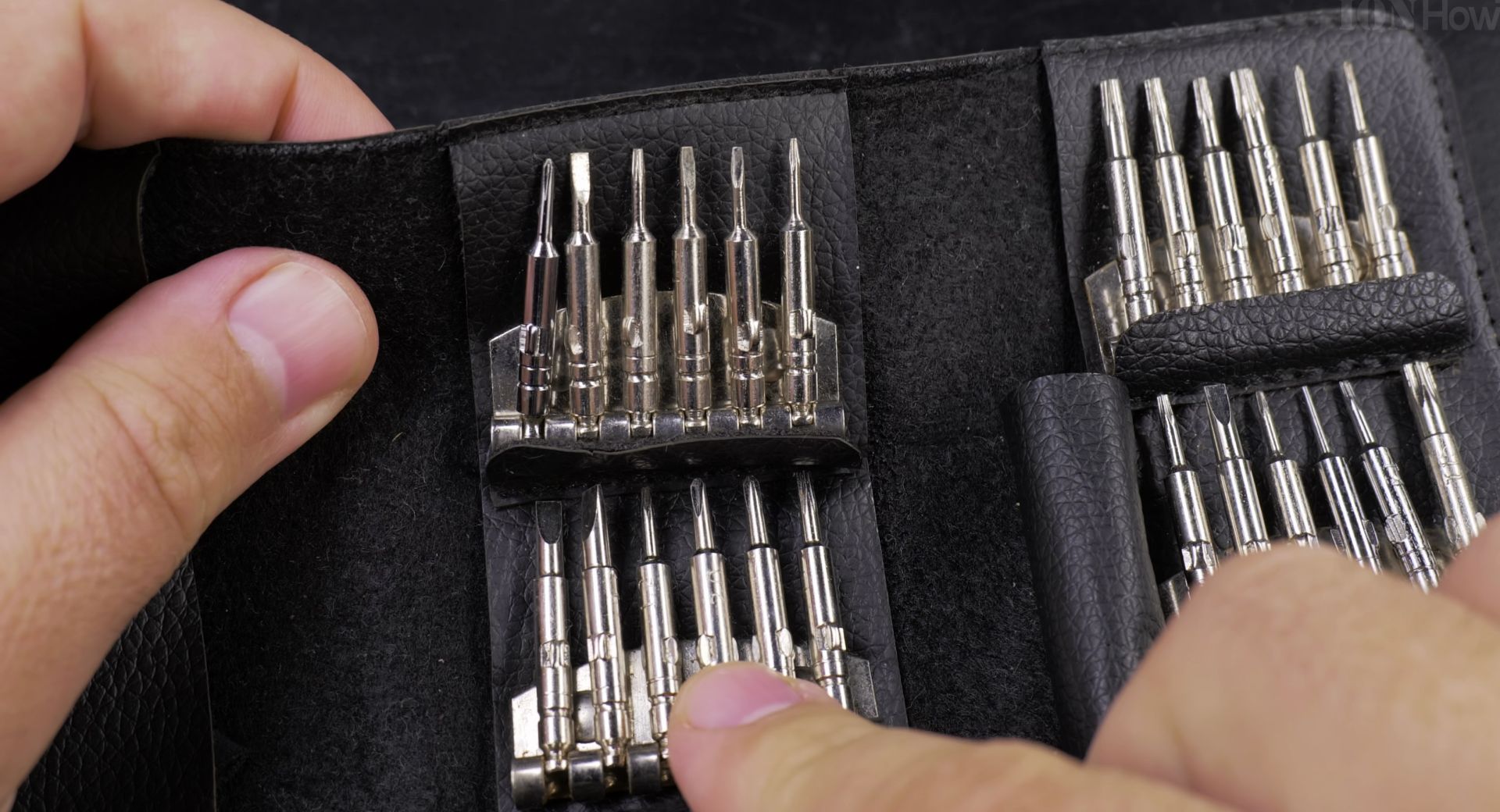
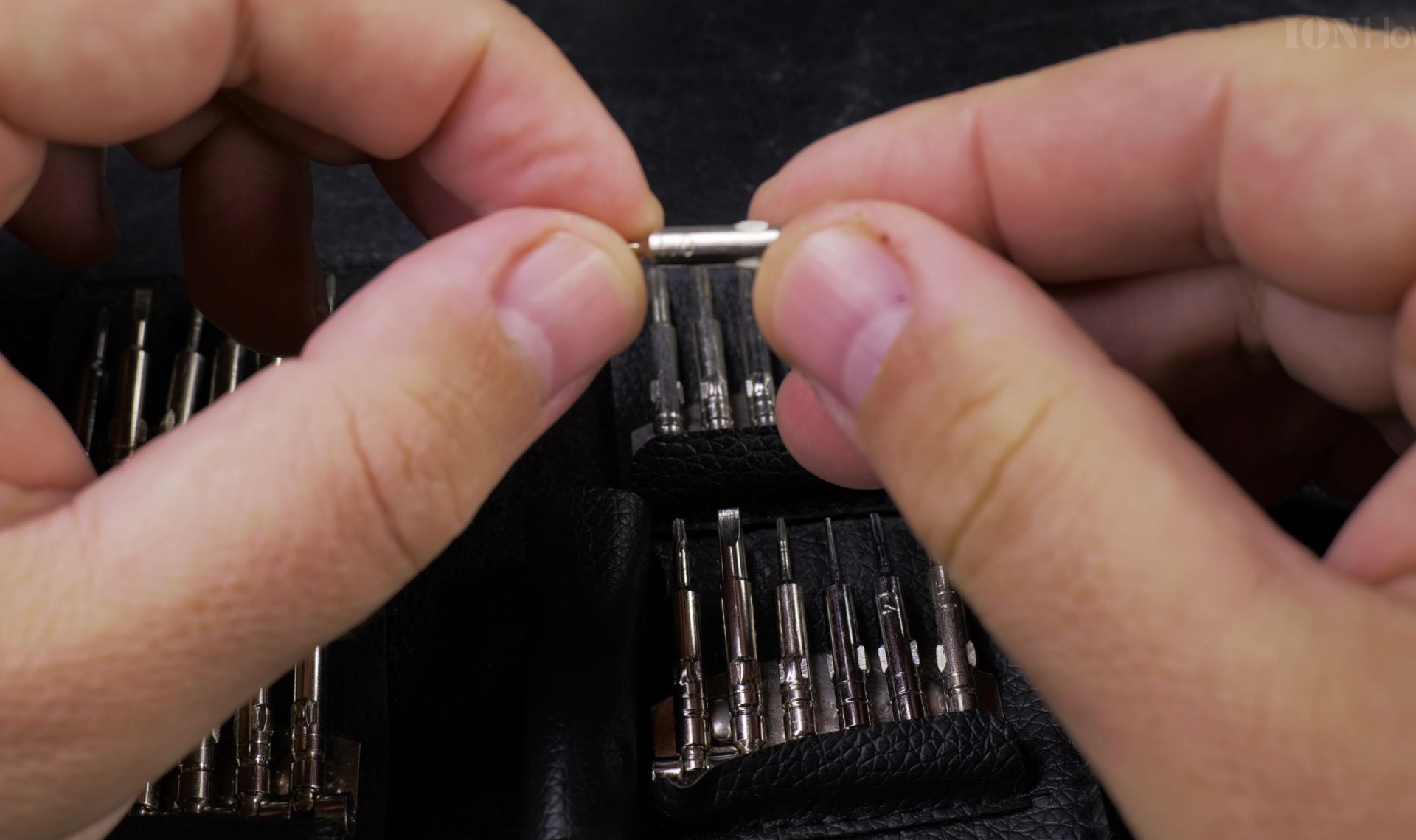
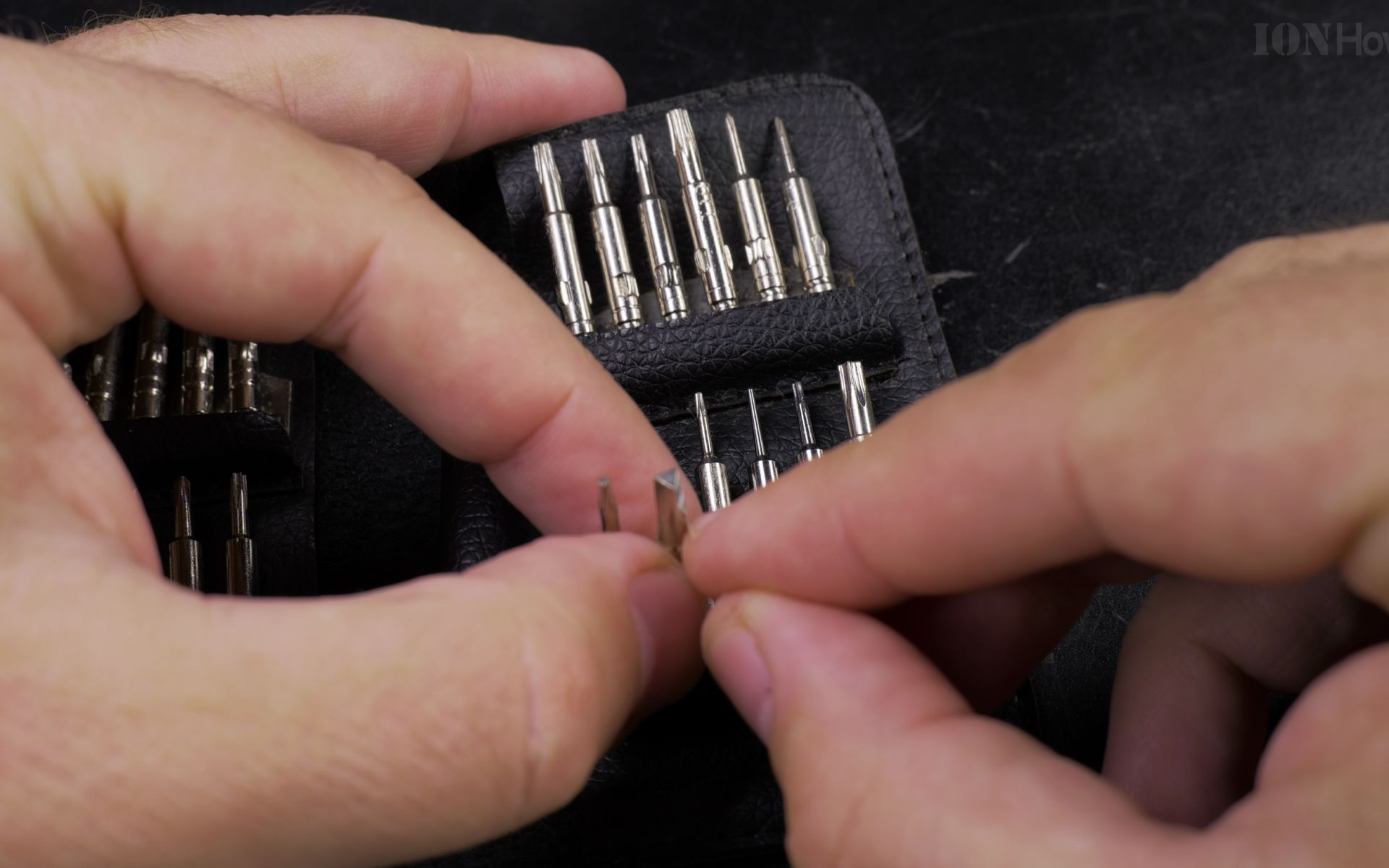
A precision screwdriver set is the msin item of any mobile repair toolkit. You’ll need various sizes and types, especially those tiny ones for smartphones and tablets. Look for a kit that includes Phillips, flathead, Torx, and pentalobe bits – these will cover most devices you’ll encounter.
Mobile Phones and Devices Repair Screwdriver Set.

Quick Steps and Scenarios Overview
| What You Need to Do | Quick Jump |
|---|---|
| The Basic Tool Kit | Jump to Step 1 |
| Mobile phone repair tools | Jump to Step 2 |
| Anti-Static Equipment | Jump to Step 3 |
| Advanced Tools | Jump to Step 4 |
| Organization | Jump to Step 5 |
| Where to Get Your Tools | Jump to Step 6 |
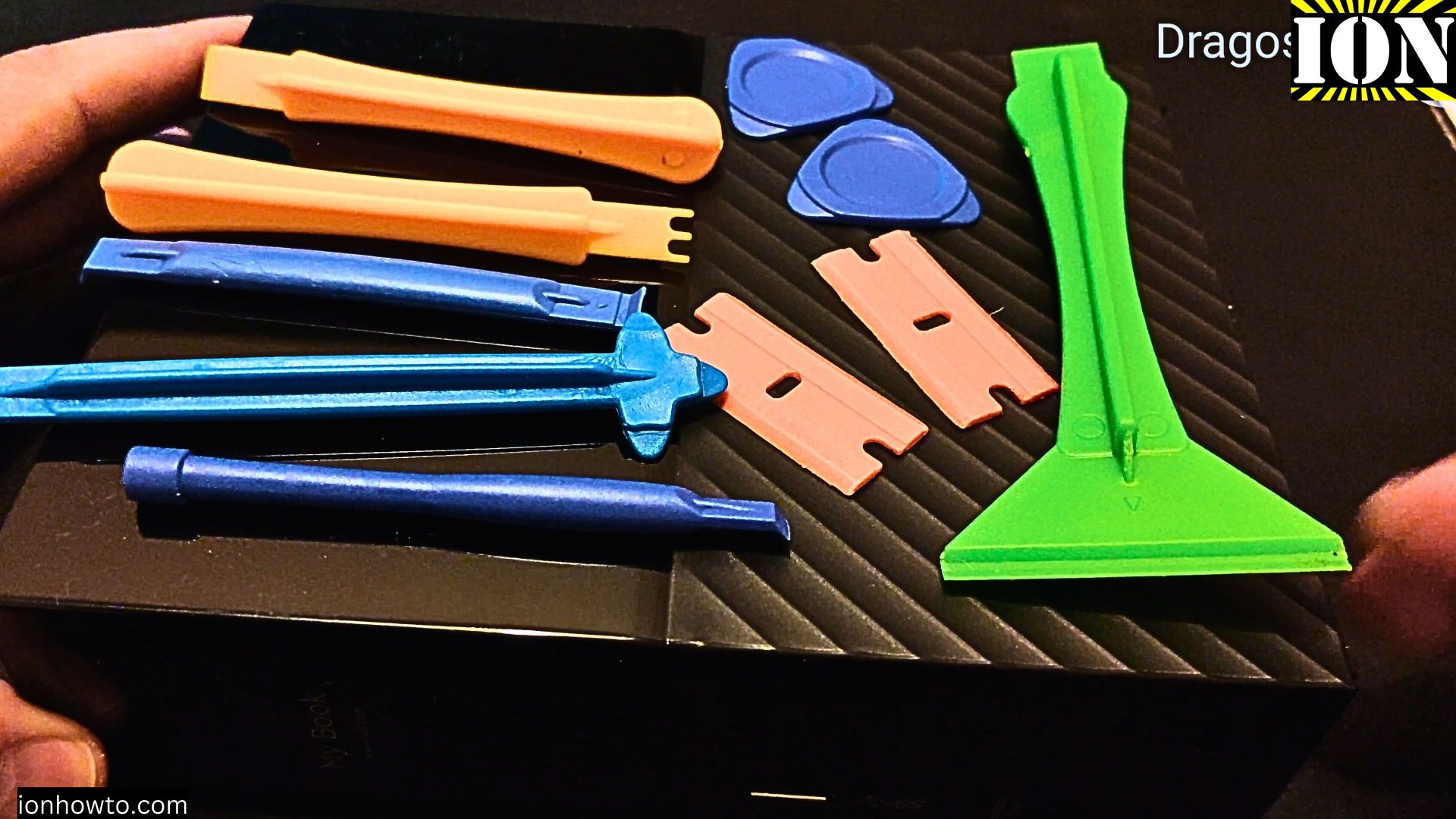
A plastic pry tool set. These are crucial for opening device cases without scratching or damaging them. Metal tools might seem stronger, but they can leave permanent marks or even break plastic components.
Mobile phone repair tools
Repair a smartphone, tablet, laptop or other electronics.
Tools for electronics repair at home so you can fix your own gadgets.


Anti-Static Equipment
Static electricity can damage components when working with electronics.

An anti-static wrist strap keeps you grounded and prevents accidental damage to sensitive components.
An anti-static mat provides a safe workspace for your repairs. It protects both your device and your work surface, plus gives you a dedicated area to keep all those tiny screws from rolling away.
Advanced Tools
These tools will help you handle more complex repairs.

A soldering iron with adjustable temperature settings helps fix circuit board issues. Start with a basic model if you’re new to soldering – you can always upgrade later as your skills improve.
A multimeter lets you diagnose electrical problems. It’s helping you figure out what’s wrong before you start the repair.
Organization
Keeping track of small parts during repairs can be tricky.

A magnetic screw mat with labeled sections keeps tiny screws organized. Draw or photograph your device’s screw layout on the mat.
Clear containers or cups help sort different components by repair step. Label them in order, and you’ll never mix up which pieces go where.
Where to Get Your Tools
Quality tools don’t have to break the bank. Many online retailers offer complete repair kits for low prices. Look for kits with good reviews. It’s better to buy a quality tool once than replace cheap ones repeatedly.

Getting Started
Before doing your first repair, watch tutorial videos specific to your device. Many online repair guides offer step-by-step instructions with pictures. Start with something simple, like a battery replacement, before moving on to more complex fixes.

Patience is your most important tool. Take your time, document each step with photos, and don’t force anything that seems stuck. With practice, you will be surprised at how many repairs you can handle on your own.
As you build your repair toolkit and fixing devices. Not only will you save money, but you’ll also help reduce electronic waste.
Helpful Tips
Check all labels, connections, and power ratings before starting so everything fits safely and securely. If any detail looks slightly different on your model, pause the embedded video above for a clear closeup view.
Related Guides
- iPhone How to Show App Labels Customize Home Screen – If the names beneath your iPhone app icons disappeared after updating, your icons were switched to the large view.
- iPad How to Make App Icons Bigger on Home Screen – If small app icons on your iPad are difficult to see or tap with your fingers, you can make them larger with a single setting.
- iPad How to Show or Hide App Labels on Home Screen – If the text names beneath your iPad icons vanished or you want a cleaner look without titles, you can switch them easily.
- Android & Mobile – Browse more tutorials and practical guides in this section.
Leave a Reply Cancel reply