
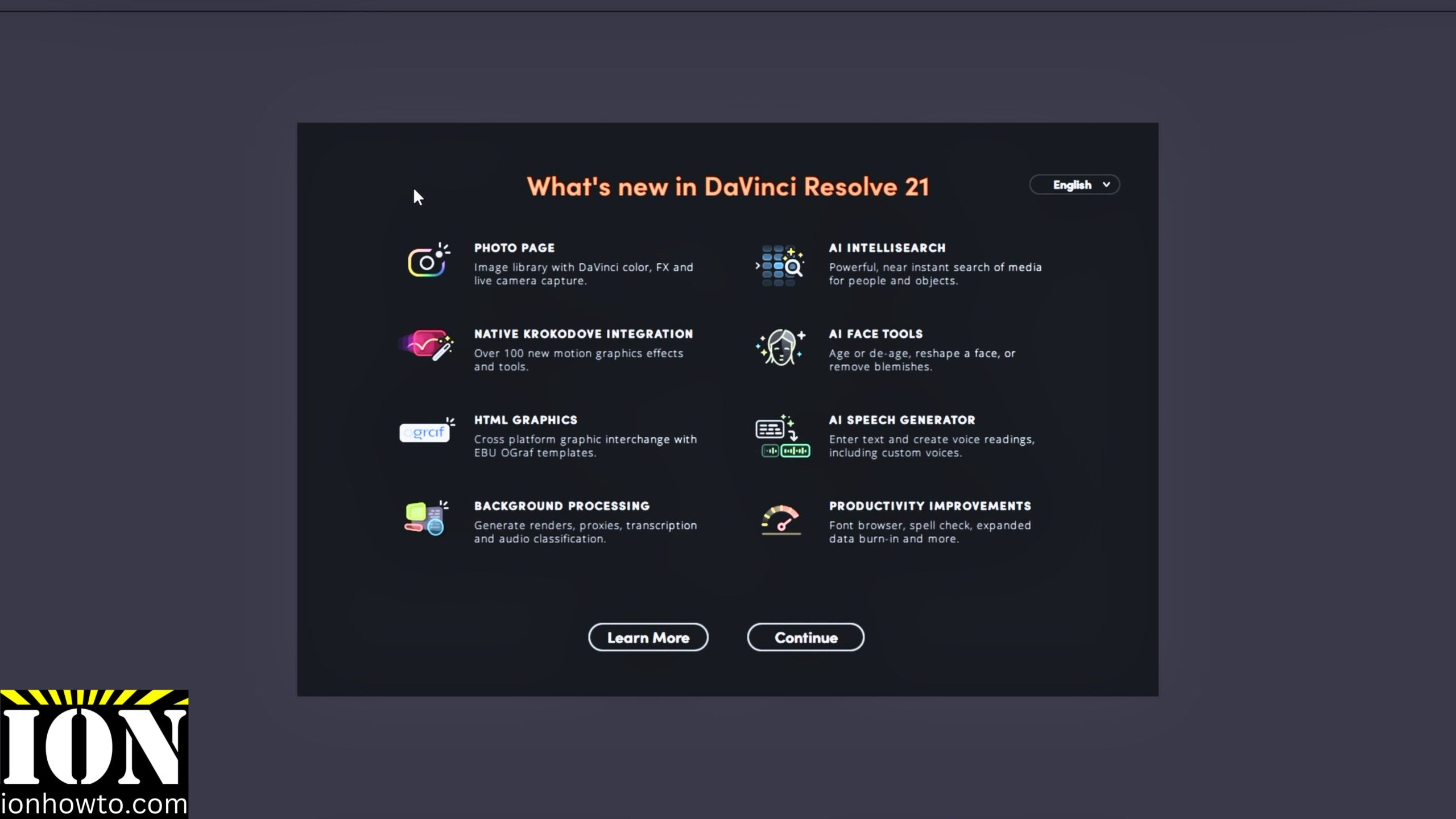
The DaVinci Resolve Studio 21 Update is Here.
DaVinci Resolve Studio 21 Upgrade From 20.
I show you how I upgraded DaVinci Resolve Studio 20 to DaVinci Resolve Studio 21 for free.
The DaVinci Resolve Studio Upgrade is free and it’s a pretty significant upgrade over the previous versions.
The biggest features for me are background tasks for rendering, proxy media generation and transcriptions.
DaVinci Resolve Studio 21 Update Video
Background Tasks
When a background task is running you have the option to pause it automatically when you start using DaVinci Resolve Studio.
AI Features Got Better
There are many new AI features including face retouching and better voice cloning that even includes AI voice translations at least that’s what I remember from watching the Black Magic Design presentation video – I watched it live but waited for the stable release of DaVinci.
Updating from DaVinci Resolve 20 to 21
The update zip file is very large and it was being interrupted a lot during downloads – the Chrome browser was better at resuming the download so I could update eventually.
Other than that the update was as any normal update except for the large size.
After update, when you open projects made with Resolve 20 you will be asked to update the projects to the latest Resolve 21 project file.


Leave a Reply