


Apple periodically provides an exclusive 3-month free trial bundle for creative iPad Pro users, featuring pro-tier software including Logic Pro for iPad. In this tutorial, I’ll show you how to claim the 3-month free trial, activate your license, and manage your renewal date safely.

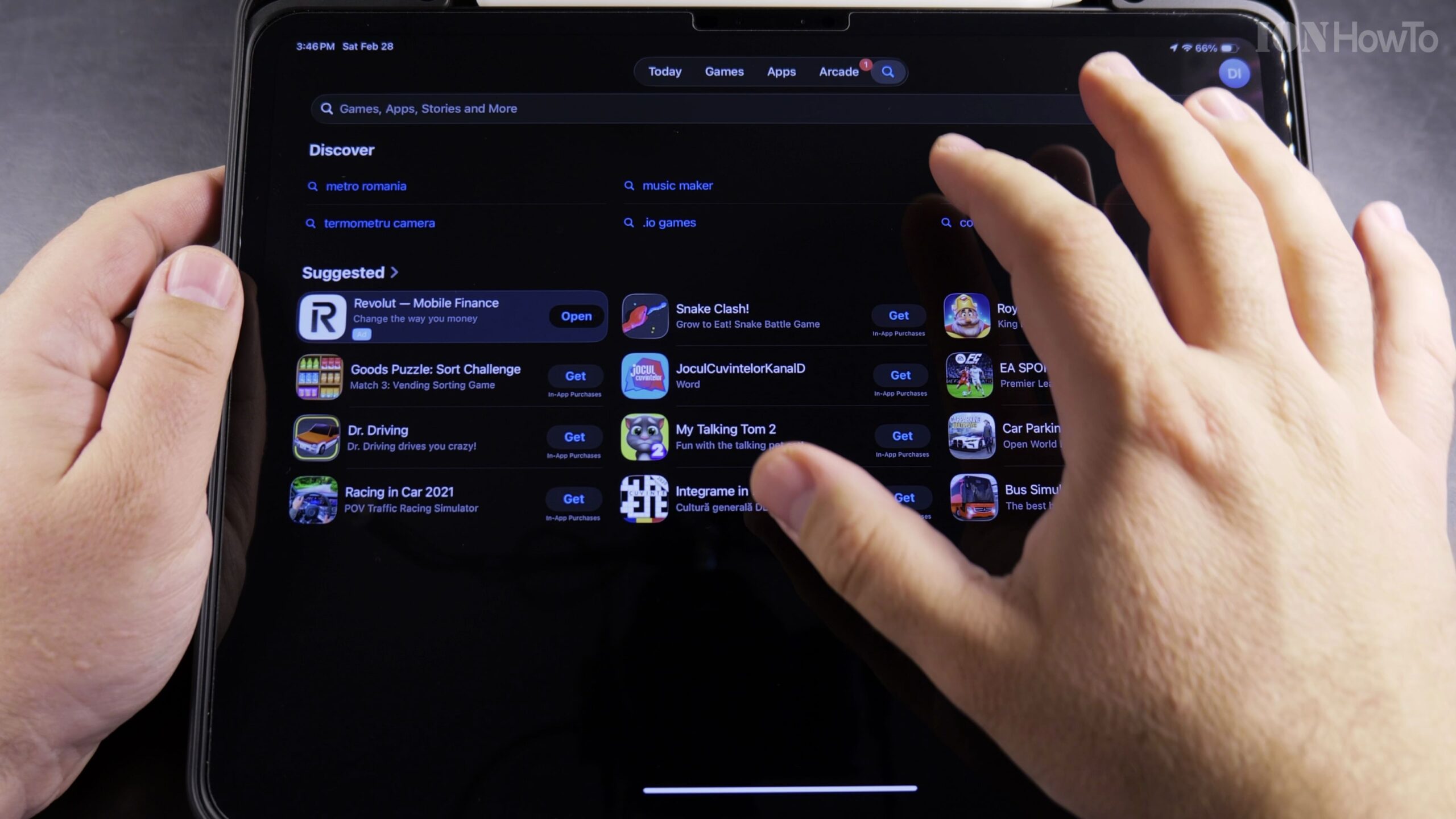
1. Open the App Store on Your iPad Pro and Locate the Creator Offer
Unlock your iPad Pro and launch the App Store. Look for the promotional banner highlighting the Apple Creator Studio Pack or search directly for Logic Pro for iPad.
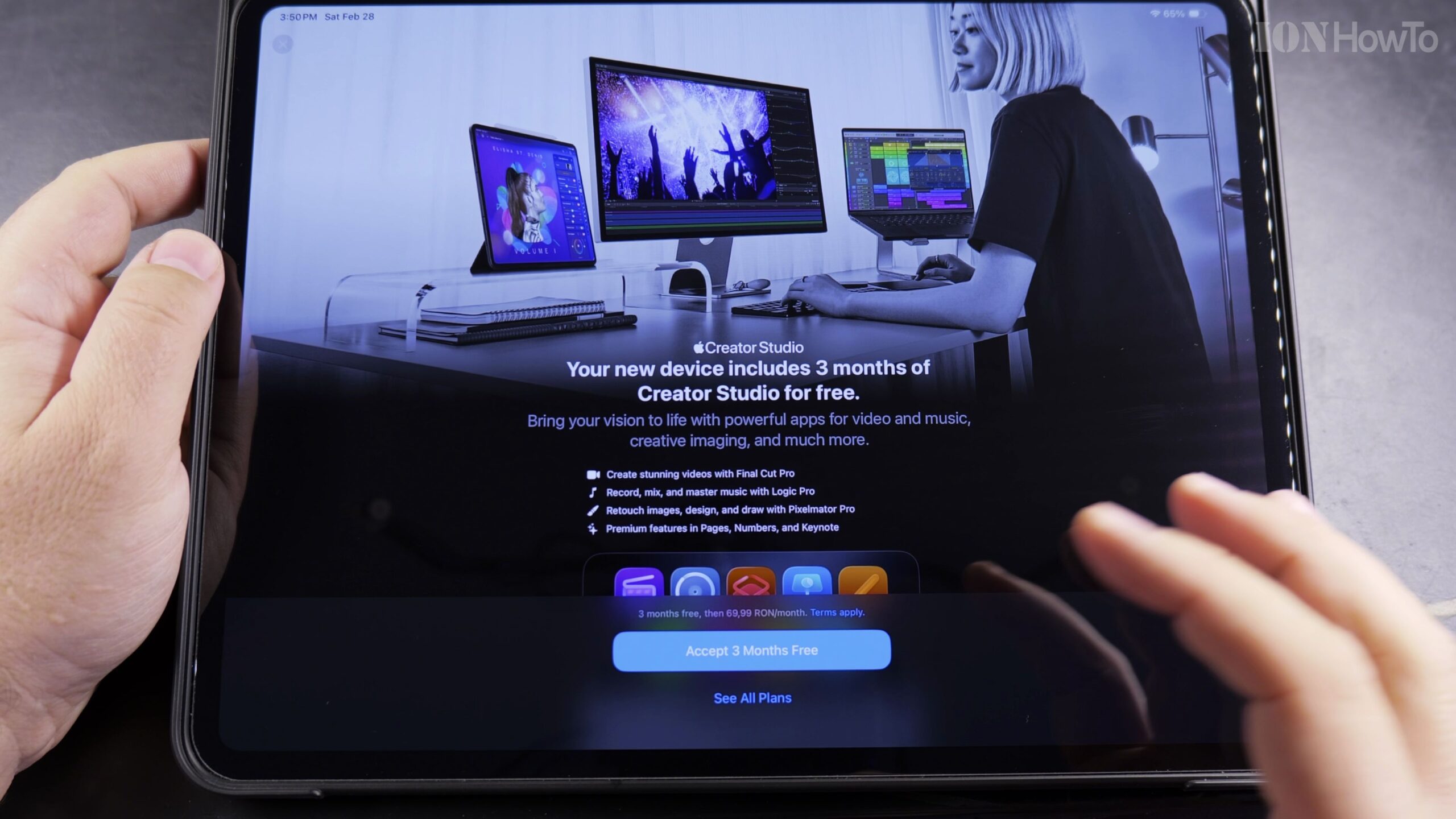
2. Tap Get or Subscribe to Review the 3 Months Free Terms
Tap the subscription button on the Creator Studio landing page. The offer details will clearly state that the first 3 months are completely free of charge before standard billing begins.

3. Authenticate with Face ID or Touch ID to Claim the Trial
Double-click the top power button to trigger Face ID biometric confirmation. Your Apple ID will be credited with the 3-month promotional access immediately.
4. Download and Launch Logic Pro and Creator Apps
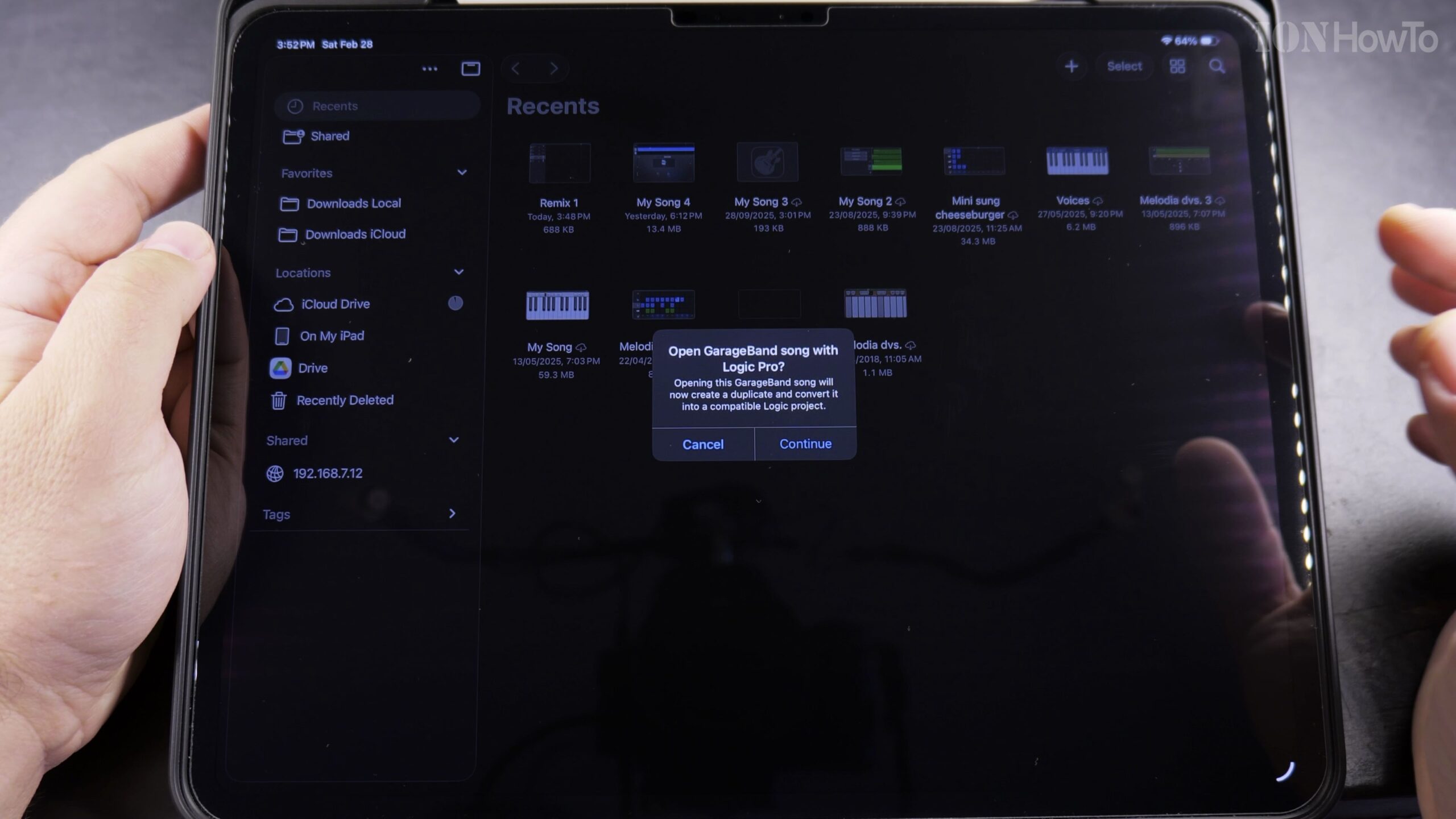
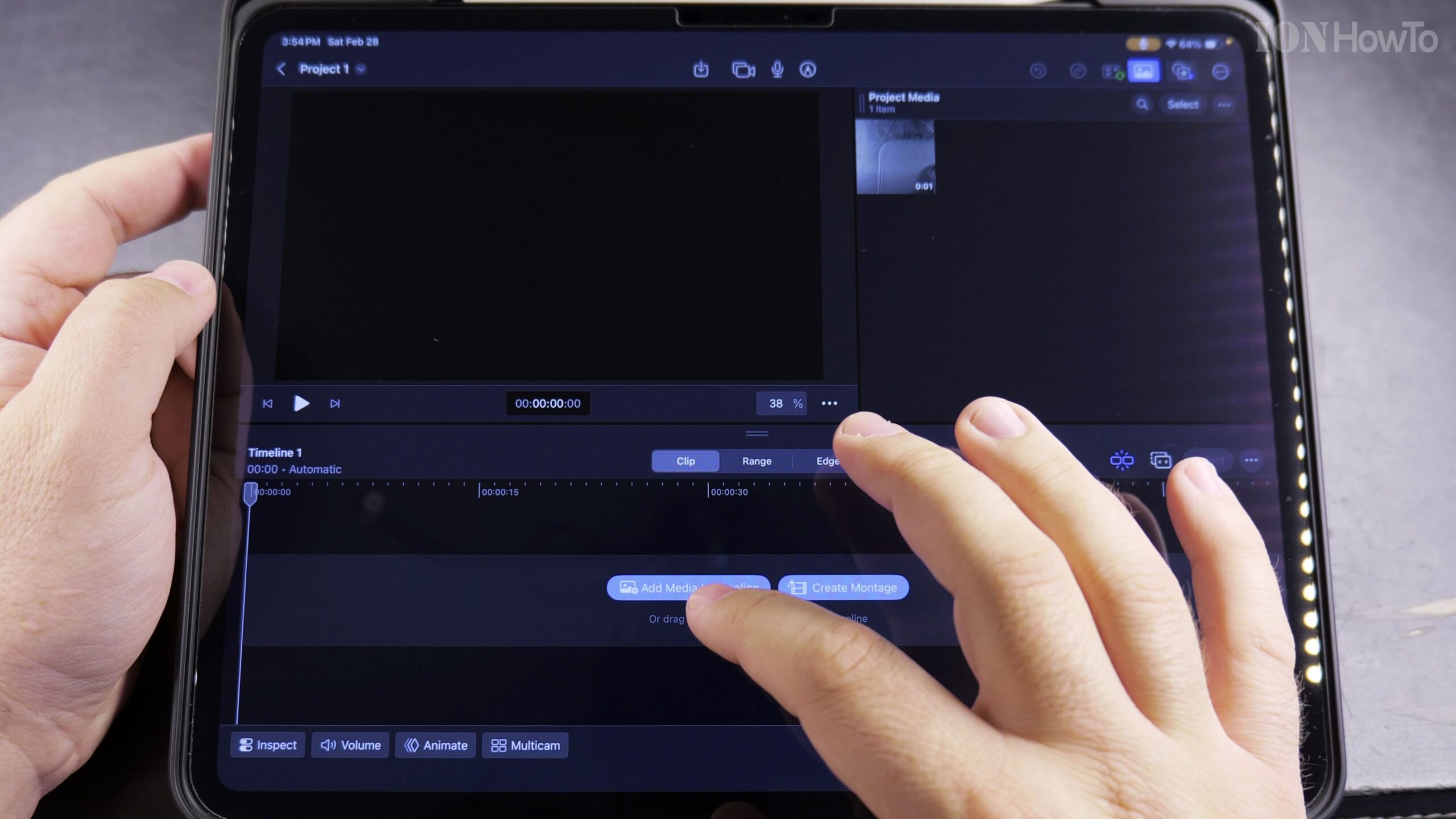
Allow the pro creative apps to download onto your iPad Pro. Launch the application to confirm full feature access, including sound libraries, audio tracks, and plug-in packs.
5. Manage Subscription Settings to Prevent Unwanted Renewal Charges
Open iPad Settings, tap your Apple ID profile at the top, select Subscriptions, and review your renewal date so you can cancel ahead of time if you do not plan to continue paid service.
Helpful Tips and Related Guides
As detailed on Logic Pro on Wikipedia, Apple’s digital audio workstation software offers professional-grade multi-track recording, synthesizers, and audio mixing capabilities tailored specifically for iPad touch displays.
Setting a calendar reminder 3 days before your 3-month trial ends gives you plenty of time to cancel without being charged. Learn more creative iPad techniques in our Apple iPad category, read our guide on Moving Files in iPad Files App, or explore Apple & iOS.
Leave a Reply Cancel reply