
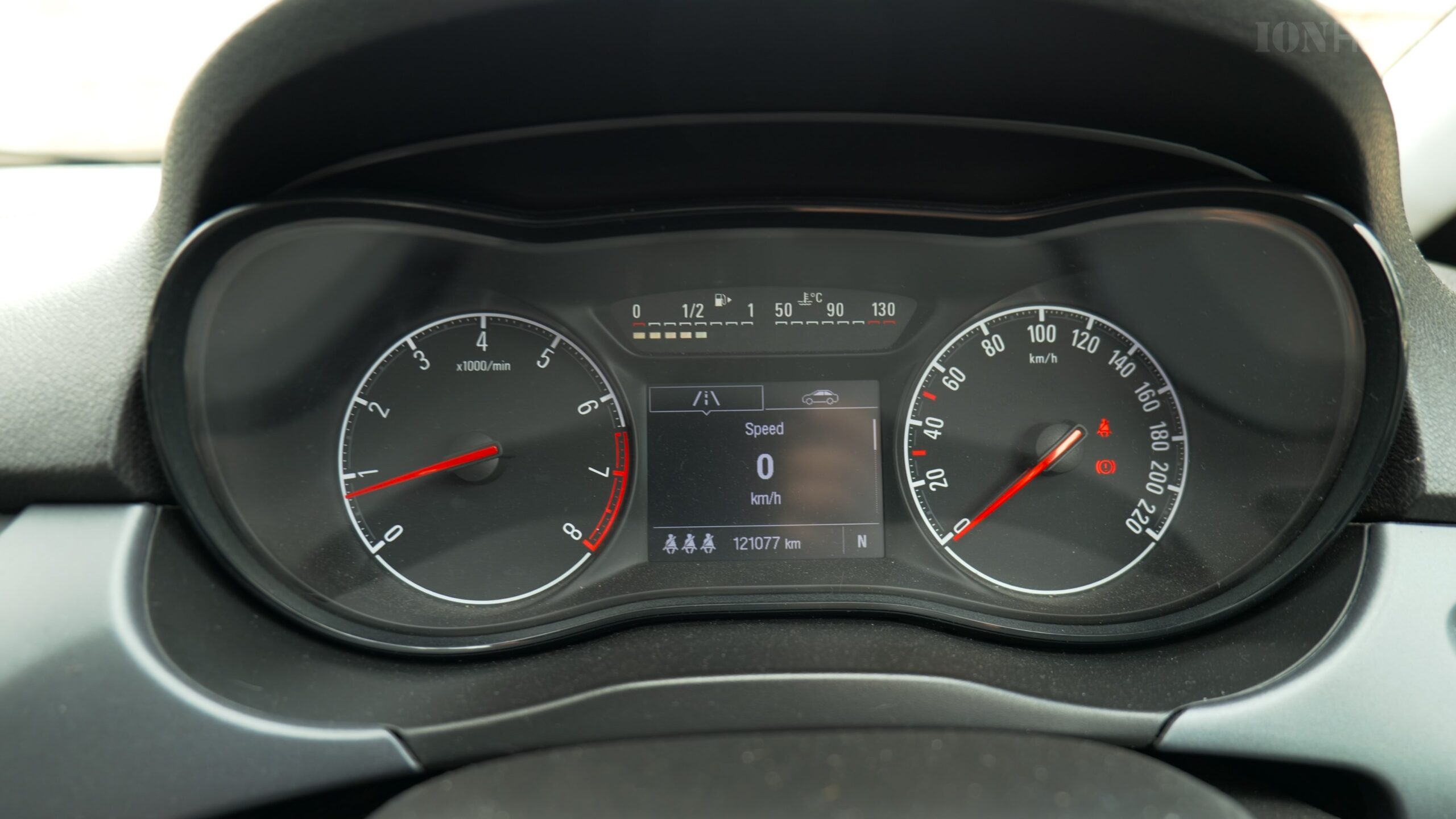
How to Reset the Trip Counter in Your Opel Corsa.
Want to measure the distance or fuel economy of a specific journey in your Opel Corsa? You need to use the trip counter, also called the trip odometer. Resetting it is very easy, but the controls aren’t always obvious if you’re new to the car. I’ll show you the exact steps for models around 2016 and newer.
Find the Controls on Your Steering Wheel
First, locate the buttons you’ll be using. For most Corsa models from this era, the controls are on the steering wheel, not on the dashboard.
Look for these two buttons on the right side of your steering wheel:
- The “Menu” or “OK” Button: This is often a button with a menu icon or the word “OK.” You use this to enter and navigate the digital display menus.
- The Scroll Wheel or Toggle: Right next to it, you’ll usually find a scroll wheel or a rocker switch that moves up and down. This is for scrolling through options.
Steps to Reset the Trip Counter (Trip A or Trip B)
Once you’ve found the buttons, follow these simple steps. You can do this while driving, but it’s safest to do it when you’re stopped.
Step 1: Wake Up the Display
If your digital instrument screen is showing just the speedometer, press the “Menu” or “OK” button once. This will bring up the information display menu.
Step 2: Scroll to the Trip Screen
Use the scroll wheel or toggle switch on the steering wheel to cycle through the menu options. Keep scrolling until you see “Trip 1” or “Trip 2” (sometimes called Trip A and Trip B). You will see the total kilometers or miles for that trip.
Step 3: Select and Reset
- Make sure the trip you want to reset (Trip 1 or Trip 2) is highlighted on the screen.
- Now, press and hold the “Menu” or “OK” button. Keep holding it down.
- After about 2-3 seconds, you should hear a confirmation beep and see the numbers on the screen reset to 0.0.
Step 4: Exit the Menu
You can press the “Menu” button again to exit back to your normal driving display. Your trip is now reset and will start counting your new journey from zero.
What Are Trip 1 and Trip 2 For?
Having two separate trip counters is really handy. You can use them for different things:
- Trip 1: Reset this every time you fill up your fuel tank to track the fuel economy and distance for that specific tank of gas.
- Trip 2: Use this to measure the distance of a single journey, like a road trip or your daily commute, without affecting your fuel-tank measurement.
What If My Corsa Is Different?
The steps above are for Corsas with steering wheel controls. If your Corsa is an older model or a very basic trim, it might have a small physical button sticking out directly from the instrument cluster, next to the speedometer.
- If you have this button, the process is even easier:
- Use the button to cycle the display until you see the trip counter you want (Trip 1 or Trip 2).
- Then, press and hold that same button for a few seconds until it resets to zero.
And that’s all there is to it! Now you can easily track how far you’ve driven on any trip or tank of fuel.


Leave a Reply