


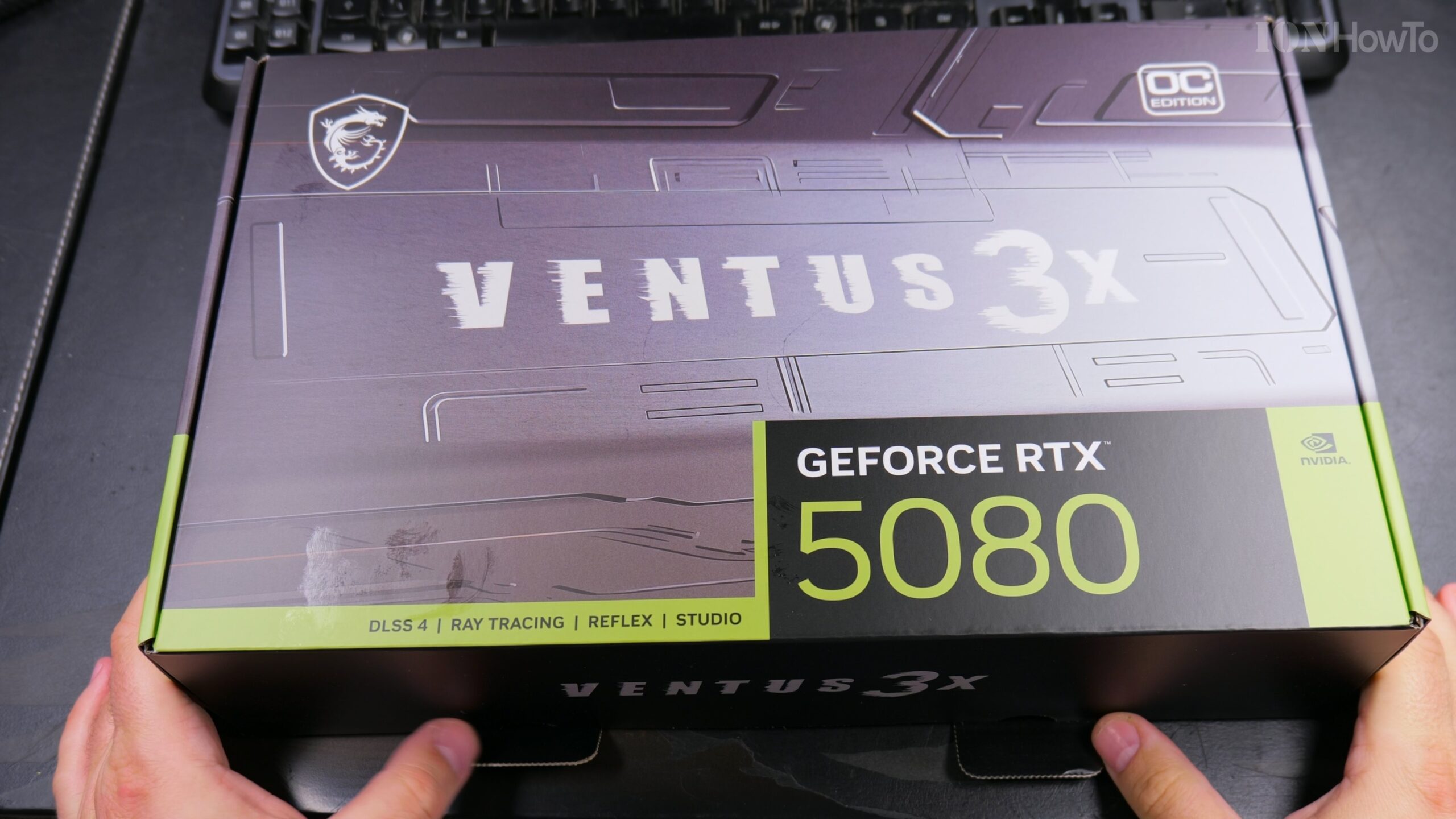
RTX 5080 GPU MSI Ventus 3X OC 16G Unboxing and installation videos. Watch next the RTX 5080 GPU MSI Ventus 3X OC 16G Installation in PC.
MSI Geforce RTX 5080 16g Ventus 3x OC Unboxing video:

Amazon affiliate links
As an Amazon Associate I earn from qualifying purchases:
rtx 5080 https://ionmade.com/rtx-5080
rtx 5070 https://ionmade.com/rtx-5070
rtx 5070 ti 16gb https://ionmade.com/rtx-5070-ti-16gb
rtx 5060 ti 16gb https://ionmade.com/rtx-5060-ti-16gb
rtx 5090 https://ionmade.com/rtx-5090
gpu support bracket https://ionmade.com/gpu-support-bracket
gpu vertical mount https://ionmade.com/gpu-vertical-mount
gpu 12vhpwr adapter https://ionmade.com/gpu-12vhpwr-adapter
850w psu atx 3.1 pcie 5.1 https://ionmade.com/850w-psu-atx-31-pcie-51
psu 1000w atx 3.1 pcie 5.1 https://ionmade.com/psu-1000w-atx-31-pcie-51
antistatic wrist band https://ionmade.com/antistatic-wrist-band
pc tool set https://ionmade.com/pc-tool-set
My Review
After installing this GPU and using it for gaming and video editing for YouTube HDR videos.
Oh Yeah Love this GPU! The Price was the lowest I could find, the fans are not lout at all even at full load – for me.
MSI Ventus RTX 5080 16G 3X OC GPU.
Simple no RGB and not too big also. Takes about 2.5 slots and would fit in most setups.
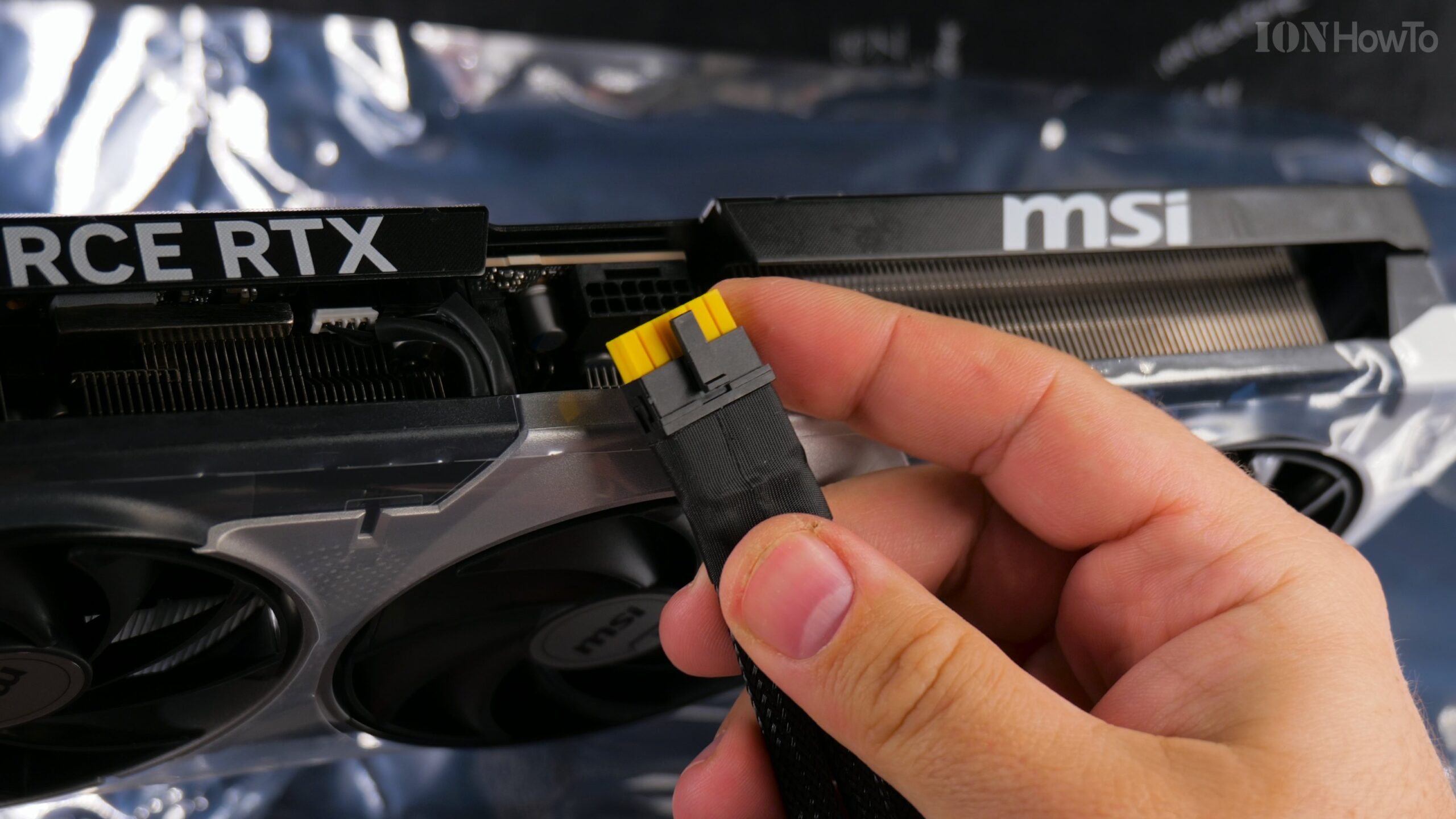
The PCIE Cable clicks in place and the yellow connector inner part makes it easy to check if inserted properly.
Already was using MSI afterburner and with all default, the card is really silent compared to my old GPU.
Installed and all good.
What PSU It Needs 850W or 1000W?
Uses about 350W in full load and with my 850W PSU it’s super stable no issues at all and silent compared to my previous GPU RTX2060 Asus Dual OC.
Almost forgot to use the GPU anti sagging device but I did place it under the card eventually but it’s really a light card anyways.
Watch on this channel the RTX5080 Unboxing, Installation and Software Setup and Tests in Furmark and DaVinci Resolve 20 Studio with RTX 5080 GPU. This is a step by step unboxing and prepare for installation video extended with al the details.
If you prefer shorter videos, I have that available on the channel.
Installation Problems
Got a broken PCIE lever when removing the old GPU but it all works so it’s ok.
GeForce RTX 5080 GPU MSI Ventus 3X OC 16G Installation in PC video:
This RTX 5080 GPU is installed in a PCIe 4.0 Motherboard so you can see how RTX5080 works on PCIe 4.0.
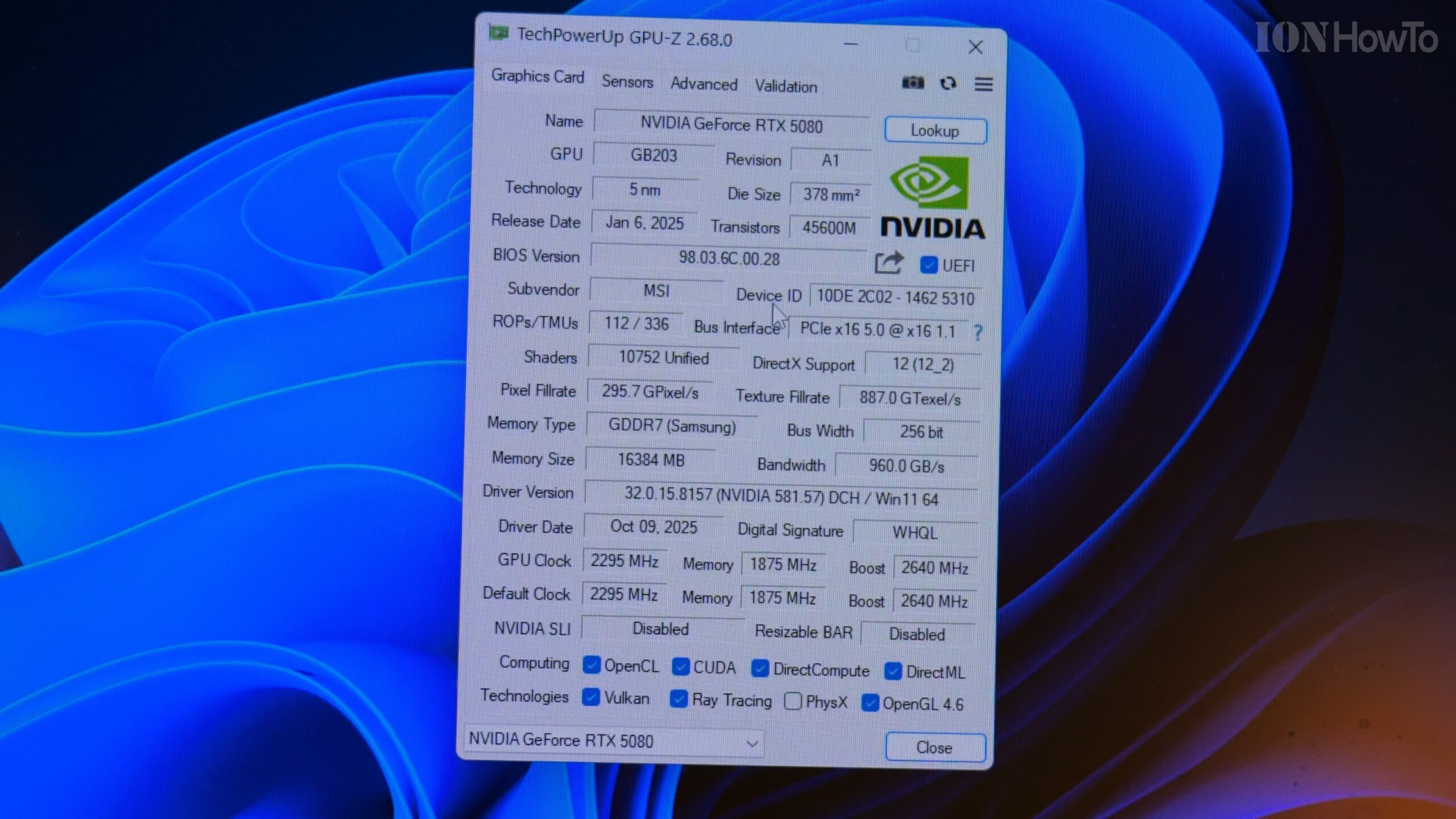
After the installation the MB Bios was set to PCIe 3.0 because the previous GPU I had – RTX 2060 – was only PCIe 3.0.
Even on PCIe 3.0, the RTX 5080 works well.
The Full speed of the GPU is on a PCIe 5.0 MB but for now it’s doing well like this for me.
In PCIe 3.0 mode the RTX5080 did about 80-90 fps rendering speed in DaVinci Resolve 20 Studio with my camera files.
On RTX2060 Resolve was doing 40-41fps maximum.
RTX 5080 GPU MSI Ventus 3X OC 16G Setup on PC Drivers MSI Afterburner Furmark DaVinci Resolve Studio Video:

Check BIOS Settings
After changing the BIOS settings to allow the GPU to run in PCIe 4.0 speed, Furmark tests were getting significantly better results and in DaVinci Resolve Studio 20 the render speed increased from 80-90 fps to 110-140fps so that’s a great speed improvement in Resolve video editing renders.
12VHPWR Connector
Be careful with the 12VHPWR PCI connector will not show any of the yellow part of the connector. If any of the inner yellow part shows, that would mean it’s inserted properly and also the corrector should click in place.
RTX 5080 GPU Plug in 12VHPWR High Power Connector Video:

Leave a Reply Cancel reply