


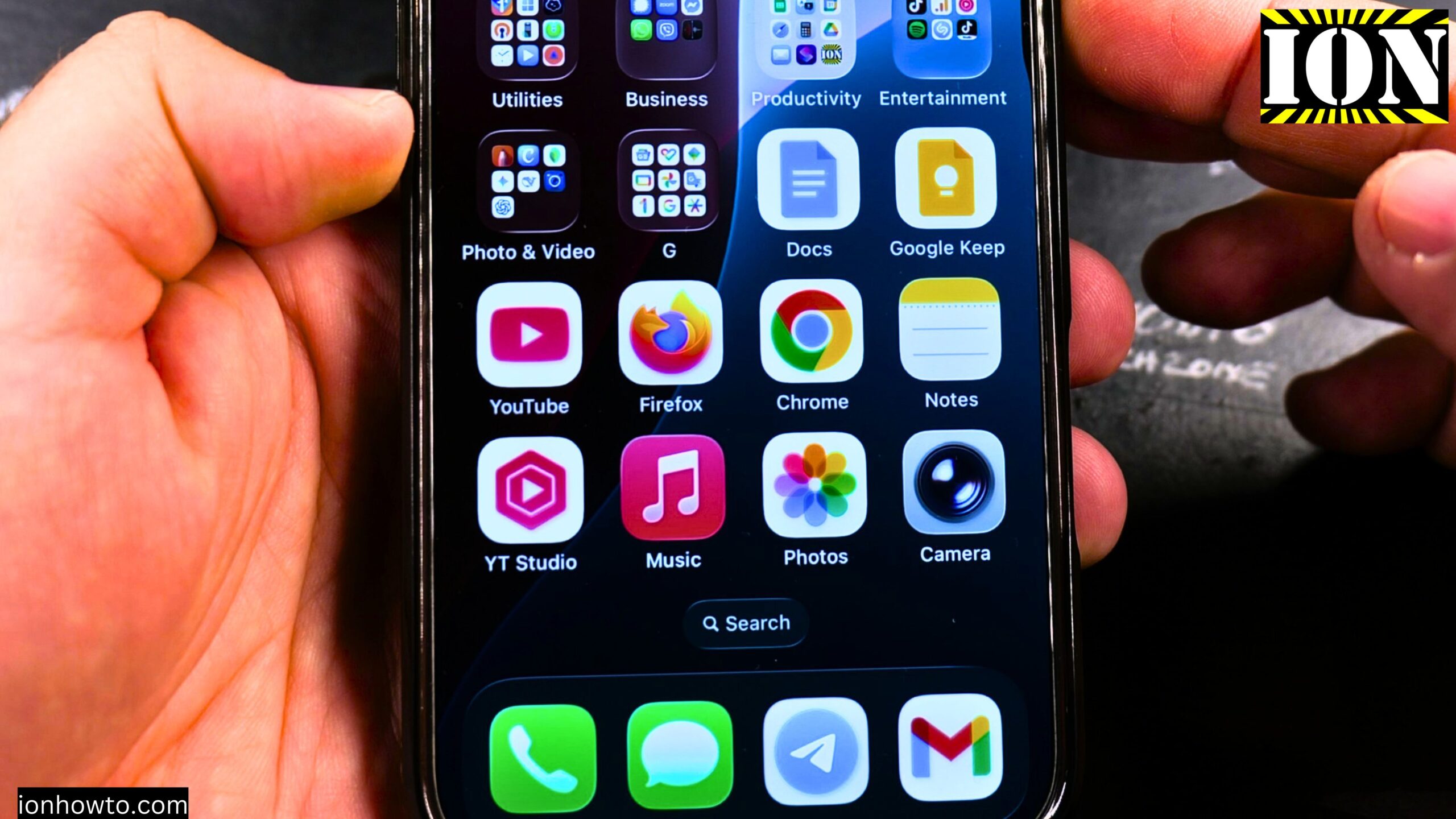
Learn how to increase the volume of Apple Music on your iPhone or iPad. If Apple Music sound volume is too low, you can check a few things to increase the sound or music volume in Apple Music.
You can do this on iPhone or iPad and some of these steps should also work on the Android Apple Music app.
This was shown on iOS 26.2 on iPhone 16 Pro Max Titanium Black 256 GB version Global model A3296 – MYWV3ZD/A.
How to Increase Apple Music Volume Video

Step 1: Use the Physical Volume Buttons
Use the physical volume up and volume down buttons on your iPhone. Press volume up and the volume goes up. Press volume down and the volume goes down.
Step 2: Check Your Bluetooth Headphones
If you have headphones that have a separate volume, Bluetooth headphones, make sure those are set to a higher volume.
Step 3: Check Sound and Haptics Settings
If the volume is still not high enough, go into the Settings app and then go to Sound and Haptics.
Tap on Sound and Haptics. Here you might have either Reduced Loud Sounds enabled, and you can turn this off.
Also check for the Volume Limit. If you have a limit maximum volume setting, maybe it is set too low. That is when the music from Apple Music will not be very loud. You can either turn this one higher or completely turn it off.
Then go into Apple Music and try again. If you had those settings enabled, you would hear the music louder.
Step 4: Check Apple Music Sound Check
There is also one more setting where you might have something that makes the volume lower, not so loud.
Go in the Settings app again and this time search for Music. You will find the settings for the Apple Music app.
You have lots of options here, lots of settings, but what you are looking for is the Sound Check option.
- If you turn Sound Check off, the songs will have their original volume.
- If Sound Check is on, the sounds will be lowered or lifted. The volume will be equalized so they more or less sound the same.
Sound Check can be left on if you prefer consistent volume between songs.
Step 5: Use the Equalizer
You can also use the Equalizer. The Equalizer can change the sound of the music you are listening to.
You can set it for small speakers if you want it to be very loud. You can use Increase Bass if the bass is not enough. There are also options like Electronic or different types of music you are listening to.
Spoken Word is for if you are listening to podcasts or talk shows.
You can also choose a custom EQ. Most of the time, having the EQ set to Electronic or Off works well, but this depends on the music you are listening to.
The EQ settings are there for you to adjust. Having Sound Check enabled is a good starting point.
Final Thoughts
After checking these settings, you can listen to music. The volume should be louder now.
Related Guides and Helpful Resources
If you found this guide helpful, check out these related step-by-step tutorials and category resources on ION HowTo:
- Disable iPhone eSIM Instead of Deleting: Learn how to temporarily toggle off an electronic SIM without deleting cellular plans.
- Turn Off Siri Caller Name Announcement: Silence Siri from announcing incoming caller names aloud through headphones.
- How to Remove an Apple AirTag Speaker: Step-by-step guide to silencing an AirTag for specialized anti-theft item tracking.
- Apple iPhone Guides: Explore our full collection of tutorials and step-by-step articles in this category.
Leave a Reply Cancel reply