


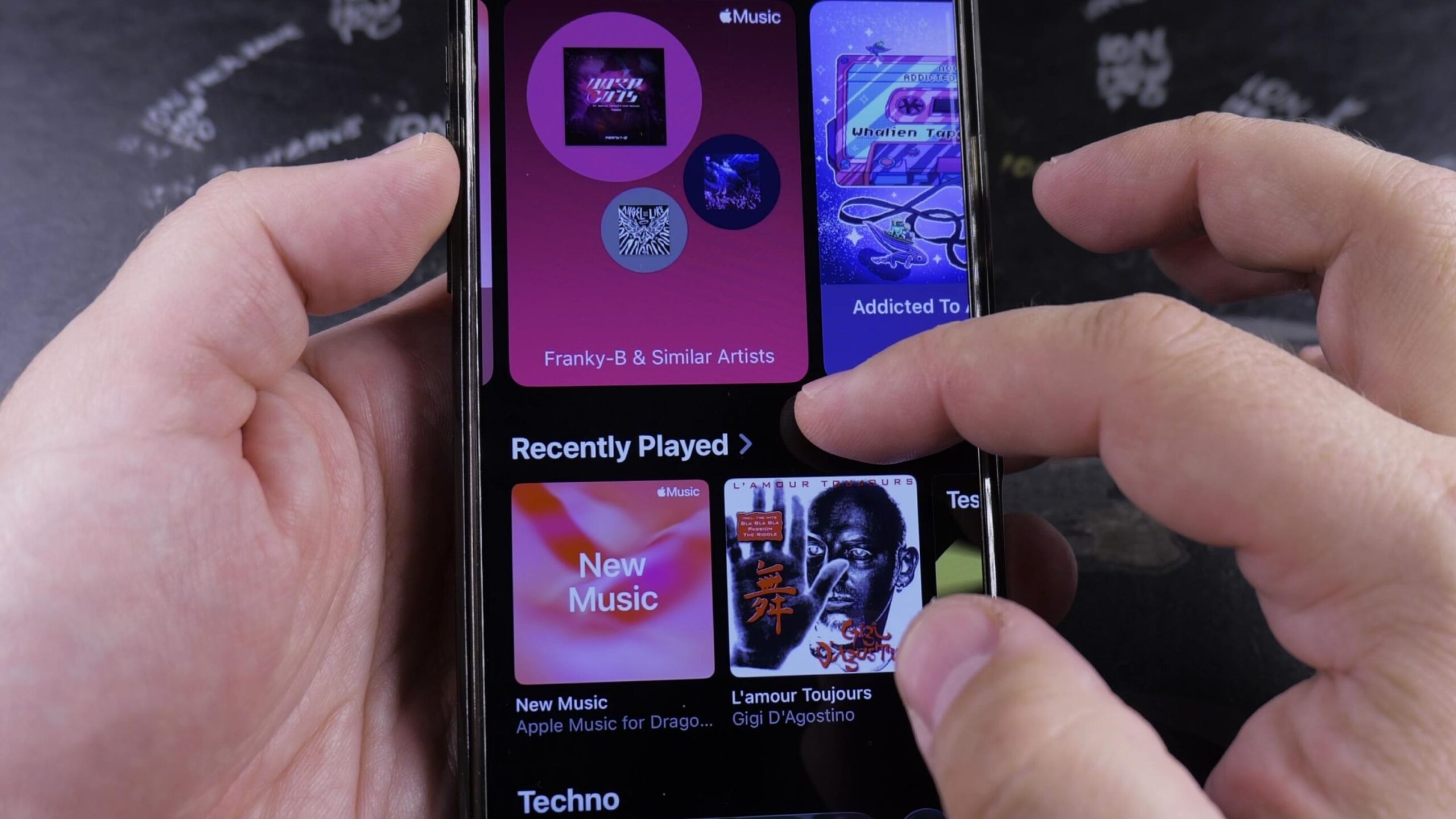
If you want to mix up your music and avoid hearing the same track order every day, turning on shuffle is the quickest fix. I’ll show you how to play random songs in Apple Music on your iPhone in just a few taps.

1. Open Your Playlist or Album
Open the Music app on your iPhone. At the bottom of the screen, tap the Library tab.
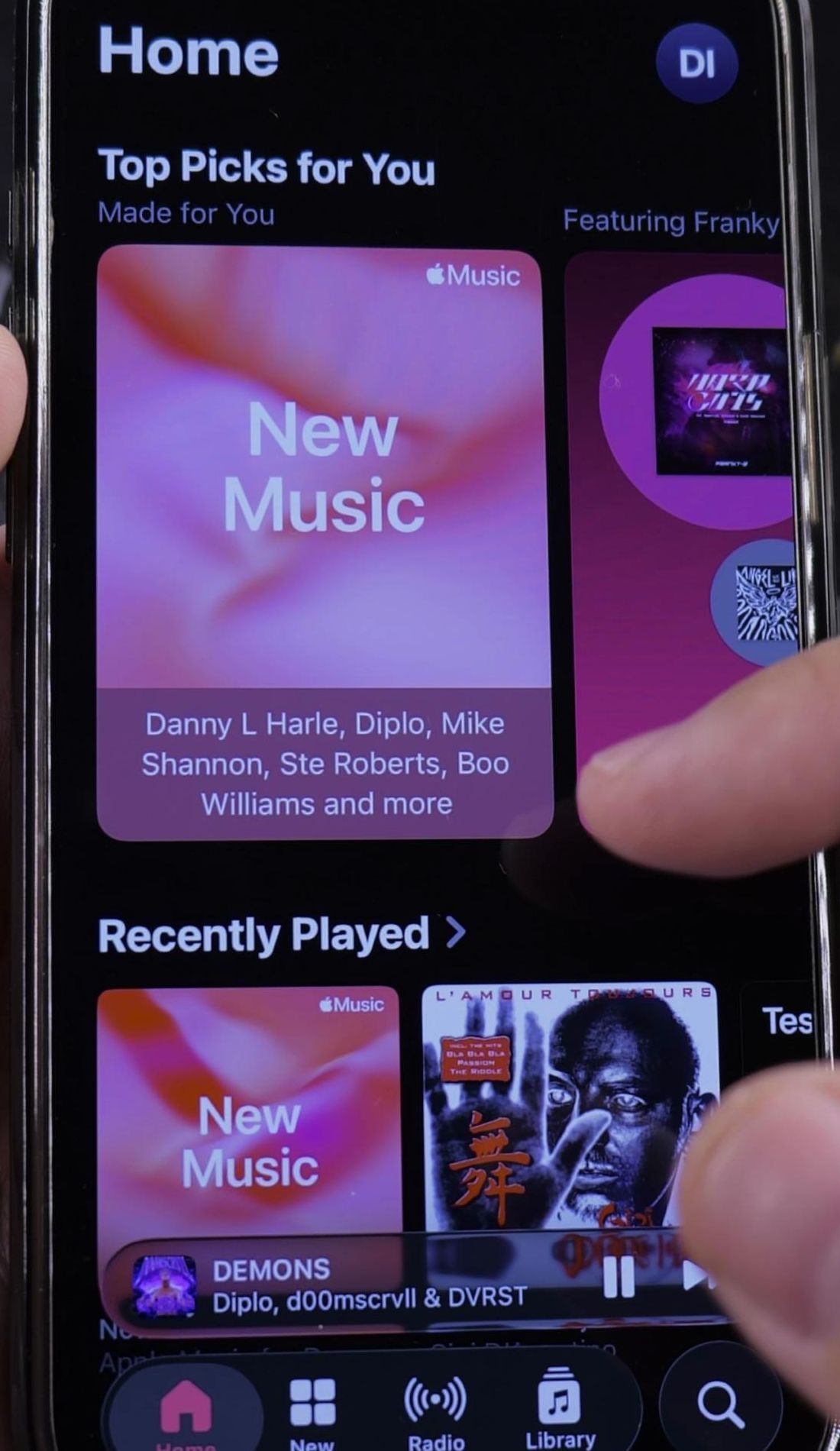
Next, tap Playlists near the top of the list. Choose any playlist you want to listen to. For the best variety, pick a large collection or a personalized station like your New Music Mix.

2. Tap the Top Shuffle Button
Look directly underneath the playlist artwork and title. You will see two wide buttons: Play on the left and Shuffle on the right.
Tap the Shuffle button. The app will immediately start playback and scramble your entire song order.
3. Open the Playing Next Queue
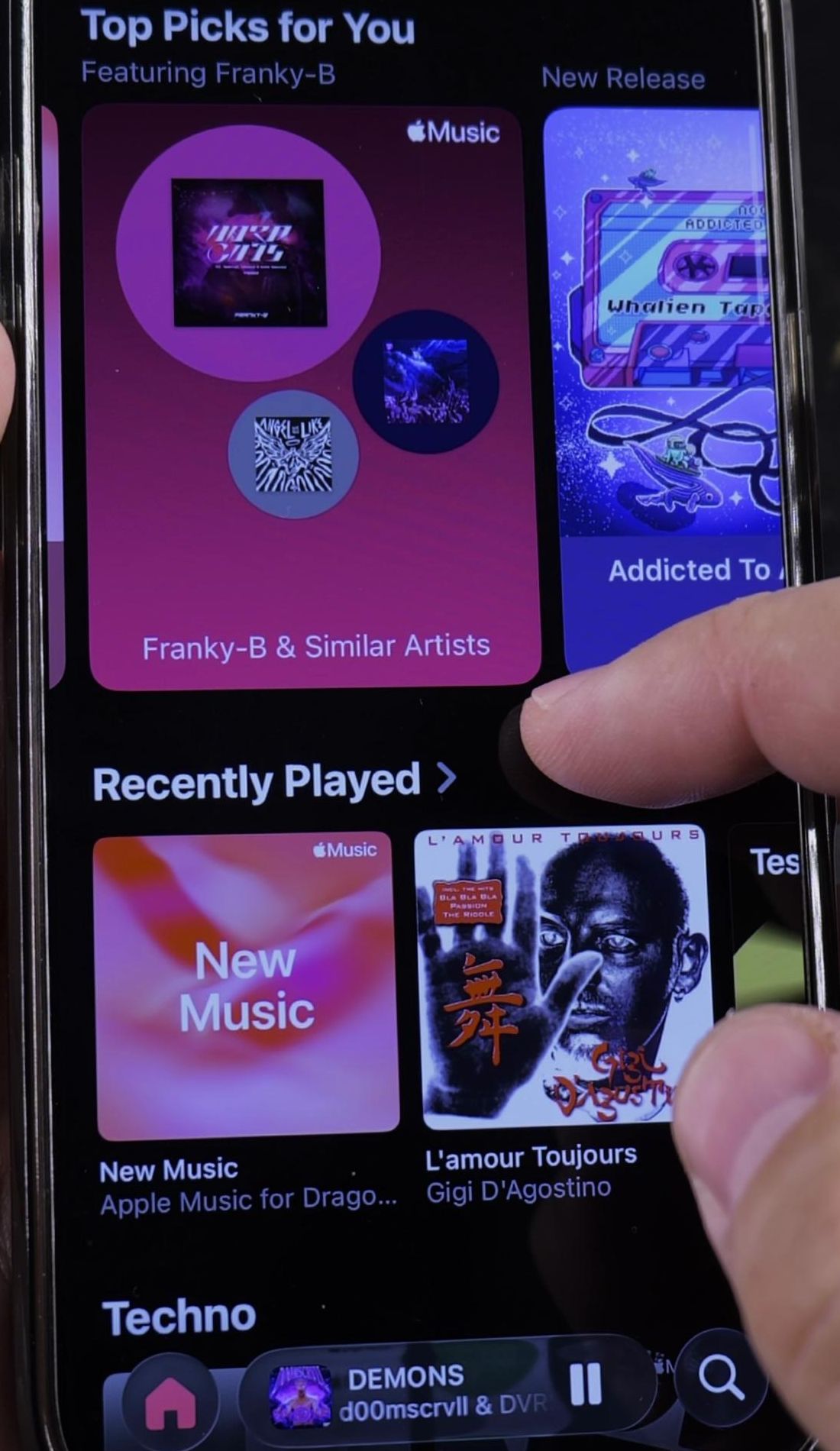
If music is already playing, tap the small player bar near the bottom of your screen to expand the full Now Playing card.
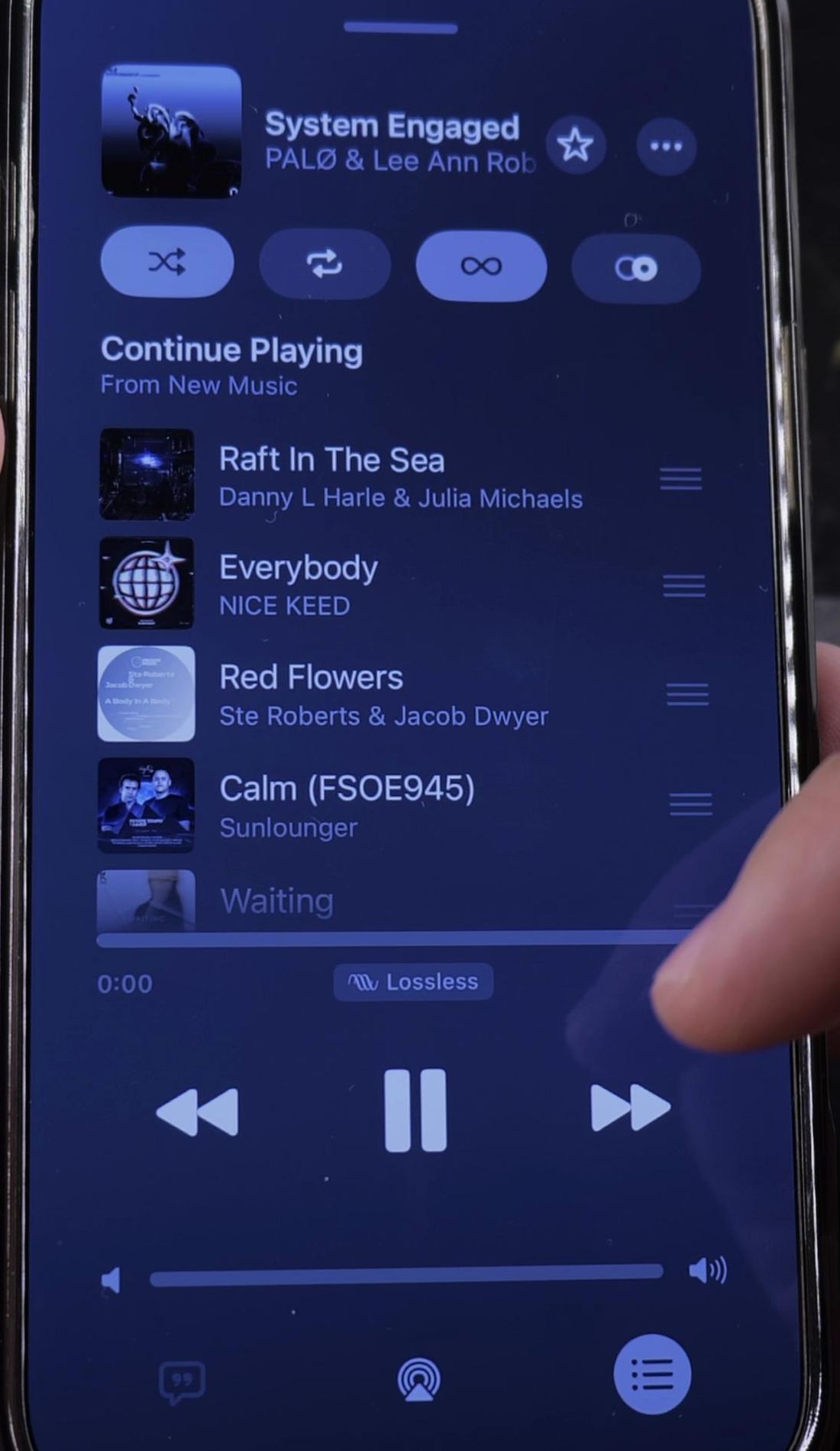
In the bottom-right corner of the player, tap the Playing Next queue button. It looks like three horizontal lines with small bullets next to them.
4. Turn Shuffle On or Off in the Queue
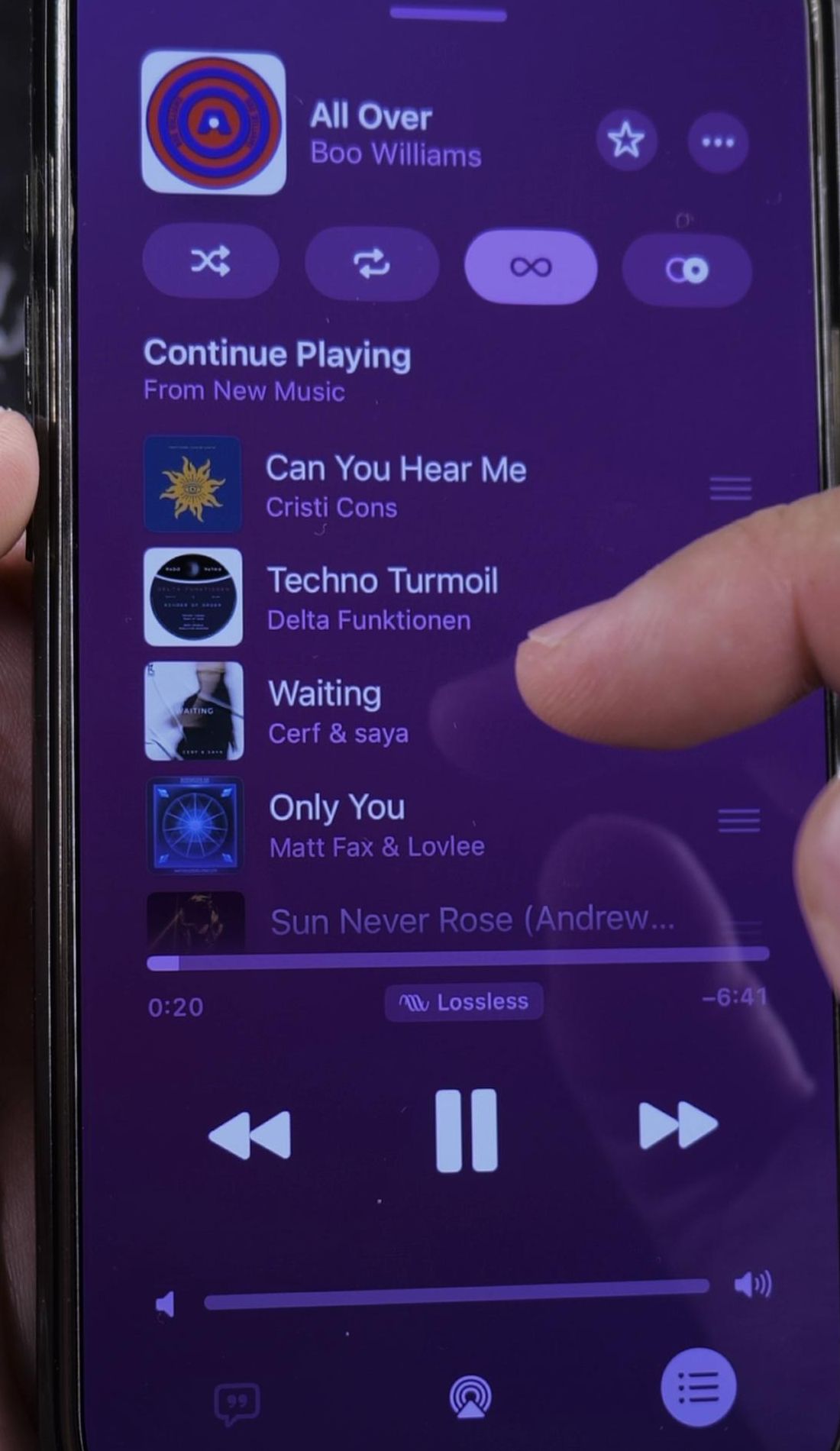
At the top of the queue screen, look for the Shuffle icon showing two crossed arrows. Tap it to turn it On.
When shuffle is active, the button highlights with a clean white background, and your upcoming songs reorder randomly. Tap it again to turn shuffle off and return to your original track order.
Helpful Tips
If you prefer having your playlist in a set sequence, you can also learn how to reorder and rearrange songs in Apple Music playlists manually.
Every time you tap the Shuffle button off and back on, Apple Music generates a completely fresh random sequence. If you want a song to play again automatically once it finishes, learn how to play a song or playlist on repeat.
Keep in mind that the infinity icon next to the shuffle button controls AutoPlay. If you want continuous recommendations after your playlist ends, check our guide on how to enable AutoPlay for continuous music, or explore our full collection of Apple Music and audio guides.
Leave a Reply Cancel reply