



The Ikea Lanespelare is a cheap metal stand for a laptop or a tablet. I show you how to unfold it, lock the arms, and use it with my MacBook Air M5.

Your roadmap
- Check the folding diagram
- Lift and rotate each arm
- Lock every arm in place
- Check the rubber pads
- Place your laptop on the stand
- Use the open space for a cooling fan
- Fold it back when you are done
Recommended Amazon Gear and Accessories
Disclosure: This article contains Amazon affiliate links. As an Amazon Associate, I earn from qualifying purchases at no extra cost to you.
- Laptop Stand
- Laptop Cooling Pad
- Foldable Laptop Stand
- USB Desk Fan
- MacBook Air
- MacBook Air USB-C Hub
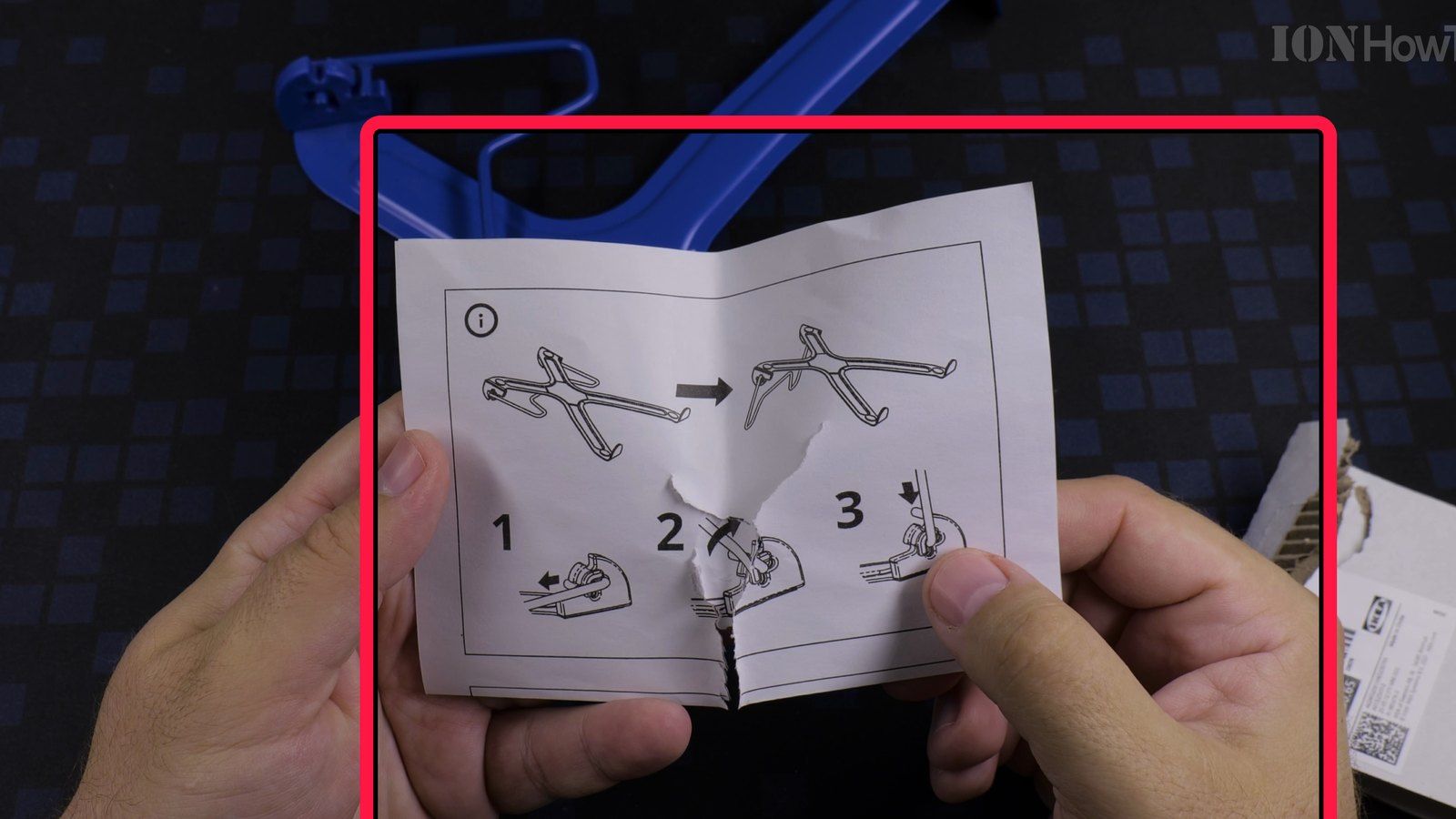
1. Check the folding diagram
The paper insert shows how the stand opens and closes. You lift an arm first, then you rotate it. Keep the paper close until you get used to the stand.

2. Lift and rotate each arm
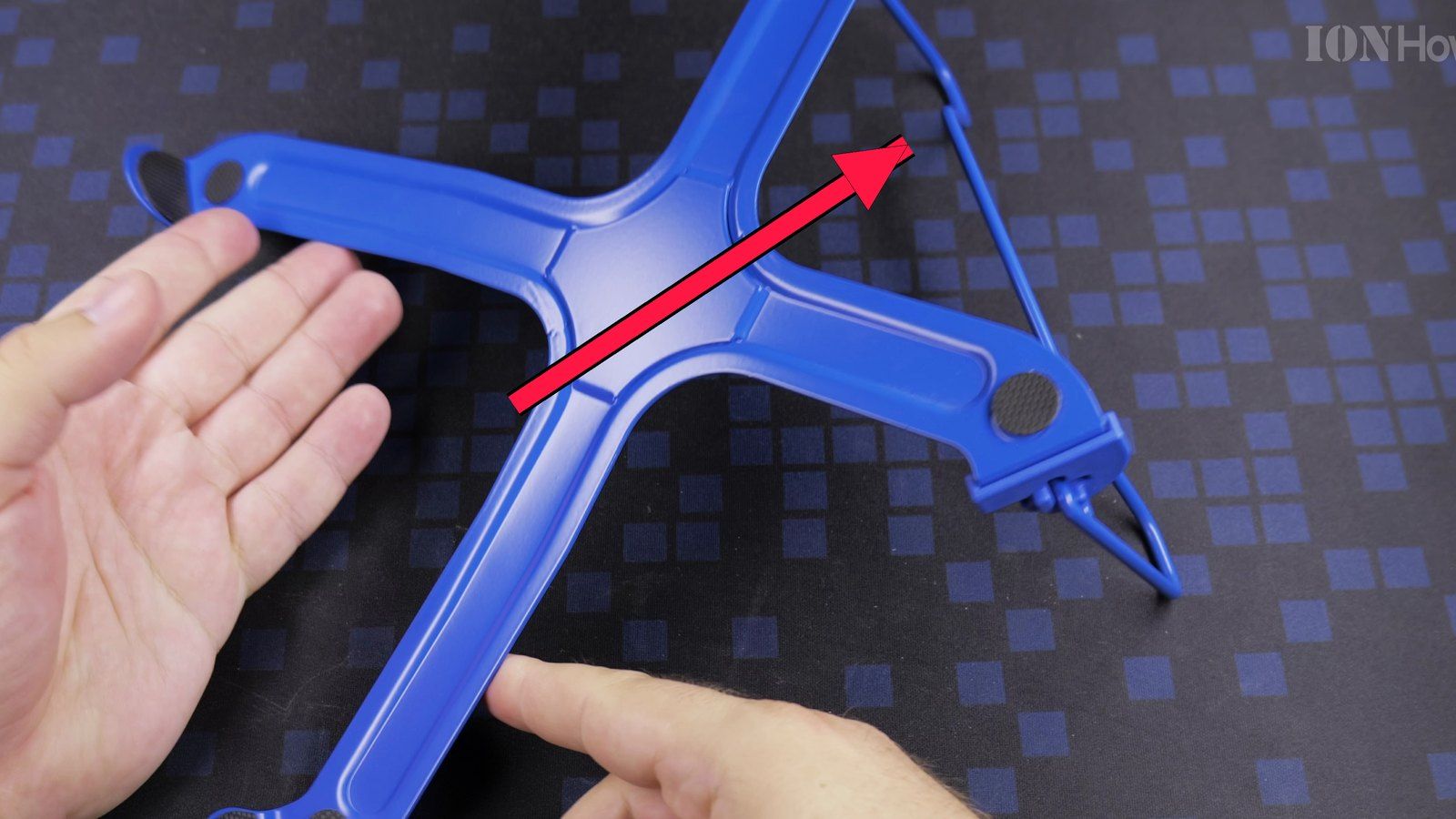
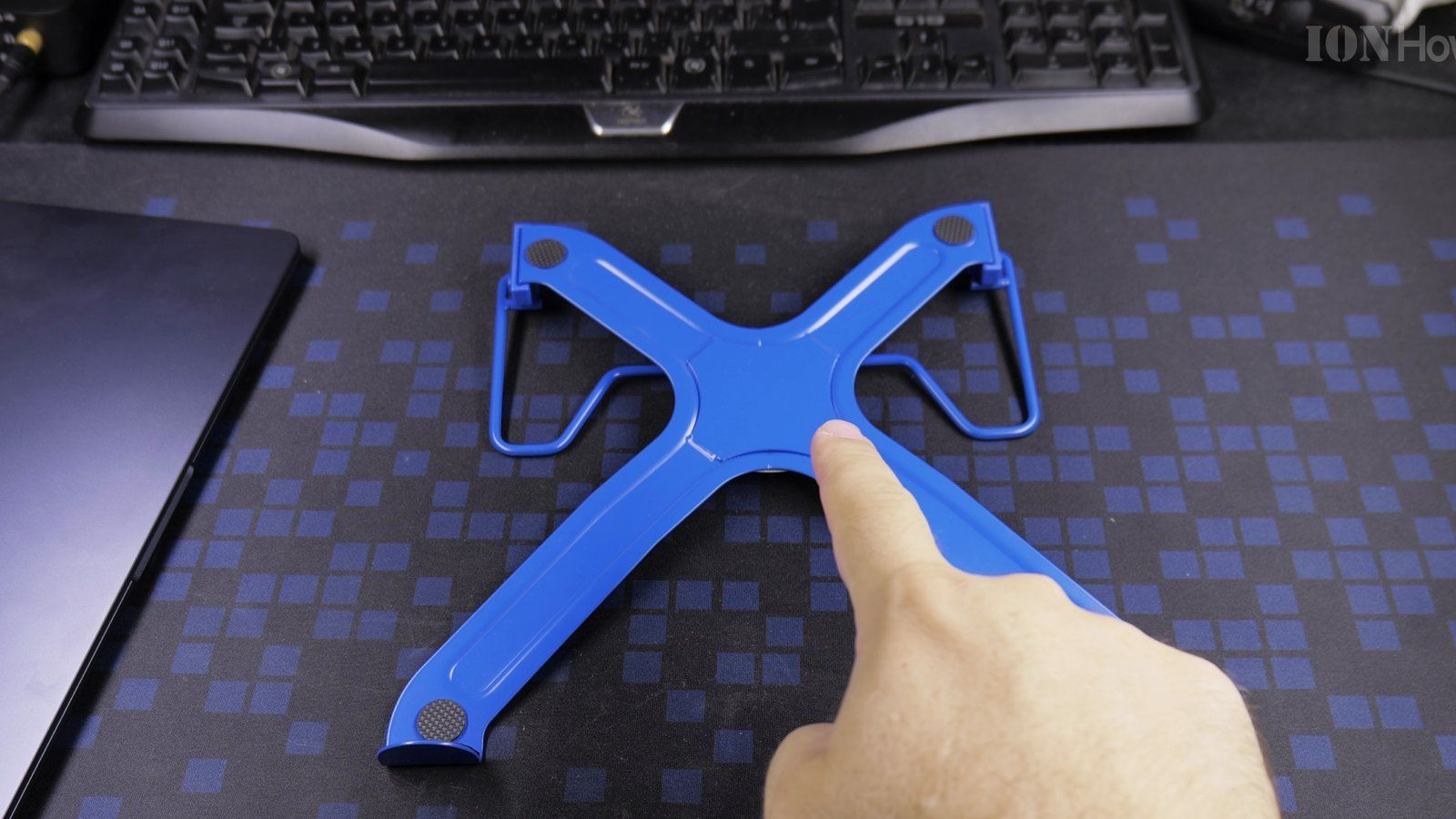
Lift one arm a little, then turn it out to the side. Do the same with the other arms until the stand looks like a big X.
3. Lock every arm in place
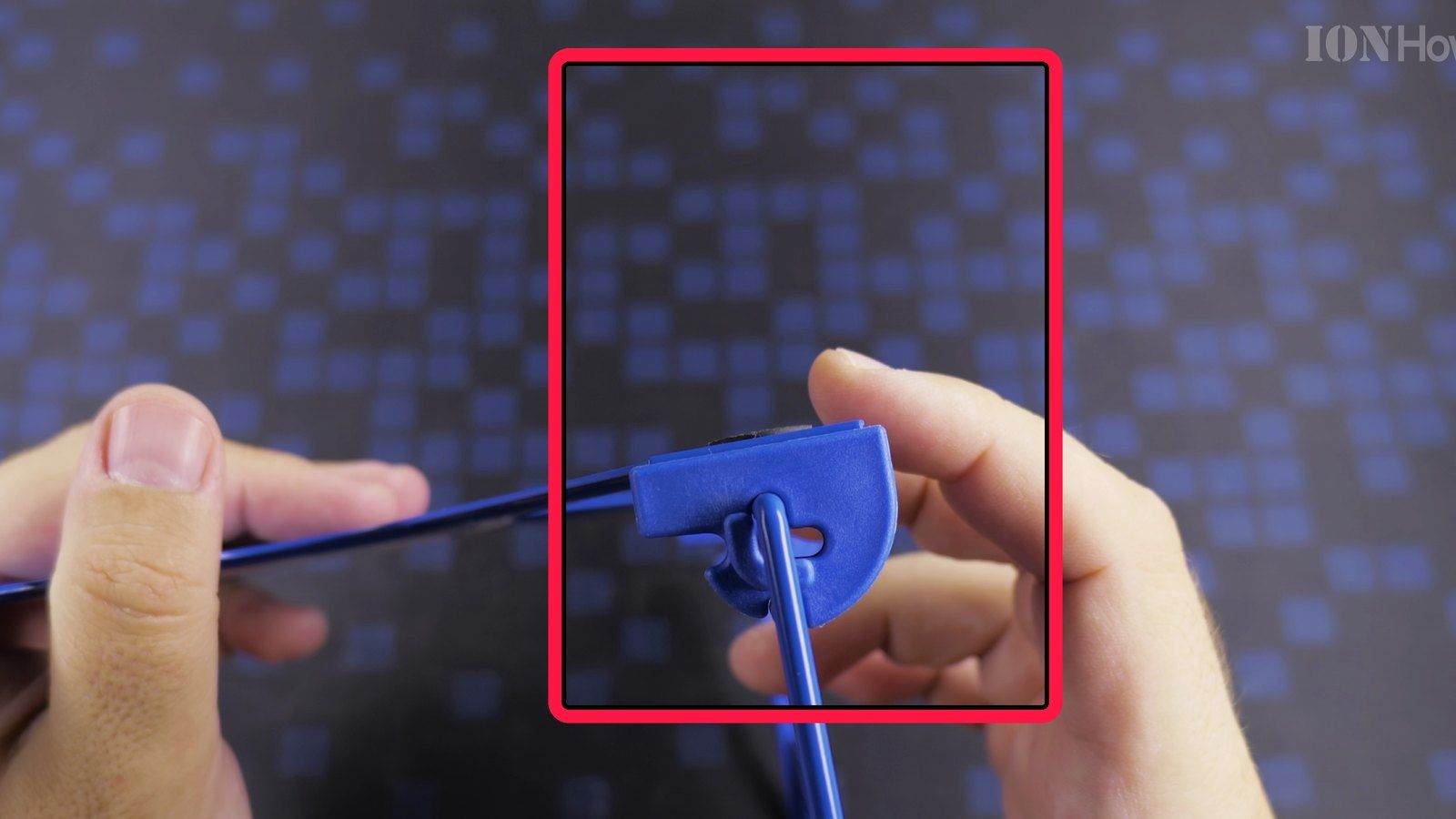
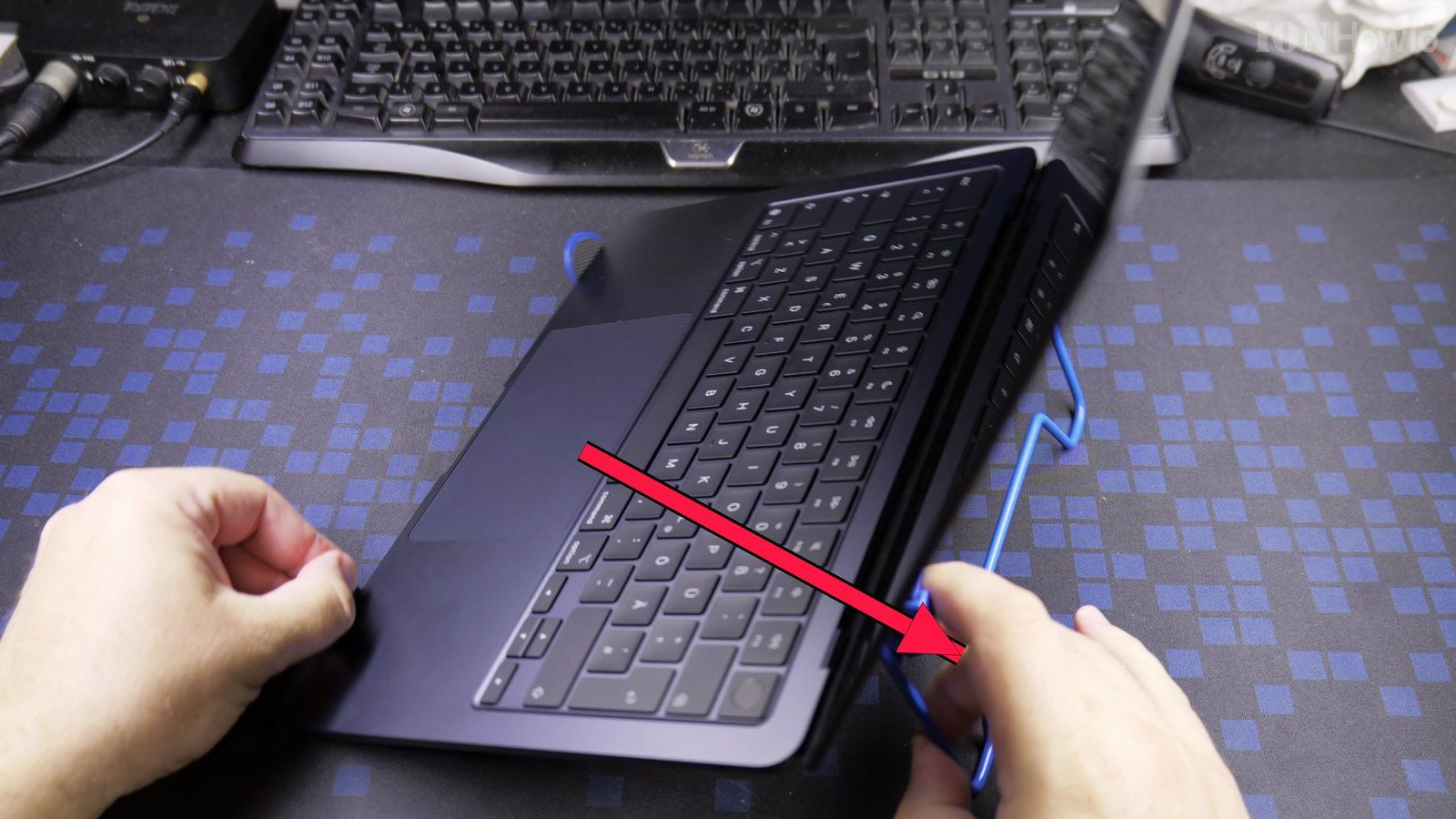
Turn each arm until it sits in its locked spot, so it stays in place. If an arm is not locked, the stand can fold under the laptop. You can see that happen at the end of my video.
4. Check the rubber pads
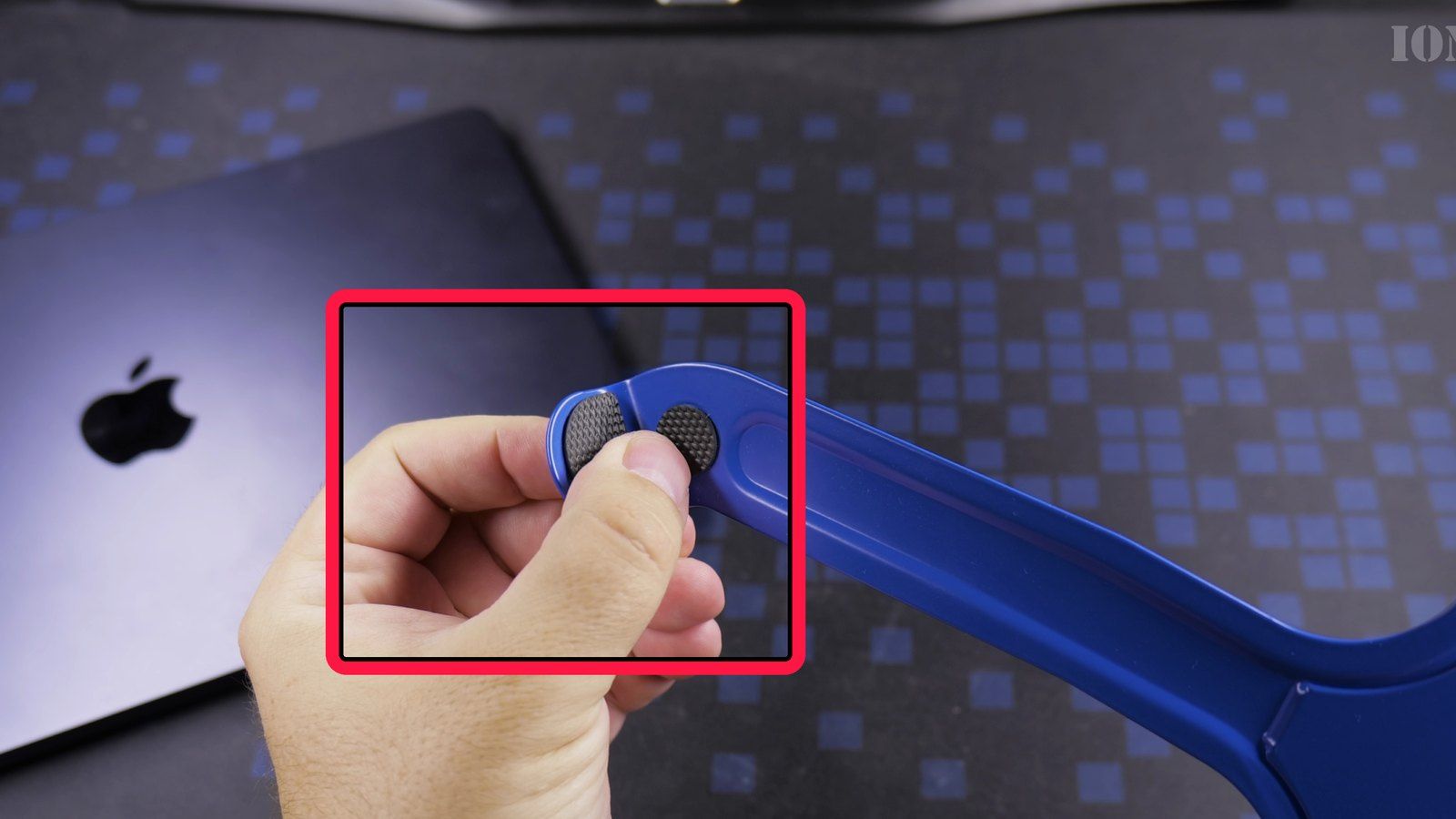
Each end of the stand has a small rubber pad. The pads help the laptop stay put, and they keep the metal away from the bottom of your laptop.
5. Place your laptop on the stand
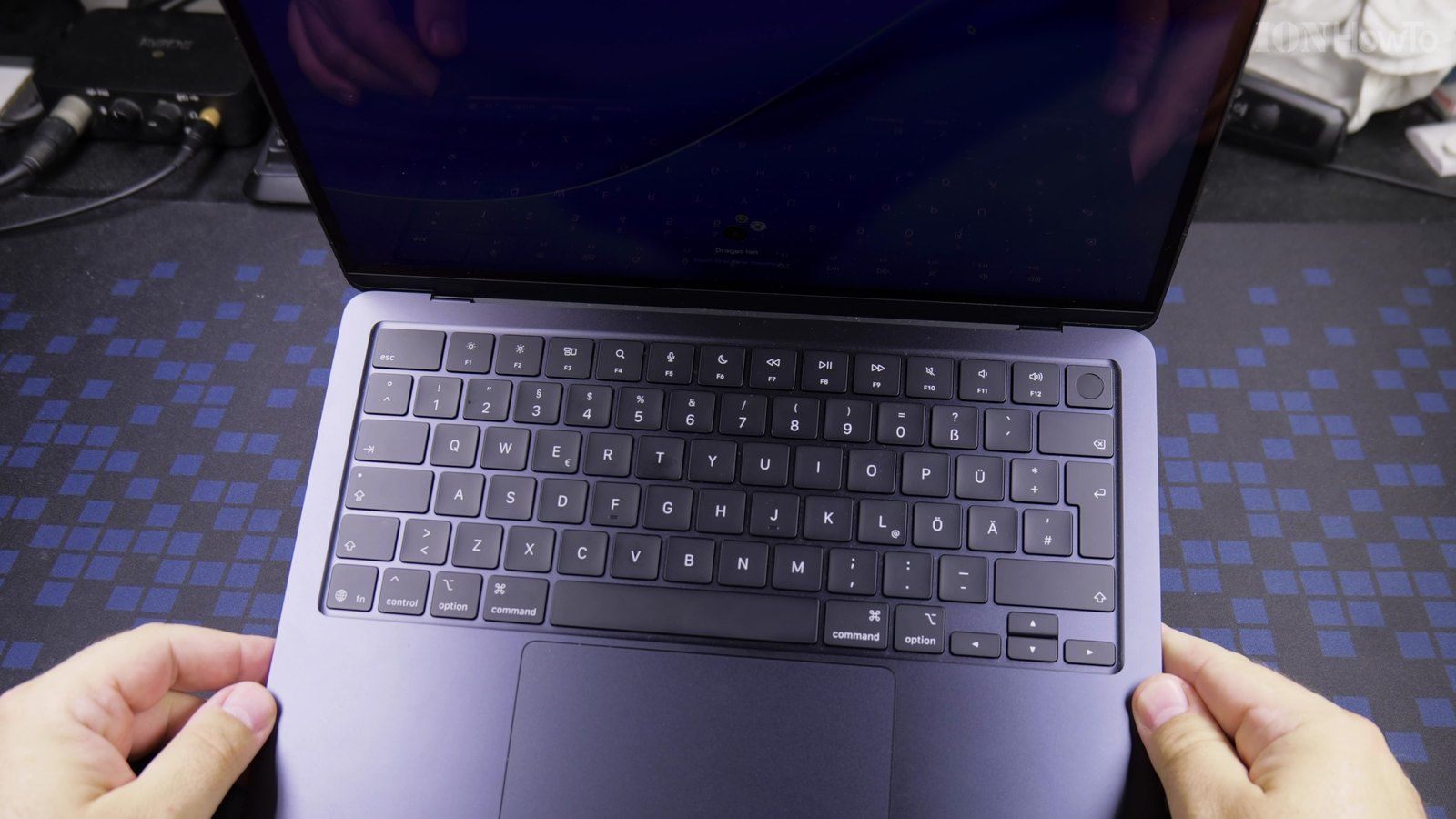
Set the laptop down so the rubber pads sit under it. My MacBook Air M5 is a good fit and it does not move. Open the lid and check that it sits steady before you start typing.
6. Use the open space for a cooling fan
The middle of the stand is open, so there is room behind and under the laptop. I think this is the most useful part, because you can add a fan there to help cool your laptop.
7. Fold it back when you are done
Lift the laptop off, then rotate the arms back the same way they came out. The stand folds back flat, ready for the next time.
Helpful Tips
- Check every locking point before you put a laptop on the stand.
- The Lanespelare stand is part of the Ikea gaming range of products.
- It is a simple piece of metal, so it is light and cheap.
- If the laptop wobbles, move it until all the rubber pads touch the bottom.
Related Guides
- MacBook Air M5 13-Inch vs MacBook Pro M5 14-Inch: Side-by-Side Comparison – If you want the most portable Apple M5 laptop, how much size and weight do you actually save with the 13-inch MacBook Air M5…
- MacBook Air M5 15-Inch vs MacBook Pro M5 14-Inch: Size, Display, and Port Comparison – Choosing between the 15-inch MacBook Air M5 and the 14-inch MacBook Pro M5 comes down to if you prioritize a larger…
- MacBook Air M5 13-Inch Unboxing (Midnight, 16GB RAM, 512GB SSD – Model A3449) – Thinking about picking up the 13-inch MacBook Air M5 in Midnight?
- MacBook Air M5 – Browse more tutorials and practical guides in this section.
Leave a Reply Cancel reply