
How to Drive an Opel with Easytronic Automatic Transmission.
Driving an Opel Corsa with an “Easytronic” automatic gearbox? If you’re used to a regular manual or even a traditional automatic, this one can feel a bit different. It’s not a conventional automatic—it’s an automated manual transmission. Don’t worry, I’ll show you how it works and the best way to drive it smoothly.
What is Easytronic? (It’s Not a Regular Automatic)
First, it helps to know what you’re working with. The Easytronic gearbox is essentially a manual gearbox where robots do the shifting for you.
Think of it this way:
- Traditional Automatic: Uses a fluid-based system (torque converter) to change gears, which is very smooth.
- Easytronic (Automated Manual): Has a regular clutch and gears like a manual car, but a computer and actuators control the clutch and shift the gears. This can sometimes result in a slight pause or feel during gear changes, which is normal.
The benefit is better fuel efficiency. The key to driving it well is understanding its rhythm and using your pedals correctly.
The Golden Rule: Use Only One Foot!
This is the most important tip for any automatic car, but especially for this one.
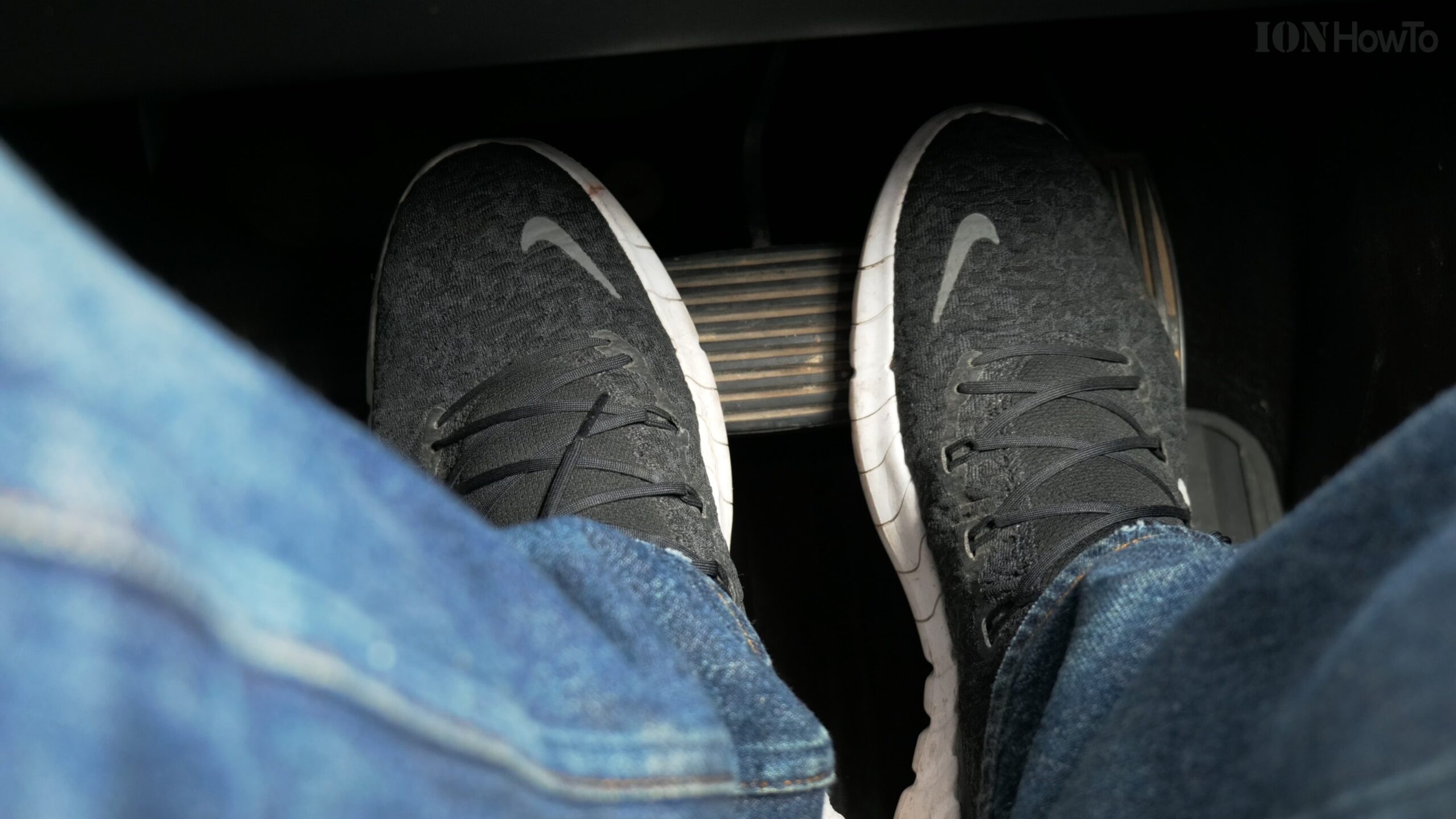
- Use your right foot only for both the brake and the accelerator.
- Keep your left foot flat on the floor away from the pedals. Never use it for braking.
- Why? If you instinctively press the brake with your left foot while your right foot is still on the gas (a common habit for manual drivers), the car will stop very abruptly and you could cause an accident.
Step-by-Step: Starting, Driving, and Parking
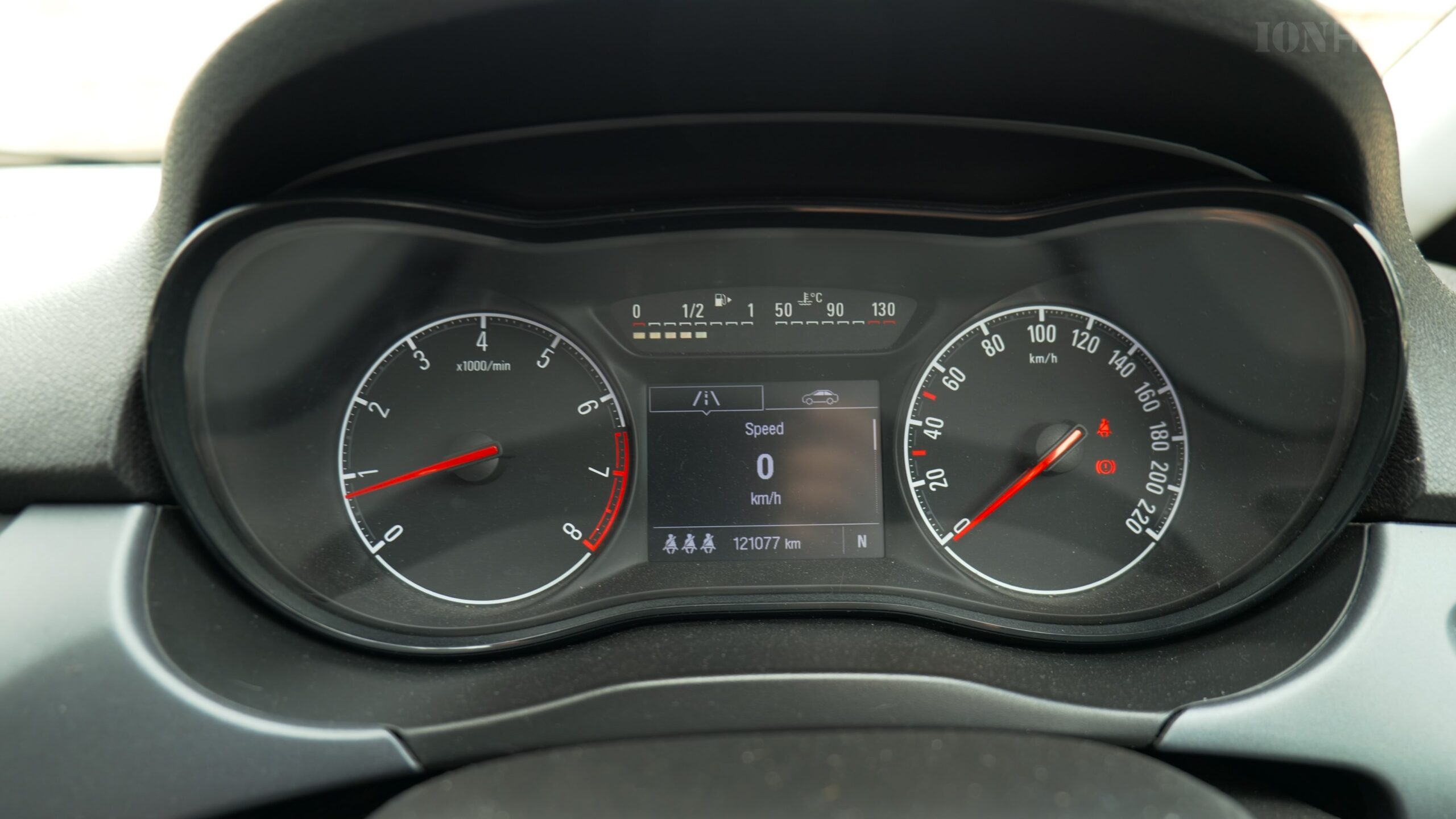
Let’s go through exactly what to do from the moment you get in the car.
Step 1: Starting the Car
- Press the brake pedal with your right foot.
- Insert the key and turn it to start the engine. You’ll notice the gear indicator on the dashboard shows N (Neutral). This is normal for this gearbox.
- Keep your foot on the brake.
Step 2: Selecting a Gear
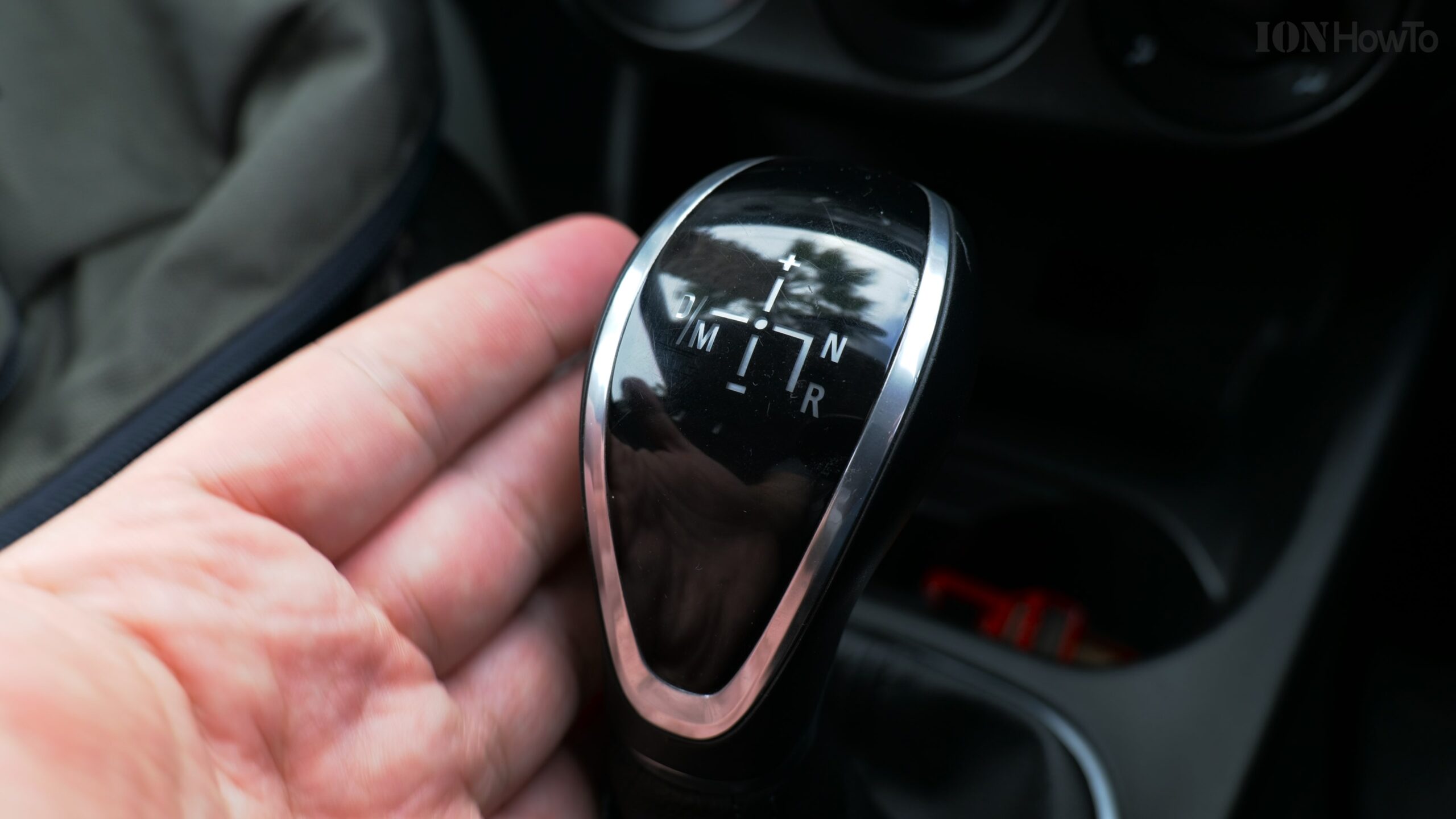
The gear selector has a simple layout. Here’s what each position means:
- R (Reverse): For backing up.
- N (Neutral): The car starts in this position. Use it if you’re stopped for a long time (like at a train crossing).
- D (Drive): This is for all forward driving. The car will automatically shift between 1st and 6th gear.
- M (Manual): Slide the selector to the left into this gate to take manual control. Push the lever forward (+) to shift up and pull it backward (-) to shift down.
To move forward:
- With your foot on the brake, move the gear selector from N to D.
- Release the brake, and the car will start to creep forward slowly (like a traditional automatic).
- Press the accelerator gently to drive.
Step 3: Driving Smoothly
- Be gentle on the accelerator. Stomping on it can confuse the robotic system, causing a jerky shift. Smooth, steady pressure gives it time to engage the clutch and change gear nicely.
- Anticipate the shift. You might feel a slight pause or a “click” when it changes gear. This is normal. Just maintain steady pressure and it will complete the shift.
- Use the modes (if your car has them):
- Eco Mode: The car will shift gears earlier to save fuel and feel less responsive. Great for city driving.
- City Mode/Sport Mode (if equipped): Might hold gears longer for more power.
Step 4: Stopping and Parking
- To stop, simply brake with your right foot as normal. The gearbox will automatically downshift as you slow down.
- When you come to a complete stop, you can keep it in D if it’s a short stop (like at a traffic light).
- To park:
- Come to a full stop.
- Keep your foot on the brake.
- Shift the selector to N.
- Apply the handbrake (parking brake).
- Then shift into P (Park) if your model has it, or simply turn off the car in N. Always use the handbrake to secure the car.
When to Use Manual (M) Mode
You might want to use manual control in specific situations:
- Driving downhill: Shift to a lower gear (like 3rd or 2nd) to use engine braking and avoid riding the brakes.
- Overtaking: You can hold a lower gear for longer to have more power ready.
- Slippery conditions: Starting in 2nd gear can reduce wheel spin on ice or snow.
Quick Troubleshooting Tips
- Car feels jerky when shifting? Try being more gentle and progressive with the accelerator. Avoid sudden, heavy throttle.
- Car doesn’t move when I press the gas? Make sure you’ve fully shifted into D or R. You might need to press the brake pedal to change gears.
- Hearing a clunk or feeling a shunt? This gearbox can be less smooth than a traditional automatic, especially at very low speeds. It’s often part of its character.
Driving an Easytronic is all about smoothness. Forget your left foot, be gentle with the right one, and let the robot do its thing. After a day or two, you’ll get used to its rhythm and find it’s a simple and efficient way to drive


Leave a Reply