
Tag: Samsung Galaxy tips
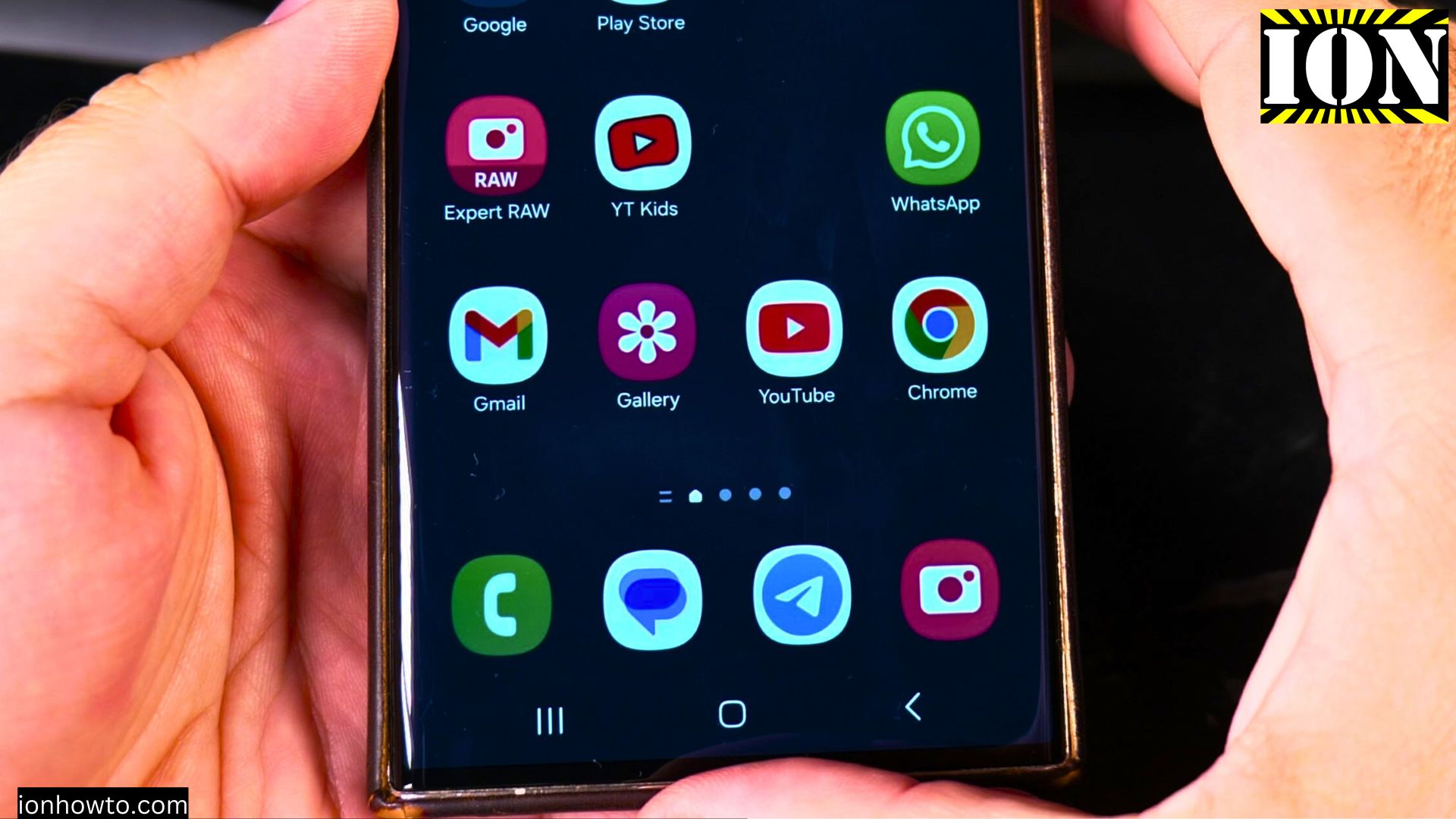
Samsung Galaxy Listen to Articles No Reading
Learn how to use the “Listen to This Page” feature on your Samsung Galaxy phone. This lets you listen to articles instead of reading them with your eyes. It is really useful when you are multitasking or just prefer listening over reading.
Pair Bluetooth Headphones on Samsung Galaxy
Learn how to connect your Bluetooth headphones to a Samsung Galaxy Android device. This guide works for Samsung phones, tablets, and most other Android devices too.
Turn off Bubble Notifications on Samsung Galaxy
How to Disable Bubble Notifications on Samsung Galaxy. Learn how to disable bubble notifications on your Samsung Galaxy phone or tablet. Bubble notifications are those floating chat bubbles that stay on your screen, similar to Facebook Messenger chat heads..
Turn Off VoLTE 4G Calling on Samsung Android
Sometimes, you might need to turn off the advanced calling features on your phone. If your calls are dropping or the sound quality is poor, switching off VoLTE (Voice over LTE) or 4G Calling can be a good troubleshooting step. This will make your phone use.