
Category: Android Tips
Everyday Android tips and settings walkthroughs to help you customize your screen, manage notifications, and speed up your phone.
How to Clear Cache on Android Apps
If your phone is starting to feel a bit sluggish or some apps are acting up, one of the easiest fixes is to clear an app’s cache. It sounds technical, but it’s actually really simple. I’ll show you the steps to do it.
Add New Keyboard Typing Language on Android
Learn how to add typing languages to your Android keyboard in just a few taps. I’ll show you how to set this up on a Sony Xperia 1V running Android 14, but these steps work for most Android phones.
Disable Gesture Navigation Get Button Navigation on Android
How to Switch from Gesture to Button Navigation on Android. Learn how to change your Android phone’s navigation style from gestures back to traditional buttons. I’ll show you the steps to make this switch on any Android device, including Samsung and Google.
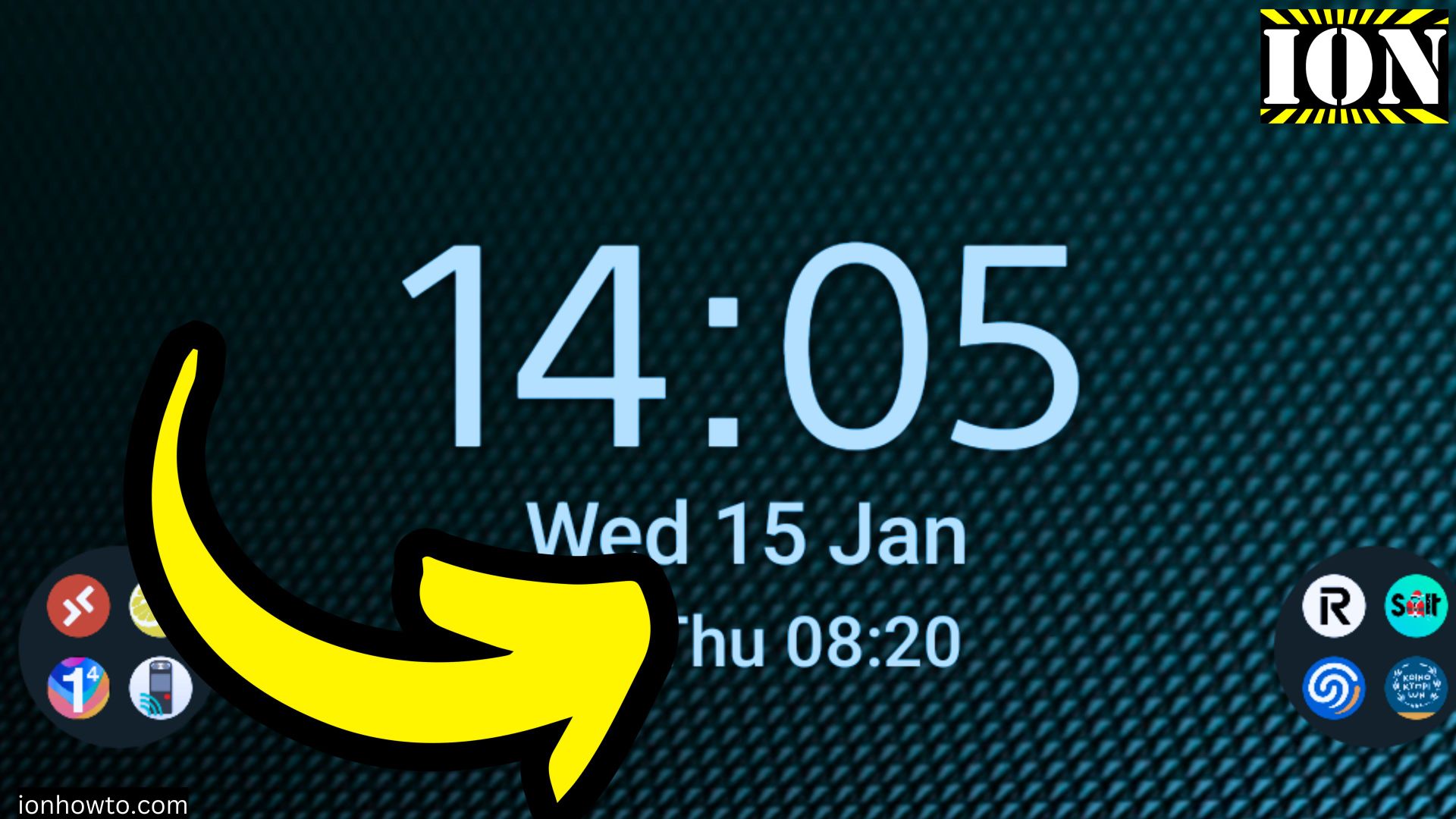
How to Add Clock to Home Screen on Android Phone
How to Add a Clock to Your Android Home Screen. Learn how to easily add a clock widget to your Sony Xperia 1V (Android 14) home screen. I’ll show you the steps to customize your display for quick time checks.
How to Turn Off Bluetooth on Android
Learn how to quickly disable Bluetooth on your Android phone to save battery life and improve security. I’ll show you multiple ways to turn it off and explain why you might want to.
Disable WiFi and Internet on Android
Learn how to quickly turn off WiFi and mobile data on your Android phone. If you want to save battery, avoid distractions, or prevent unexpected data usage, I’ll show you the steps.
Set Default File Transfer Mode on Android
Learn how to set your Android phone to automatically use file transfer mode when connecting to a PC. No more manually selecting the option every time.
How to Power On Your Android Phone
Learn how to power on your Android phone even if the power button isn’t working.I’ll show you the steps to turn on your device using different methods, including recovery mode and battery replacement.
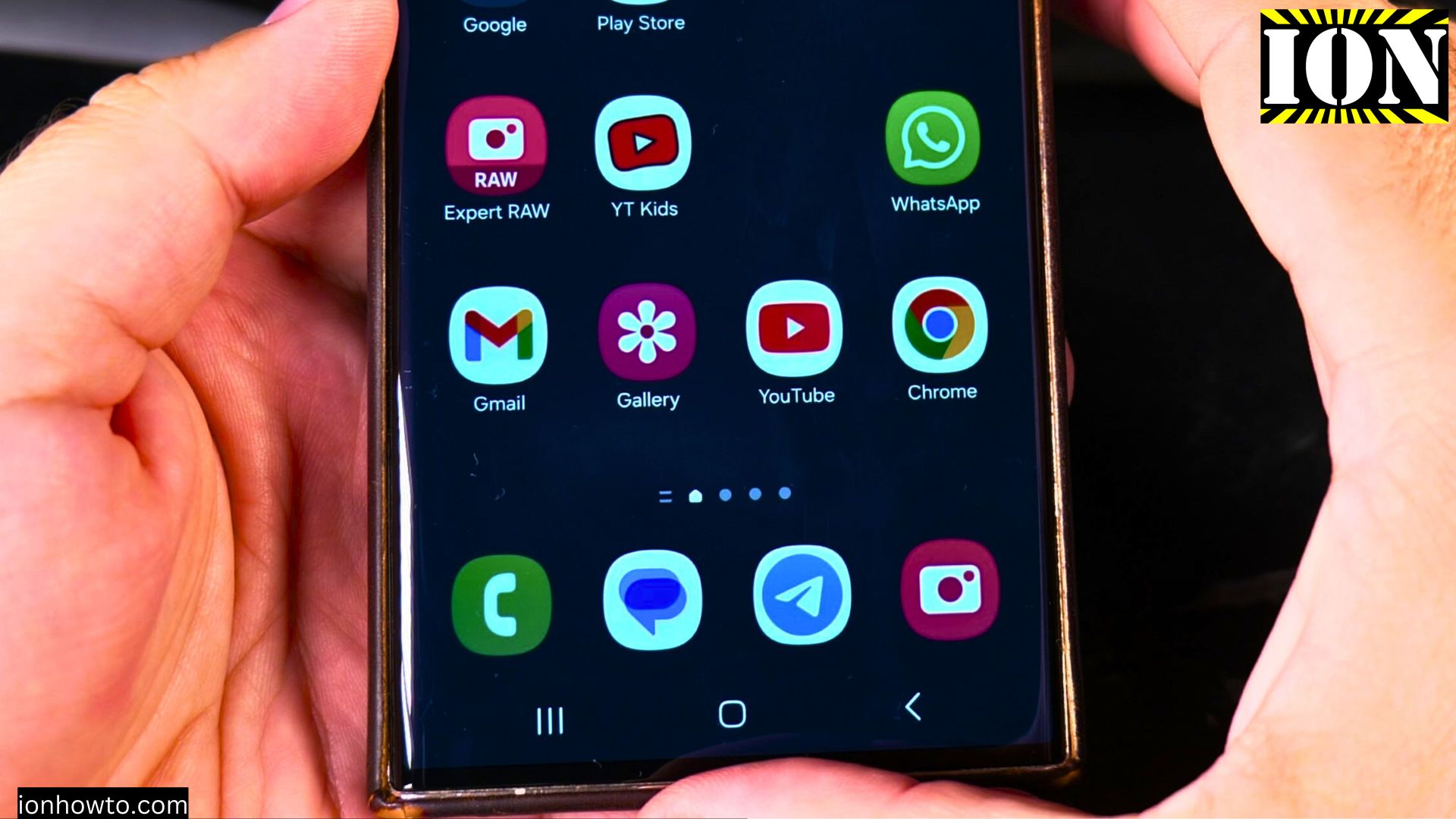
Customize Samsung Galaxy Home Screen Widgets
Want to make your home screen clock bigger or rearrange widgets? Learn how to customize your Samsung Galaxy home screen with these simple steps.
Uninstall Apps on Samsung Galaxy Android
Running out of storage or want to clean up your phone? Learn how to uninstall apps on your Samsung Galaxy or other Android device to free up space and improve performance.