
Category: Cameras & Photography
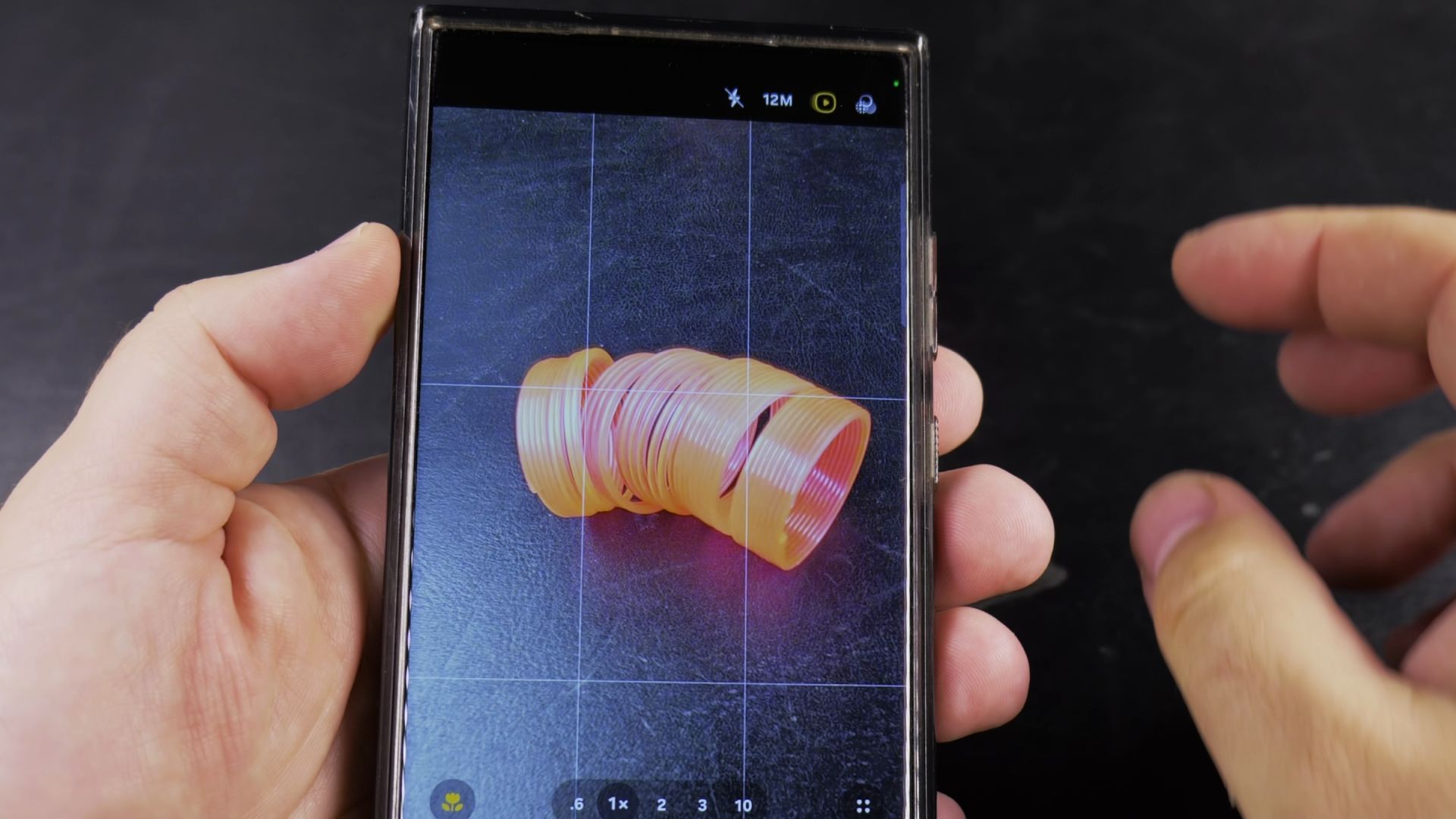
How to Enable Motion Photo on Samsung Camera
Capture a few seconds of movement every time you take a picture on your Samsung Galaxy phone. Learn how to turn on Motion Photo and view or edit your moving clips in the Gallery app.
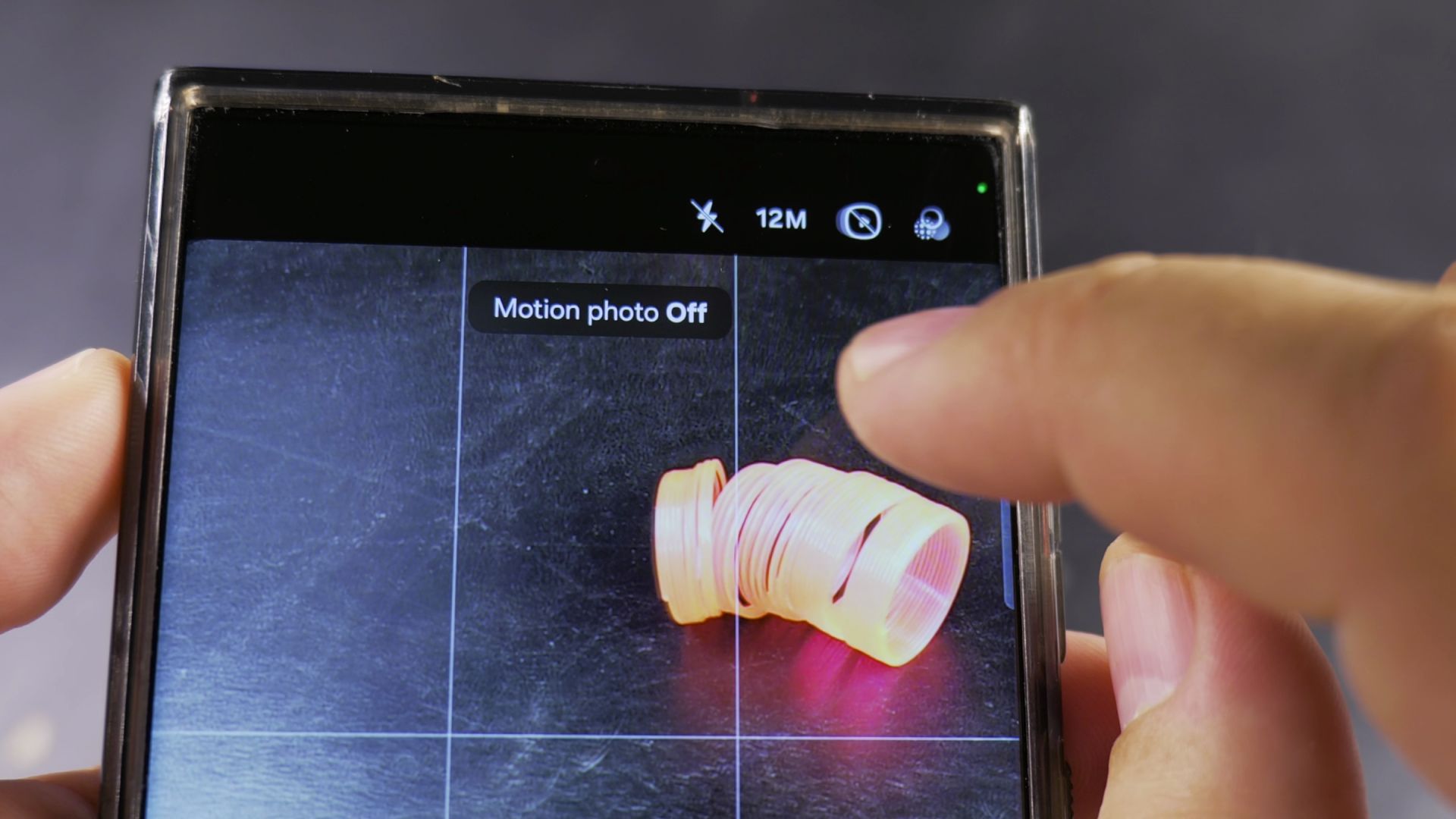
How to Disable Motion Photo on Samsung Camera
Stop your Samsung Galaxy phone from recording a short video clip every time you take a picture. Here is how to turn off Motion Photo in the Samsung Camera app to save storage space.
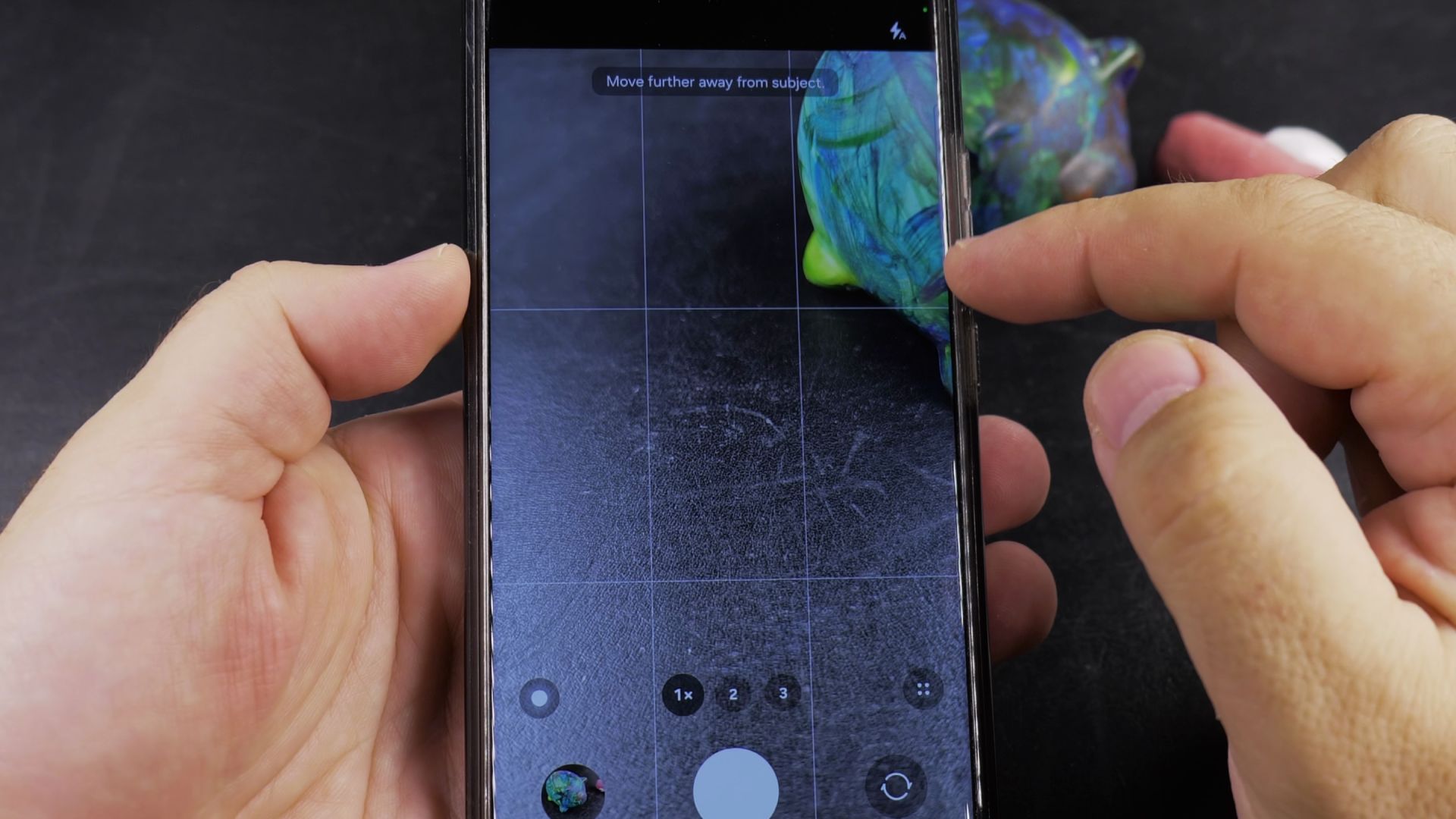
How to Switch Between Rear and Front Cameras on Samsung Phones
Switch between the main rear camera and the front-facing selfie camera on your Samsung Galaxy phone. Learn where the camera flip button is located and when to use each lens.
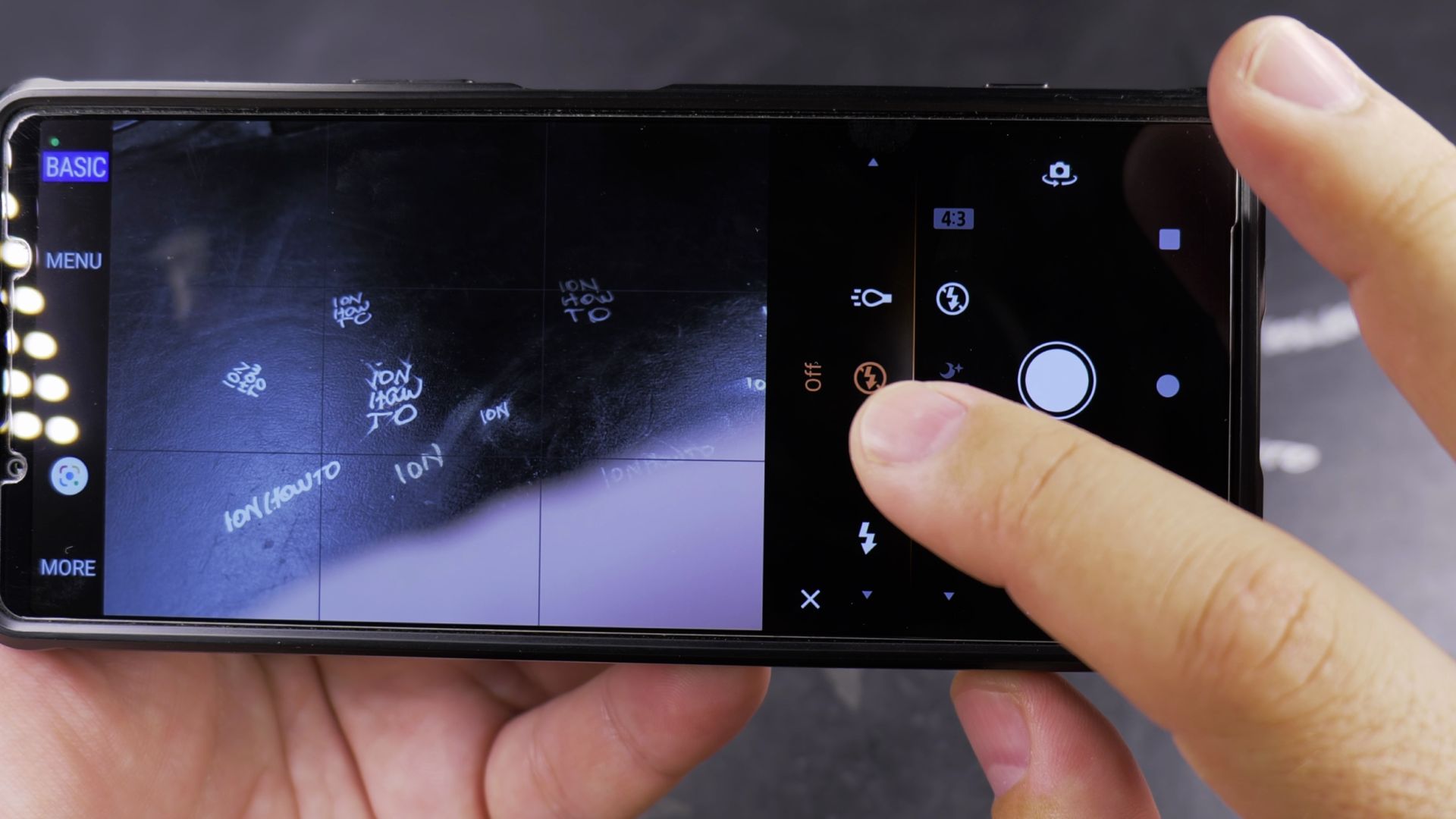
How to Disable Camera Flash on Android
Prevent harsh glare and unwanted light by turning off the camera flash on your Android phone. Follow these steps to switch your flash from Auto to Off for photos and videos.