


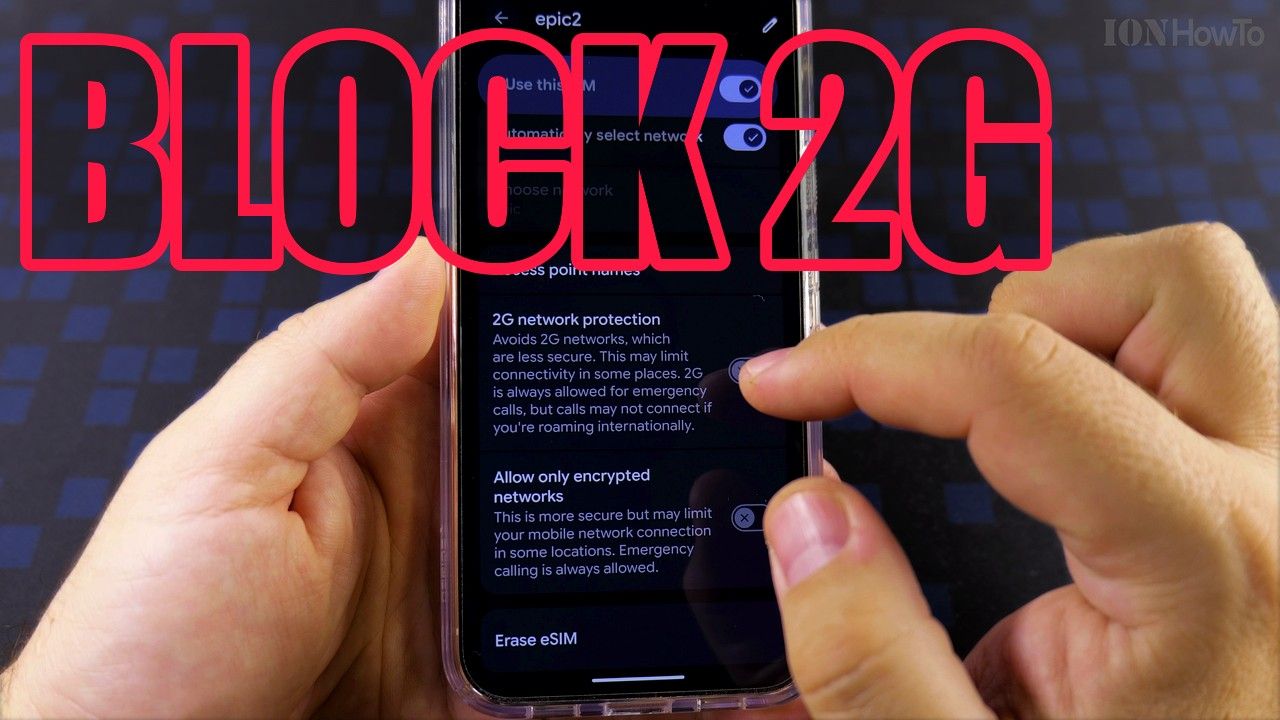
2G is the oldest mobile network still running in some countries, and it has weak security. Android lets you tell the phone never to fall back to it. On my Pixel 11 Pro XL the option takes about 30 seconds to find.

What you will do
- Open Settings, then Network and internet
- Tap SIMs and choose your SIM
- Leave network selection alone unless you are abroad
- Switch on 2G network protection
Recommended Amazon Gear and Accessories
Disclosure: This article contains Amazon affiliate links. As an Amazon Associate, I earn from qualifying purchases at no extra cost to you.
1. Open Settings, then Network and internet
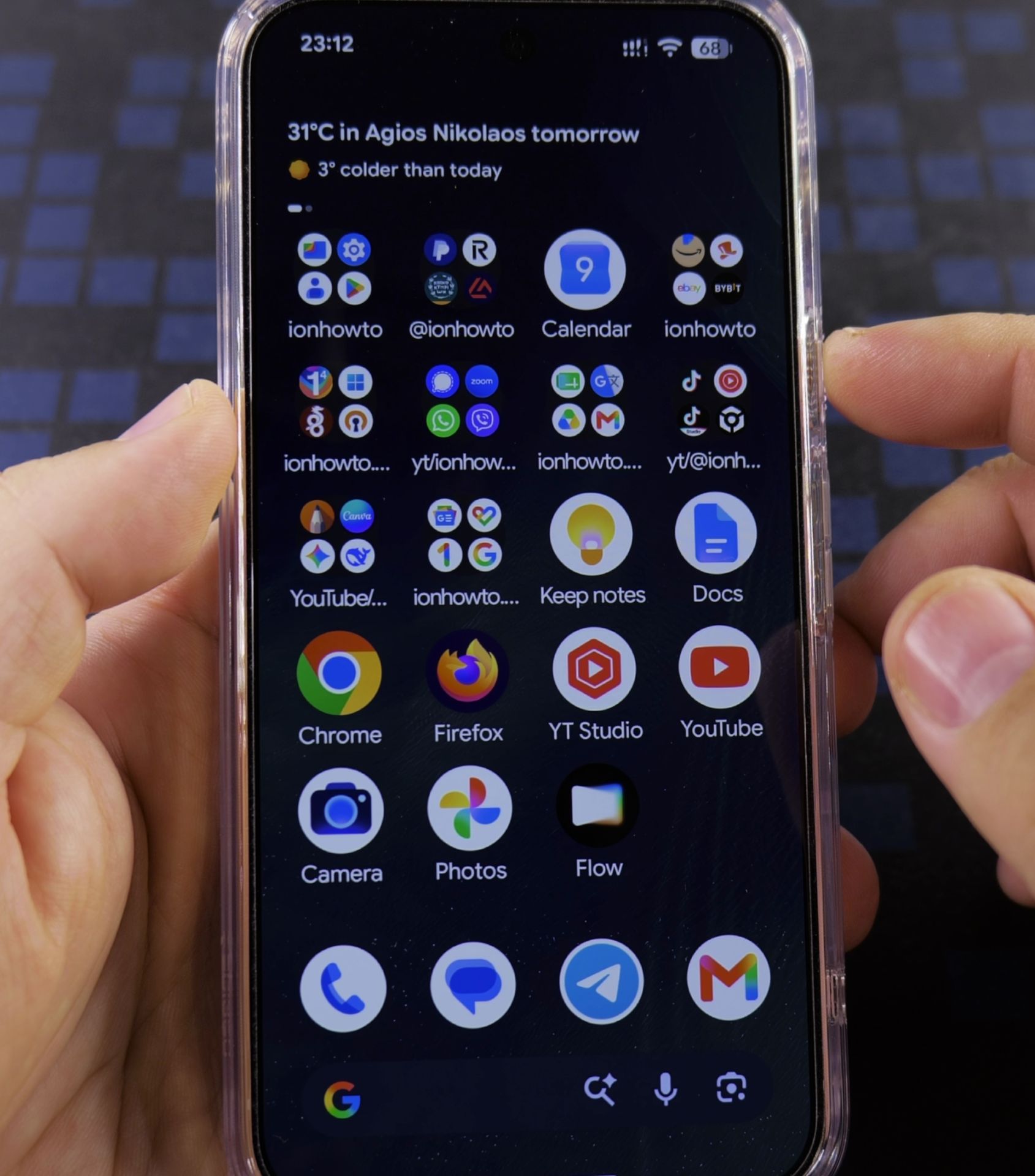
Swipe down twice from the top or open the Settings app, and tap Network and internet.

2. Tap SIMs and choose your SIM
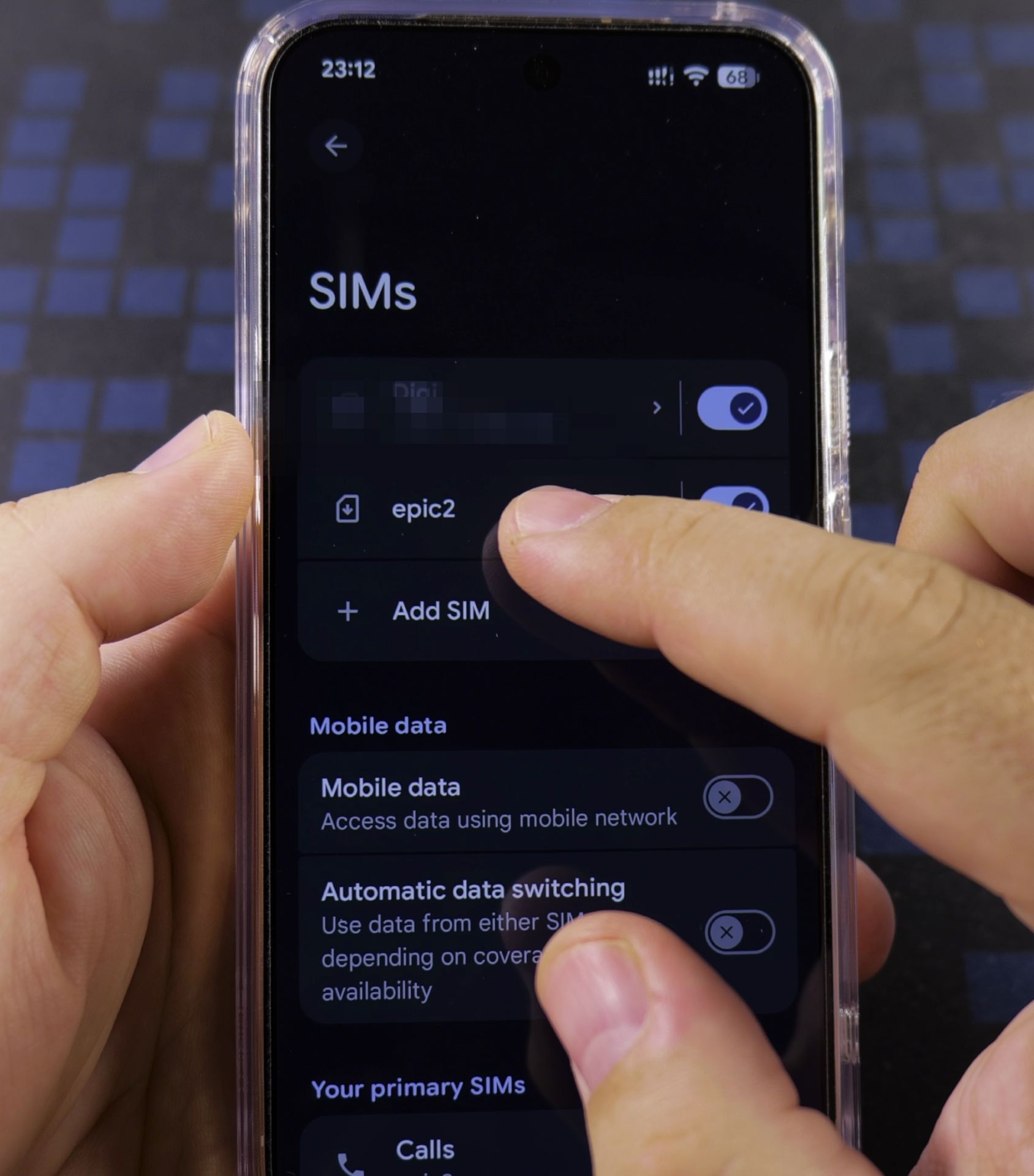
Each SIM has its own settings page. I have several, so I picked the eSIM I use most. With a single SIM you go straight to its page.

3. Leave network selection alone unless you are abroad
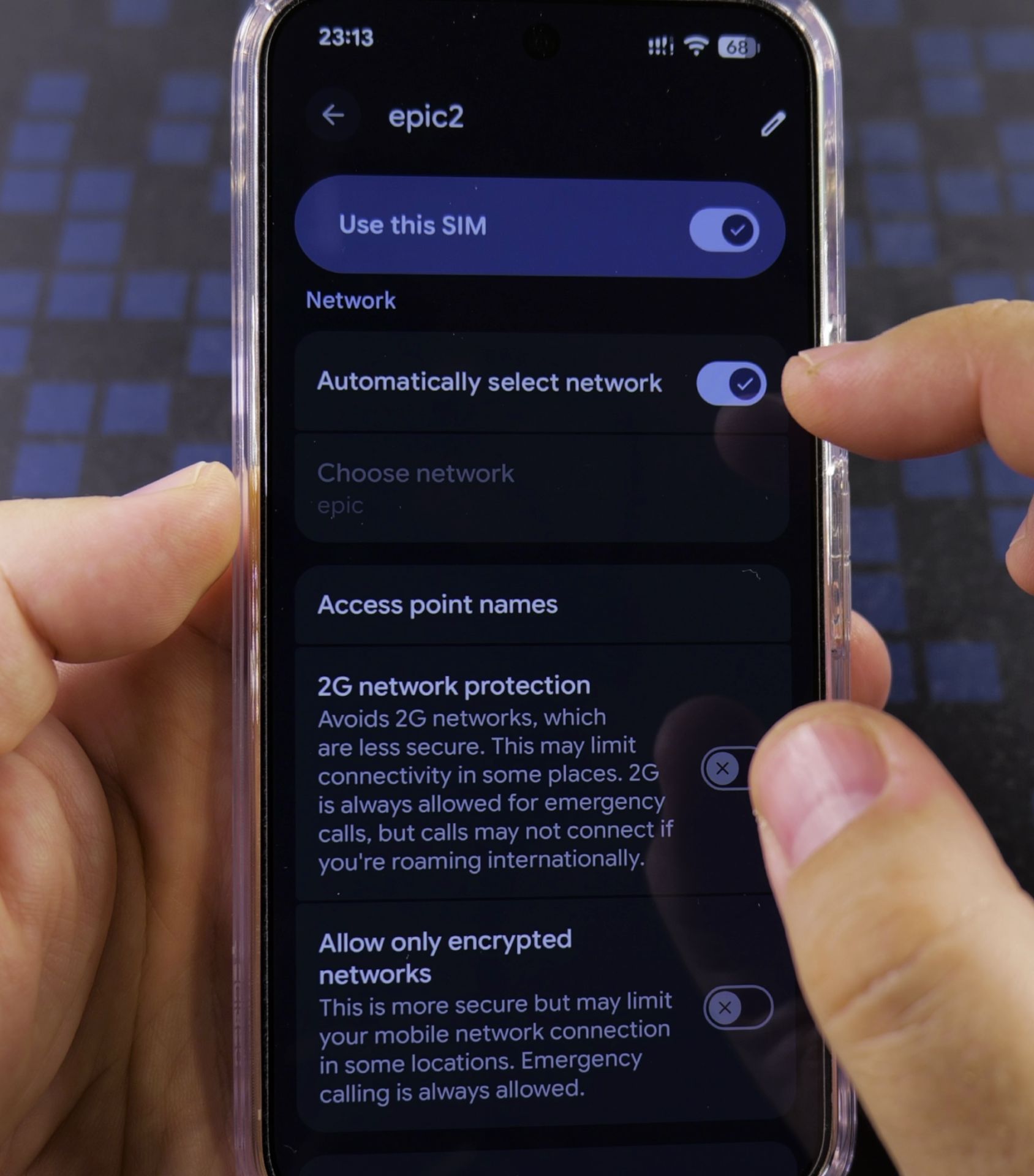
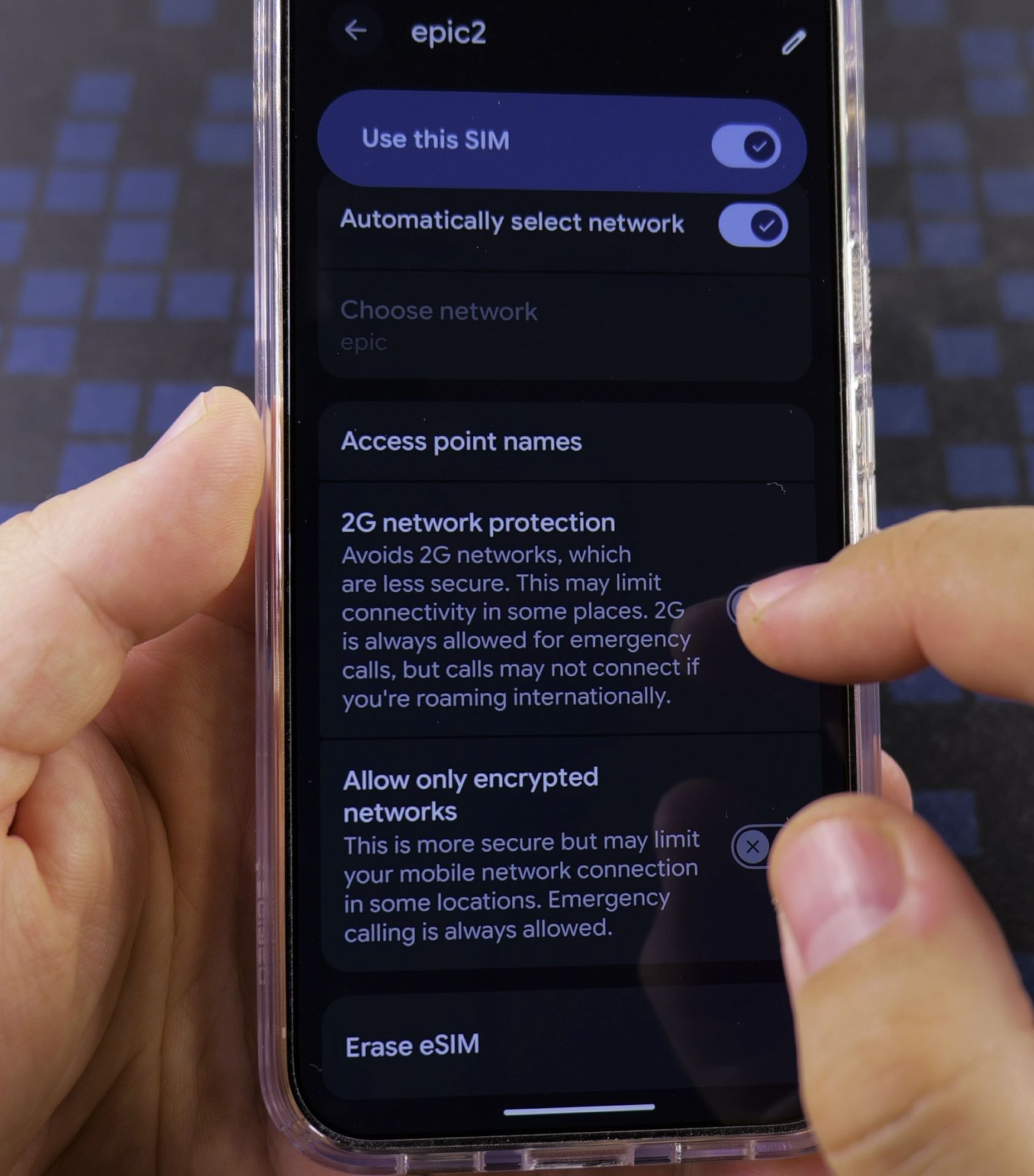
Near the top is Automatically select network. At home there is no reason to change it. When you travel, you can switch it off and choose a network by hand.
4. Switch on 2G network protection
Scroll right to the bottom of the SIM page, past Erase eSIM, and turn on 2G network protection. From then on the phone uses only 4G, 5G and other newer networks.
The trade-off
Android warns that blocking 2G can limit connectivity. In rural areas, and in some countries when roaming, 2G may be the only signal, and with protection on the phone will show no service there instead.
If that happens on a trip, turn the switch off for a while and back on when you get home.
Related Guides
- How to Set Up Google Pixel 11 Pro XL as a New Phone (Quick Step-by-Step Guide) – If you just unboxed the Google Pixel 11 Pro XL and want a fast, straightforward walkthrough to get it running as a new phone…
- Unboxing Google Pixel 11 Pro XL Canyon 512GB (16GB RAM): Extended Step-by-Step Guide – Before powering on a new flagship smartphone, taking a close look at the retail packaging, hardware specifications, and…
- Google Pixel 11 Pro XL First Time Setup as a New Phone: Complete Extended Walkthrough – Setting up your Google Pixel 11 Pro XL as a brand-new phone gives you a clean start without carrying over old clutter or…
- Google Interview Questions – Browse more tutorials and practical guides in this section.
Leave a Reply Cancel reply