
Category: Android Tips
Everyday Android tips and settings walkthroughs to help you customize your screen, manage notifications, and speed up your phone.
How to Customize Quick Settings Menu on Samsung Android Devices
How to Customize Quick Settings Pull-Down Menu for Home Screen and Lock Screen on Samsung Galaxy Android Devices. You can add widgets and other quick actions on the Android lock screen and home screen.
Speed Up Your Samsung Android Phone with Developer Options
Speed Up Samsung Galaxy. Android Phone Optimization with Developer Options to Reduce Animation Duration or Remove Animations. Samsung Galaxy Performance Tech Tutorial
Fix RCS Issues on Samsung Android
Fix RCS Not Working. RCS Troubleshooting Guide Tech Tutorial In this video, I’ll help you troubleshoot and fix RCS (Rich Communication Services) issues on your Samsung Android device. If you’re experiencing problems with RCS not working, such as messages not.
How to Schedule Text Messages on Android to Send Later
How to Schedule Text Messages on Android to Send Later. Android Schedule Text Messages tutorial to Schedule Messages to be Send Later. Message Scheduling can be done on Android with the Google Messages App.
How to Disable Dark Theme on Android
How to disable dark theme on Android. Android light theme settings to turn off dark mode on Android.Disable dark mode on Android or Android dark theme turn offHow to switch to light mode on Android with Android display settings to improve readability on.
How to Enable Voice Typing on Android
How to Enable Voice Typing on Android Gboard Complete Guide.In this video, I will guide you through the process of enabling voice typing on Gboard, the Google keyboard for Android devices.
Android Disable Google Assistant and Gemini AI Assistant
Android Disable Google Assistant and Gemini AI AssistantHow to Disable Google Assistant and Switch to Gemini on Android.How to Completely Disable Both Gemini and Google Assistant.How to disable Google Assistant and switch to Gemini on Android.Google.
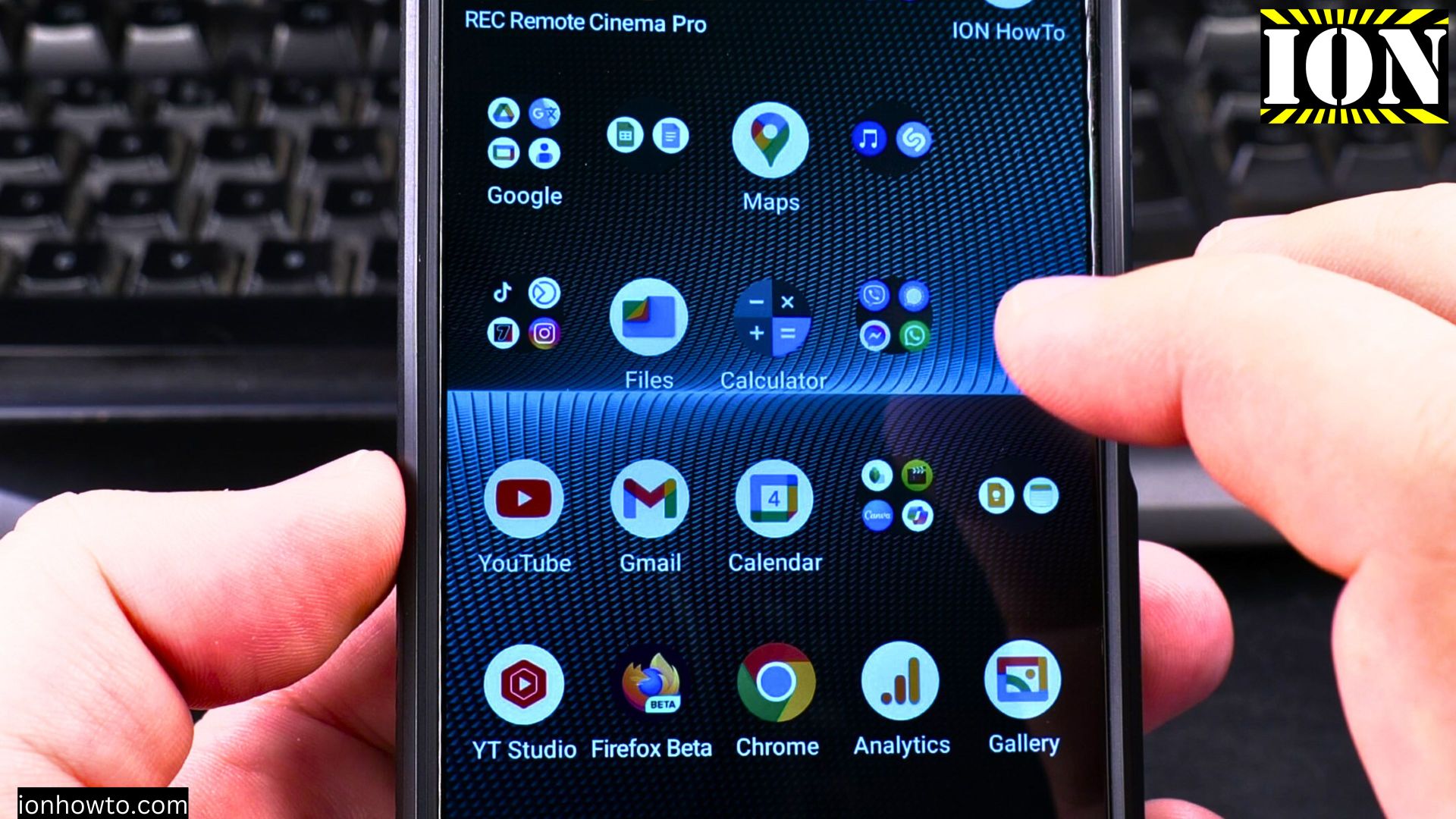
Android Stop Charging at 80 Percent Battery Sony Xperia
Android Stop charging at 80 percent battery to keep the battery in good condition.How to Stop Charging Your Android at 80%: Complete Guide. In this video, we will show you how to stop your Android device from charging beyond 80% on Sony Xperia 1V.
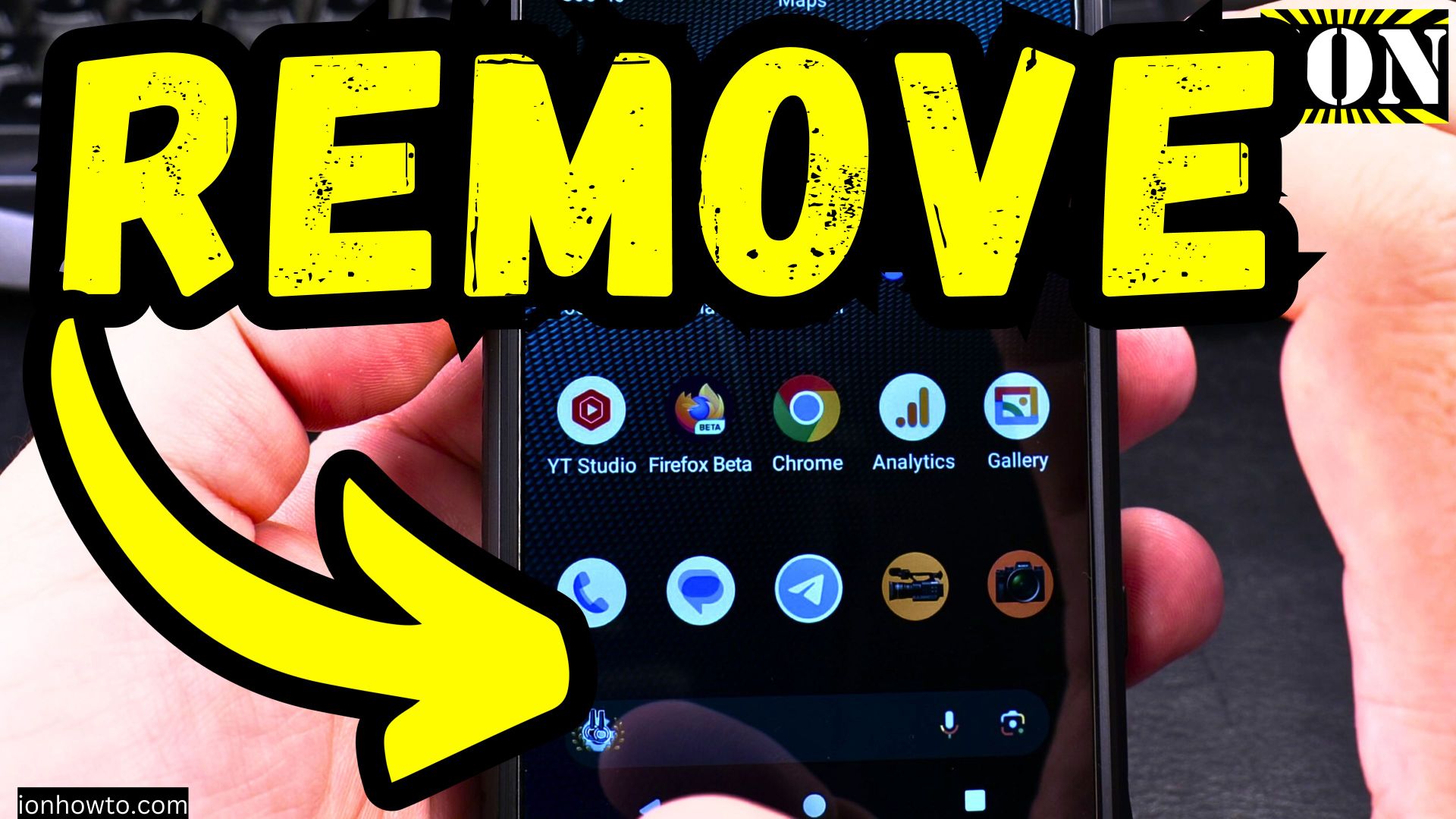
Android Disable Swipe Left News and Articles
To replace the swipe left function on your Android phone with something other than the Google app, you can use a custom launcher or disable the Show Google option in your current launcher.
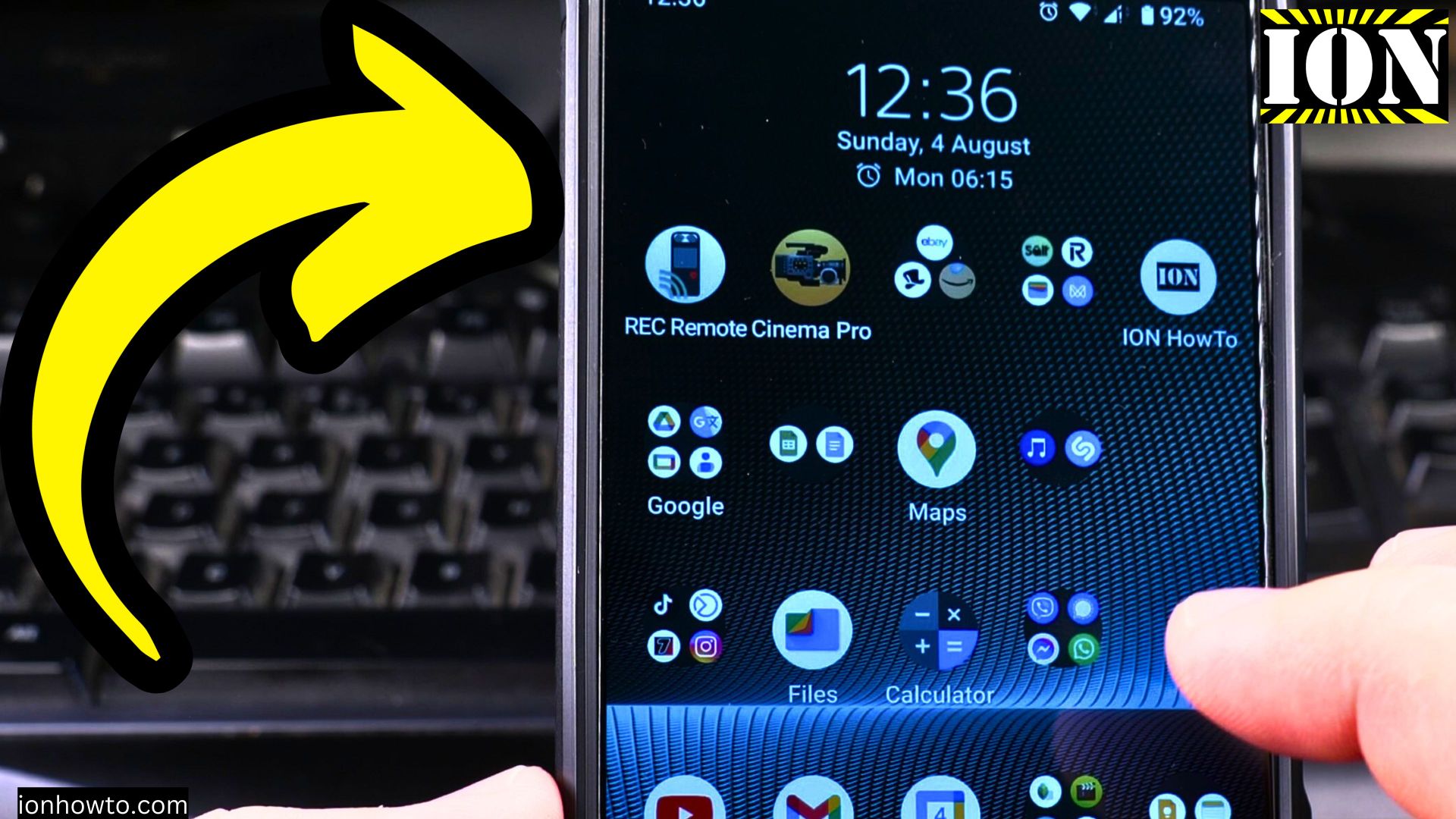
How to Enable Double Tap to Wake Up Display on Android Devices
How to enable double tap to wake on Android. Double tap to wake Android tutorial. Android gestures and motions to wake up Android display with double tap.Double tap screen to wake Android.Android double tap to wake feature or enable double tap to wake on.