
Category: Android Useful Apps
Practical guides to the most useful Android apps and built-in tools for productivity, file management, and phone security.
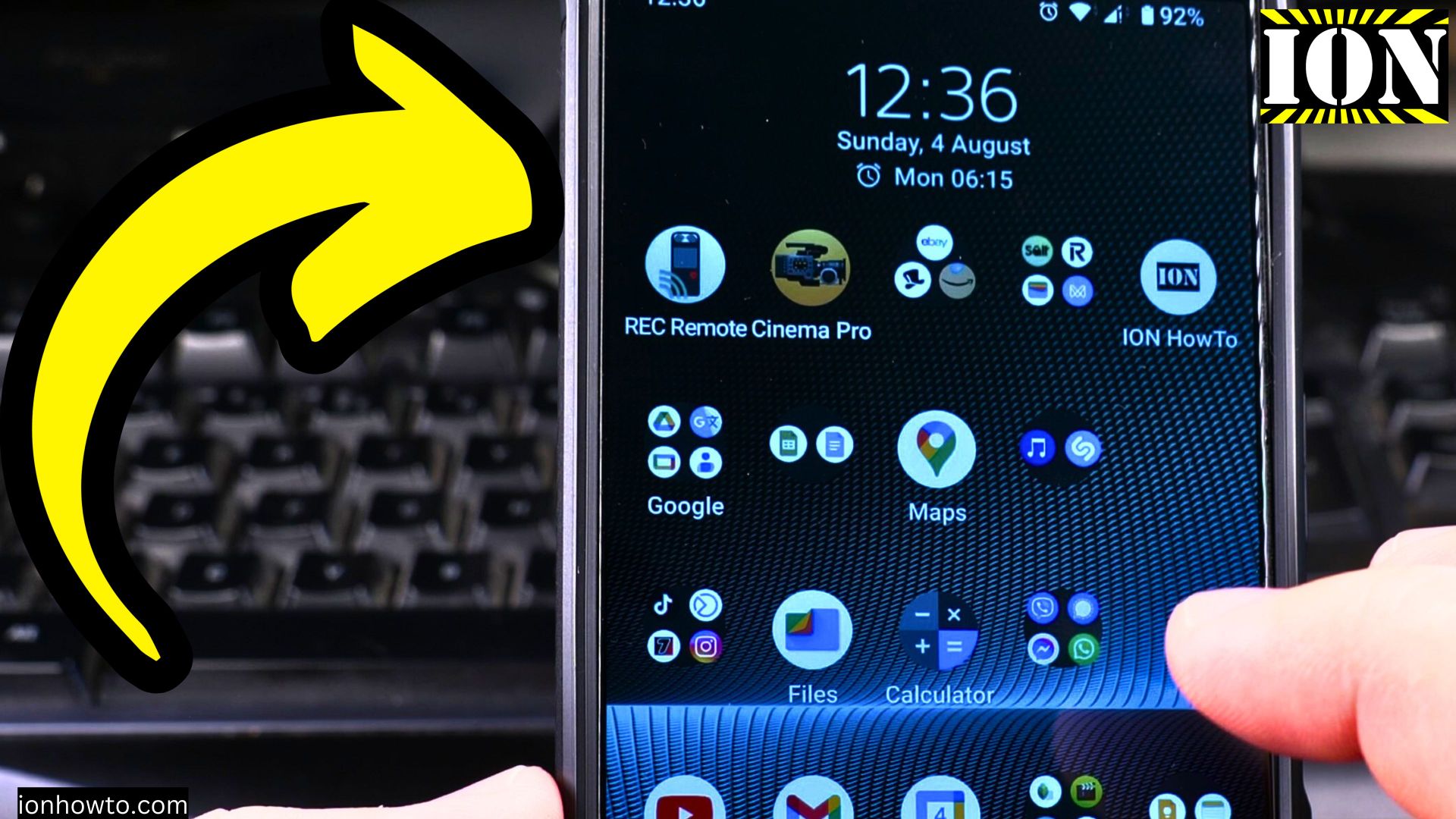
Fit More Apps on Android Home Screen
Learn how to organize your Android home screen to fit more apps while keeping it clean and functional. I’ll show you several ways to maximize space without clutter.
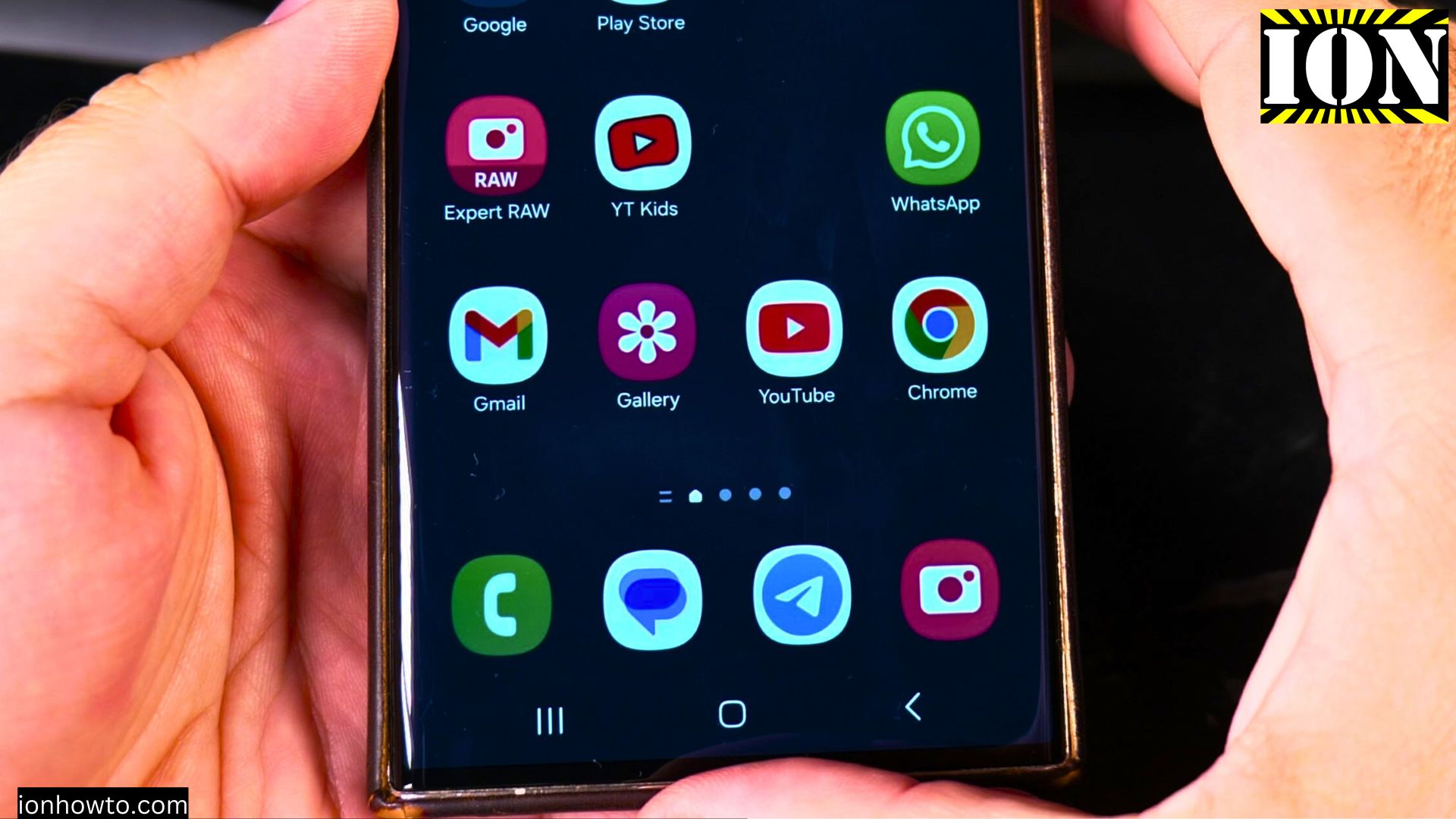
How to Adjust Brightness on Samsung Android
Learn how to control your Samsung Galaxy’s screen brightness for better visibility and battery life. I’ll show you all the brightness settings and customization options available.
How to Take a Screenshot on Samsung Android
Learn how to capture your screen on Samsung Galaxy phones using different methods. I’ll show you the simple ways to take and edit screenshots on your device.
Delete Clipboard History on Samsung Android
Learn how to clear your clipboard history on Samsung Galaxy phones to protect sensitive information and free up space. I’ll show you how to manage copied items in your clipboard.
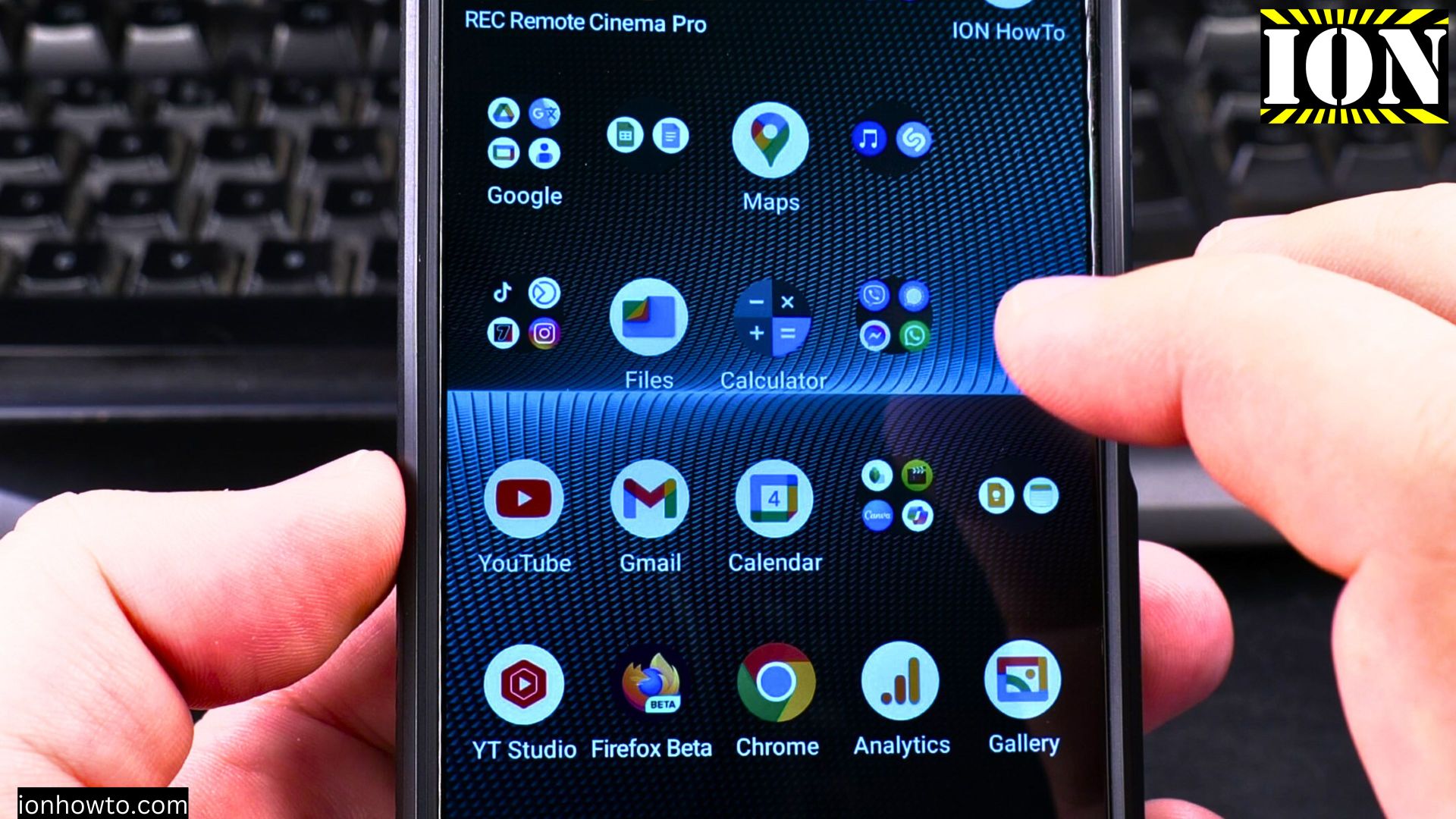
How to Clean Storage Space on Android
Learn how to free up space on your Android device using simple built-in tools. I’ll show you how to identify what’s taking up storage and how to remove unnecessary files safely.
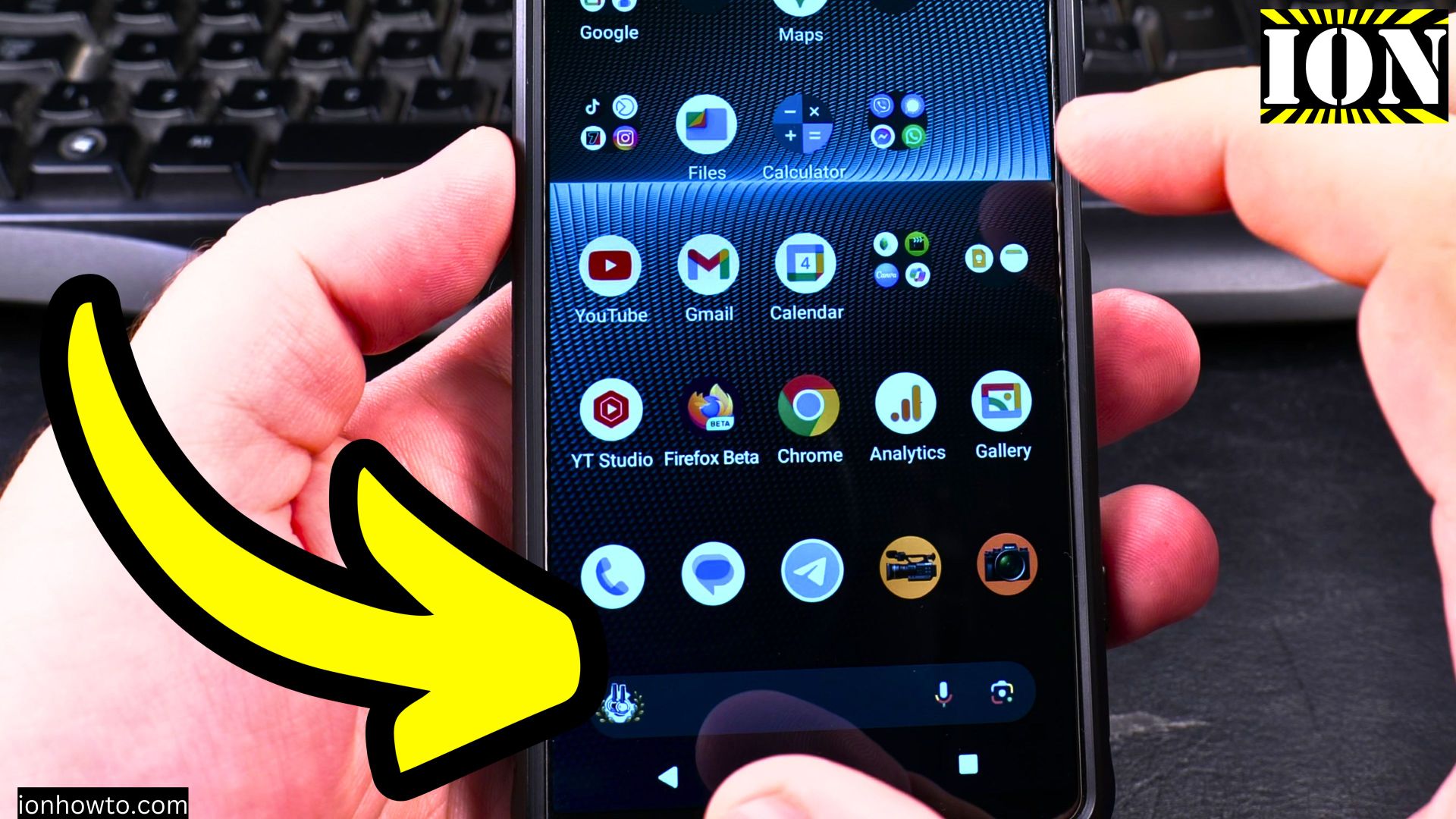
Enable USB File Transfer on Android
Learn how to quickly set up your Android phone for transferring files to your computer using a USB cable. I’ll show you the steps to enable file transfer mode and get your devices talking to each other.
Disable USB Data File Transfer on Android
Learn how to switch your Android phone to charging-only mode when connected via USB. I’ll show you how to prevent file transfers while keeping charging functionality intact.
Disable USB Data Transfer on Samsung Galaxy Android
Learn how to turn off file transfer mode and switch to charging-only when connecting your Samsung phone via USB. I’ll show you how to prevent accidental data transfers while keeping charging functionality.
Enable USB Data Transfer on Samsung Galaxy Android
Learn how to connect your Samsung Galaxy phone to a computer for easy file transfers. I’ll show you the steps to enable USB data transfer mode on your device.
Change Random Mac Address on Samsung Android
Learn how to randomize your Wi-Fi MAC address on Samsung Android phones to improve your privacy on public networks. I’ll show you the steps to change this setting on your Galaxy device.