
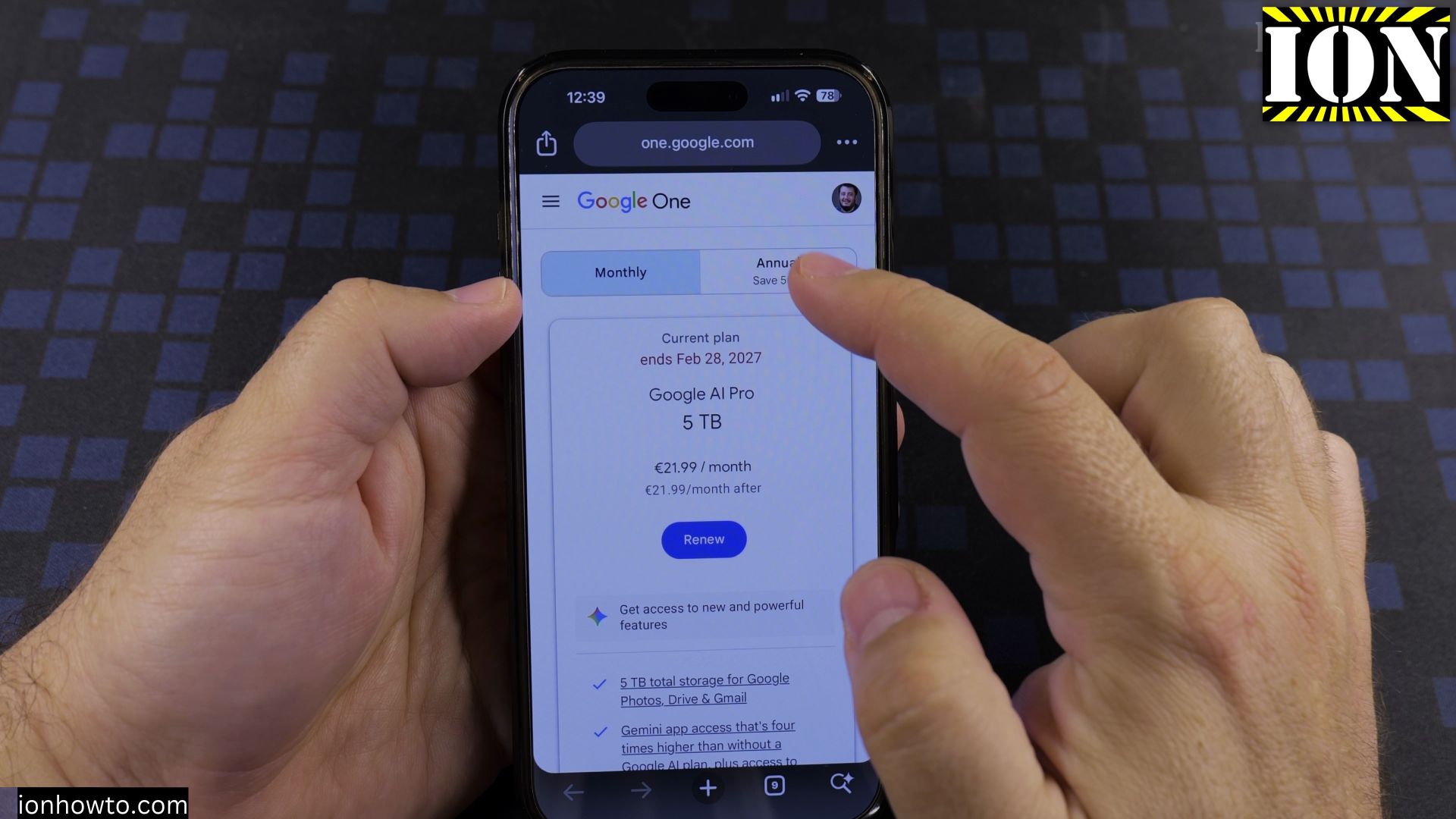
If your Google AI Pro 5 TB subscription costs €21.99 a month or €219 a year, you may see a 50% Black Friday offer inside Google One. In this simple step-by-step guide, I’ll show you how to find the official 50% discount at one.google.com, compare monthly and annual pricing, and check what happens if you already have an active free trial.
What you will do
- Open one.google.com and sign in
- Compare the monthly and annual Black Friday prices
- Check Renew in Google Play if you cancelled a trial
- Open the 50% off popup and tap Manage membership
- Check the Switch warning before ending a free trial
1. Open one.google.com and sign in
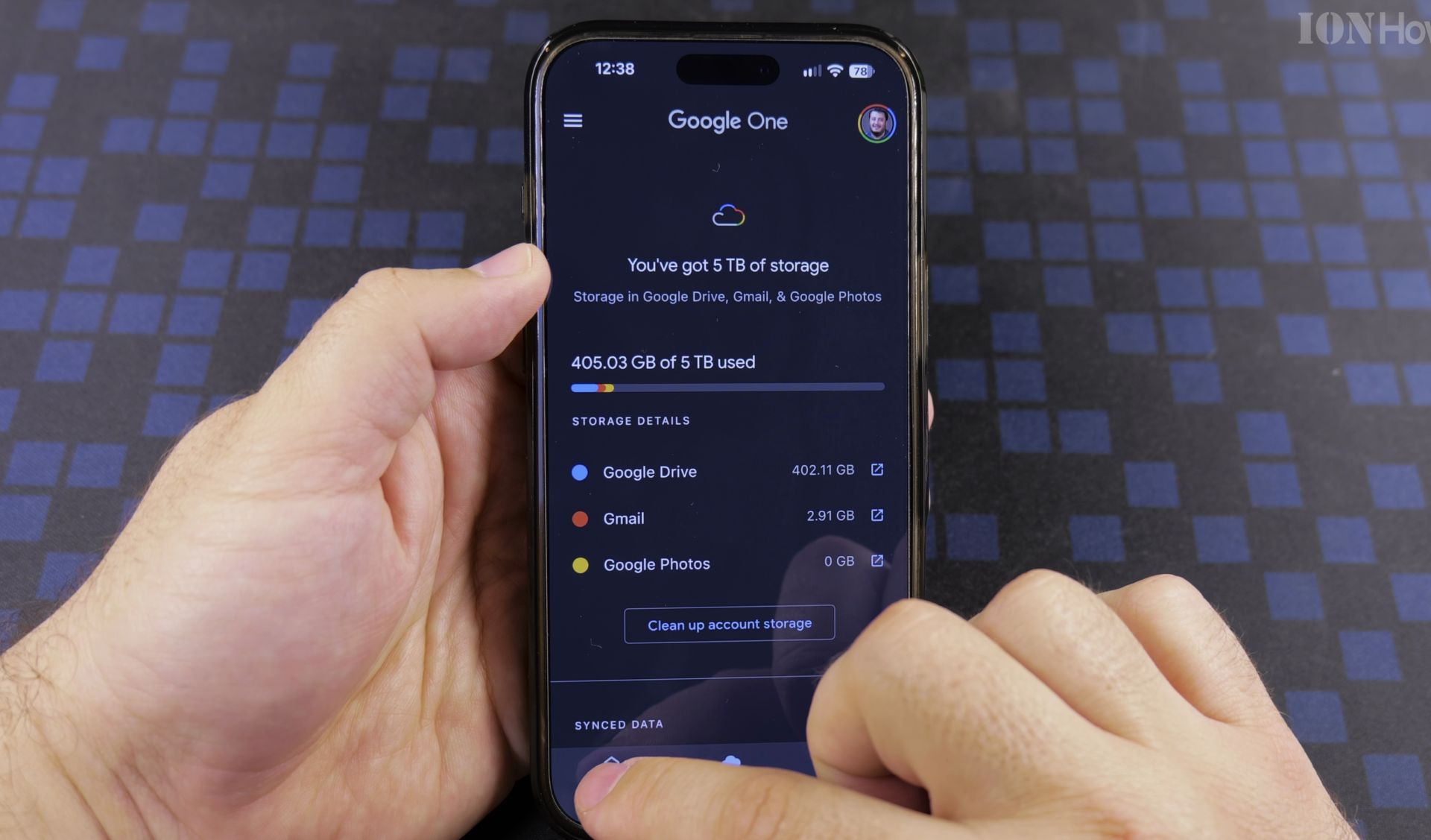
Open your phone browser, go to one.google.com, and sign in with the Google account you use for Google One. On the main page, look for the member-exclusive Black Friday banner offering up to 50% off select Google AI plans. In my check, this offer applies to the Google AI Pro 5 TB annual plan, while Google AI Ultra stays at regular price.
2. Compare the monthly and annual Black Friday prices
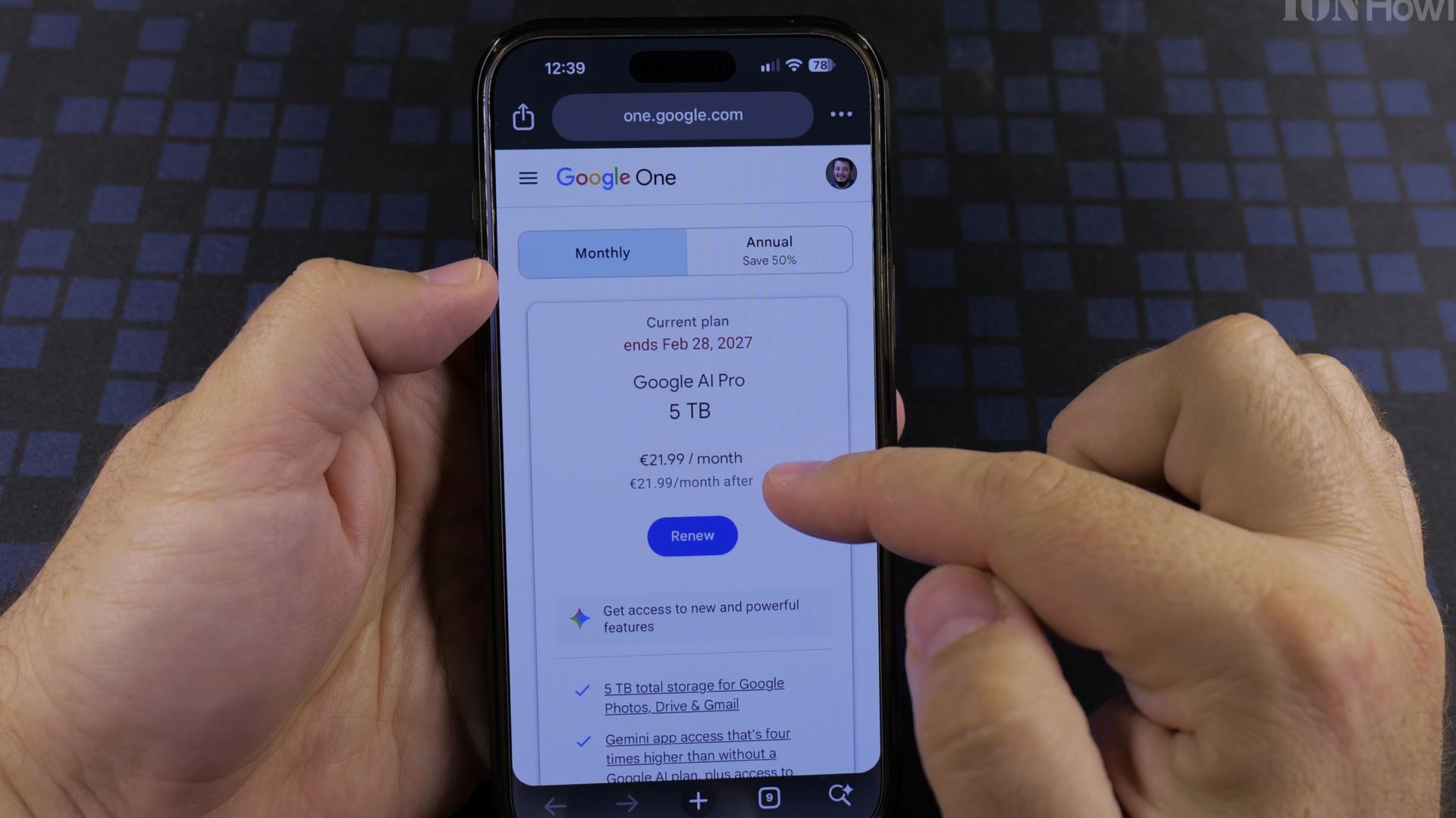
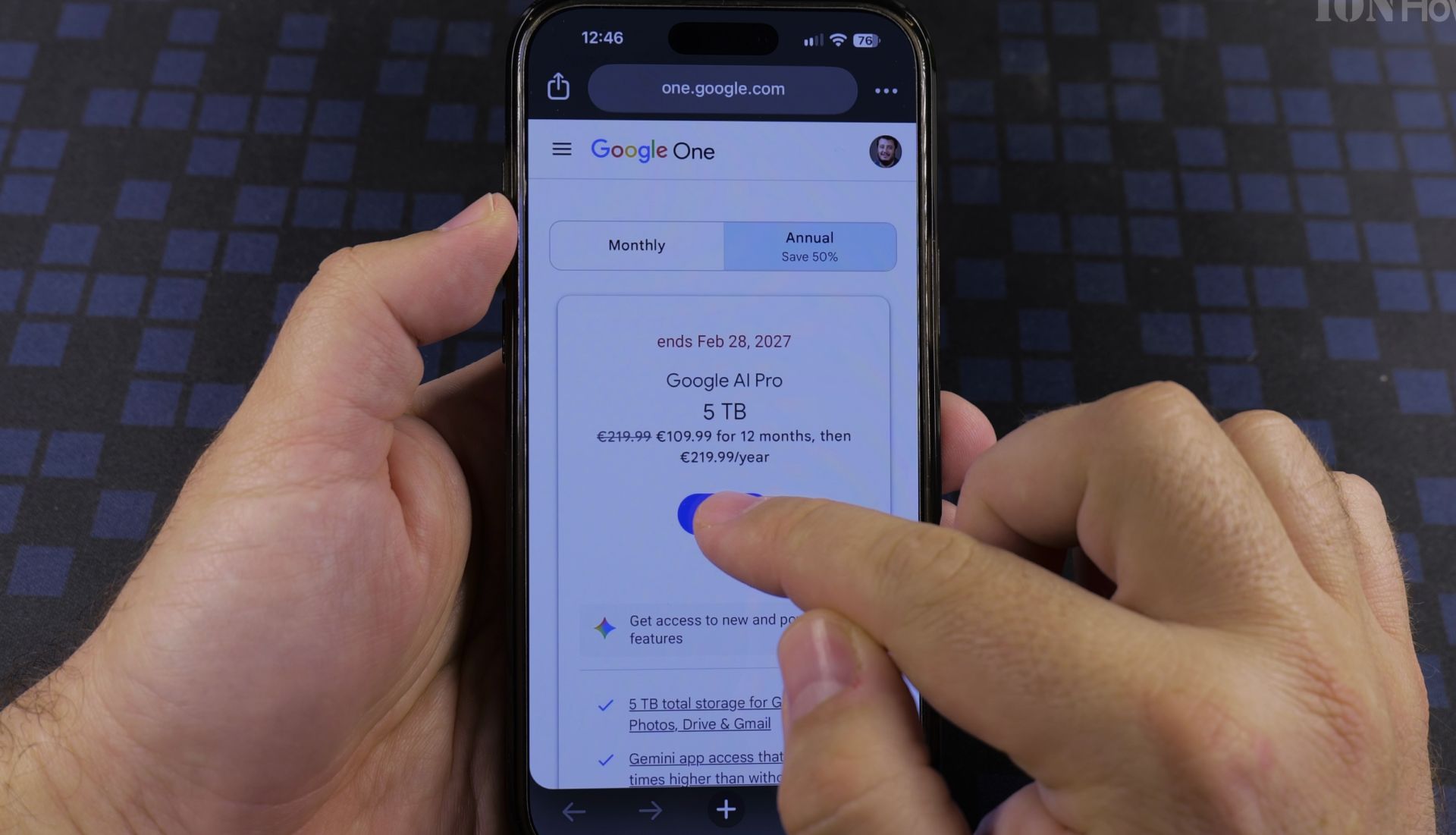
Look at the Monthly and Annual tabs near the top of the Google One offer card. The monthly option remains €21.99 per month, so the Black Friday discount only triggers when you switch to the Annual plan. Switching to yearly billing drops the first 12 months from €219 down to €109 before returning to €219 the next year.
3. Check Renew in Google Play if you cancelled a trial
If you cancelled an active free trial earlier, tapping Renew opens your Subscriptions page in Google Play. Tapping Resubscribe there usually restores your original €21.99 monthly renewal rather than applying the Black Friday yearly rate. Go back to one.google.com if you want to check the Black Friday popup directly.
4. Open the 50% off popup and tap Manage membership
Tap the 50% off AI plans popup inside Google One to open the Manage your Google One membership screen. Scroll to Change membership plan so you can view the discounted annual upgrade options. From here you can also verify which family members share your 5 TB storage, Gemini in Gmail and Docs, and AI tools.
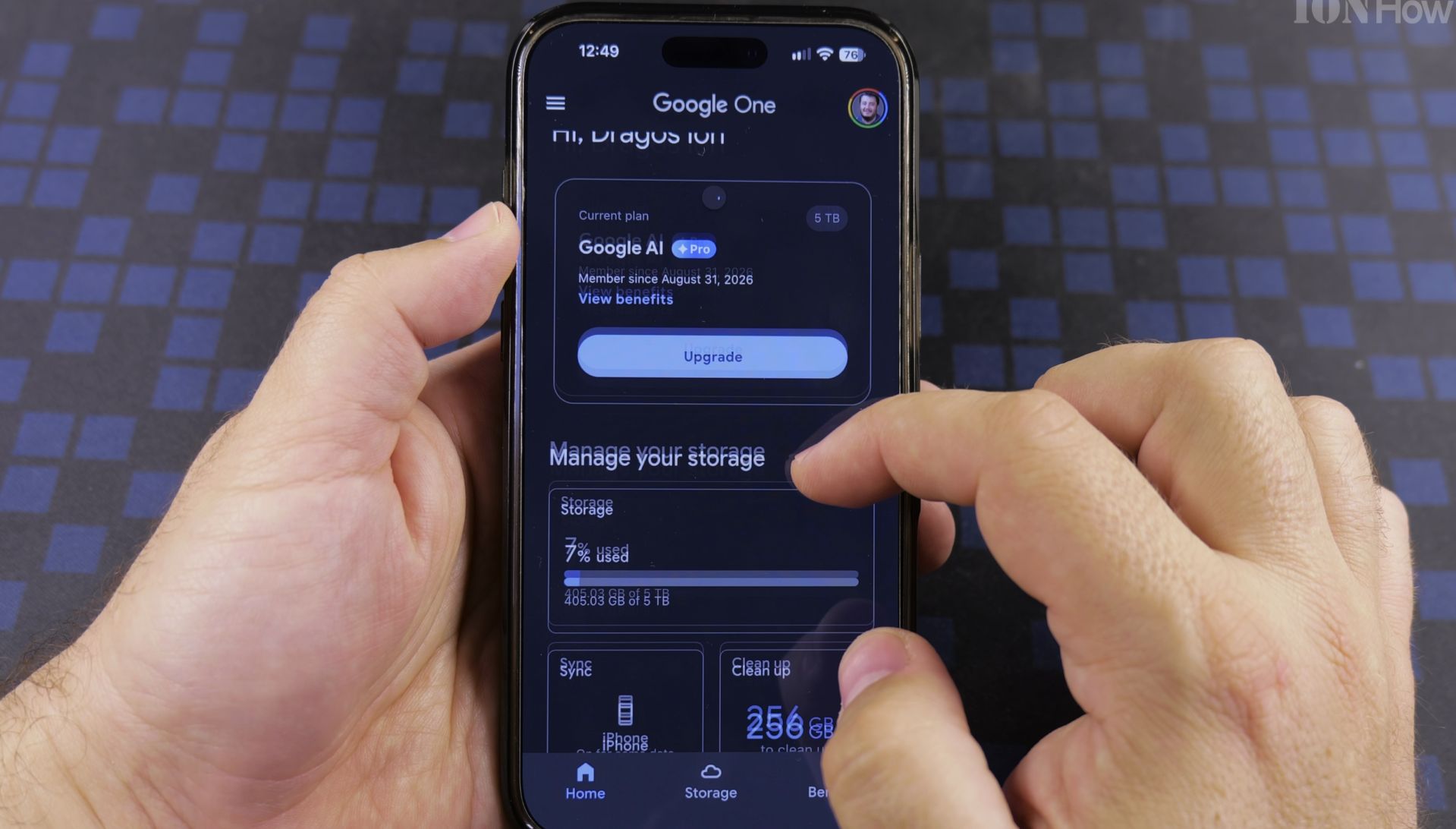
5. Check the Switch warning before ending a free trial
Select the discounted Annual option and read the confirmation screen carefully before tapping Switch. Google warns that any remaining discounts or free trial months on your current plan end the moment you switch. If you still have three months left on a Pixel free trial, weigh losing about €65 in free service against saving €110 on your first year.
Helpful Tips
- If you bought a Google Pixel 11 Pro XL with a 6-month Google AI Pro free trial, check your end date first so you do not give up free months too early.
- The 50% Black Friday savings apply only to the first 12 months of annual Google AI Pro billing, and the plan renews at €219 per year afterward unless you cancel.
- Google AI Pro storage (5 TB) and Gemini benefits can be shared with up to five family members through Google Family Sharing at no extra cost.
Related Guides
- Google Pixel 11 Pro XL Canyon 512GB 16GB RAM Unboxing and Box Contents Overview – Curious what comes inside the box when you pick up the 512GB Google Pixel 11 Pro XL in Canyon?
- How to Set Up Google Pixel 11 Pro XL as a New Phone (Quick Step-by-Step Guide) – If you just unboxed the Google Pixel 11 Pro XL and want a fast, straightforward walkthrough to get it running as a new phone…
- Unboxing Google Pixel 11 Pro XL Canyon 512GB (16GB RAM): Extended Step-by-Step Guide – Before powering on a new flagship smartphone, taking a close look at the retail packaging, hardware specifications, and…
- Google Interview Questions – Browse more tutorials and practical guides in this section.
Watch the Extended Step-by-Step Video Guide
If you want the complete walkthrough where I check Google Play Store resubscribe behavior, review all Google AI Pro family sharing benefits including 5 TB storage and Gemini features, and calculate the remaining Pixel free trial math in detail, watch my extended tutorial below.


Leave a Reply