
Amazon links
As an Amazon Associate I earn from qualifying purchases:
- Phone Cases
- Mobile Tripods
- Usb-c charger
- Usb-c cable
- Docking stations
- Wireless car chargers
- Wireless charger stand
- SIM card removal tool
- SIM card holder
Charging sound can be useful, it:
- Confirms your device is charging in dark rooms
- Provides instant audio feedback when plugging in a charger
- Helps when visual cues might be missed
- Adds a satisfying interaction with your phone
Compatibility and Device Support
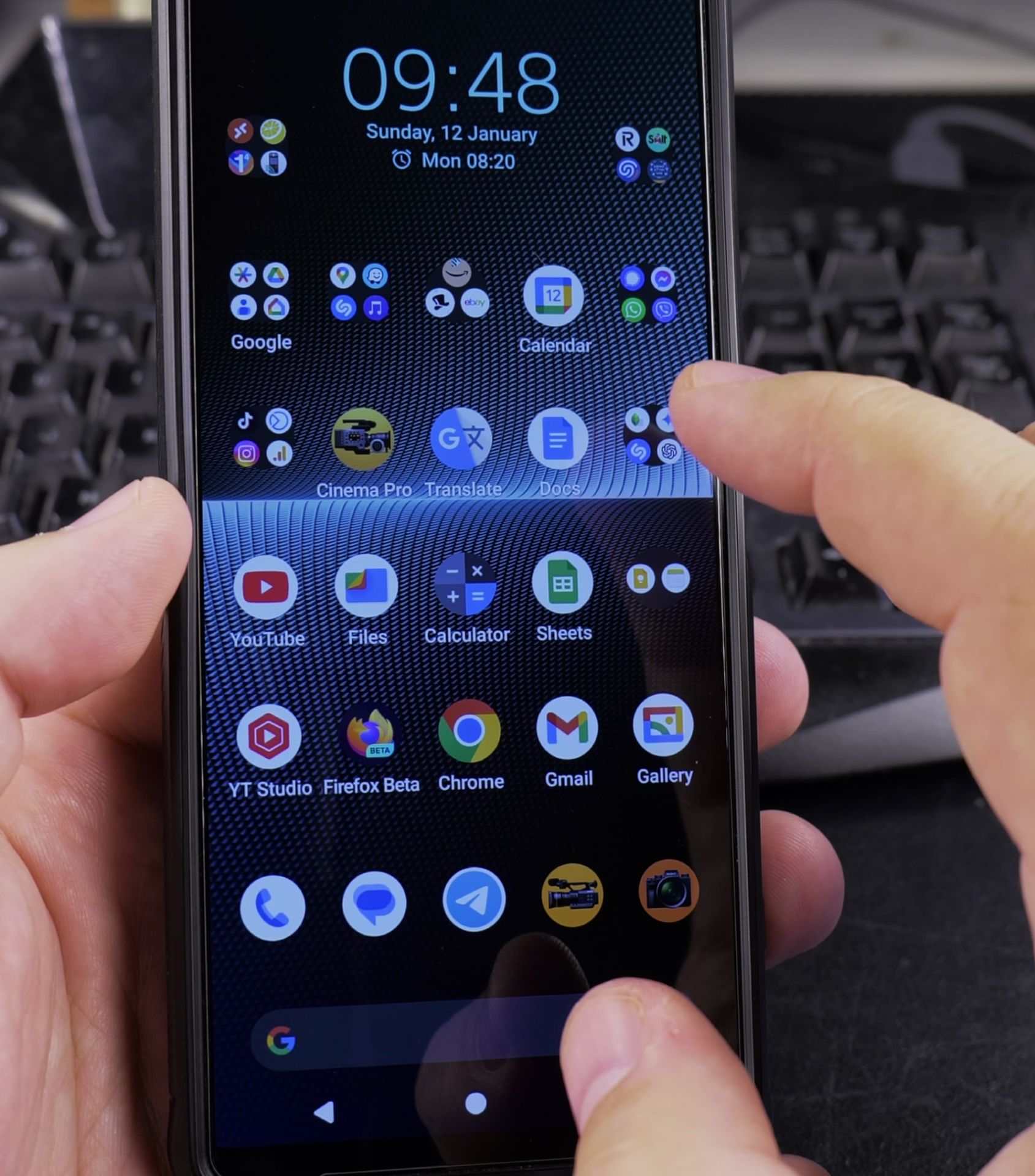
This method works on a many Android devices, including:
- Samsung Galaxy series
- Google Pixel phones
- OnePlus smartphones
- Sony Xperia devices
- Most Android phones running Android 10 and newer
Enabling Charging Sounds
Quick Steps and Scenarios Overview
| What You Need to Do | Quick Jump |
|---|---|
| Compatibility and Device Support | Jump to Step 1 |
| Enabling Charging Sounds | Jump to Step 2 |
| How to Disable Charging Sounds on Android | Jump to Step 3 |
| Customizing Sounds | Jump to Step 4 |
| Sound Settings | Jump to Step 5 |
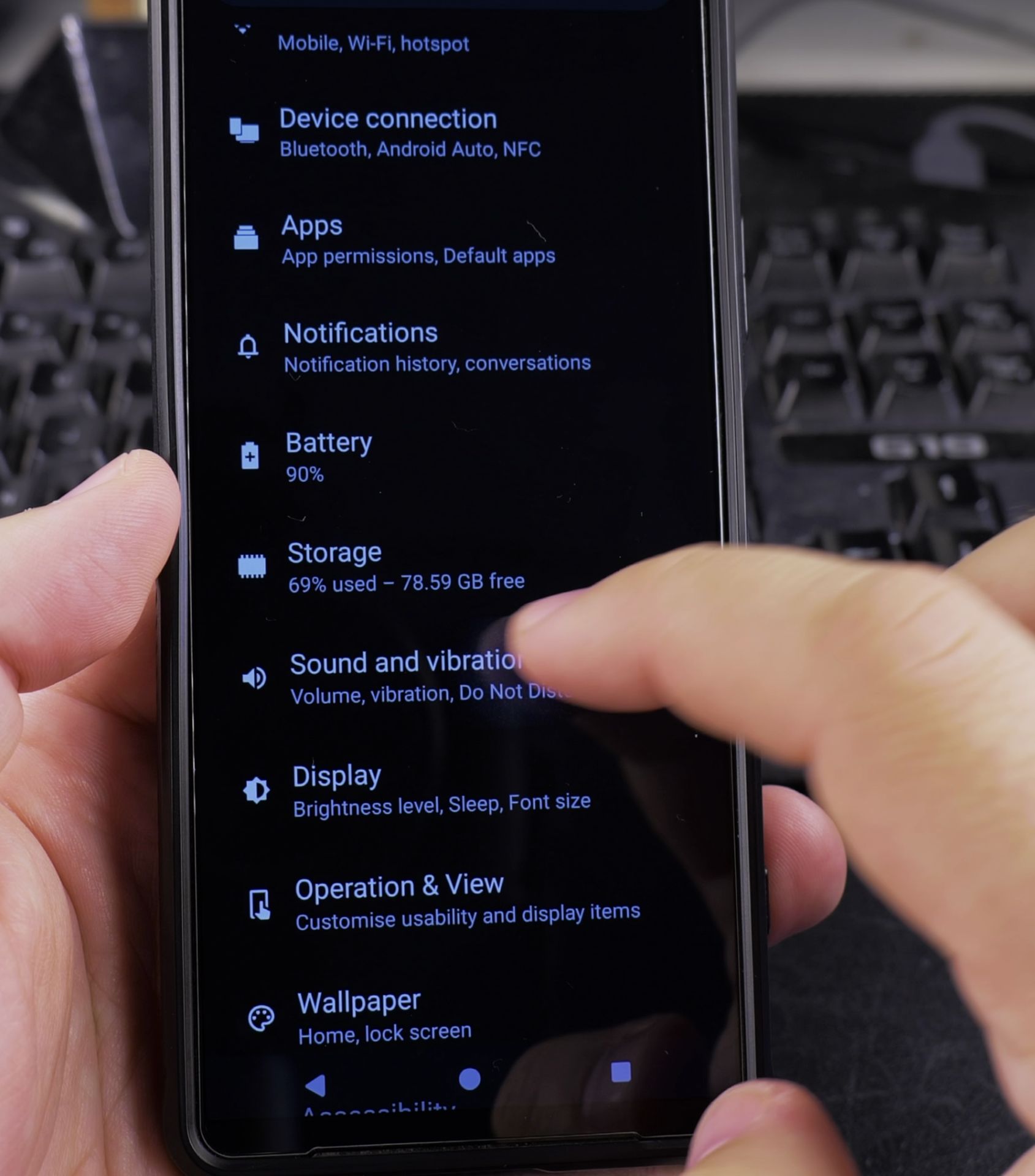
Step 1: Access System Settings
- Open your phone “Settings” app
- Scroll down and find “Sounds” or “Sound & Notification”
Step 2: Go to Additional Sound Settings
- Look for “Other Sounds” or “Additional Settings”
- Some devices might label this as “System Sounds”
Step 3: Find Charging Sound Option
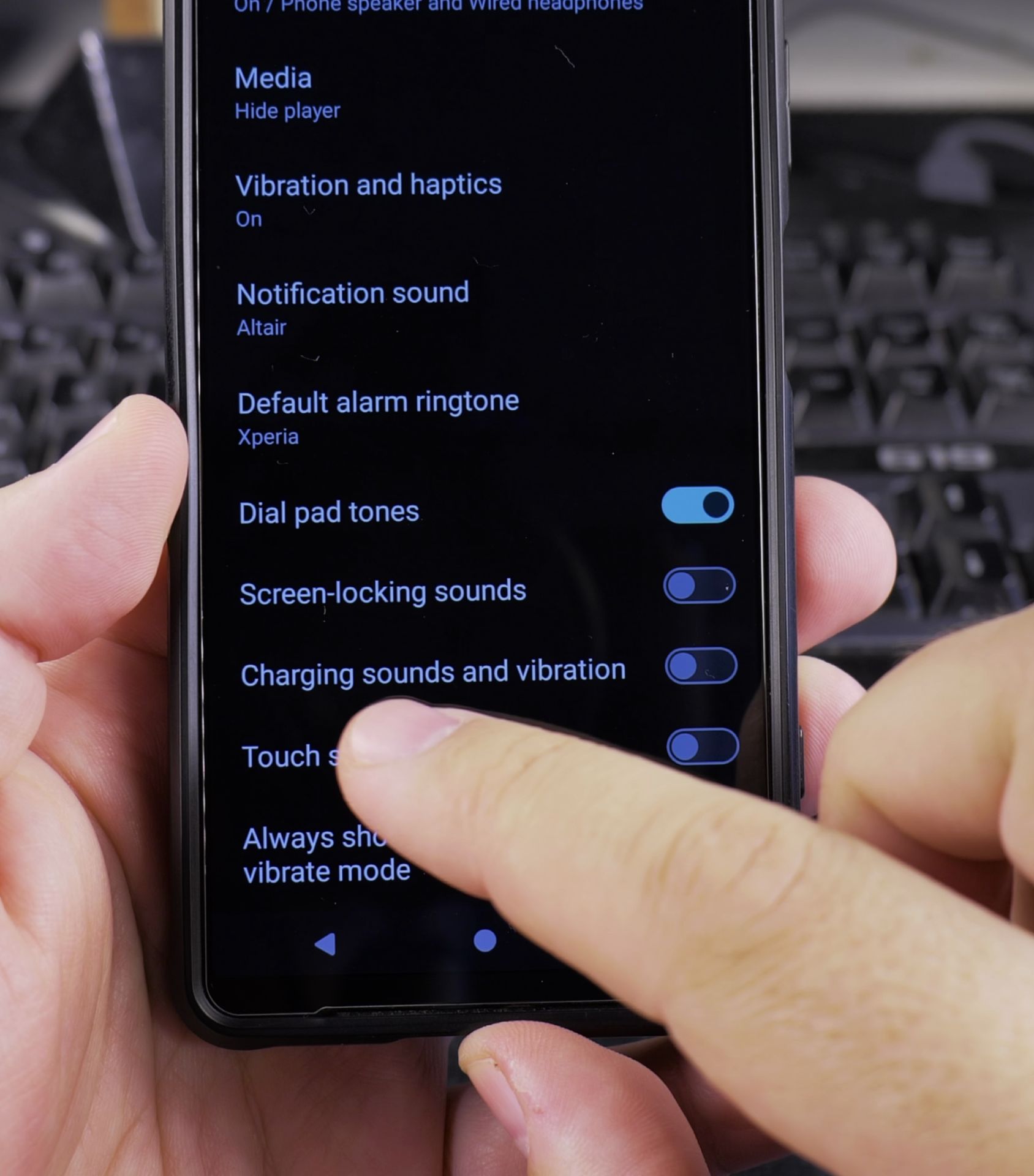
- Find the “Charging sounds” or “Charger connected” toggle
- Turn on the switch to enable the sound
Troubleshooting
If you can’t find the charging sound option:
- Check your Android version (Android 10+)
- Update the phone software
- Verify sound settings are not muted
- Restart your device and check again
How to Disable Charging Sounds on Android
Customizing Sounds
Other than charging sounds, you can also change other audio and vibration settings:
- Adjust ringtone volume
- Set notification sounds
- Customize system sound effects
- Choose different audio feedback for various actions
- Check Vibration settings and Dynamic Vibration
Sound Settings
- Use volume buttons to quickly adjust sound levels
- Explore your device sound settings for more customization options
- Sound preferences are personal – find what you like
Conclusion
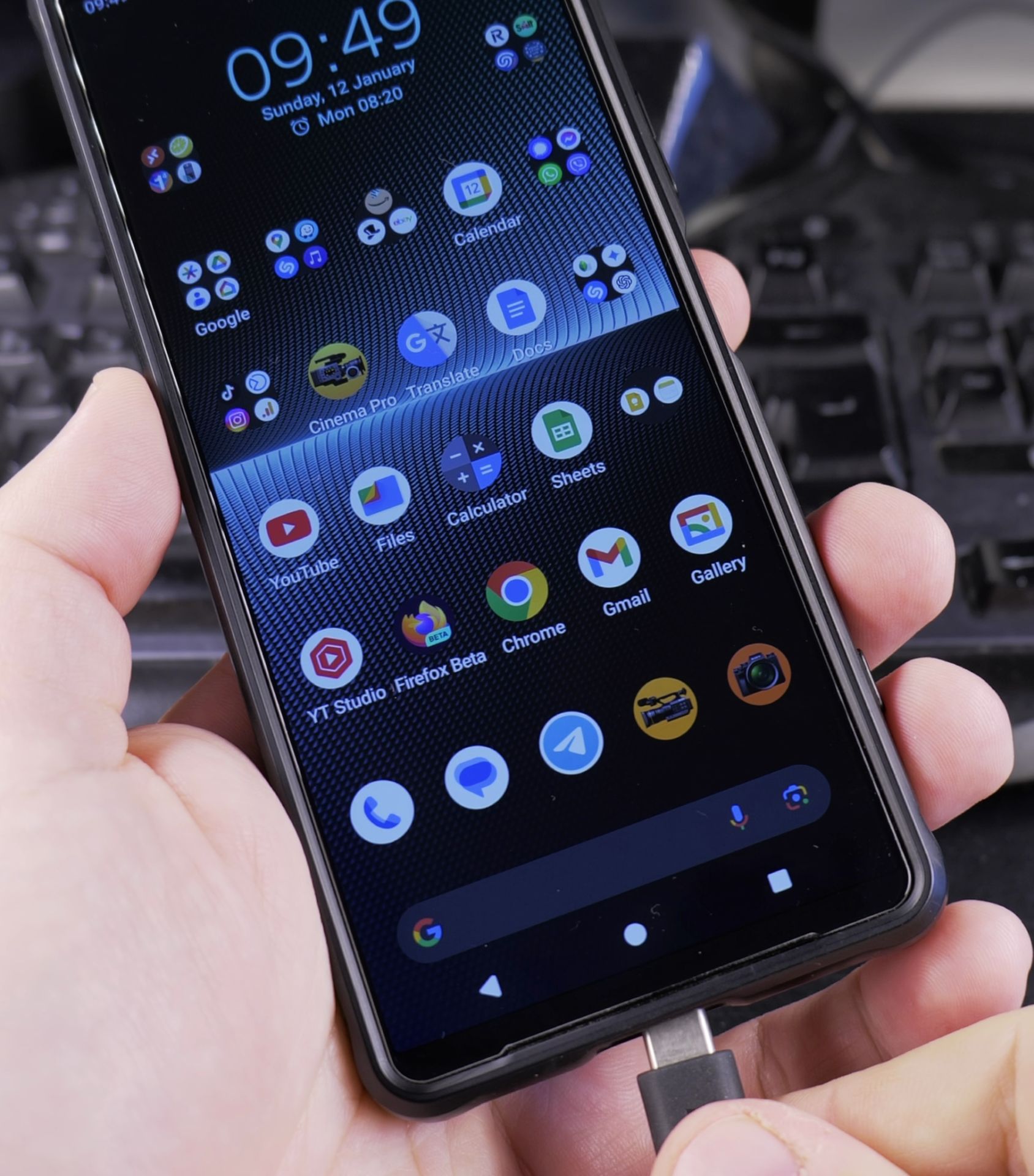
Enabling charging sounds is a way to make your Android device feel more interactive same with vibrations.
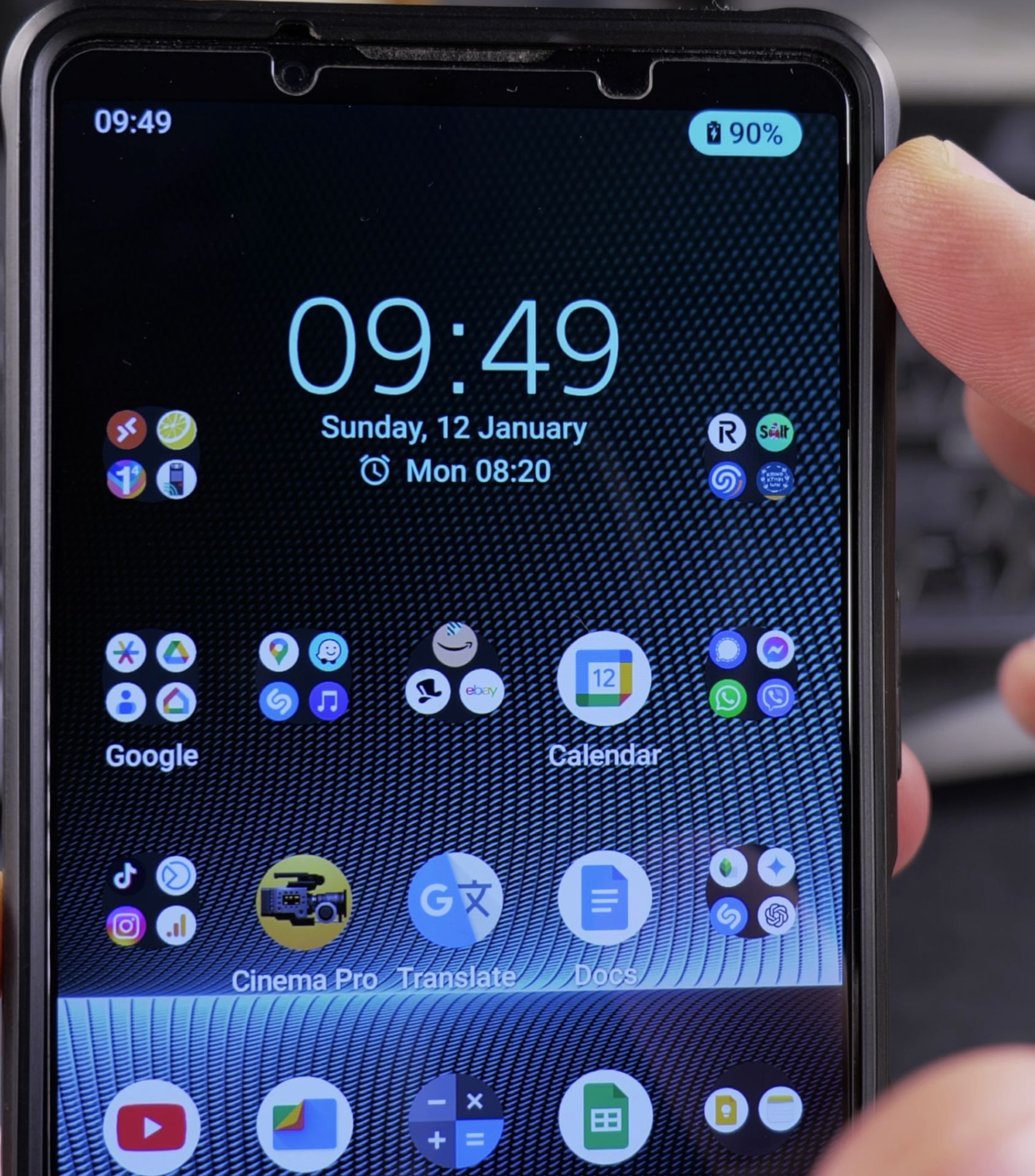
Phone: Sony Xperia 1V Android 14 version.
Helpful Tips
Take your time and check the screen carefully after each tap so you can confirm the setting changed as expected. If an option appears in a slightly different spot on your device, watch the embedded video above for a closer look.
Related Guides
- Parkside Battery Not Charging Fix Charger LED Blinking Red Green – Parkside 20V cordless drill battery Not charging, charger leds blinking fix.
- How to Disable Fast Charging on Android – How to Disable Fast Charging on Android Devices.
- Enable Tapping Touch Sounds on Android – How to Enable Tapping Touch Sounds on Android Devices.
- Samsung Android Guides – Browse more tutorials and practical guides in this section.


Leave a Reply