
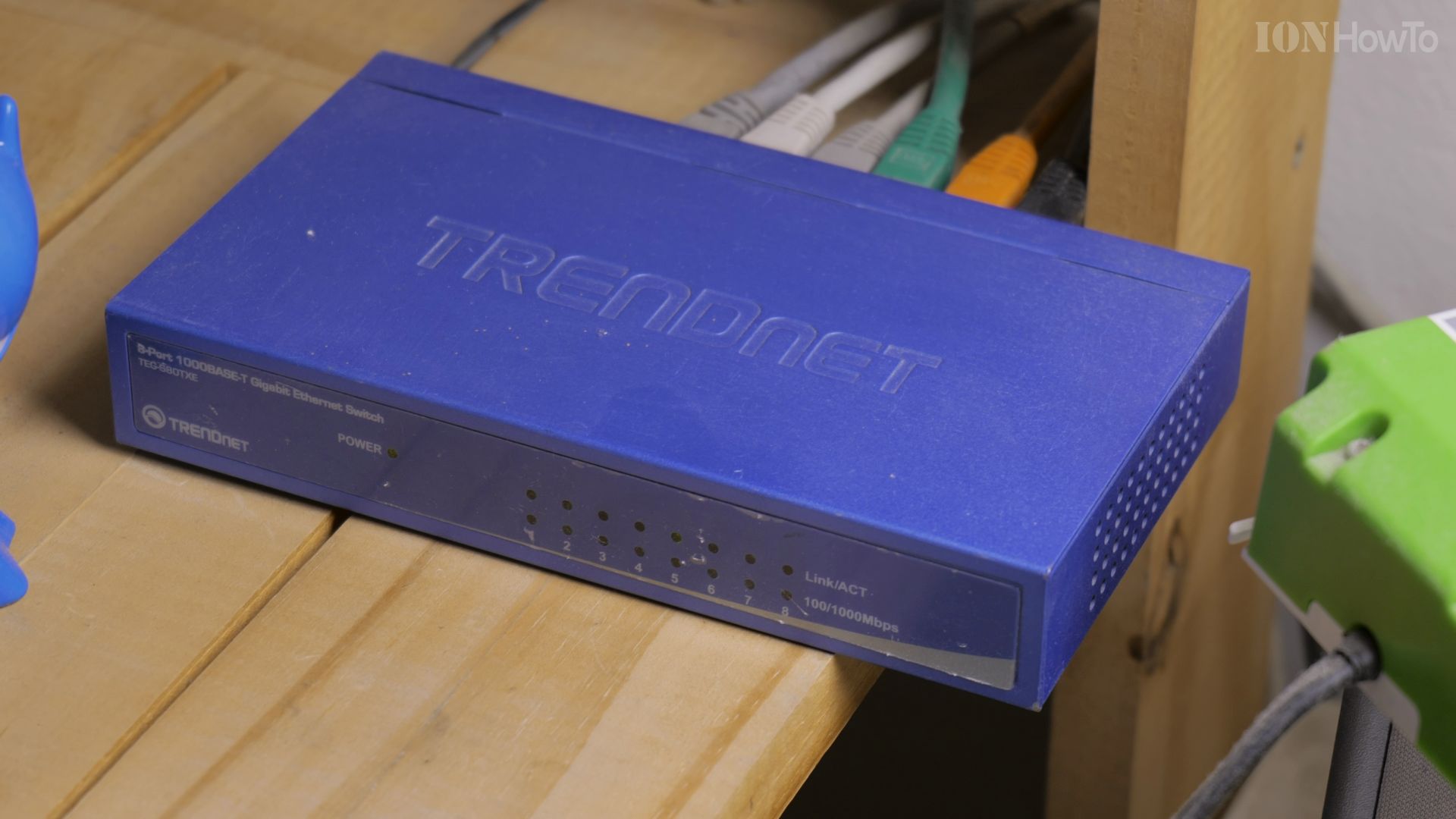
If your home network is stuck at standard 1-gigabit speeds, upgrading your central switch delivers faster file sharing and smooth media editing. I’ll show you how the Trendnet TEG-S562 multi-gig switch works and how to set up its 2.5GbE ports and 10Gb SFP+ uplinks.
1. Review the Multi-Gigabit Port Layout
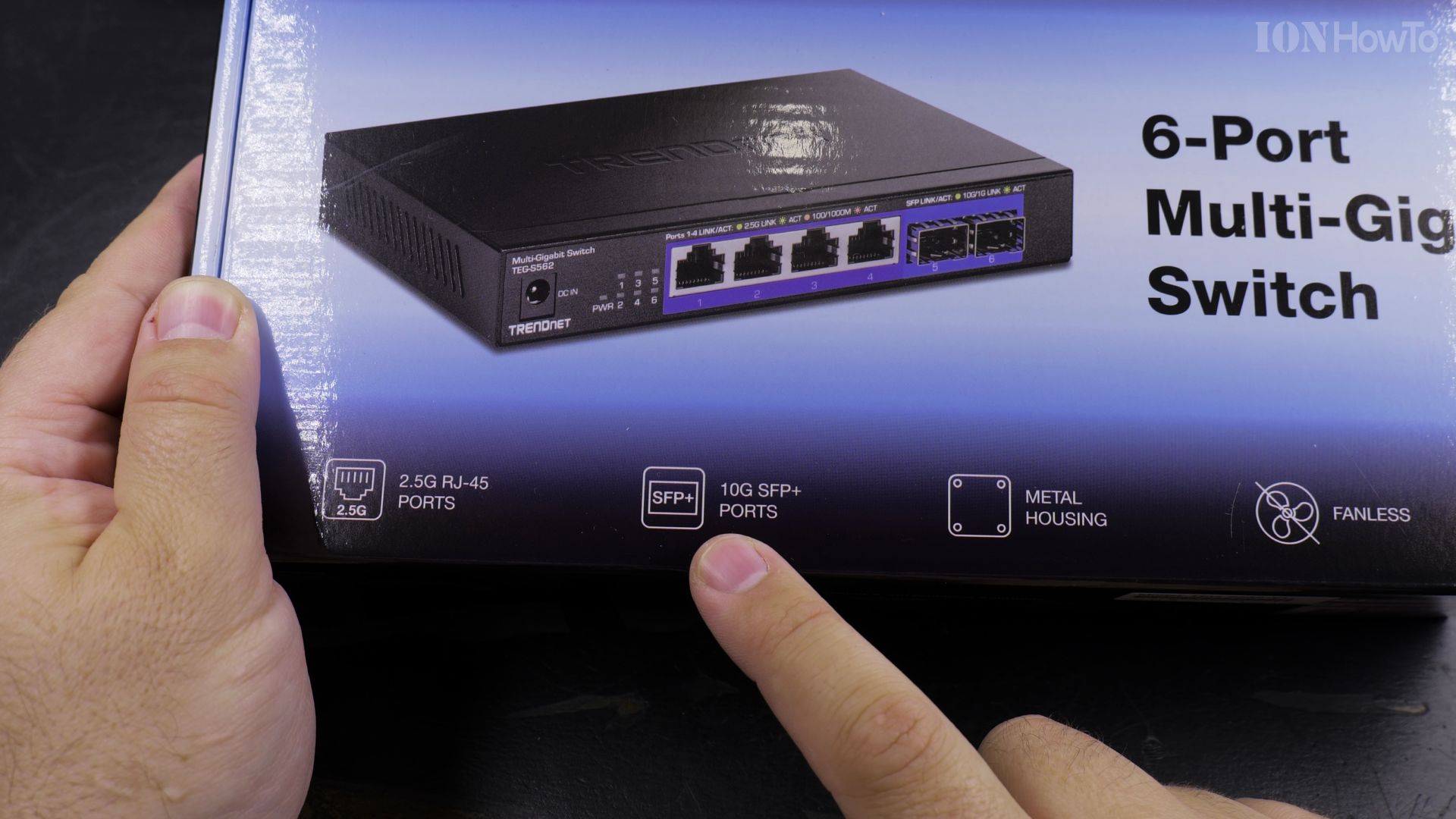
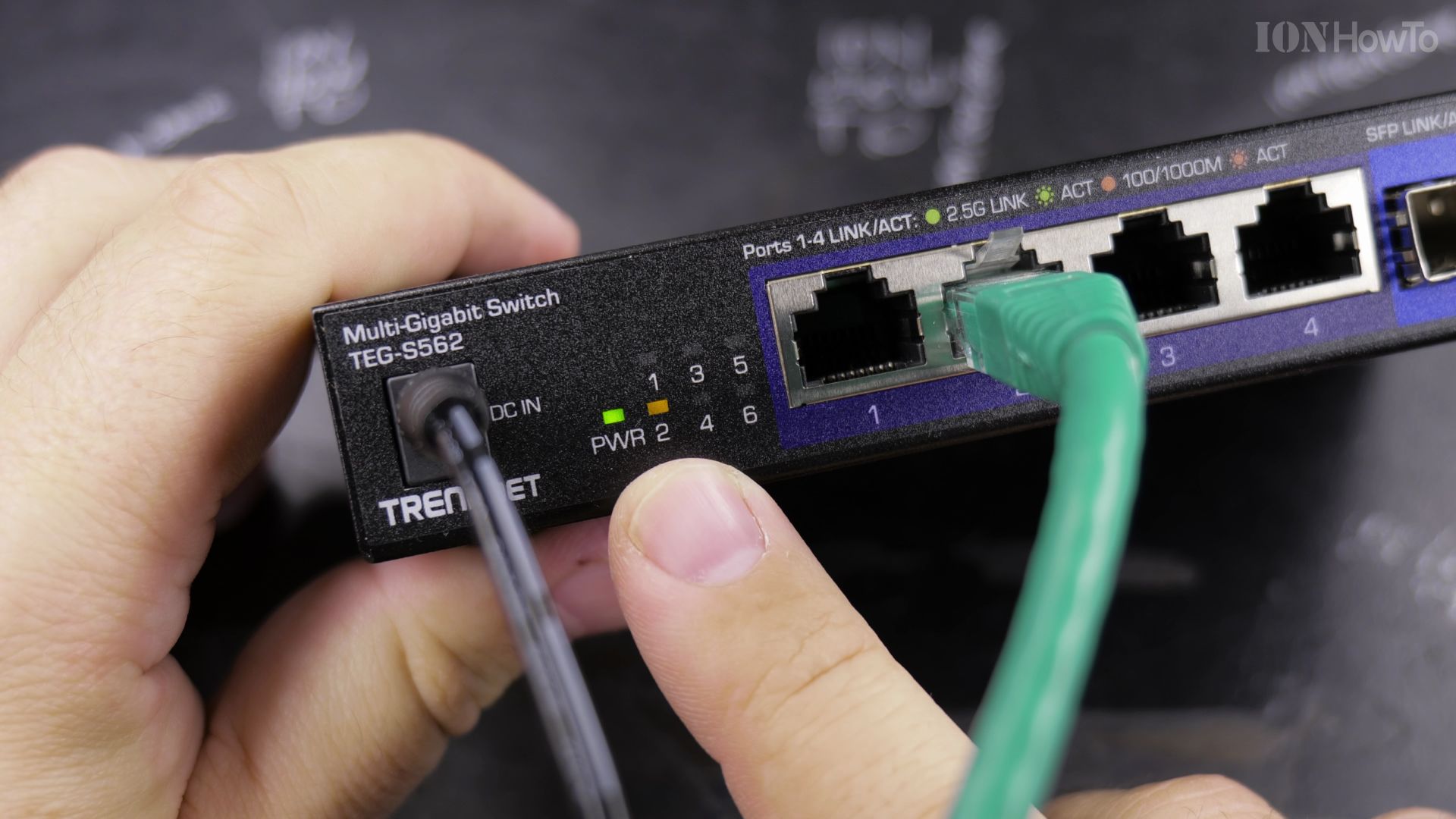
Examine the front panel. The Trendnet TEG-S562 features **four 2.5GbE ports** for desktop workstations and NAS devices, plus **two 10G SFP+ ports** for ultra-fast uplinks.
2. Plug in Your High-Speed Devices
Connect standard Cat5e or Cat6 cables from your computers into ports 1 through 4. The switch automatically negotiates up to 2.5Gbps per port without extra configuration.
3. Install Your 10G SFP+ Uplink Module
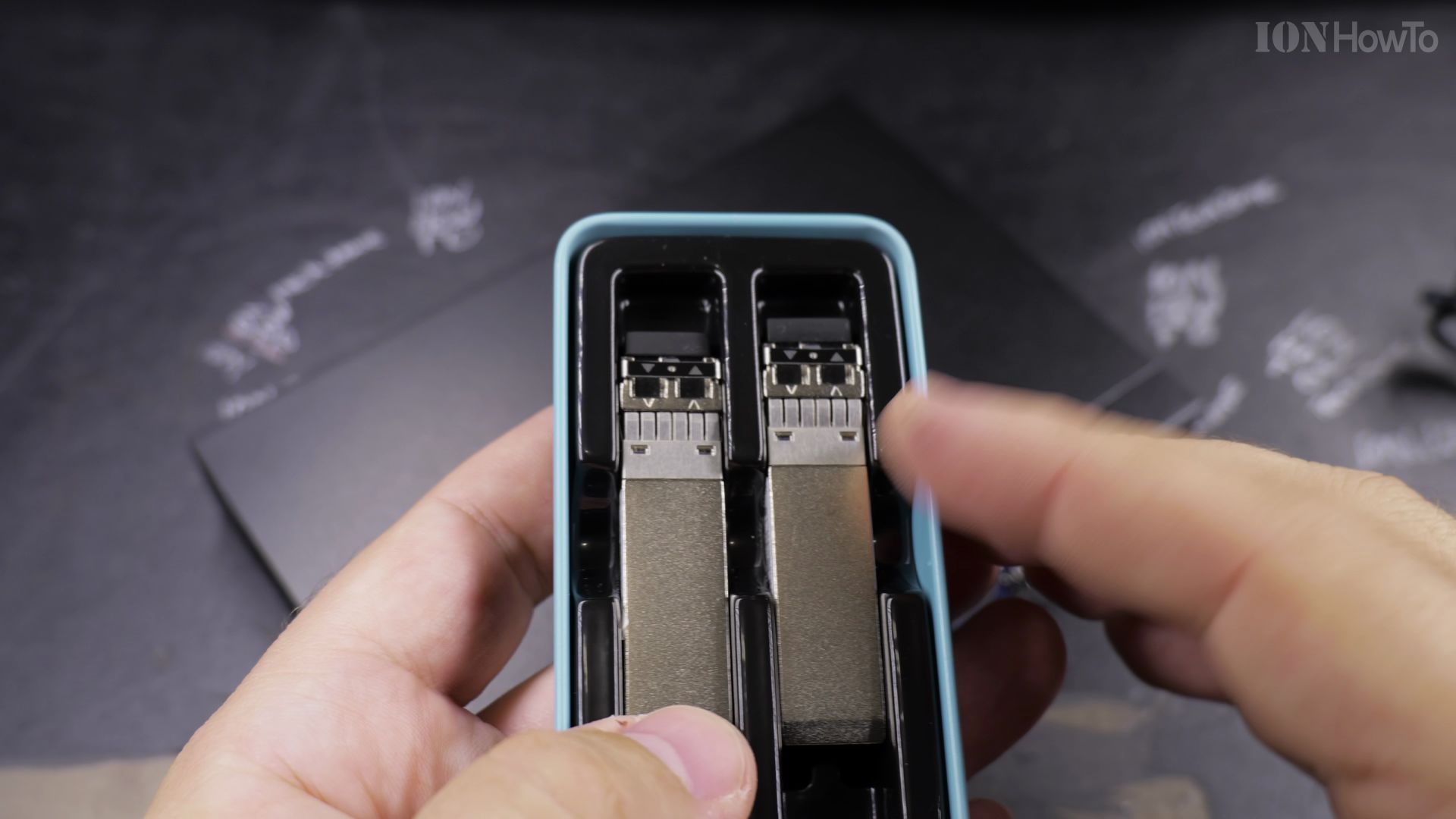
Insert an SFP+ optical transceiver or 10G copper RJ45 module into port 5 or 6. Run the uplink cable directly to your main router or high-performance storage server.
4. Verify Link Speeds by LED Color
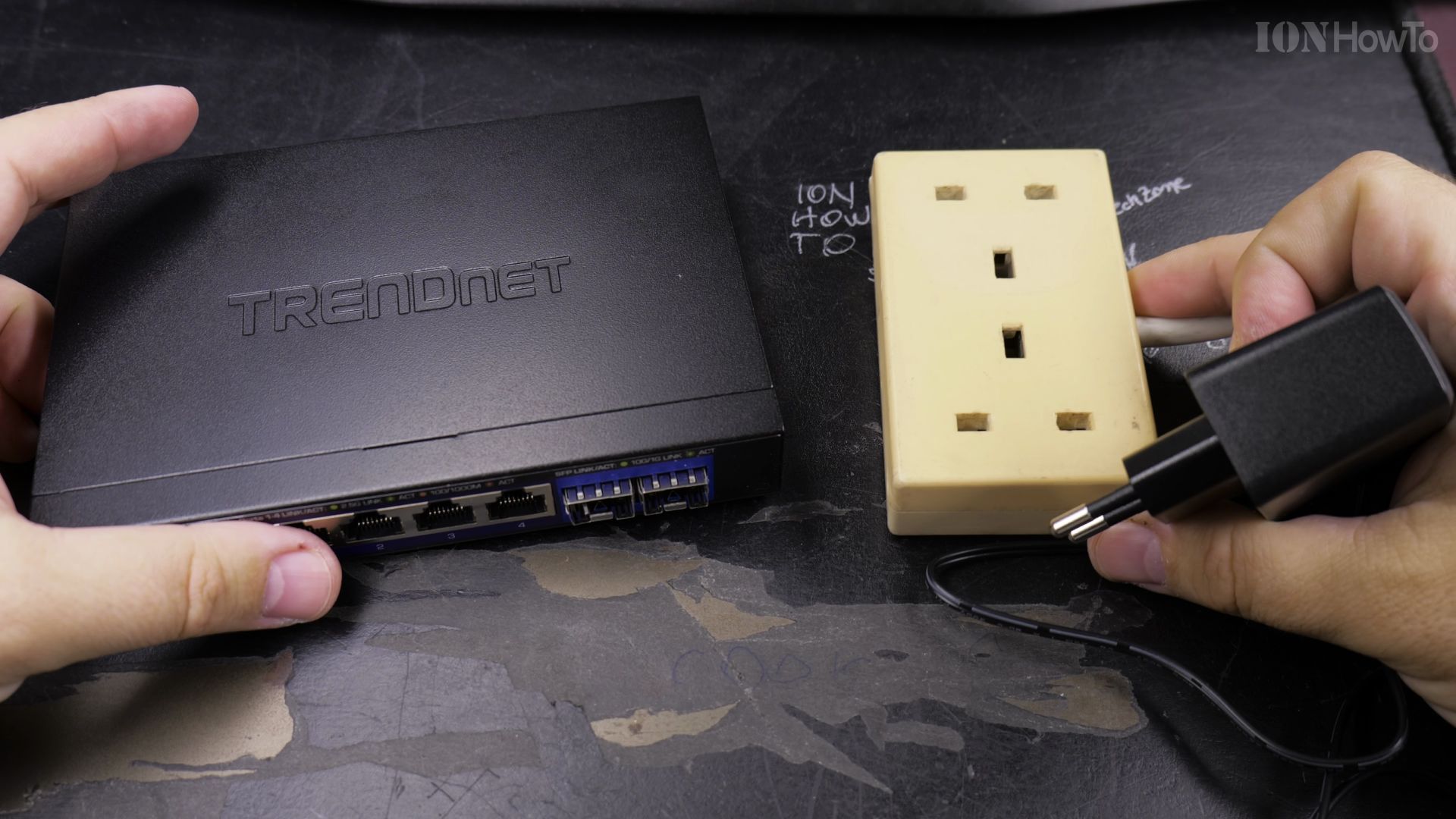
Check the front LED status indicators. A solid green light confirms full 2.5Gbps or 10Gbps connectivity, while amber signals a legacy 1Gbps link.
Helpful Tips
Because this switch features a fanless metal enclosure, it operates 100% silently, making it ideal for bedrooms, quiet offices, or living room media consoles. Learn more about high-performance networking in our Tech Reviews section or browse our How-To guides.


Leave a Reply