
Tag: Samsung Galaxy S23 Ultra
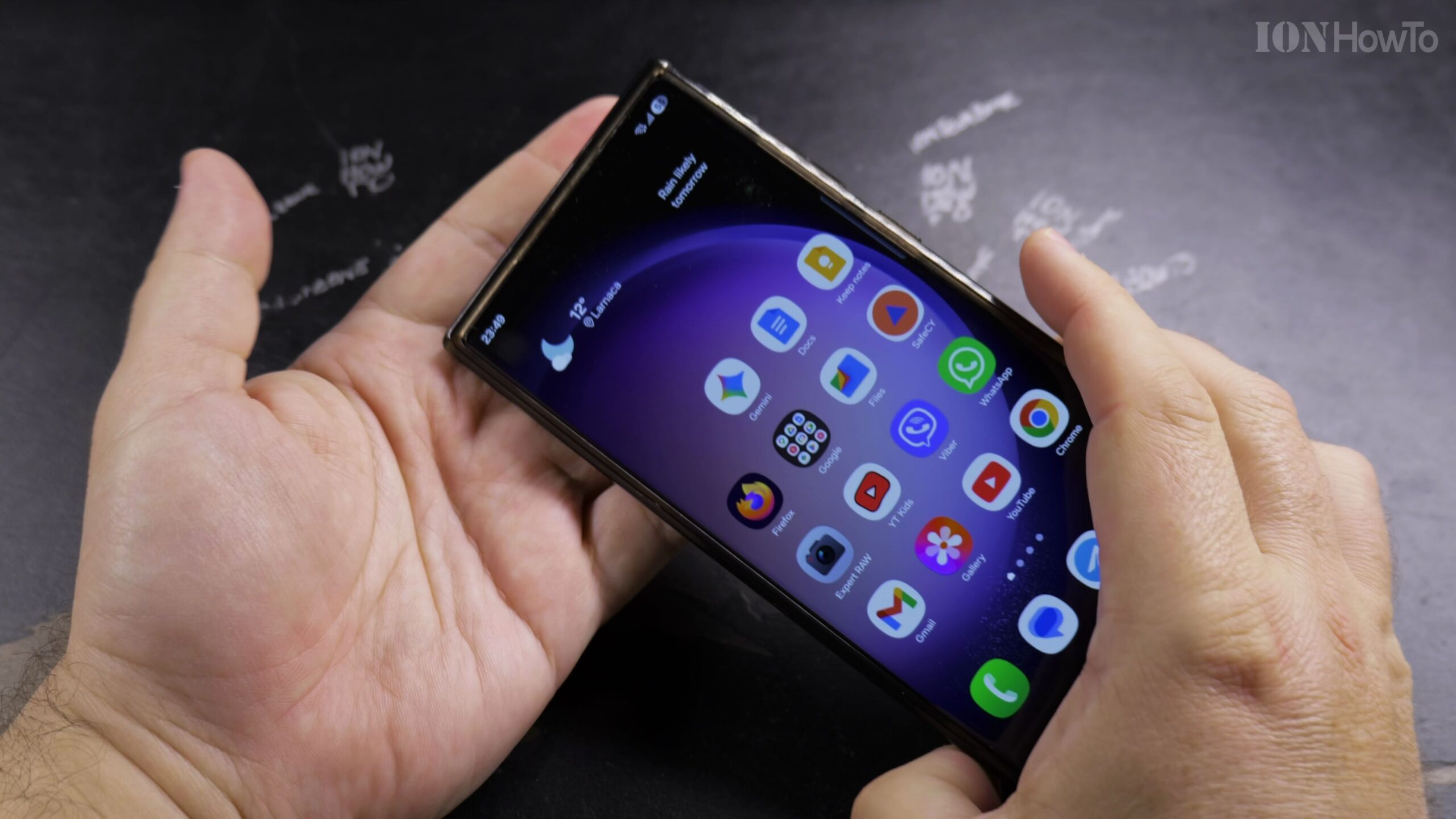
How to Remove Wallpaper on Samsung Galaxy and Set a Clean Plain Background
Because Android requires a background layer on the Home Screen and Lock Screen, removing an unwanted photo wallpaper means replacing it with a minimalist solid color or dark background. Demonstrated on a Samsung Galaxy S23 Ultra running Android 16 and One UI 8, here is how to clean up your display.
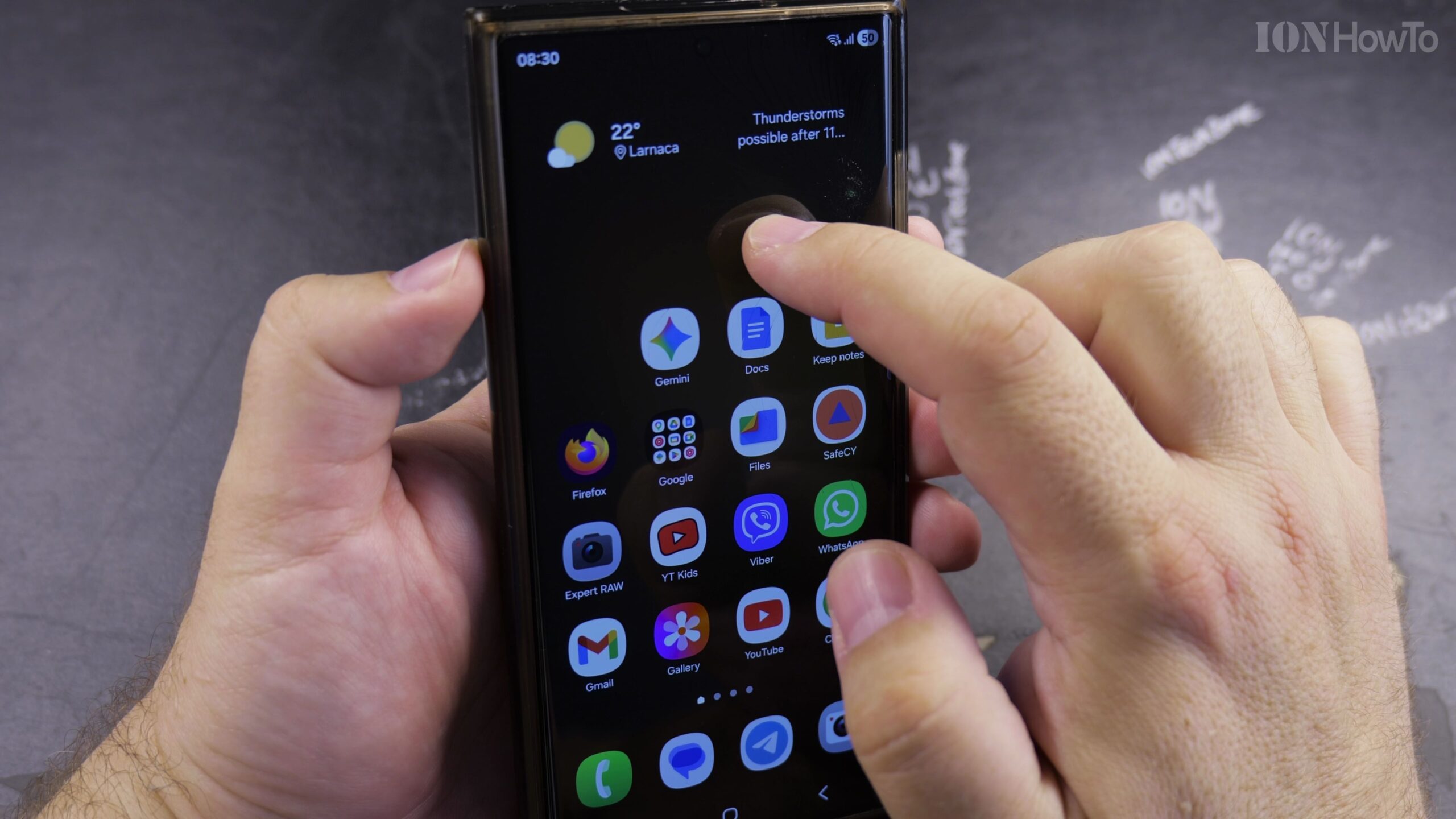
How to Long Press on a Samsung Android Phone to Open Hidden Menus and Shortcuts
Learning how to long press—also called touch and hold—on a Samsung Galaxy Android smartphone unlocks dozens of helpful hidden shortcut menus across your Home Screen, Quick Settings panel, and apps. Demonstrated on a Samsung Galaxy S23 Ultra running Android 16 and One UI 8, here is how to use the long-press gesture effectively.
Enable VoLTE 4G Calling on Samsung Android
Learn how to enable VoLTE and 4G calling on your Samsung phone. This feature, often called HD Voice, allows you to make clearer voice calls over the 4G LTE network while using mobile data.
Turn off Bubble Notifications on Samsung Galaxy
How to Disable Bubble Notifications on Samsung Galaxy. Learn how to disable bubble notifications on your Samsung Galaxy phone or tablet. Bubble notifications are those floating chat bubbles that stay on your screen, similar to Facebook Messenger chat heads..
Turn Off VoLTE 4G Calling on Samsung Android
Sometimes, you might need to turn off the advanced calling features on your phone. If your calls are dropping or the sound quality is poor, switching off VoLTE (Voice over LTE) or 4G Calling can be a good troubleshooting step. This will make your phone use.
Switch From Bixby to Google Gemini on Samsung
Learn how to replace Samsung’s default assistant with Google Gemini on your Samsung device running One UI 7. I’ll show you the steps to make the switch and set Gemini as your primary assistant for a better AI experience.
Restrict Apps from Using Mobile Data or Wi-Fi on Samsung
Learn how to control which apps can use mobile data or Wi-Fi on your Samsung phone. I’ll show you the steps to restrict network access for specific applications to save data and improve privacy.
Make the Clock Bigger on Samsung Lock Screen
Learn how to make the clock bigger on your Samsung lock screen with One UI 7 and Android 15. If you want a larger, more visible lock screen clock for easier time checks, I’ll show you exactly how to adjust it.
Make the Clock Smaller on Samsung Lock Screen
Learn how to make the clock smaller on your Samsung lock screen with One UI 7 and Android 15. If you prefer a more compact clock display to see more of your wallpaper or notifications clearly, I’ll show you how to adjust it.
Make Clock Bigger on Samsung Home Screen
Learn how to make the clock bigger on your Samsung phone running One UI 7 with Android 15. If you want a larger clock on your home screen for better visibility, I’ll show you how to adjust it easily.