
Category: DaVinci Resolve Speed Editor
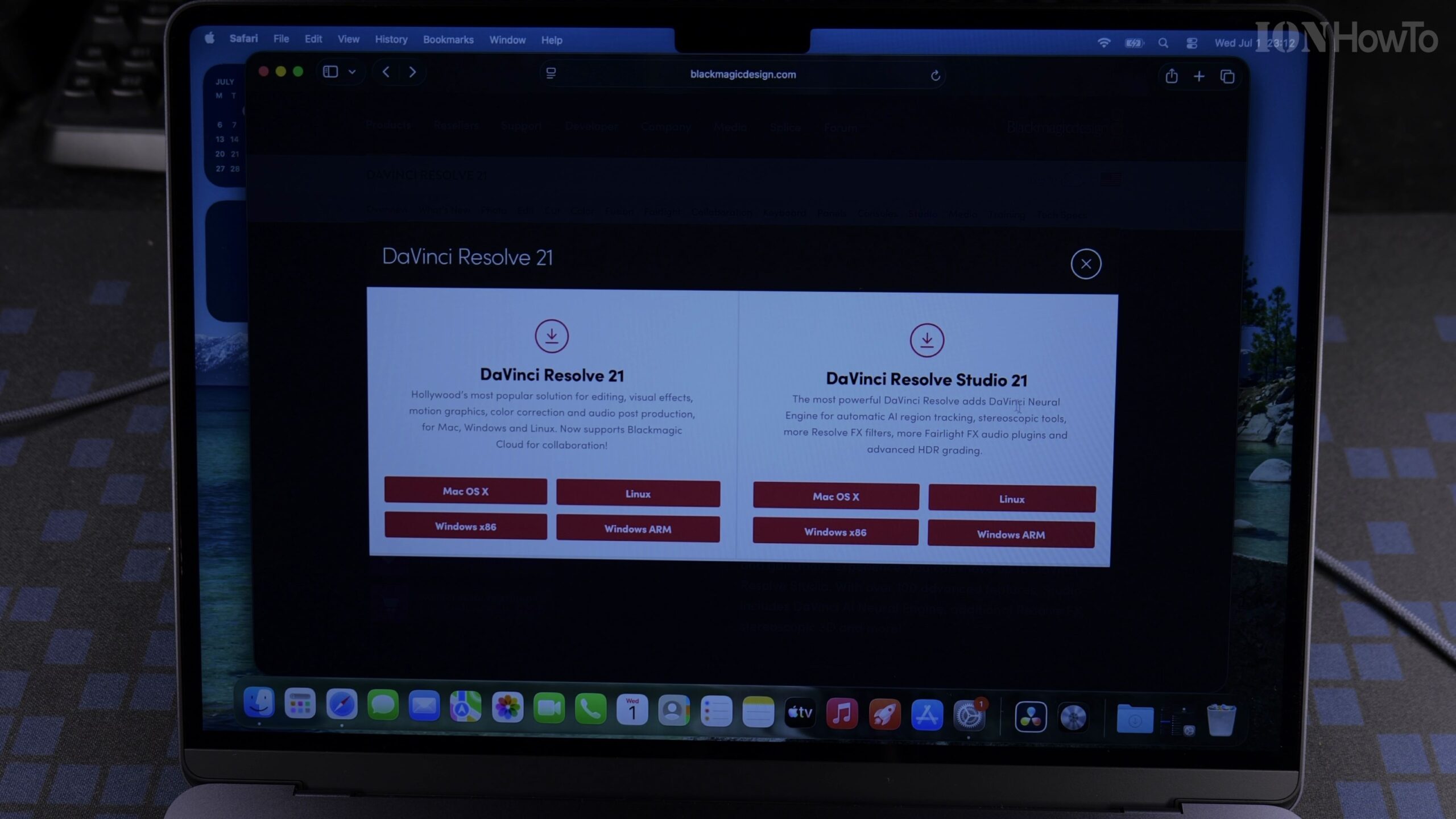
Quick Guide: Installing and Activating DaVinci Resolve Studio 21 on MacBook Air M5 with Speed Editor License
Need a fast reference for getting DaVinci Resolve Studio 21 installed and activated on your new MacBook Air M5? Here is the streamlined walkthrough for downloading the official Studio installer from Blackmagic Design and activating your Speed Editor license key on macOS 26.5.
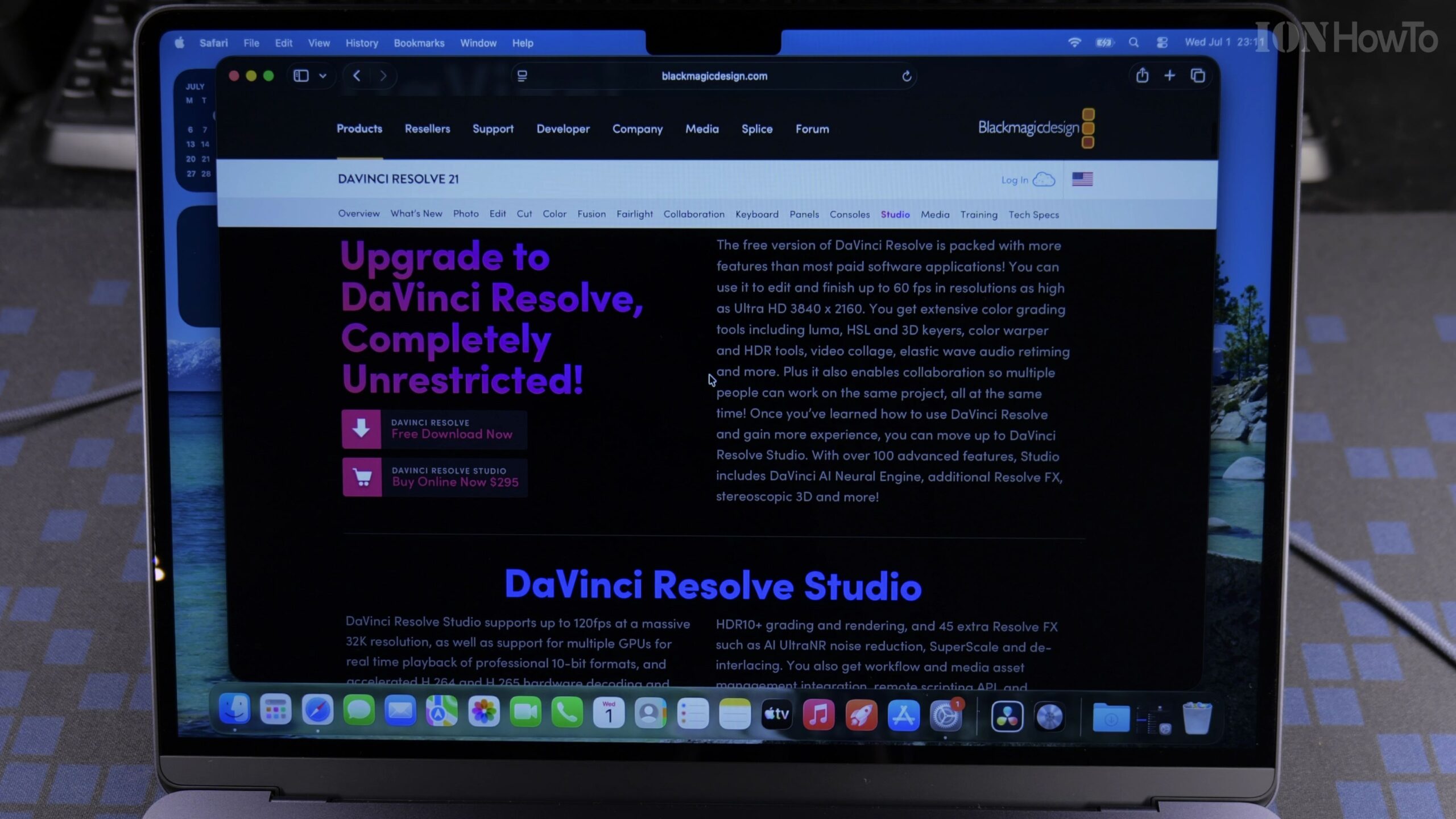
How to Install and Activate DaVinci Resolve Studio 21 on MacBook Air M5 Using a Speed Editor Key (Full Guide)
If you purchased a Blackmagic Design DaVinci Resolve Speed Editor keyboard, the box includes a plastic activation card that unlocks the full DaVinci Resolve Studio 21 software on two computers. In this complete step-by-step tutorial, we show how to download, install, and activate DaVinci Resolve Studio 21 on a MacBook Air M5 running macOS 26.5.
How to Generate Proxies in DaVinci Resolve Studio 19
How to Generate Proxies in DaVinci Resolve. I show you how to generate proxies in DaVinci Resolve. If you’re experiencing slow laggy playback or need to collaborate with remote editors, this tutorial will show you how to create proxy media for smoother editing and easier file sharing. Generating proxies is essential for efficient video editing,…
Auto Sync Audio Tracks in DaVinci Resolve
How to Auto Sync Audio Tracks in DaVinci Resolve. In this video, I will show you how to sync audio tracks in DaVinci Resolve automatically with one click or one keyboard shortcut. It’s actually a few clicks now in DaVinci Resolve Studio 19.I believe this also works on DaVinci Resolve 19 free version but I’m…