
Tag: iPhone
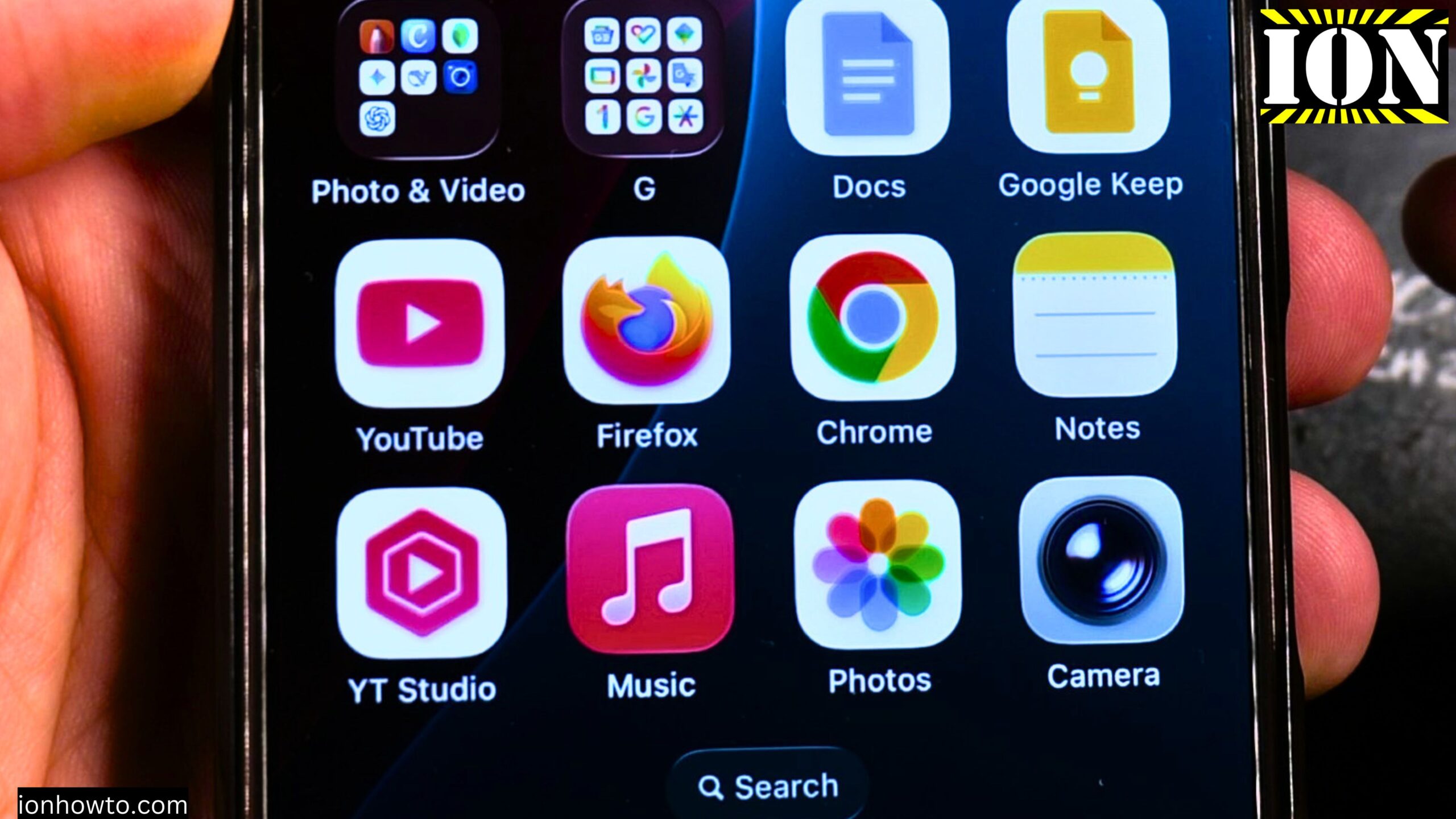
How to Stop AutoPlay in Apple Music
Learn how to stop the autoplay function on Apple Music. This shows you how to turn off autoplay and disable the Apple Music player from automatically playing recommended songs after a playlist is finished or an album is finished and the repeat function is turned off. This was shown on iOS 26.2 on iPhone 16…
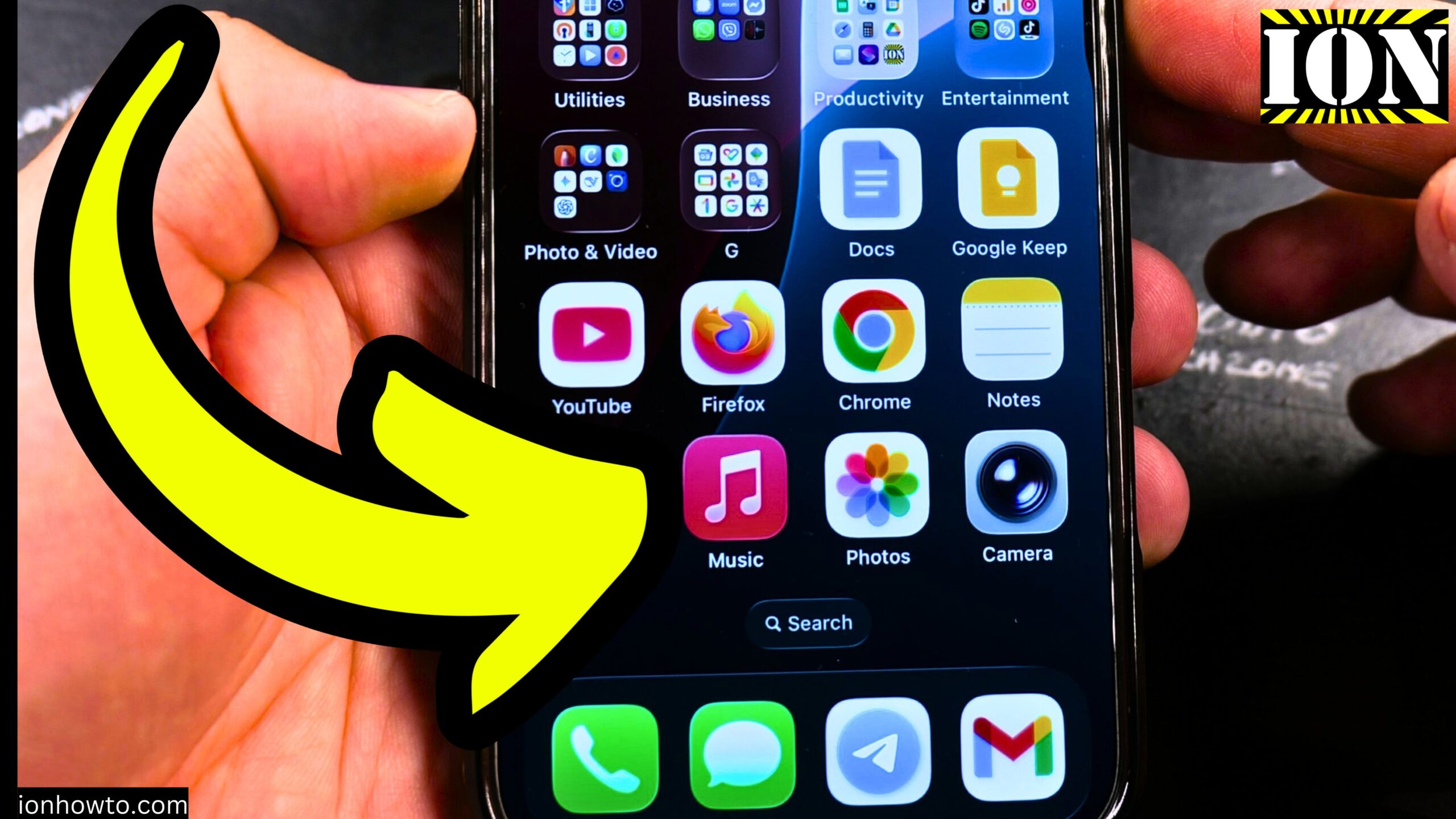
How to View Play History in Apple Music
Learn how to view the play history and the play queue in Apple Music. This shows you what songs you recently played and what songs are going to be played next in the Apple Music app. This was shown on iOS 26.2 on iPhone 16 Pro Max Titanium Black 256 GB version Global model A3296…
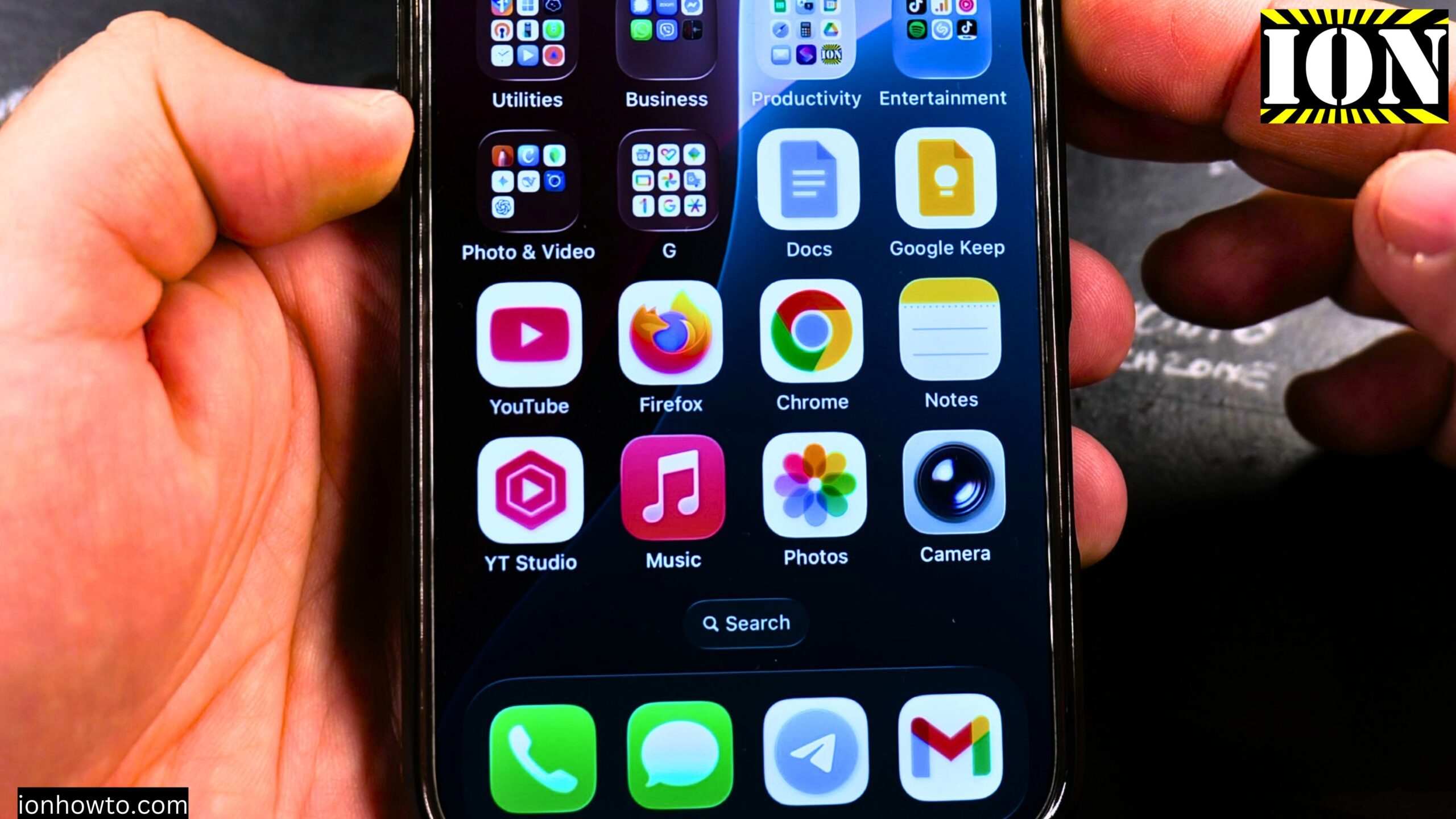
How to Increase Apple Music Volume
Learn how to increase the volume of Apple Music on your iPhone or iPad. If Apple Music sound volume is too low, you can check a few things to increase the sound or music volume in Apple Music. You can do this on iPhone or iPad and some of these steps should also work on…
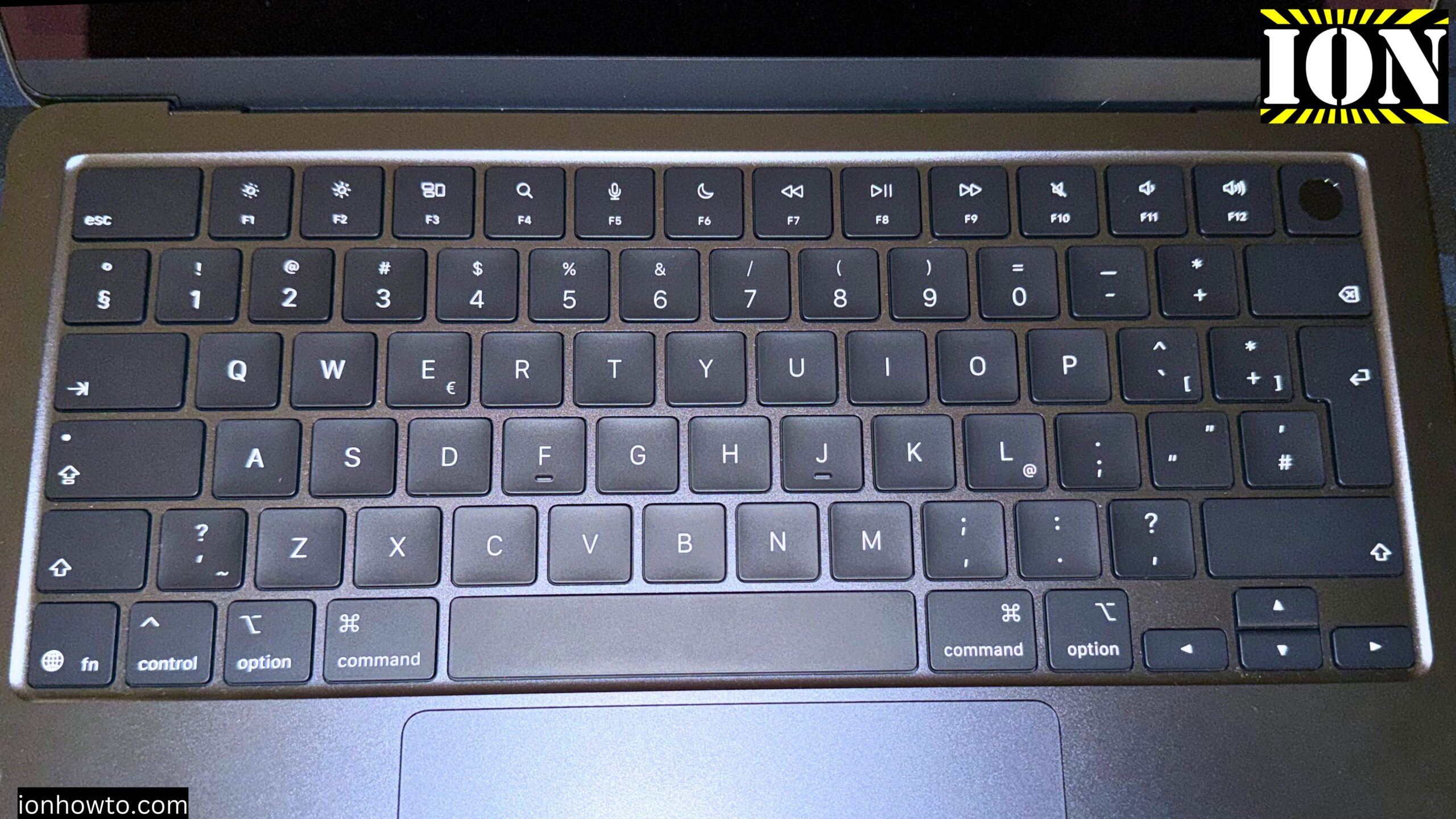
Battery Settings for MacBook Air M5 Always Plugged in
Battery Settings for MacBook Air M5 Always Plugged in. The Best Battery Settings for MacBook Air M5 Plugged in All The Time. If you keep your MacBook Air plugged in all the time 24/7 or like me whenever you use it, you plug in the MagSafe charger. This works on your MacBook Air M5 or…
How to Buy Robux on iPhone
Roblox How to Buy Robux on iPhone or Android Mobile Devices.How to buy Robux on iPhone or iPad. The same way to buy Robux on Android devices phones and tablet. Roblox How to Buy Robux on iPhone or Android Mobile Devices Video: You can sign in with your Roblox user on the official Roblox website…
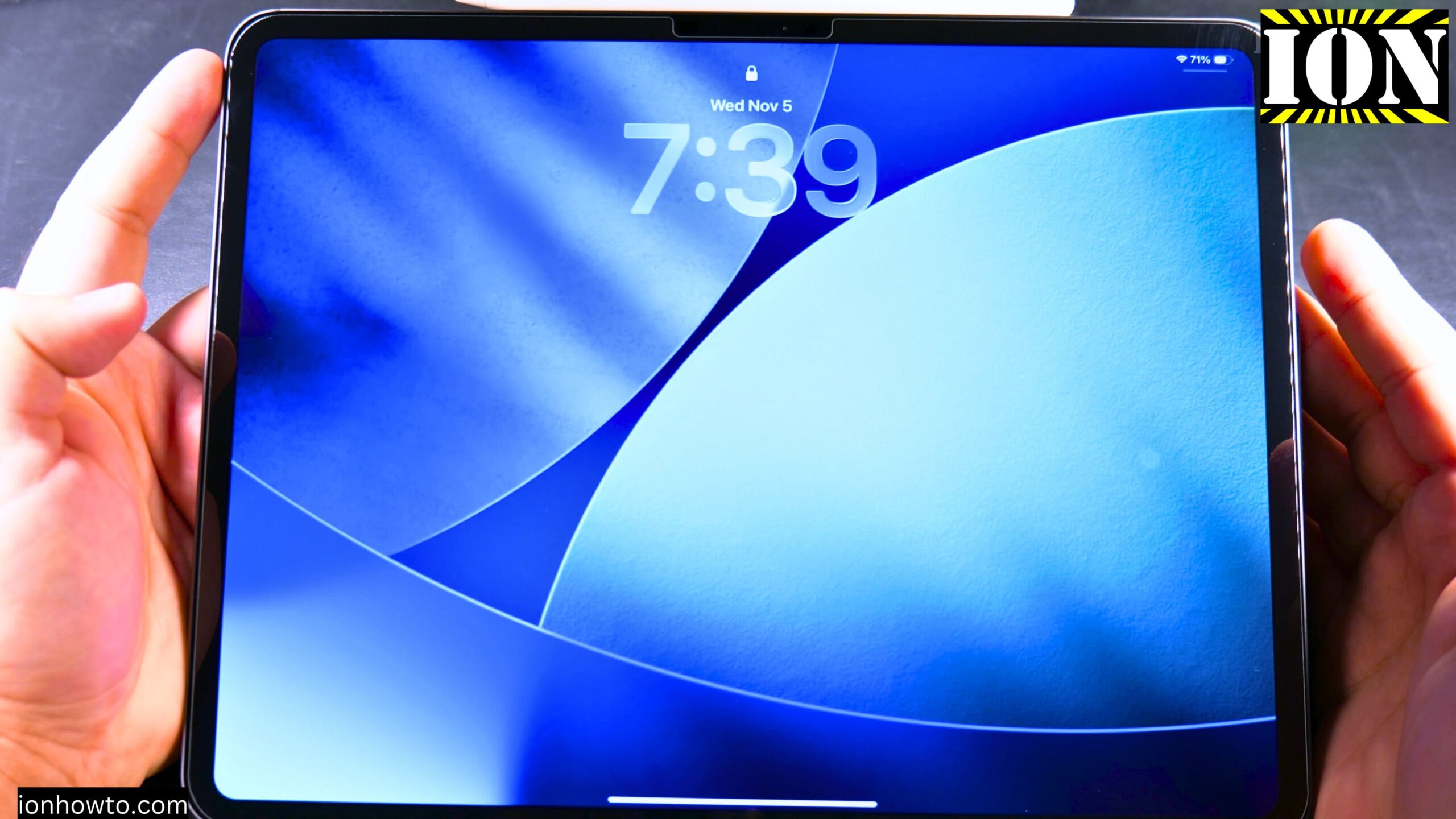
Reduce Clock Transparency on iPad Lock Screen
How to Reduce Clock Liquid Glass Transparency on iPad Lock Screen. Learn how to reduce transparency on your iPad lock screen clock. I show you on iPadOS 26.2 running on an iPad Pro M5 13 Inch 2025 model. The steps work the same on most newer iPads running recent versions of iPadOS. Before we start,…
Print to PDF on iPhone
How to Print to PDF on Your iPhone No App Needed. Learn how to print to PDF on your iPhone without using any third-party apps. You can save webpages, emails, notes, or anything else as a PDF using only the built-in tools on your phone. No downloads required. Why Save Something as a PDF PDF…
Phone Calls on iPad Using iPhone
How to Make Phone Calls on a Wi-Fi Only iPad Using Your iPhone. Learn how to make phone calls with an iPad that doesn’t have cellular service. You can use your iPhone to let your iPad make and receive calls. This is great for using the bigger screen without needing to grab your phone every…
Get the Best Sound Quality in iPhone Apple Music
How to Get the Best Sound Quality in Apple Music on iPhone. Learn how to listen to the best quality in Apple Music on your iPhone. A few simple settings can make a real difference in how your music sounds. You don’t need to be a tech expert to figure this out. I’ll show you…
Add Your Number to iMessage and FaceTime
How to Check and Add Your Phone Number to iMessage and FaceTime on iPhone. Learn how to make sure that your phone number is added to iMessage and FaceTime on your iPhone. If your contacts can’t reach you or your number isn’t showing as an option, I’ll show you the steps to check and fix…