Tag: iPhone

Decline Calls on iPhone
How to Decline Incoming Calls on iPhone. I show you how to decline a call on your iPhone. This is the direct way to send a call to voicemail if enabled when you do not want to answer. I show you the steps to reject an incoming call using the on-screen button or the iPhone…
SIM and eSIM Name on iPhone
Change SIM and eSIM Name on iPhone. How to Change Name for SIM and eSIM on iPhone. I show you how to change the name label for your eSIM and physical SIM cards on your iPhone. This helps you identify different lines if you use multiple numbers on one device. Learn the steps to customize…
Choose Calls Line on iPhone Dual eSIM
Choose Calls Line with Dual SIM and eSIM on iPhone.How to Choose a Line for Calls with eSIM and Physical SIM Dual SIM on iPhone. I show you how to select which line to use when making a phone call on an iPhone with multiple SIMs. If you use a physical SIM and an eSIM…
Predictive Text Suggestions on iPhone
Predictive Text Suggestions on iPhone. How to Use Predictive Text and Accept Suggestions on iPhone Keyboard. In this video I show you how to accept inline suggestions and use predictive text on your iPhone keyboard. This feature helps you type faster and more accurately by suggesting words as you type. Guide based on iOS 26,…
Enable iPhone Adaptive Power
iPhone Adaptive Power, How to Enable and Use It. Learn how to enable Adaptive Power on your iPhone. This video explains what the Adaptive Power feature does and how it can help manage your battery. I also show you how to turn on the Adaptive Power Notification so you stay informed. This guide is based…
Move iPhone eSIM to Android
How to Move Your eSIM from iPhone to Android. Switching from an iPhone to an Android phone is exciting, but moving your phone service can seem tricky. You might wonder how to move your eSIM over. Here’s the key thing to know first: you can’t directly transfer the eSIM file itself. An eSIM isn’t a…
Move eSIM Android to iPhone
How to Move Your eSIM from Android to iPhone. Switching from an Android phone to a new iPhone? Welcome! One of the first things you’ll want to do is move your phone number and cellular plan over. Since you can’t just copy an eSIM from one type of phone to another, you need to take…
Change iPhone App Icons
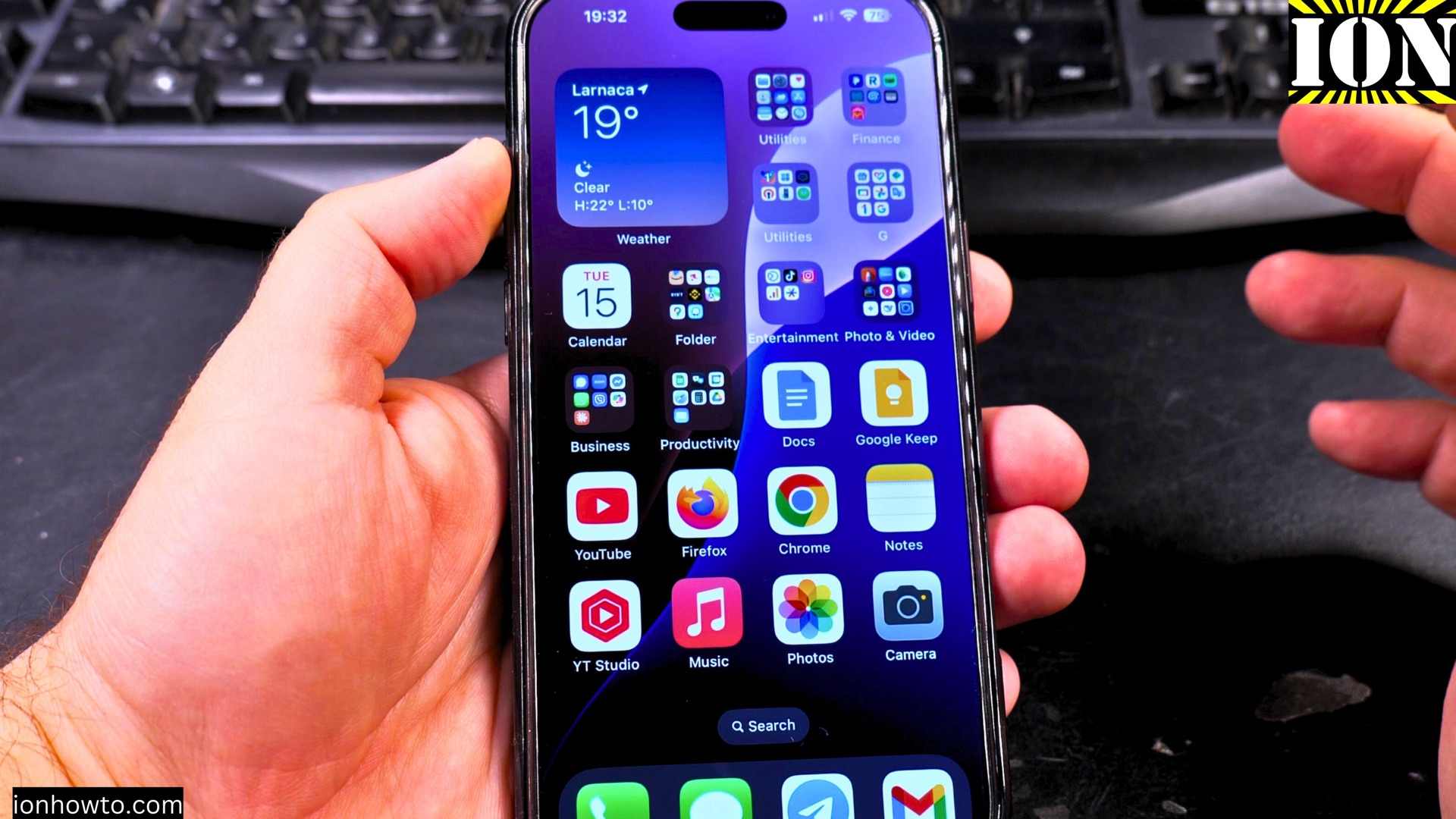
How to Change iPhone App Icons with Your Own Pictures. Tired of the same old app icons on your iPhone? You can give your home screen a whole new look using just your own photos and an app that’s already on your phone. Learn how to create custom app icons. I’ll show you how to…
iPhone Enable eSIM or Physical SIM
How to Turn On Your iPhone’s SIM Card (Physical SIM or eSIM). Need to switch on a phone line you turned off? Or maybe you just got a new eSIM and need to activate it. I’ll show you how to enable a physical SIM or an eSIM on your iPhone in just a few taps.…
Delete or Remove eSIM from iPhone
How to Delete and Remove an eSIM from Your iPhone. Got an old travel eSIM still sitting on your iPhone? Or maybe you’re switching carriers and need to clear out the old plan. It’s a good idea to remove eSIM profiles you’re not using anymore. I’ll show you how to find them and delete them…