
Tag: macOS 26.5
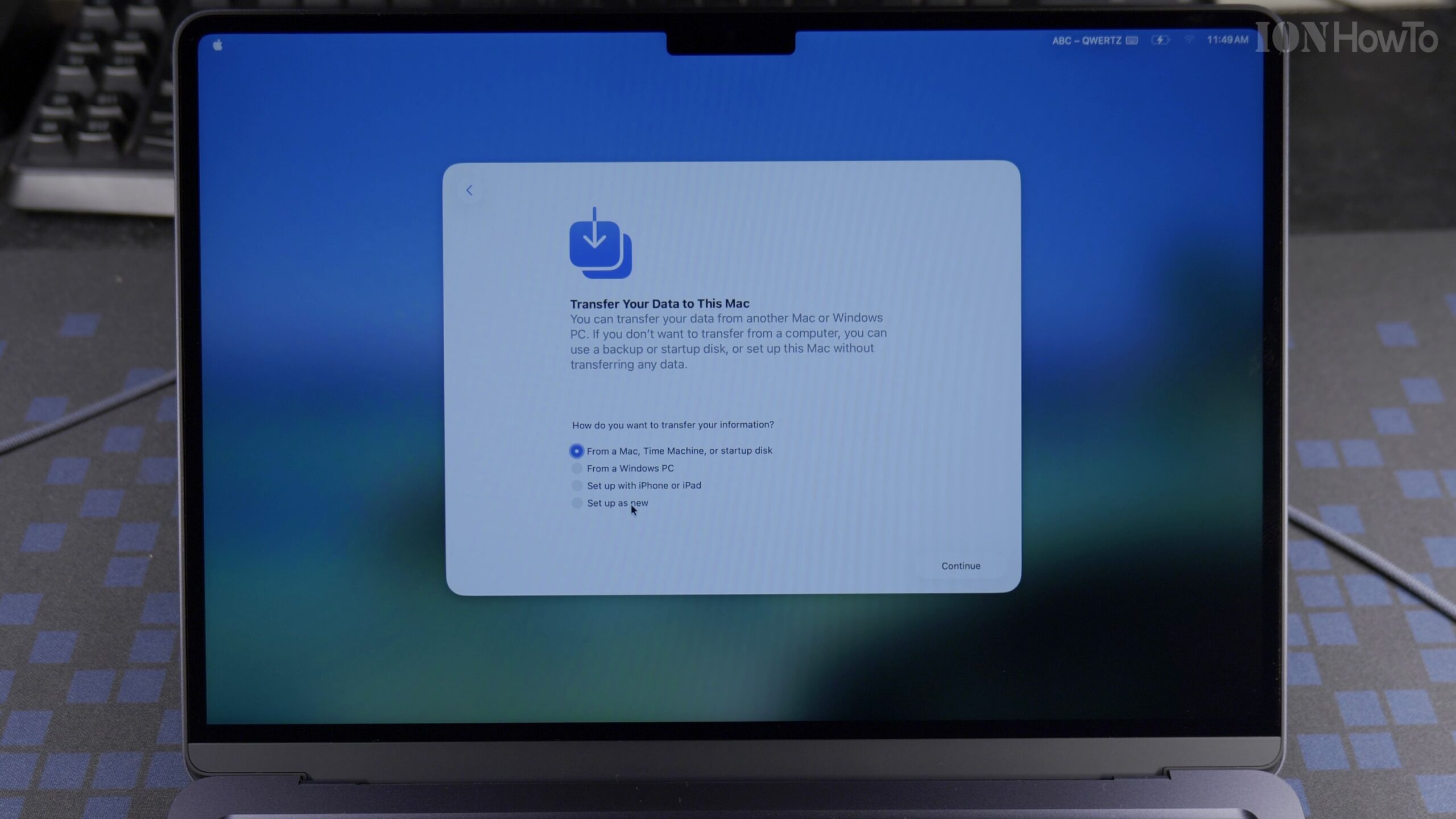
MacBook Air M5 13-Inch First Time Setup as a New Mac Using an iPhone (macOS 26.5)
When you open a brand-new 13-inch MacBook Air M5 for the first time, macOS 26.5 lets you either configure the laptop manually or use a nearby iPhone to transfer your Apple Account, Wi-Fi passwords, and iCloud preferences automatically. Here is the complete step-by-step first setup guide for the MacBook Air M5 (16GB RAM, 512GB SSD).
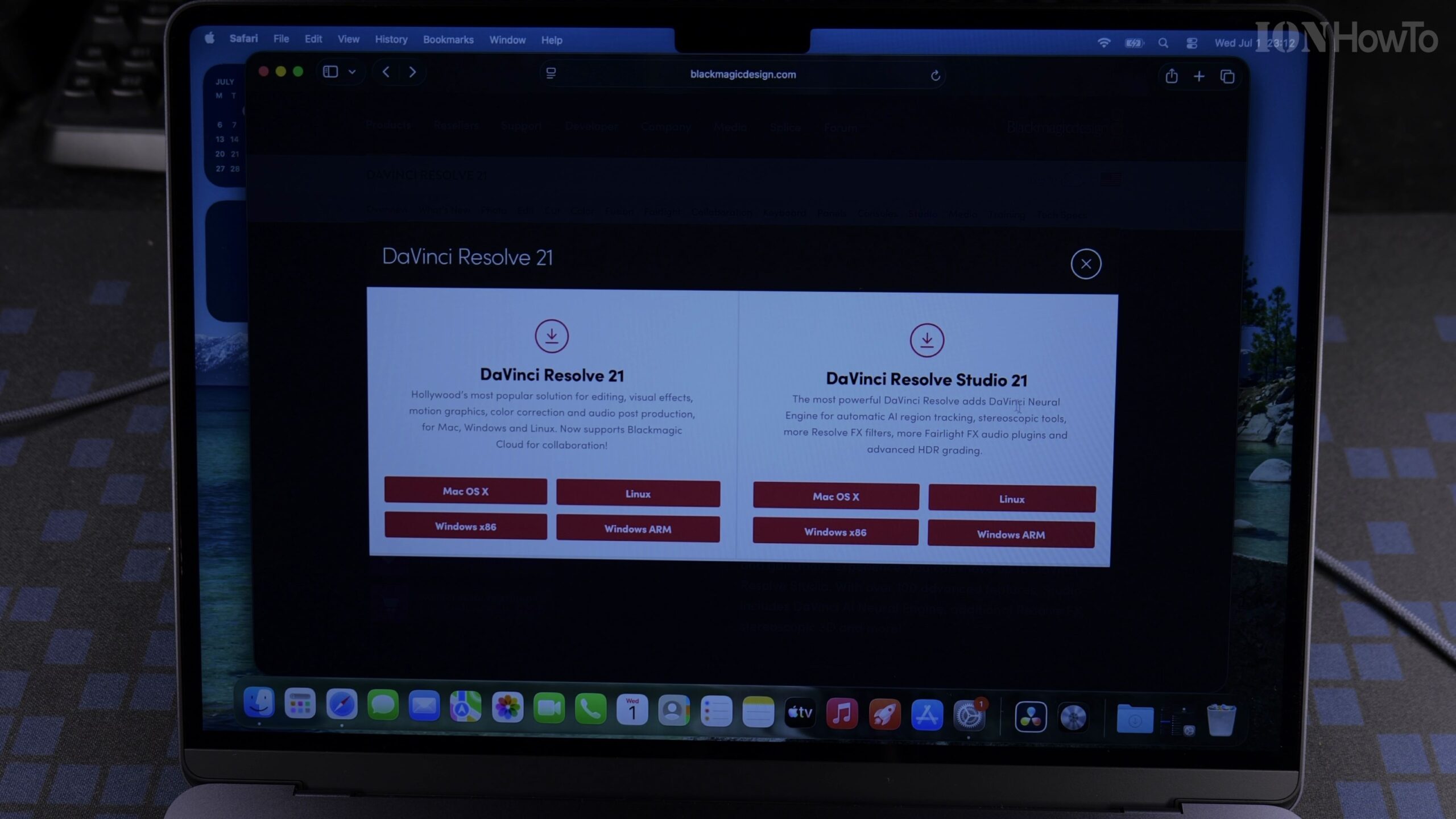
Quick Guide: Installing and Activating DaVinci Resolve Studio 21 on MacBook Air M5 with Speed Editor License
Need a fast reference for getting DaVinci Resolve Studio 21 installed and activated on your new MacBook Air M5? Here is the streamlined walkthrough for downloading the official Studio installer from Blackmagic Design and activating your Speed Editor license key on macOS 26.5.
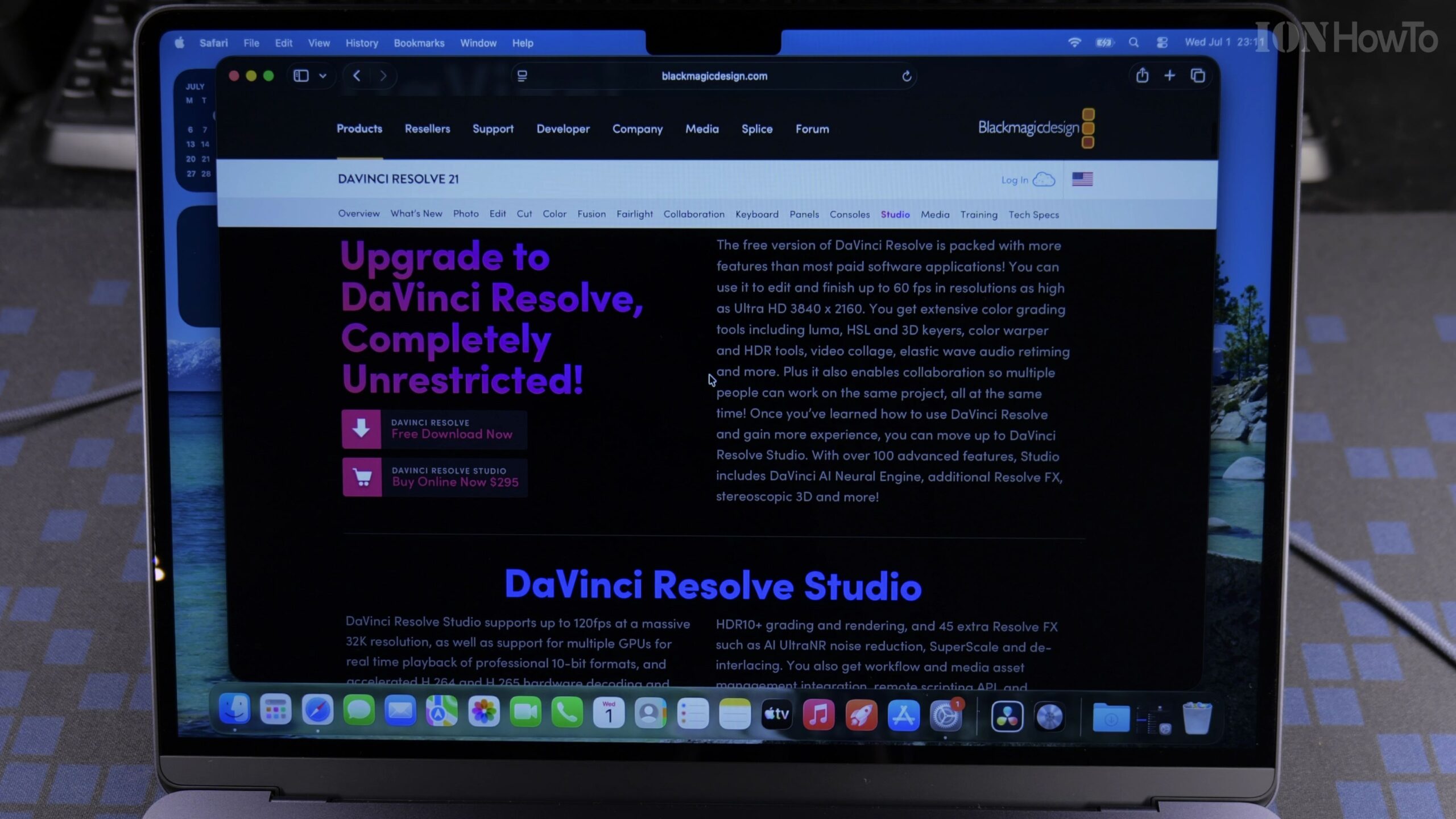
How to Install and Activate DaVinci Resolve Studio 21 on MacBook Air M5 Using a Speed Editor Key (Full Guide)
If you purchased a Blackmagic Design DaVinci Resolve Speed Editor keyboard, the box includes a plastic activation card that unlocks the full DaVinci Resolve Studio 21 software on two computers. In this complete step-by-step tutorial, we show how to download, install, and activate DaVinci Resolve Studio 21 on a MacBook Air M5 running macOS 26.5.
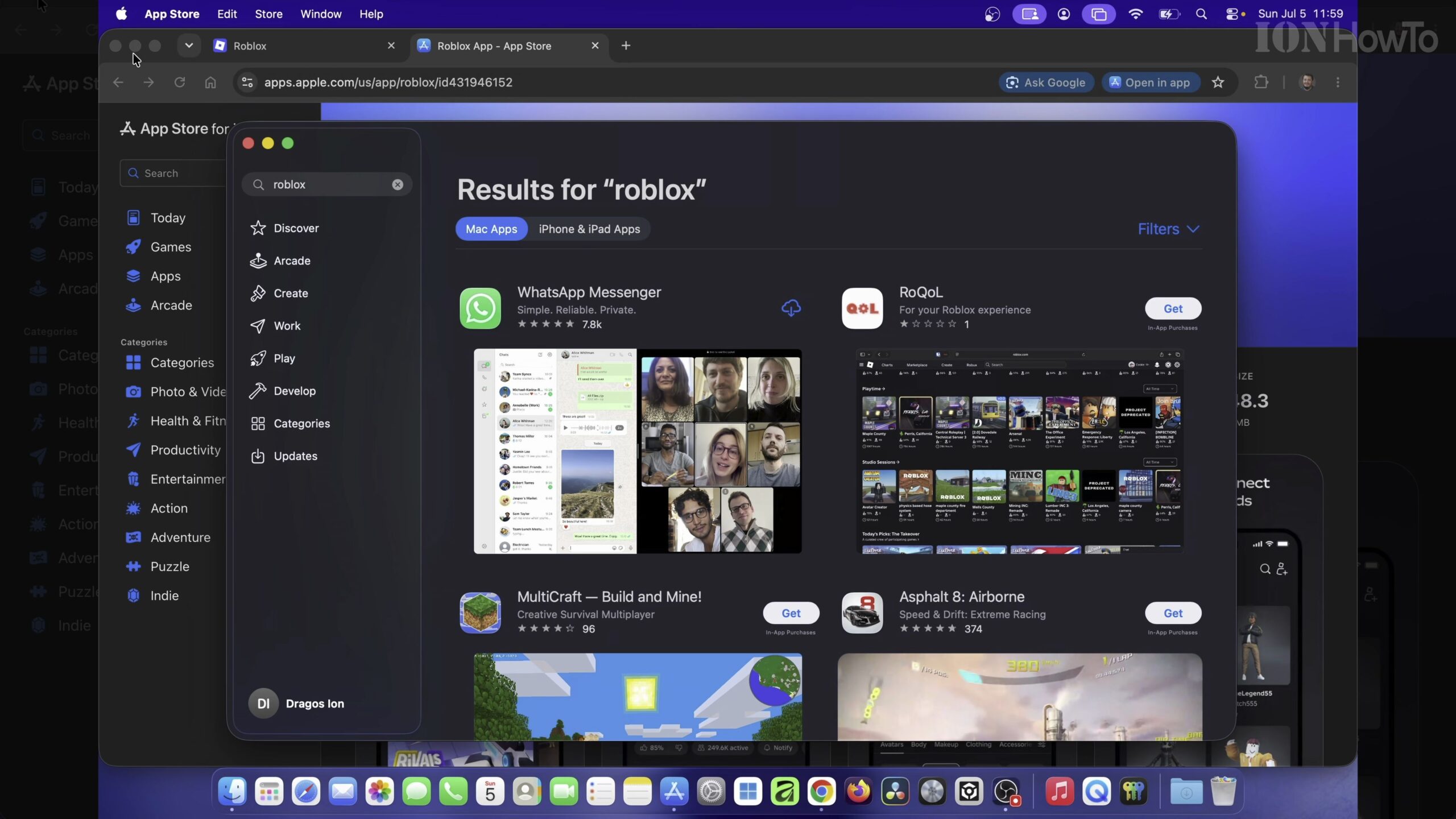
How to Download and Install Roblox on MacBook Air M5 (macOS 26.5 Guide)
Installing Roblox on an Apple Silicon MacBook takes just a couple of minutes once you download the official installer directly from the Roblox website. In this step-by-step guide, we demonstrate how to download, install, and launch Roblox on the 13-inch MacBook Air M5 (Model A3449, 16GB RAM, 512GB SSD) running macOS 26.5.