Category: Android Apps

Delete Files and Directories on Samsung Android
How to Delete Files and Directories on Samsung Android Devices. Learn how to delete files and folders on your Samsung phone to free up storage space and keep your device clean. If you are running out of space or just want to remove old photos, videos, or documents you no longer need, the built-in Samsung…
Increase Contrast on Samsung Android
How to Increase Contrast on Samsung Android Phones. Learn how to make your screen easier to read by increasing contrast, making text bolder, and adjusting visibility settings on your Samsung phone. If you have trouble seeing text or telling colors apart on your Samsung device, adjusting the contrast settings can help. Samsung includes several options…
Change File Names on Samsung Android
How to Change File Names on Samsung Android Devices. Learn how to rename files on your Samsung Galaxy phone. It’s a quick way to keep photos, documents, and downloads organized so you can actually find them later. If you have a Samsung Galaxy S23, S24, S25, or an older model, the steps are basically the…
Disable Absolute Bluetooth Volume on Android
How to Disable Absolute Bluetooth Volume on Android Devices. Learn how to turn off Absolute Bluetooth Volume to fix volume control problems with your Bluetooth headphones or speakers. If you have issues with your Bluetooth headphones or speakers where the volume feels too loud, too soft, or does not respond properly when you try to…
Make App Icons Smaller on Samsung Android
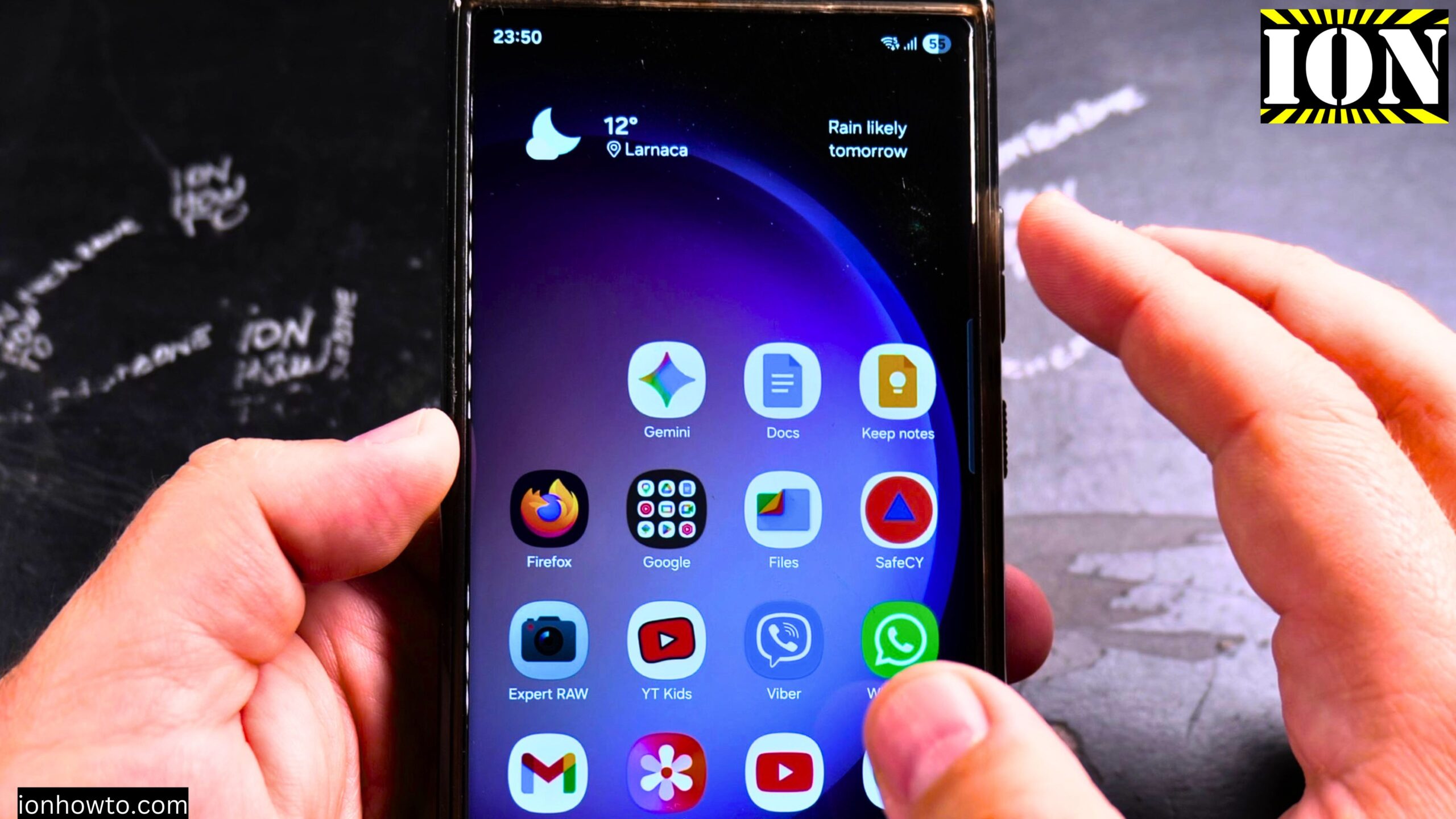
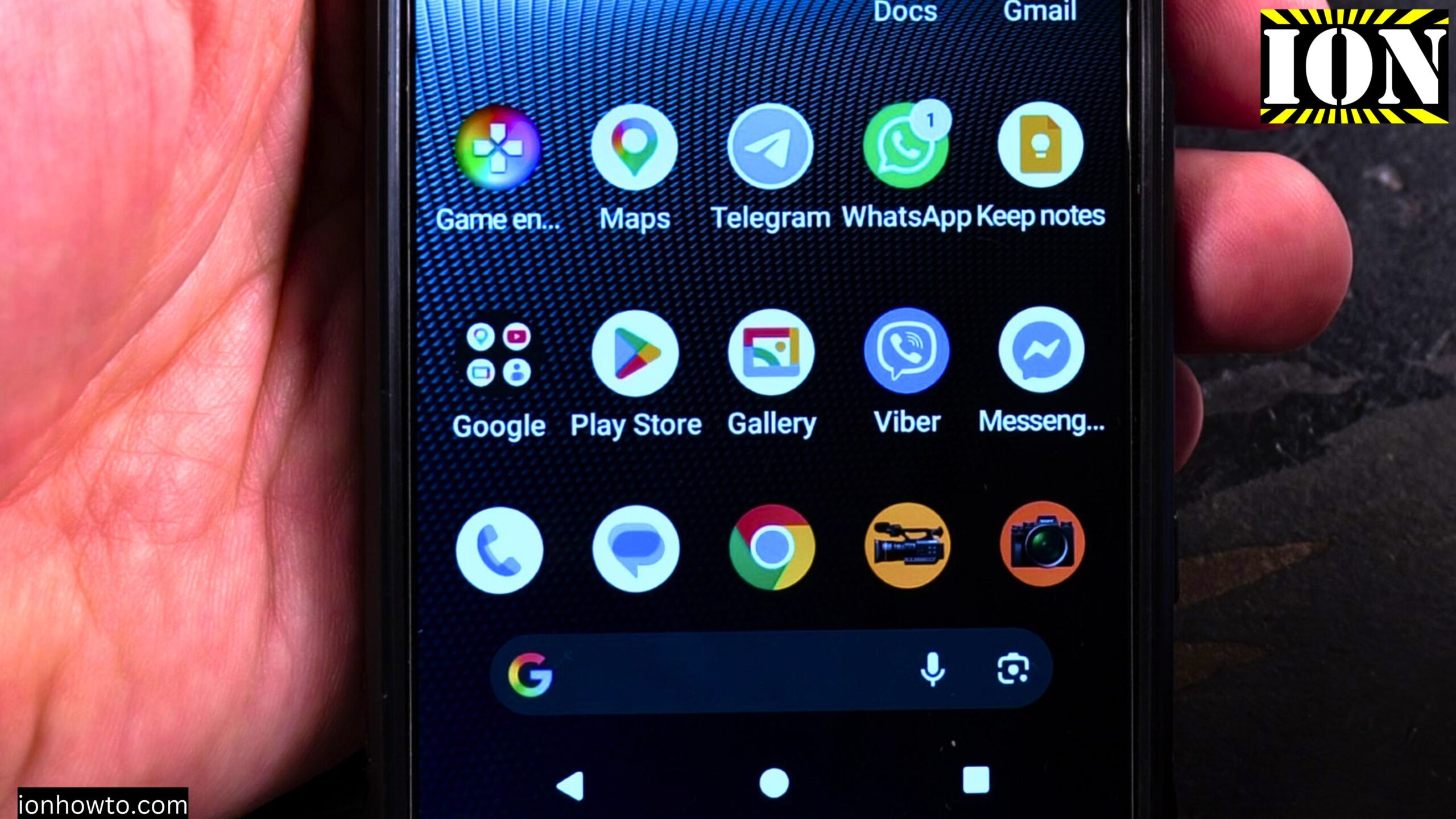
How to Make App Icons Smaller on Samsung Android Devices. Learn how to resize app icons on your Samsung phone so you can fit more apps on your home screen. If your home screen feels too busy or the icons look too big, you can make them smaller. This gives you more space to add…
Enable Double Tap to Wake on Samsung
How to Enable Double Tap to Wake on Samsung Phones. Learn how to turn on double tap to wake so you can wake up your Samsung phone without pressing the power button. If you want to quickly see the time or check for notifications, double tap to wake is a handy feature. Instead of picking…
Disable NFC on Samsung Android
How to Disable NFC on Samsung Android Phones. Learn how to turn off NFC on your Samsung phone to save battery or for security reasons. NFC stands for Near Field Communication. It is the feature that lets you tap your phone on a payment terminal to pay for things. It is also used for sharing…
Make App Icons Larger on Samsung Android
How to Make App Icons Larger on Samsung Android Devices. Learn how to customize your Samsung home screen and change icon size so everything is easier to see and tap. If the app icons on your Samsung phone feel too small or too close together, you can make them larger. This also changes how many…
Clear App Data and Cache on Android
How to Clear App Data and Cache on Android to Reset Apps. Learn how to reset an app by deleting its data and cache so you can fix problems or start fresh. If an app on your Android phone is not working properly, clearing its cache or data can often help. This is also useful…
Clear App Data Reset Apps on Samsung Android
How to Clear App Data and Reset Apps on Samsung Android Phones. Learn how to fix app issues like crashes or freezes by clearing app data on your Samsung device. If an app on your Samsung phone is acting strange, crashing, or just not working right, clearing its data can help. This is like resetting…