
Category: Android Useful Apps
Practical guides to the most useful Android apps and built-in tools for productivity, file management, and phone security.
How to Connect to Your Home Network with an Android Phone Securely Using VPN
Learn how to safely access your home network remotely from your Android phone using VPN apps like OpenVPN. I’ll show you the steps to set up a secure connection while highlighting important security considerations.
Change Keyboard Size and Resize Gboard on Android
Learn how to adjust your keyboard size for more comfortable typing on your Android phone or tablet. I’ll show you how to resize Gboard (Google Keyboard) to better fit your needs.
Enable Ethernet Connection on Android Devices
Learn how to connect your Android phone or tablet to the internet using an Ethernet cable for a faster, more stable connection. I’ll show you the steps to set up wired internet on your Android device.
How to Close All Tabs in Chrome on Android
Learn how to quickly close multiple tabs in Chrome on your Android phone or tablet. I’ll show you how to clear all tabs at once or manage them individually for better browsing performance.
Enable Autocorrect on Android Using Gboard
Learn how to turn on autocorrect on your Android device using Gboard (Google Keyboard). I’ll show you the steps to enable this helpful feature that fixes spelling mistakes as you type.
Switch From Bixby to Google Gemini on Samsung
Learn how to replace Samsung’s default assistant with Google Gemini on your Samsung device running One UI 7. I’ll show you the steps to make the switch and set Gemini as your primary assistant for a better AI experience.
Remove Wallpaper on Android Lock Screen
Learn how to remove wallpaper from both your lock screen and home screen on Android devices. I’ll show you the steps to reset your wallpapers to default or set a plain background instead.
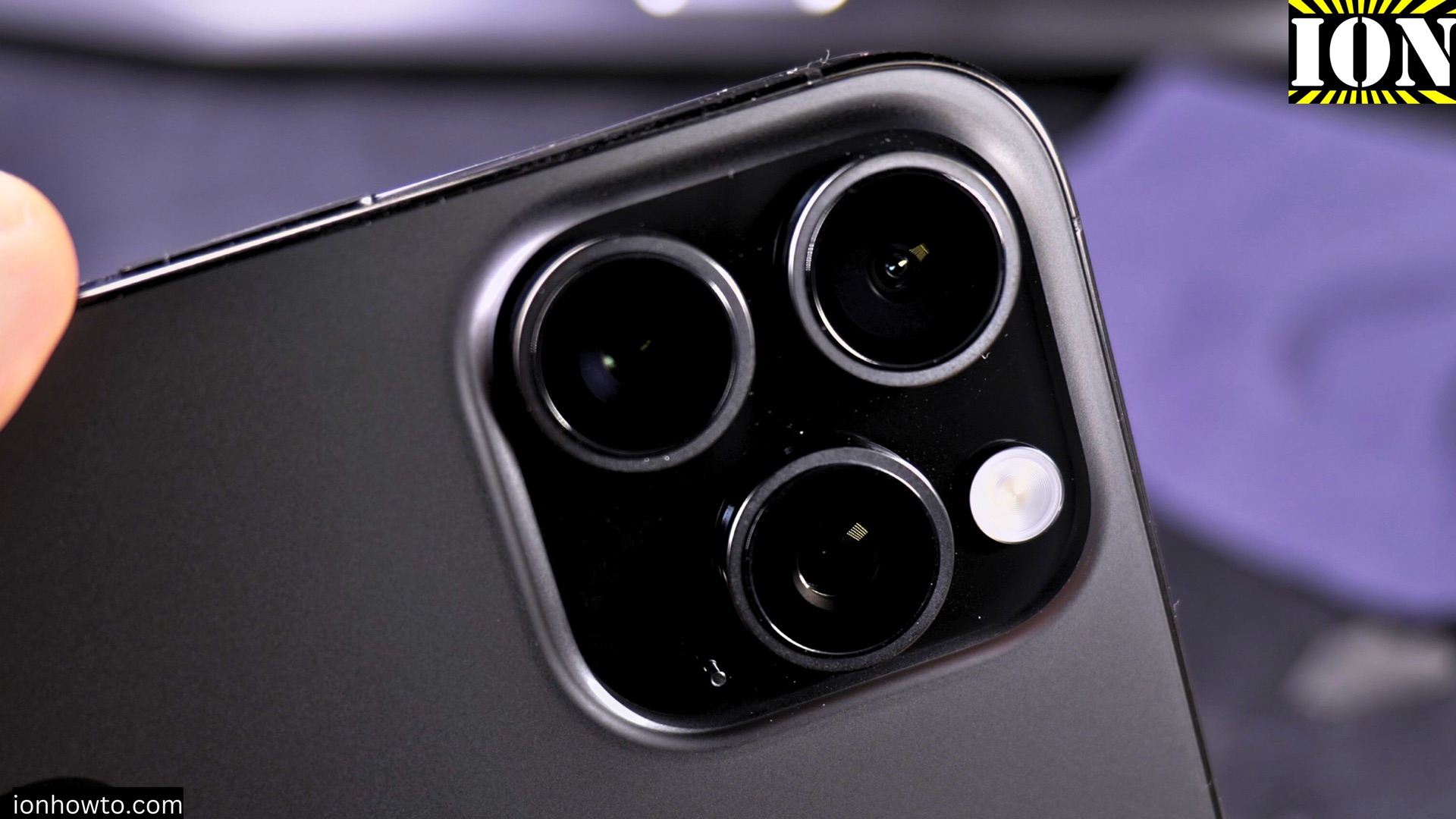
iPhone iOS 26 vs Android 15 Compared
Learn how the latest versions of iOS and Android stack up in this comparison of iOS 26 and Android 15. I show you the key differences in features, performance, and user experience to help you decide which operating system works best for your needs.
Restrict Apps from Using Mobile Data or Wi-Fi on Samsung
Learn how to control which apps can use mobile data or Wi-Fi on your Samsung phone. I’ll show you the steps to restrict network access for specific applications to save data and improve privacy.
Switch Wi-Fi Networks and View Network Properties on Android
Learn how to change between available Wi-Fi networks and check detailed network properties on your Android device. I show you the steps to switch connections and view important network information like signal strength, frequency, and security type.