
Category: Operating Systems
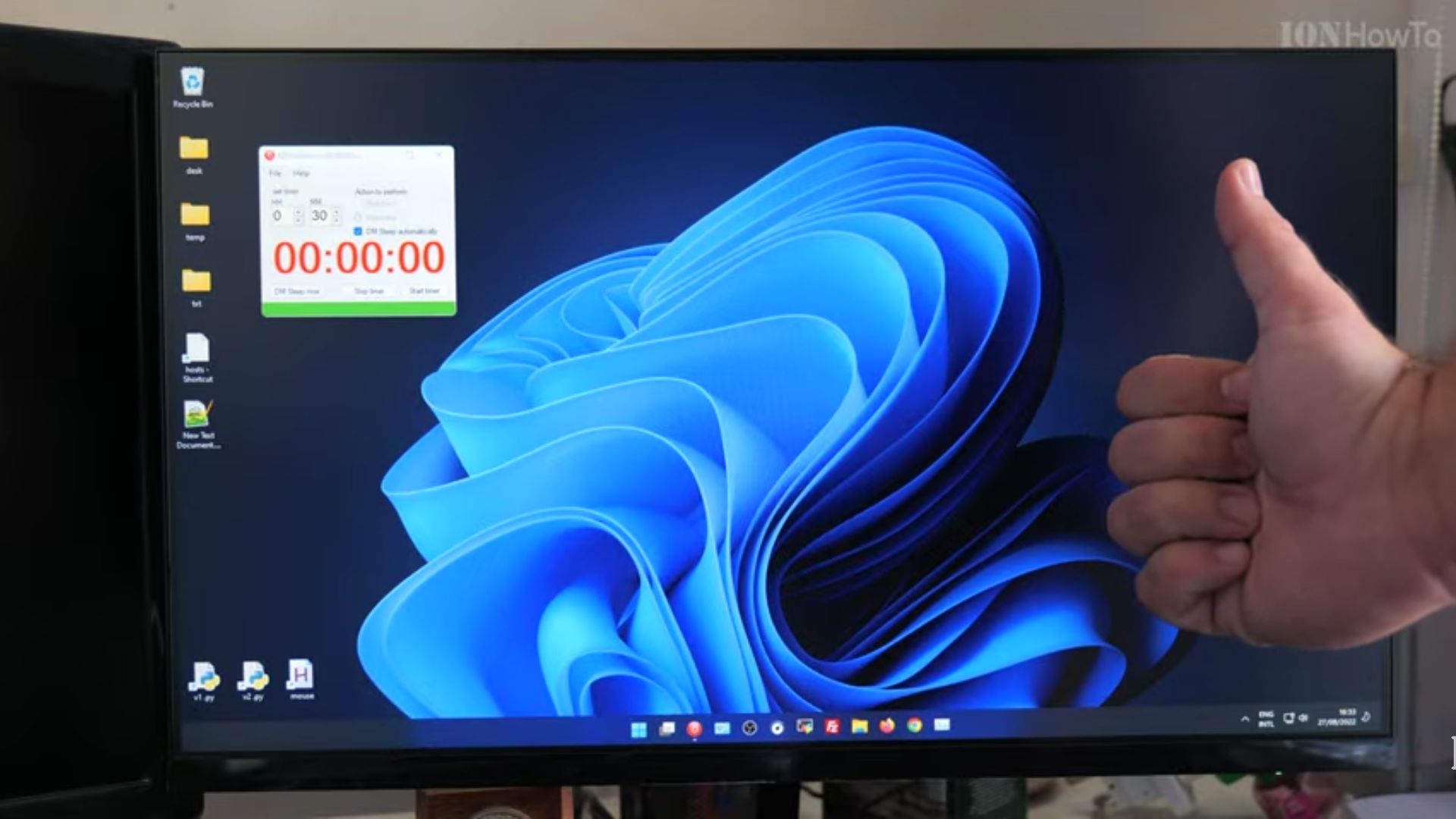
Remove Teams Chat & Widgets From Windows 11 Taskbar
How to Remove Teams Chat and Widgets from Your Windows 11 Taskbar. Teams chat can’t be unpinned from taskbar but it can be disabled from Settings – Personalization. Also open task manager app and go to the startup tab and find Teams Chat and toggle the state to disabled.like this, the next time you start…
Windows 11 requires tpm 2.0 what is tpm anyways?
Windows 11 requires tpm 2.0 why is that and what is TPM anyway? Since Windows 11 was leaked then announced, we found out that Windows 11 will require TPM 2.0 to work at all. TPM stands for Trusted Platform Module and most PC’s nowdays don’t have it at all or have the older version tpm…

Windows 11 nag screen after update
Windows 11 nag screens after update.How to avoid the Windows 11 beta nag screen after updating. Windows 10 also had a nag scren afte updates were applied but on Windows 10 you could say remind me later and it would not bother you until the next major udate. Enter Windows 11, the remind me later…

Remove Weather from Windows 10 Taskbar
News and Interests in taskbar Windows 10 has a new taskbar toolbar called News and Interests. This is enabled after the update KB5001391 All the configurations bellow are valid if you have the News and interests feature that comes with the update. If you don’t have the feature yet, you can enable it by installing…