
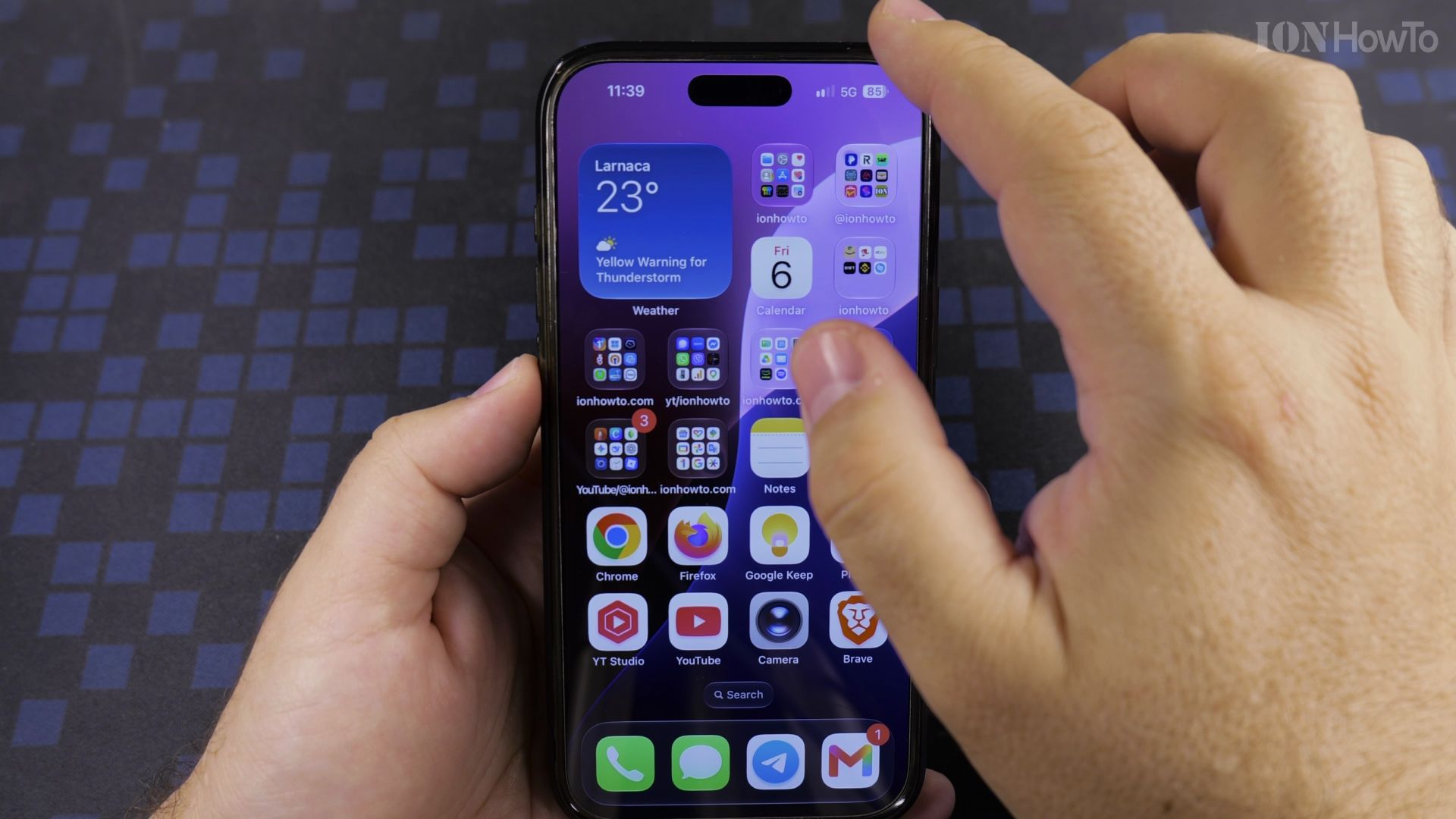
Your iPhone remembers every Wi-Fi network it has ever joined, even ones you will never use again. Here is how to make it forget them.
What you will do
- Disconnect for now or forget for good
- Open Wi-Fi settings
- Tap the info icon and Forget This Network
- Remove far-away networks too
Recommended Amazon Gear and Accessories
Disclosure: This article contains Amazon affiliate links. As an Amazon Associate, we earn from qualifying purchases at no extra cost to you.
- iPhone Accessories
- iPhone Charger
- iPhone USB-C Cable
- iPhone MagSafe Accessories
- iPhone Case
- iPhone Screen Protector
1. Disconnect for now or forget for good
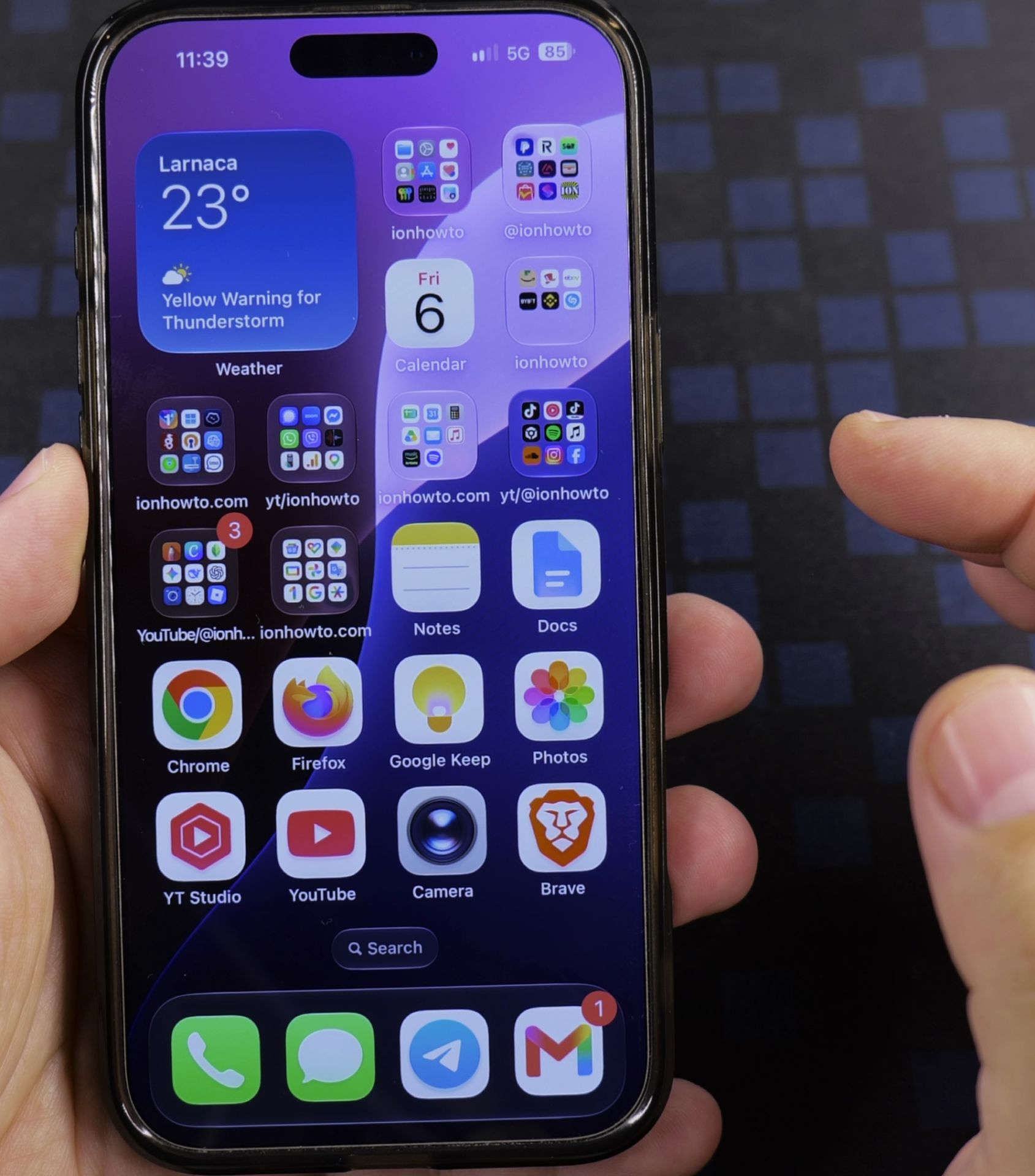
Swiping into **Control Center** only disconnects you for the moment. To remove a network completely, use Settings instead.
2. Open Wi-Fi settings
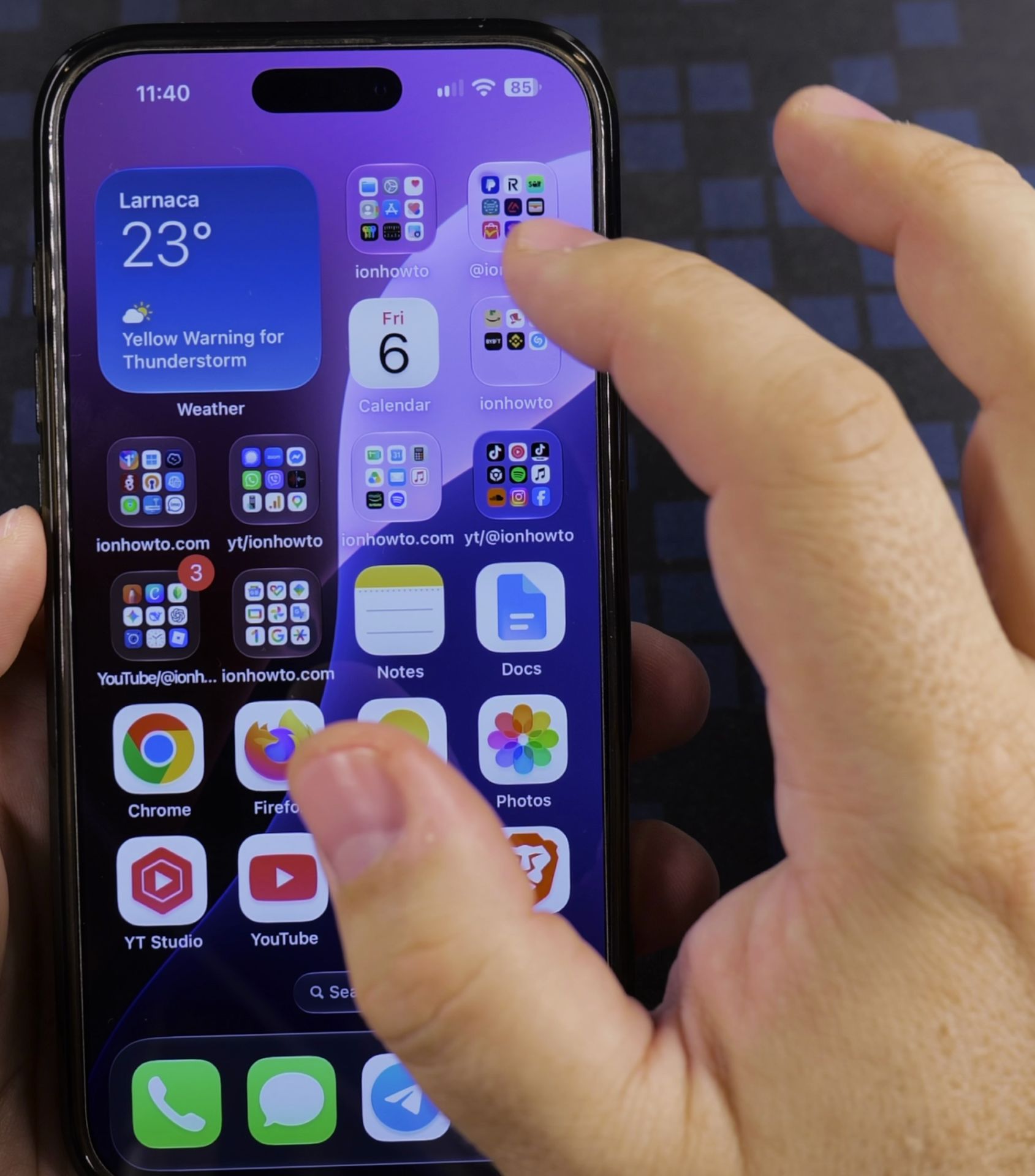
Open **Settings** and tap **Wi-Fi**. Find the network you want to remove.
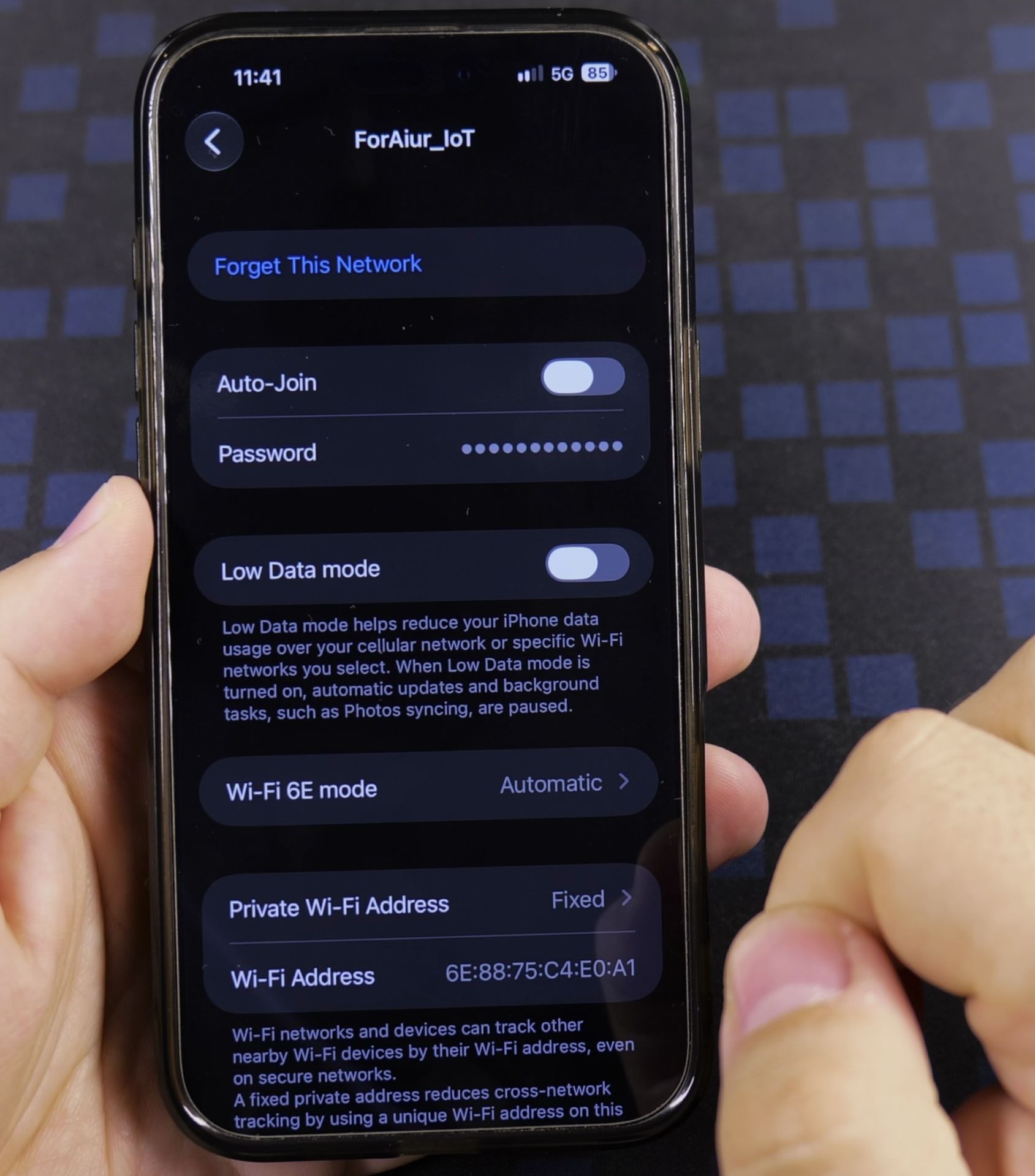
3. Tap the info icon and Forget This Network
Tap the small **i** next to the network name, then tap **Forget This Network** and confirm.
4. Remove far-away networks too
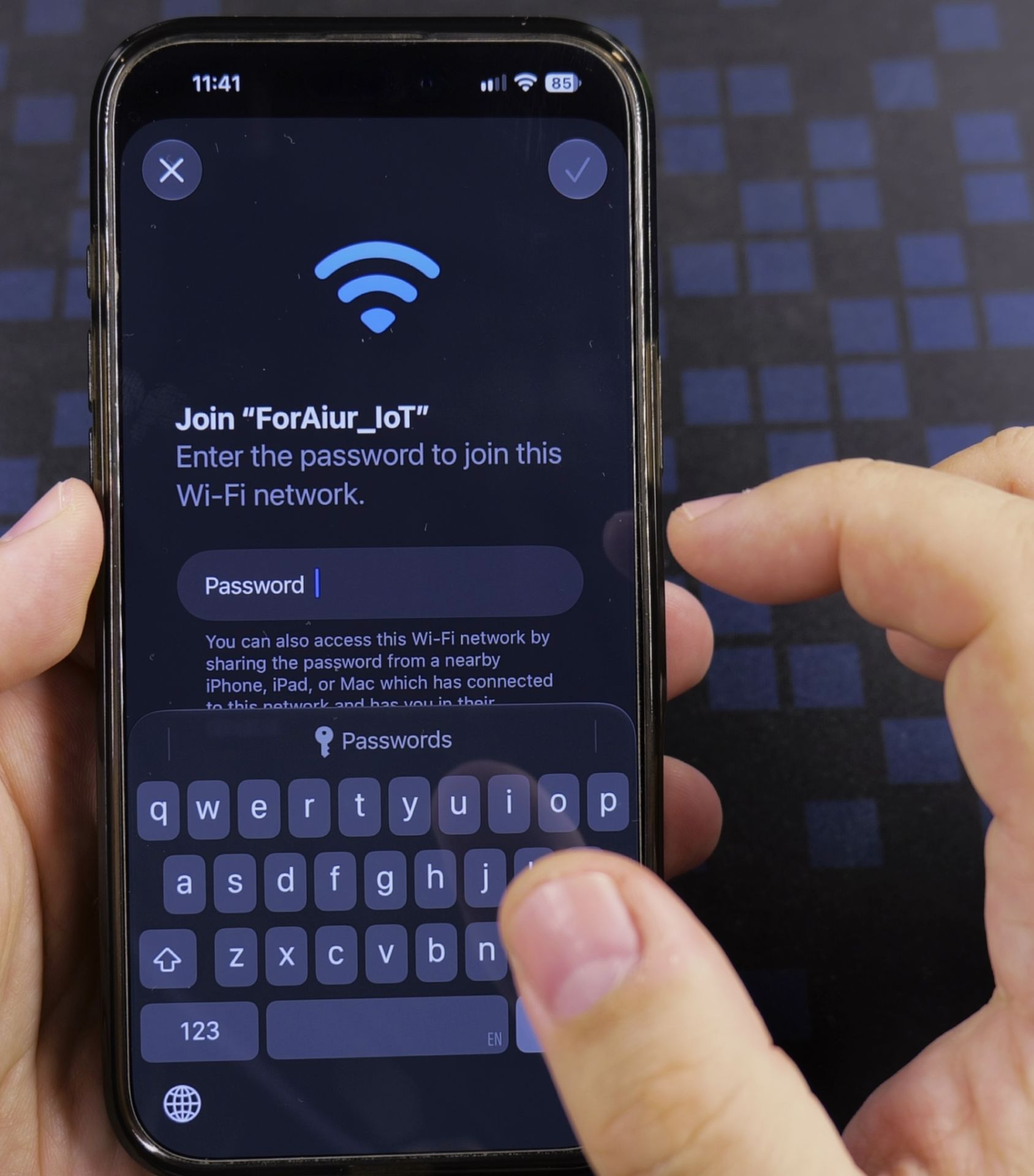
A network out of range will not show in the list. Open **Passwords**, tap **Wi-Fi**, pick the network and delete it there.
Helpful Tips
- Forgetting a network also deletes its saved password, so keep it handy if you might return.
- Forget a network if your iPhone keeps joining a weak one by mistake.
Related Guides
- Check Wi-Fi Calling on iPhone – How to Check if Wi-Fi Calling is Working on Your iPhone.
- How to Share Wi-Fi Passwords with QR Codes on iPhone – Tired of spelling out your complicated Wi-Fi password every time someone visits?
- View Saved Wi-Fi Passwords on iPhone – How to View Saved Wi-Fi Passwords on iPhone.
- iPhone How-To Guides – Browse more tutorials and practical guides in this section.


Leave a Reply