
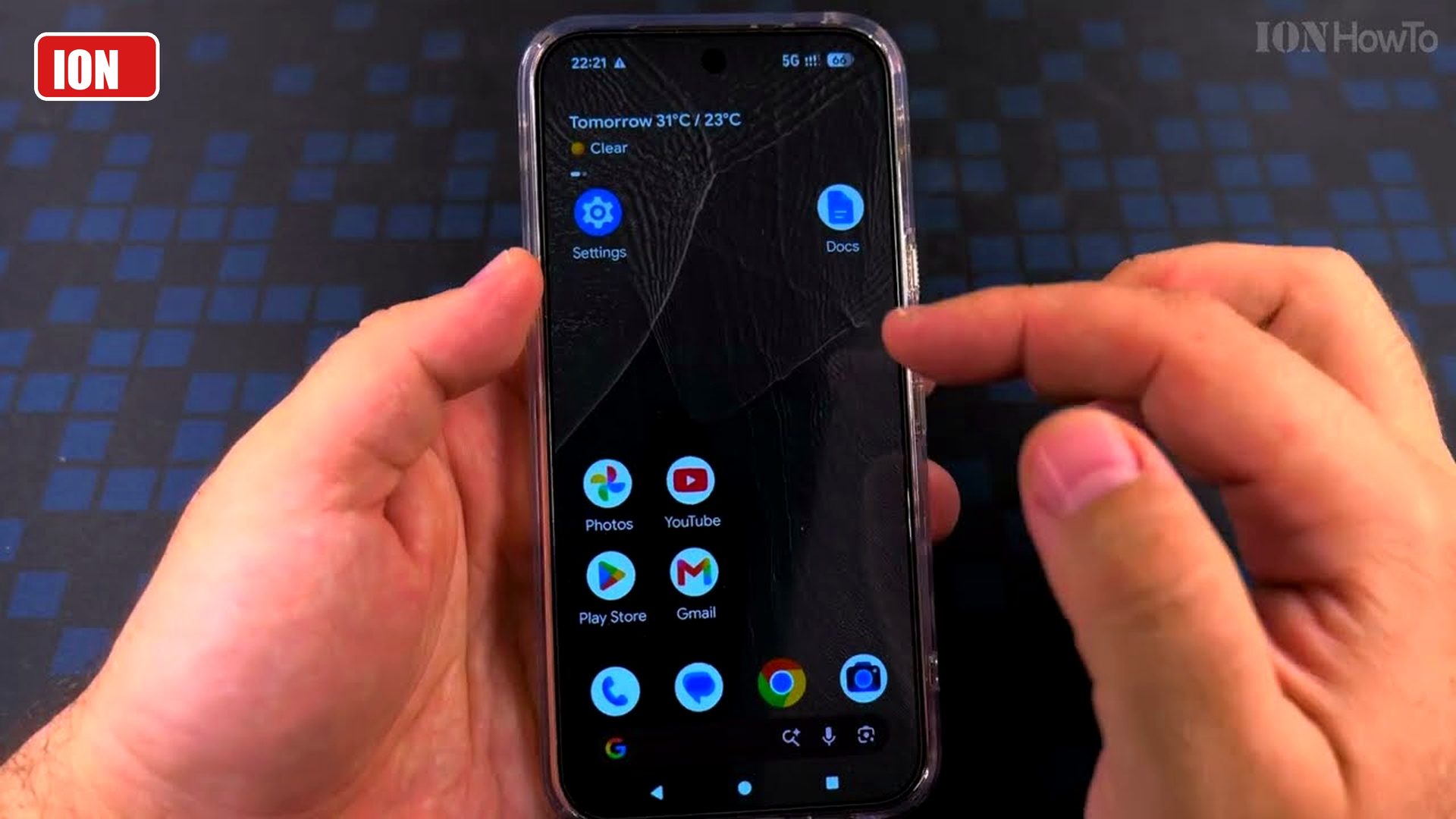
Seeing constant mobile data warnings before your monthly plan runs out can be annoying. On Android 17 on the Google Pixel 11 Pro XL, you can raise the data warning threshold in just a few taps so it matches your real carrier plan.
Steps at a Glance
- Open Settings and Tap Network & Internet
- Select Your Active Mobile SIM
- Open Data Warning & Limit
- Enter Your New Data Warning Number
Step 1: Open Settings and Tap Network & Internet
Open the Settings app on your Google Pixel 11 Pro XL. Tap Network & internet near the top of the list.
Step 2: Select Your Active Mobile SIM
Tap SIMs, then choose the mobile SIM card or eSIM you use for 5G or 4G mobile data.
Step 3: Open Data Warning & Limit
Scroll down and tap Data warning & limit. Make sure Set data warning is switched on if you still want a reminder near the end of your allowance.
Step 4: Enter Your New Data Warning Number
Tap Data warning, type a higher GB value that fits your mobile plan, and tap Set to save the change.
Helpful Tips
- Check your mobile carrier billing day on the same screen so your phone resets the counter on the right date each month.
- If you have an unlimited data plan, you can also switch Set data warning off completely to stop all alerts.
Related Guides
- How to Cancel a Google AI Pro or Google One Subscription in Google Play Store
- Battery Drain Fix Google Pixel 11 Pro XL


Leave a Reply