
Learn how to disable the Facebook app on your Android phone or tablet. Maybe you deleted your Facebook account and do not want the app anymore. Or perhaps you just want to reduce distractions, save battery life, or free up storage space. Whatever your reason, disabling the app is a good solution when you cannot fully uninstall it.
Amazon links
As an Amazon Associate I earn from qualifying purchases:
- Phone Cases
- Mobile Tripods
- Usb-c charger
- Usb-c cable
- Docking stations
- Wireless car chargers
- Wireless charger stand
- SIM card removal tool
- SIM card holder
Why You Might Want to Disable Facebook
Many Android phones come with the Facebook app pre-installed. Even phones that are low on extra apps, called bloatware, sometimes still have Facebook on them. You might not be able to fully uninstall it, but you can disable it. Disabling the app stops it from running, removes it from your app drawer, and prevents it from using background data. This can help your phone run better and save battery life.
What Happens When You Disable an App
Quick Steps and Scenarios Overview
| What You Need to Do | Quick Jump |
|---|---|
| Steps to Disable the Facebook App | Jump to Step 1 |
| How to Check If Facebook Is Disabled | Jump to Step 2 |
| How to Re-Enable Facebook | Jump to Step 3 |
| Does Disabling Facebook Free Up Storage Space | Jump to Step 4 |
When you disable an app on Android, here is what happens:
- The app stops running completely
- It no longer uses background data
- It disappears from your app drawer
- It cannot send you notifications
- The storage space it uses may be freed up
The app is not deleted from your phone. It is just turned off. You can enable it again later if you change your mind.
Steps to Disable the Facebook App
Here is how to disable Facebook on your Android phone. I am using a Sony Xperia 1 Mark 5 with Android 14, but these steps work on most Android devices.
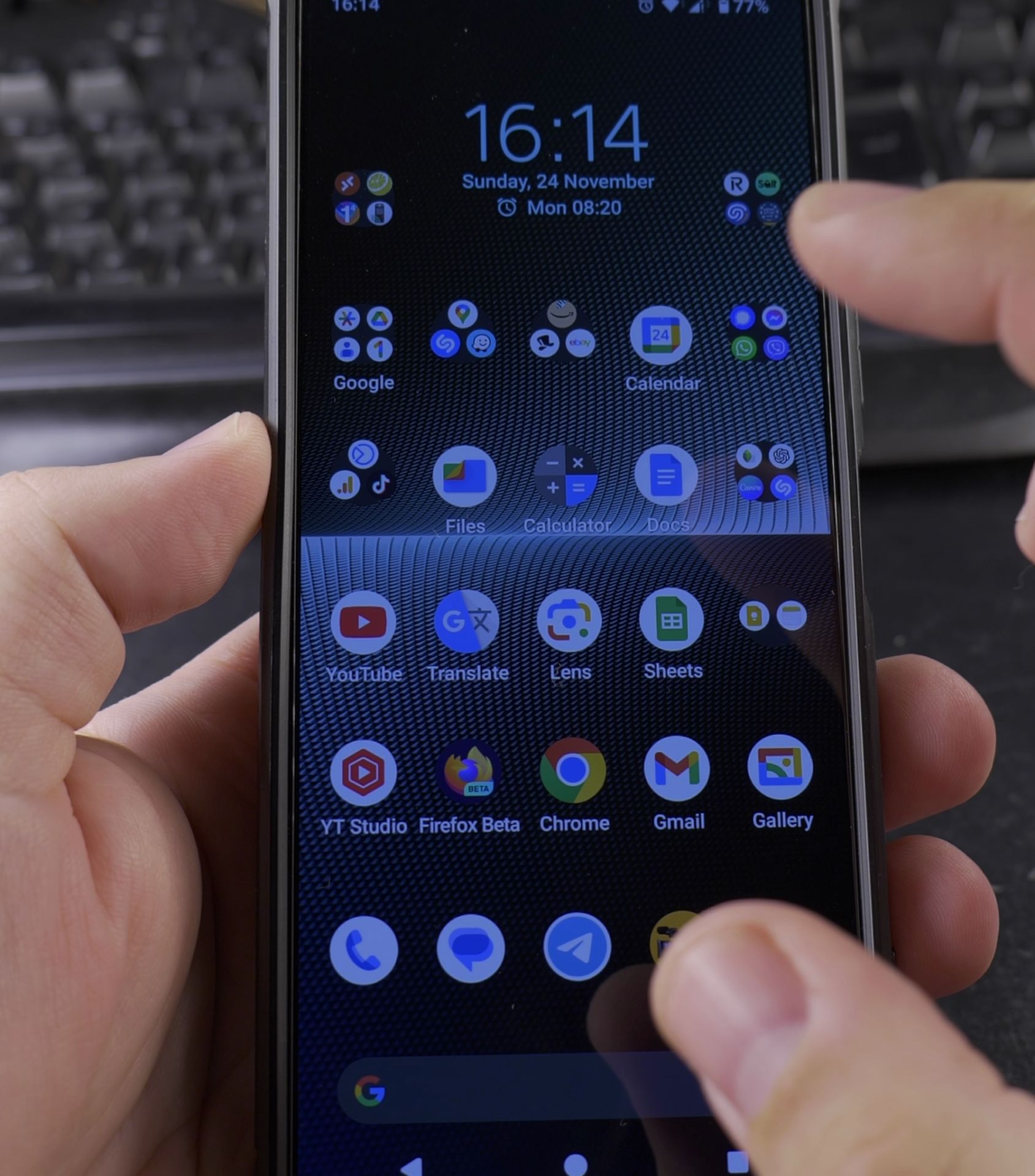
- Open the Settings app on your Android phone
- Scroll down and tap on Apps. On some Android versions, this may say Apps & notifications
- Tap See all apps or simply look at the list of all your apps
- Find and tap on Facebook in the list
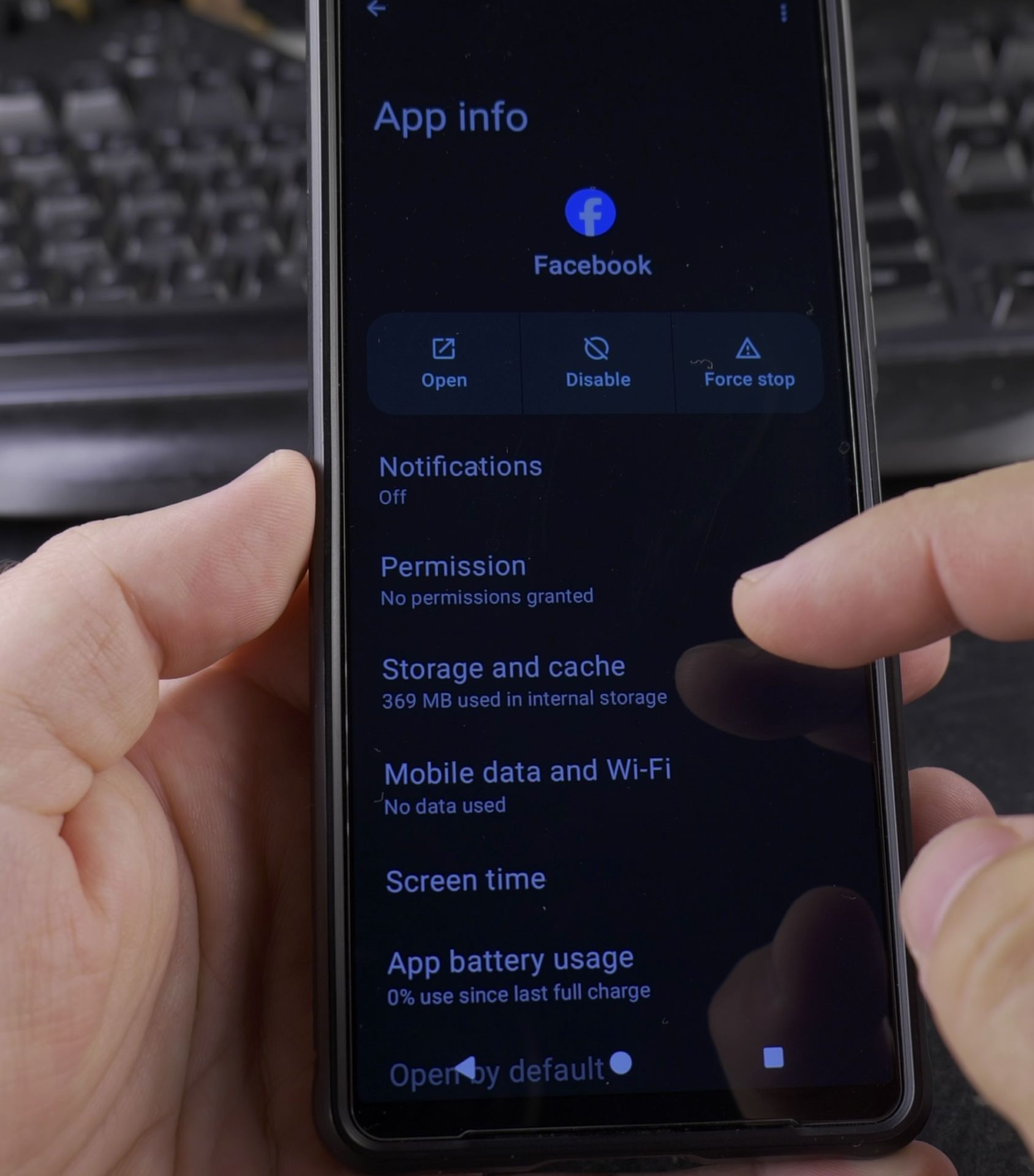
- On the Facebook app info page, look for the Disable button
- Tap Disable
- Confirm that you want to disable the app
What If You See an Uninstall Option
On some phones, you might see an Uninstall button instead of Disable. If you tap Uninstall, the phone will remove all updates to the Facebook app. It will not fully uninstall the app, but it will reset it to the factory version and disable it. After doing this, the app will show as Disabled and use zero storage space.
How to Check If Facebook Is Disabled
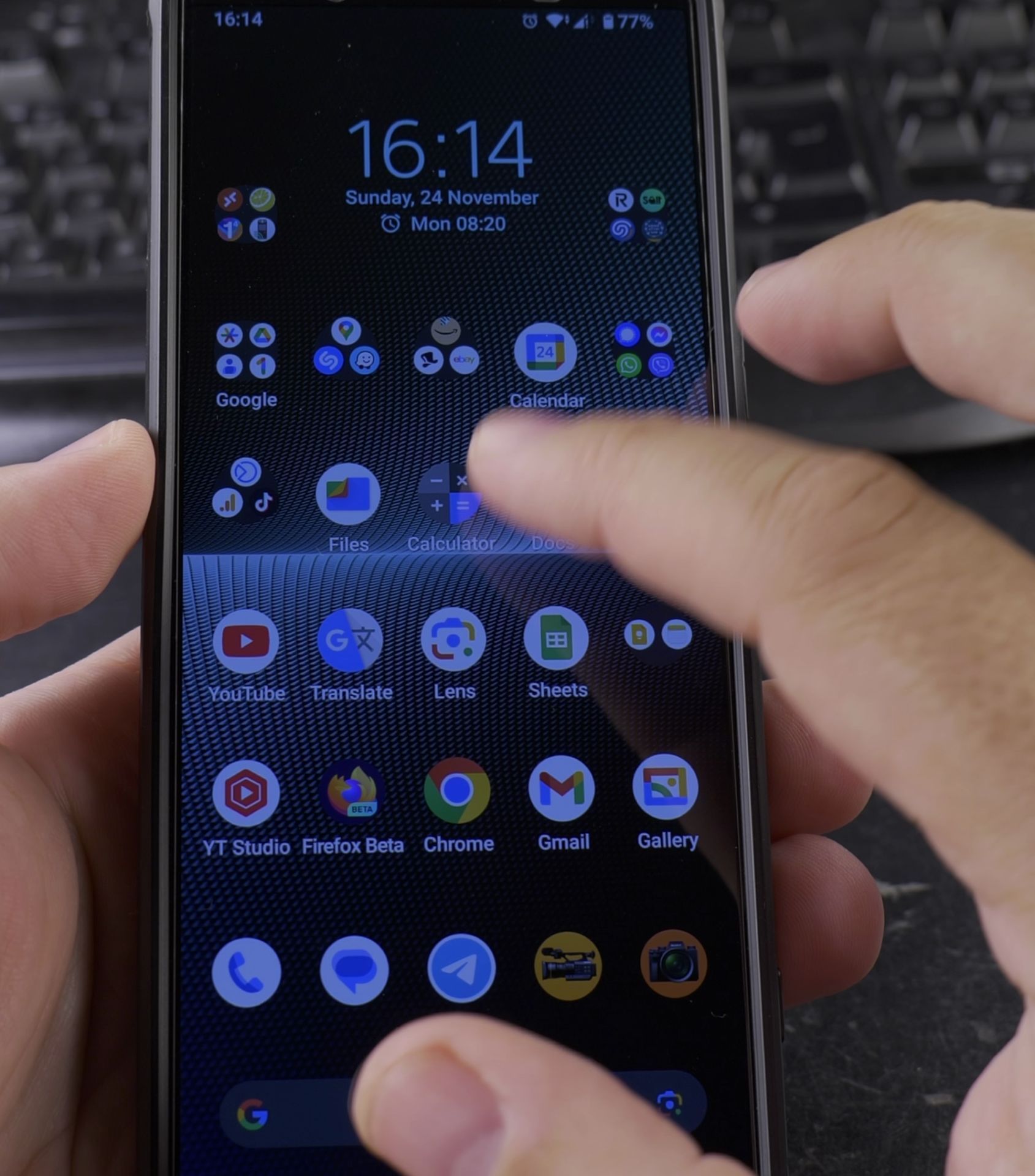
After you disable Facebook, try to open it from your app drawer. You will find that it is no longer there. If you search for Facebook in your settings or app list, you will see it marked as Disabled. It will not run or bother you again.
How to Re-Enable Facebook
If you ever want to use Facebook again, here is how to turn it back on:
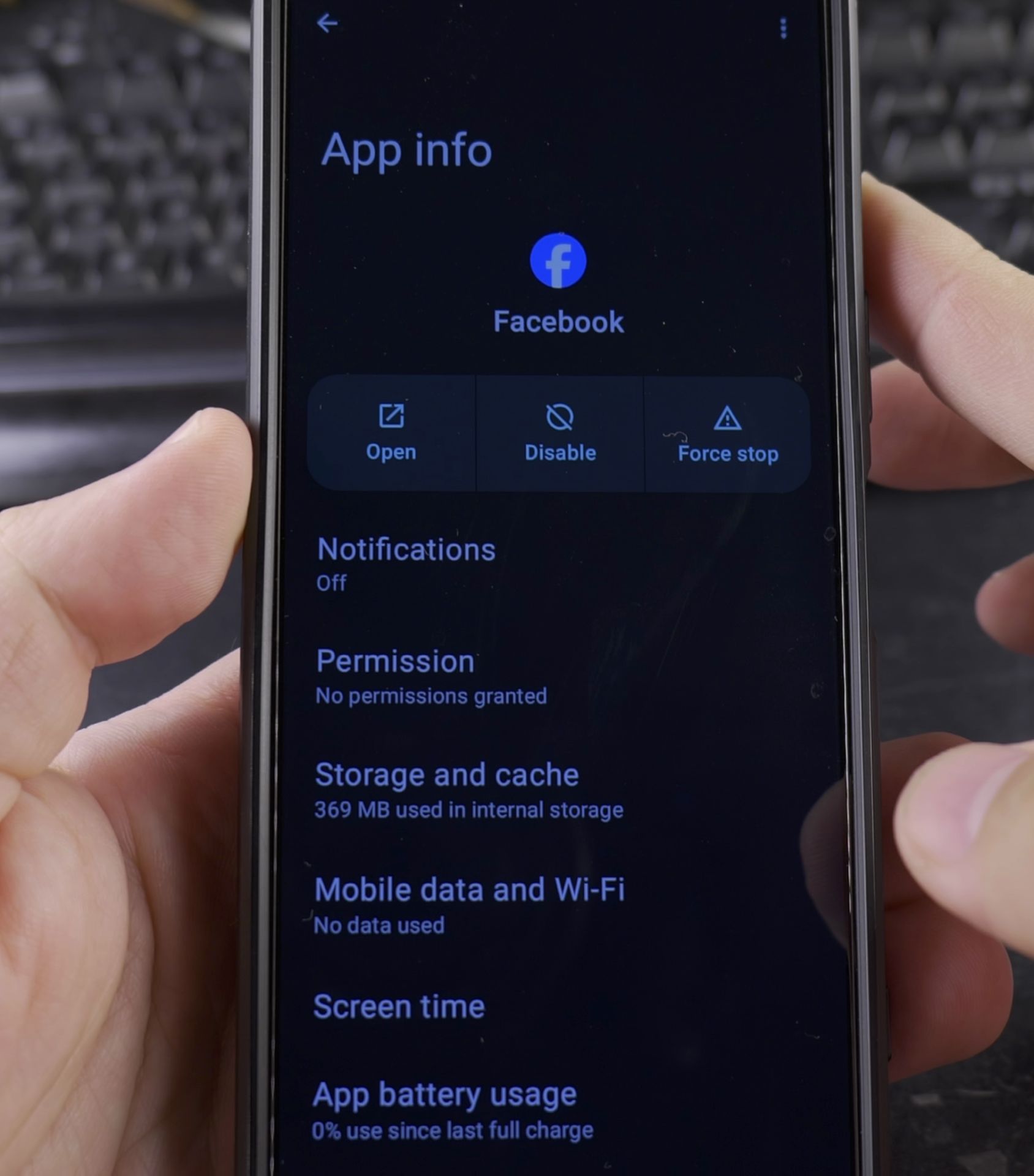
- Go to Settings > Apps > See all apps
- Find Facebook in the list
- Tap on Facebook
- Tap the Enable button
- The app will be restored to its factory state
You can also re-enable Facebook from the Google Play Store by searching for the app and tapping Enable or Update.
Does Disabling Facebook Free Up Storage Space
Yes. When you disable the Facebook app, any user data and cached files are cleared. The app itself may still take up a small amount of space for the factory version. But after disabling, the storage used should drop to zero or close to zero. In my case, it went from using over 300 MB to using 0 MB.
Final Thoughts
If you cannot fully uninstall Facebook from your Android phone, disabling it is the next best thing. The app will stop running, stop using data, and stop taking up space in your app drawer. Your phone may even feel a little faster without Facebook running in the background. And if you ever need Facebook again, you can re-enable it in just a few taps.
Thanks for reading. I hope this helps you clean up your phone and get rid of apps you do not want or need.
Helpful Tips
Take your time and check the screen carefully after each tap so you can confirm the setting changed as expected. If an option appears in a slightly different spot on your device, watch the embedded video above for a closer look.
Related Guides
- Android Battery Share Function – How to Use Battery Share on Android.
- How to Jump Start Car with Cordless Tool Battery in Emergency – If your car battery dies in a parking lot and you don't have jumper cables or another car nearby, an 18V cordless drill…
- Fix a Loose Remote Battery Cover – How to Fix a Loose Remote Battery Cover with Tape or Stickers.
- Android & Mobile Guides – Browse more tutorials and practical guides in this section.


Leave a Reply