
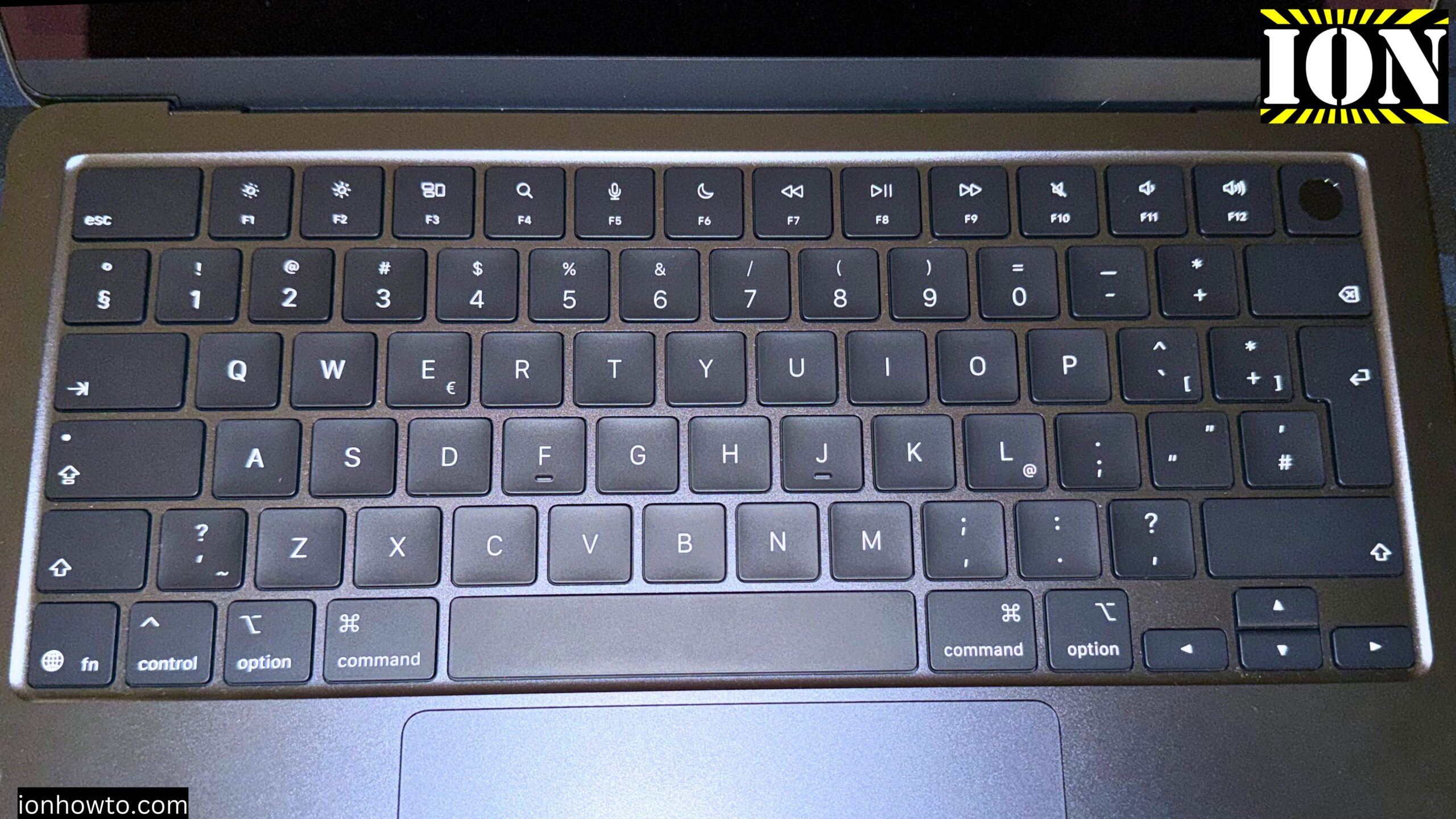
The Best Battery Settings for MacBook Air M5 Plugged in All The Time.
If you keep your MacBook Air plugged in all the time 24/7 or like me whenever you use it, you plug in the MagSafe charger.
This works on your MacBook Air M5 or previous generation or MacBook Air and the same for MacBook Pro M5 and previous versions of MacBook Pro.
In the Settings app you have the battery settings where you can check the battery health and percentage remaining including battery charge cycles.
If you keep your MacBook Air plugged in all the time it’s really important to use the battery charge limit to 90% or even better to charge the MacBook battery up to 80% maximum.
If you have your MacBook plugged in all the time there is no need to keep the battery charged at 100% all the time.
That’s not good for your MacBook battery.
Traveling
When traveling, you can change the battery charge limit to 100% so you can maximize battery capacity while away from a charger.
You can also charge your MacBook with a power bank anywhere with a USB-C cable.
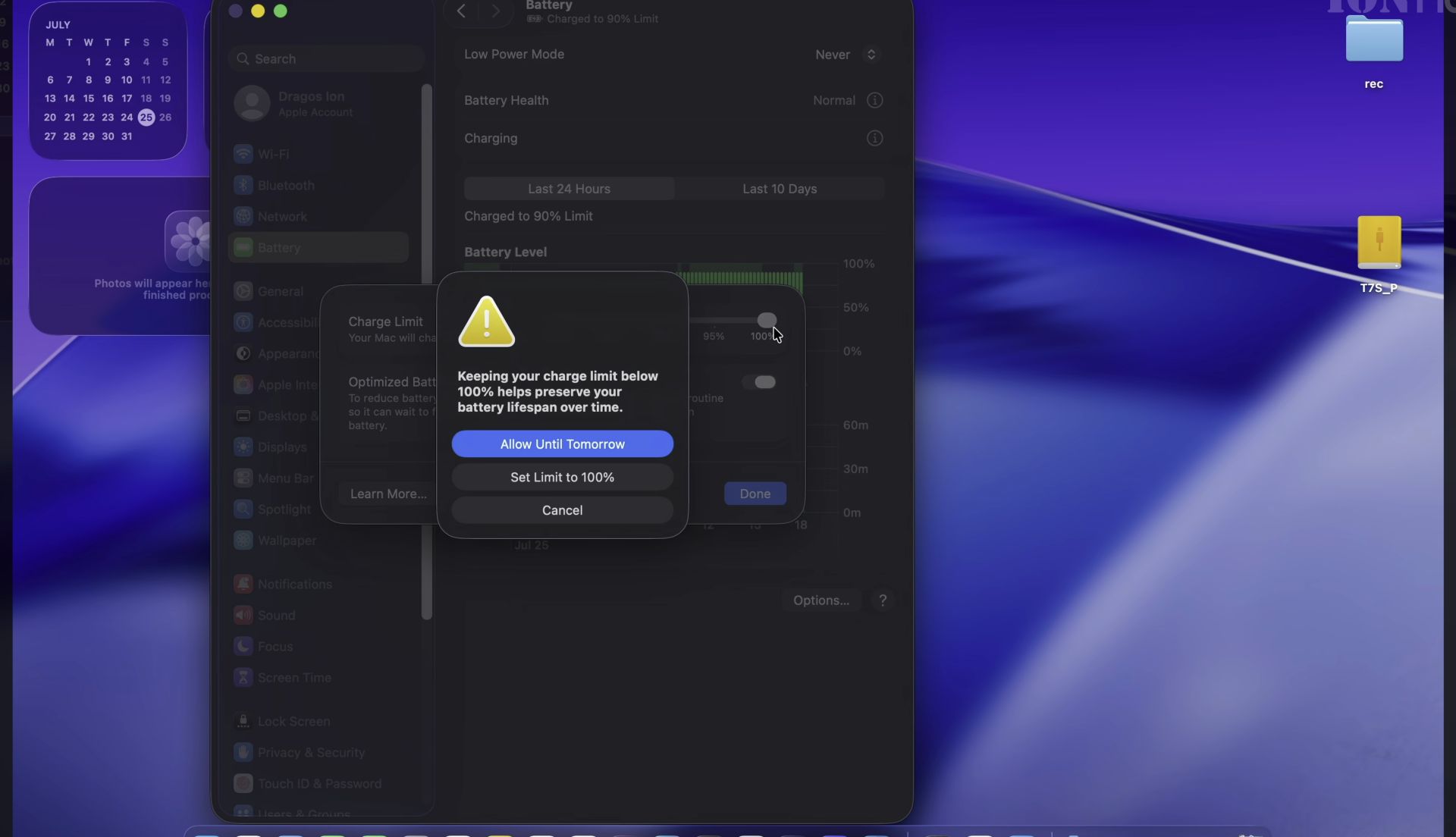
You can also use the battery saver mode called the low power mode.
Use the low power mode when you must extend the battery life of your MacBook as long as possible while reducing display brightness and slowing down your MacBook processor or use only energy efficiency cores to save energy.
You can quickly enable or turn off the low power mode when you click on the battery indicator. When Low power mode is enabled, the battery icon becomes yellow or orange to tell you are in low power mode.
Video
In this step-by-step video guide shows you MacBook Air M5 MacOS 26.5.
The Best Battery Settings for Macbook Air M5 Plugged in All The Time
Quick Steps and Scenarios Overview
| What You Need to Do | Quick Jump |
|---|---|
| Traveling | Jump to Step 1 |
| Video | Jump to Step 1 |
Recommended Amazon Gear and Accessories
Disclosure: This article contains Amazon affiliate links. As an Amazon Associate, we earn from qualifying purchases at no extra cost to you.
- MacBook Air
- MacBook Pro
- Mac mini
- MacBook Air Case
- MacBook Air MagSafe 3 Charger
- MacBook Air Thunderbolt 4 Dock
Model number A3449
Part number MDHE4D/A
EAN Barcode: 195950690064
Color Midnight.
More information:
MDHE4D/A MDN/10C CPU/8C GPU/16GB/512GB Model No. A3449
Display: 13.6-inch Liquid Retina LED-backlit display with True Tone technology; 2560×1664 pixels.
When to Enable Low Power Mode in Battery Settings for Macbook Air M5
If you have any questions ask in the videos comments or here.
Helpful Tips
Check all labels, connections, and power ratings before starting so everything fits safely and securely. If any detail looks slightly different on your model, pause the embedded video above for a clear closeup view.
Related Guides
- Charger PLGS 2012 A1 for Smart Battery 20V X20V from Lidl Parkside – If your Parkside power tool batteries take hours to recharge, this high-current charger cuts your waiting time drastically.
- IKEA LITOSFAR Battery Charger – IKEA LITOSFAR Battery Charger with Storage.
- Parkside Battery Not Charging Fix Charger LED Blinking Red Green – Parkside 20V cordless drill battery Not charging, charger leds blinking fix.
- MacBook Air M5 – Browse more tutorials and practical guides in this section.


Leave a Reply