
Tag: Apple iPad
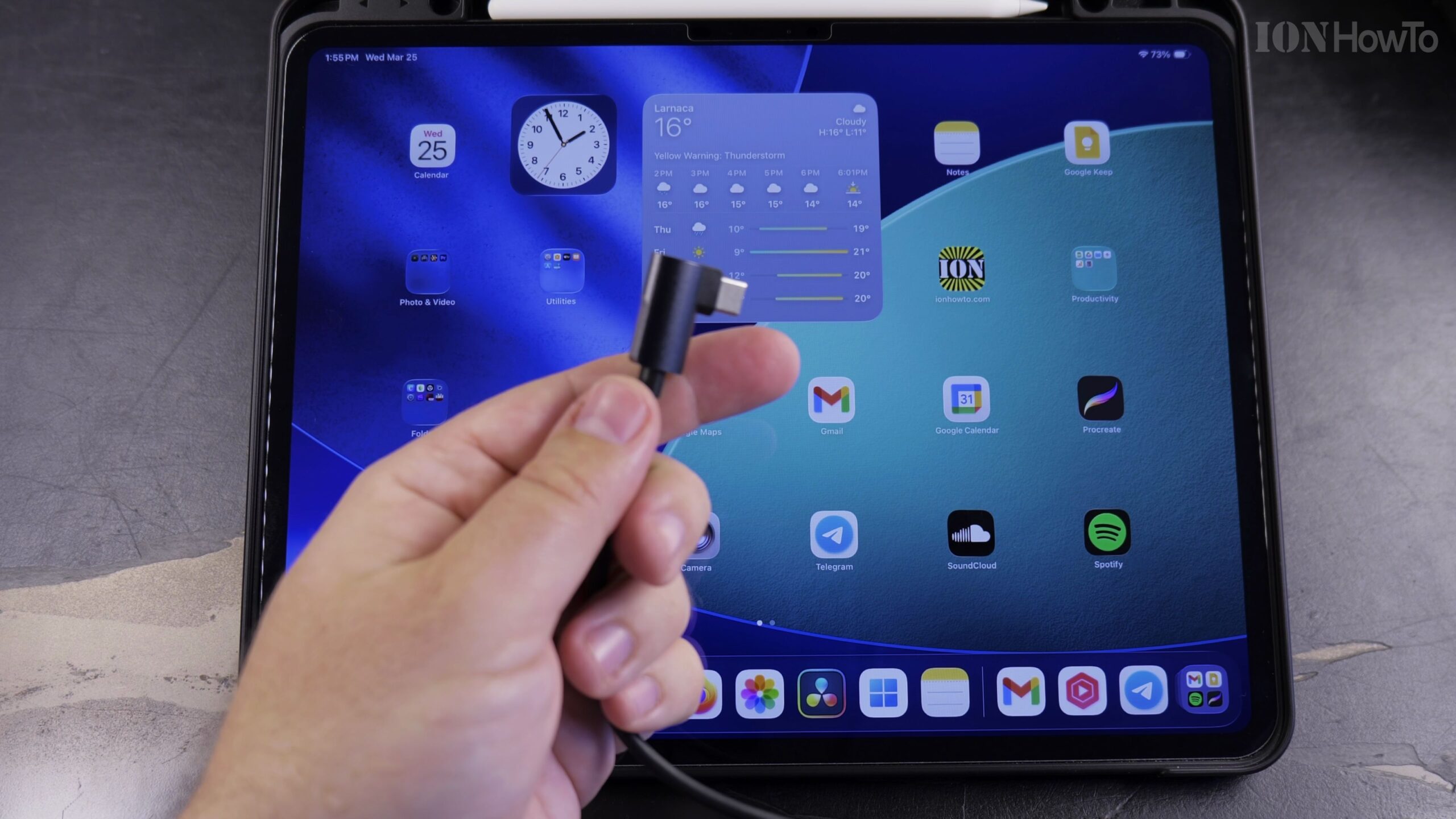
How to Connect an iPad to Wired Ethernet Internet Using a USB-C Cable
When Wi-Fi is spotty or you need zero-latency internet for gaming, video calls, or large file transfers, connecting your iPad directly to an Ethernet cable gives you a blazing-fast wired connection. Here is how to connect and configure Ethernet on an iPad using a USB-C network adapter.
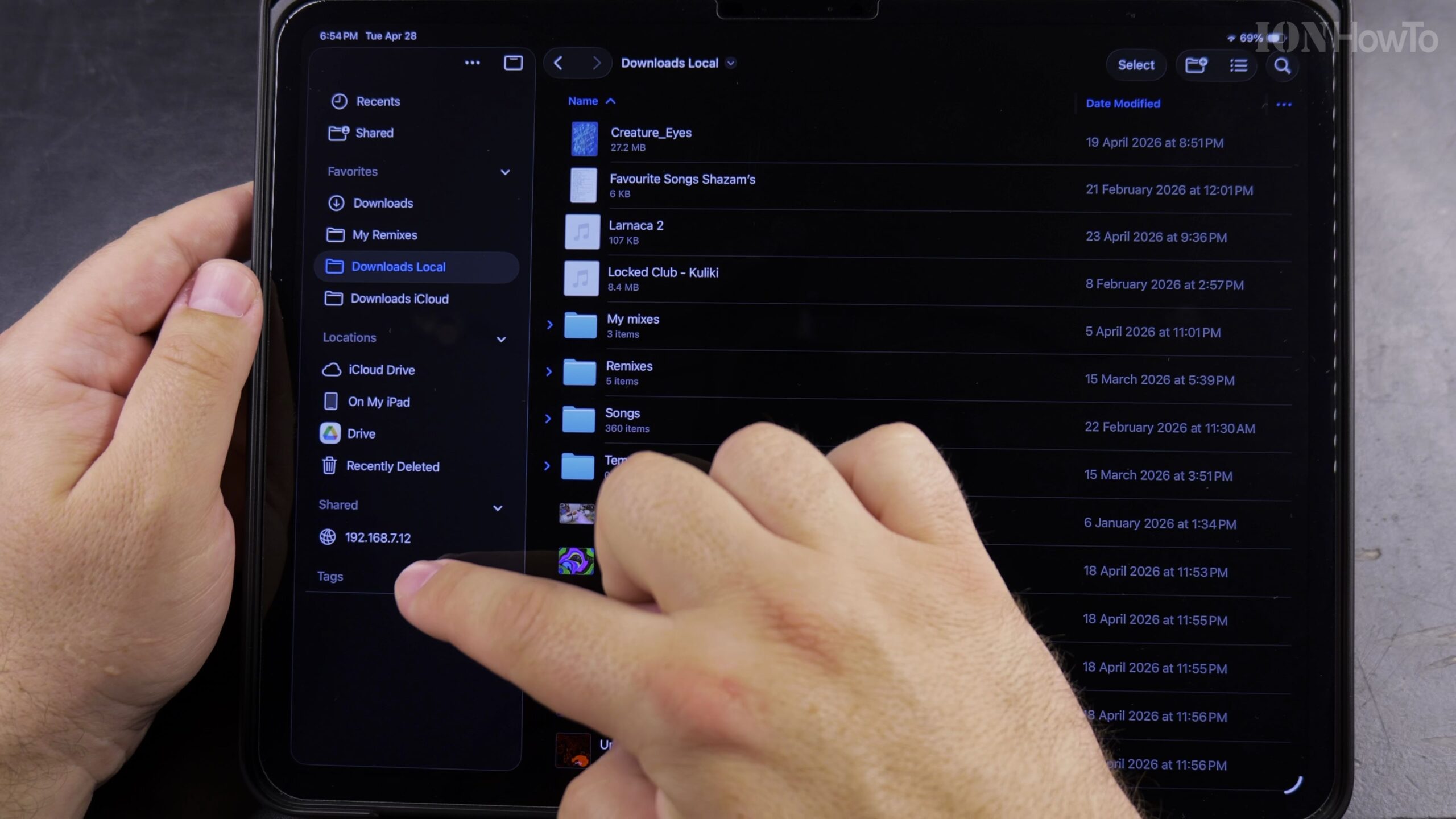
How to Move Files into a Folder in the iPad Files App (Internal & External USB Drive Guide)
Learn how to move files into a folder in the iPad Files app, if you are organizing documents stored on your iPad or managing photos and videos on an external USB flash drive, SD card, or portable SSD. This process works the same across USB-C iPad Pro, iPad Air, and standard iPad models.
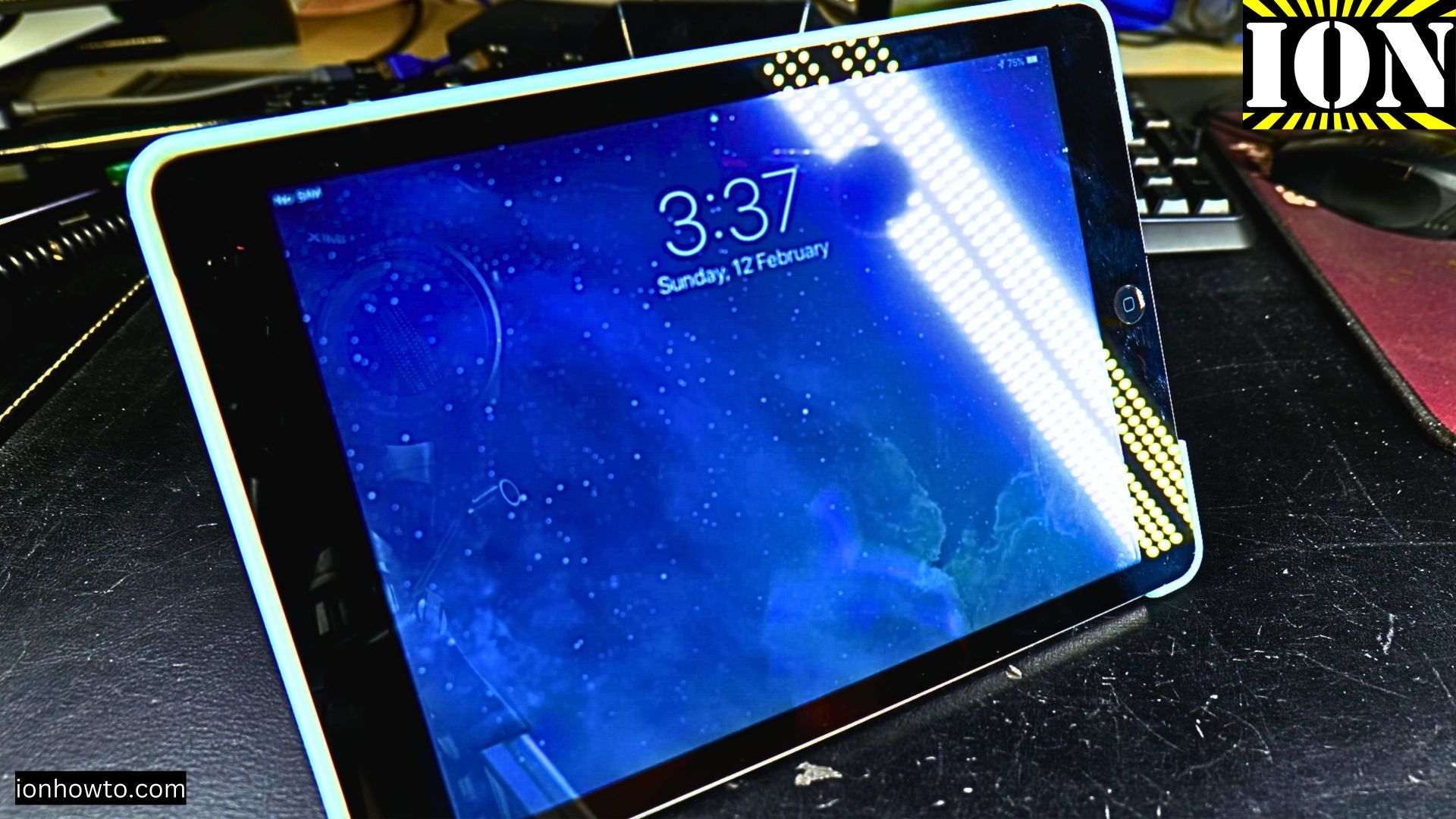
iPad Air Ghost Typing Fix
Is your iPad acting like it’s possessed? You’re trying to tap one thing, but it opens apps, types gibberish, or clicks on random parts of the screen all by itself. This frustrating issue is commonly called “ghost touch” or “ghost typing.” Before you decide.
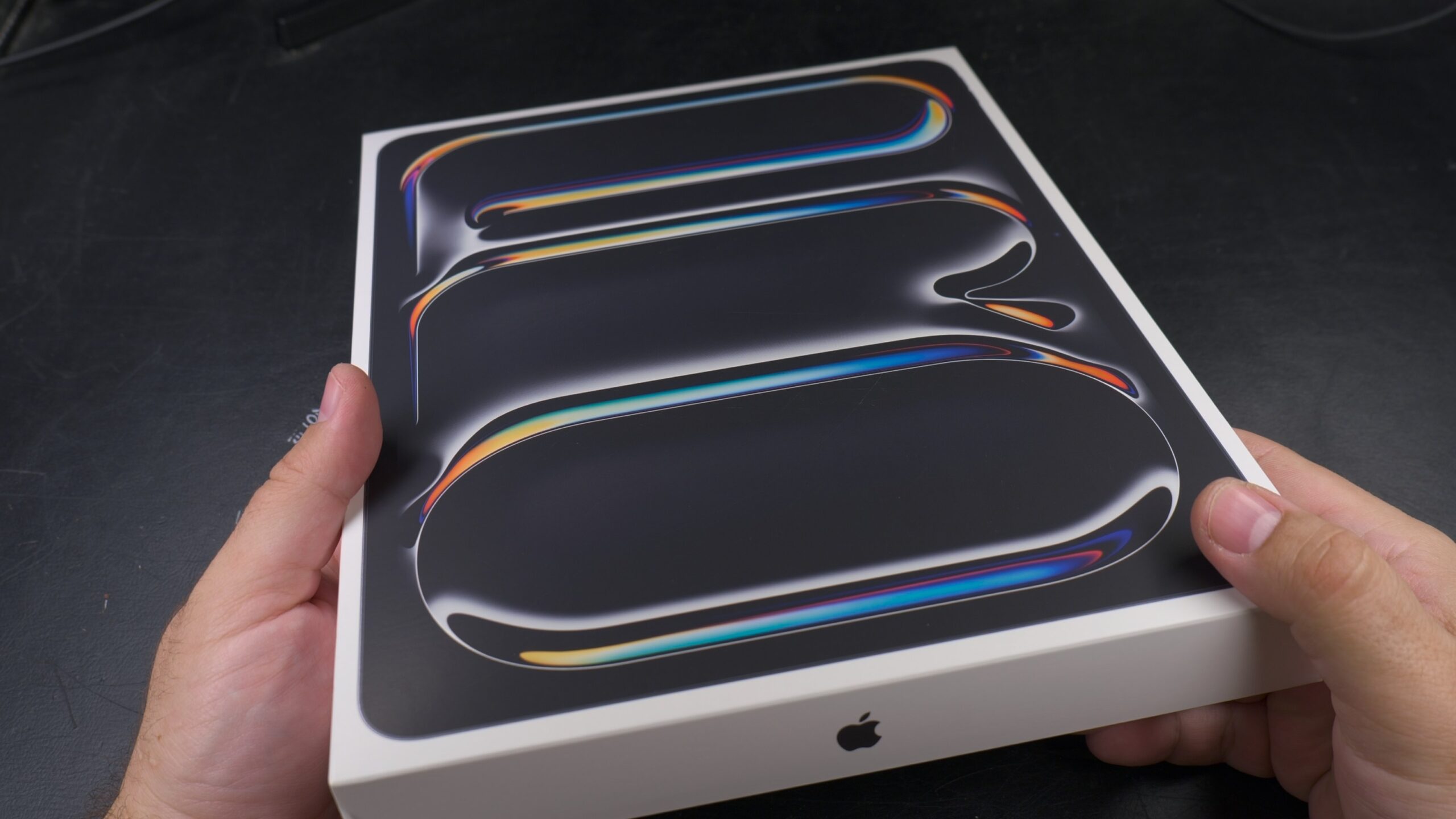
Apple iPad Pro M5 13 Inch
Apple iPad Pro M5 13 Inch Unboxing and showing you what’s included in the new M5 iPad Pro and how the iPad Pro M5 13 Inch 256GB model looks like.
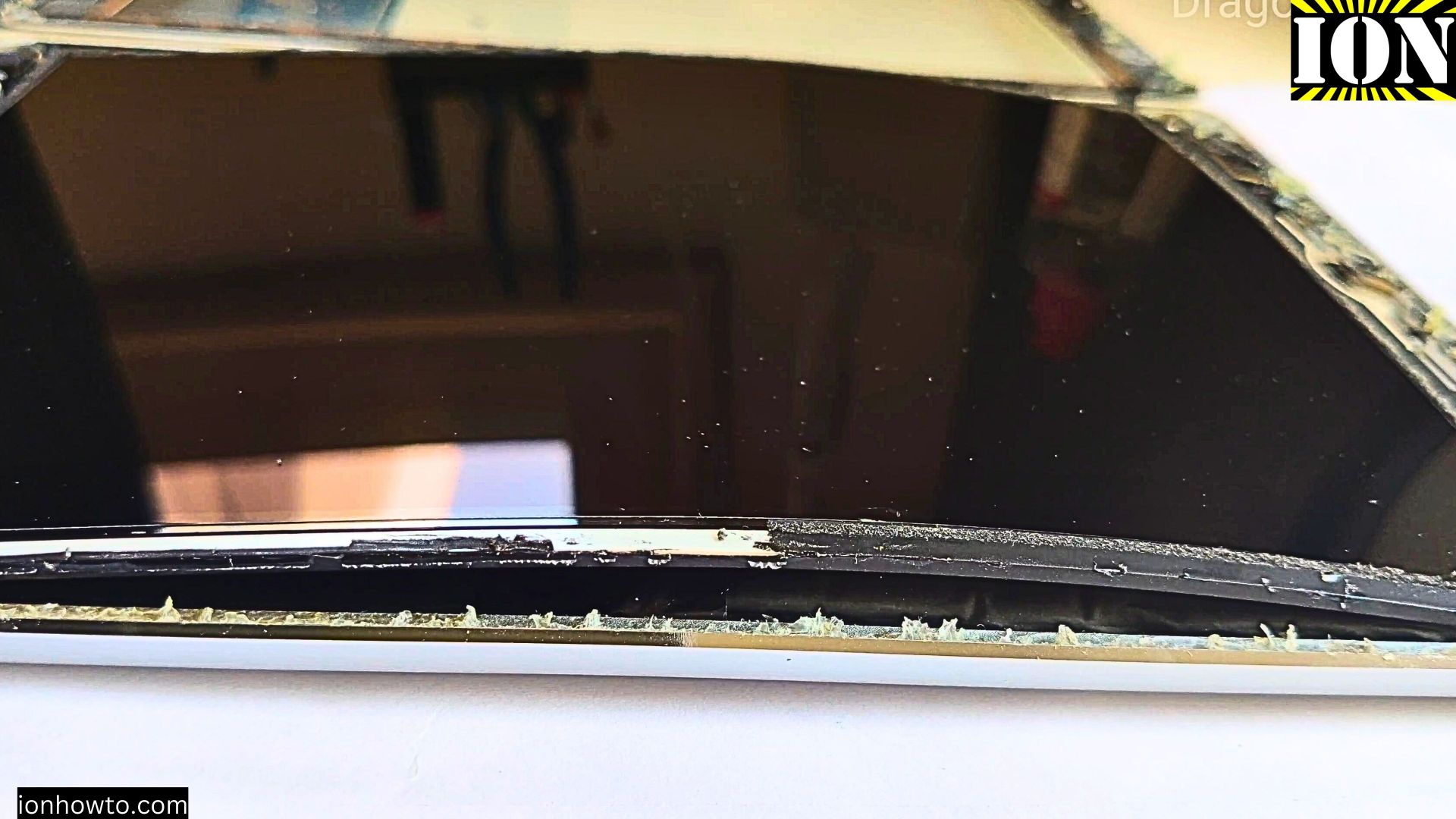
iPad Air Screen Popping Out Problem
If your iPad Air’s screen is starting to lift or pop out don’t ignore it. This issue typically happens because of a swollen battery, and it’s more common than you might think. Here’s everything you need to know about fixing it.
How to Install and Set Up Your iPad Flip Case
Getting a new iPad case doesn’t have to be complicated. Here’s a straightforward guide to get your iPad properly installed in its new magnetic flip case and make the most of its stand features.
Turn Your iPad Case into a Stand
Have you ever tried to get your iPad to stand up? That magnetic cover you’ve got isn’t just for protection – it’s actually a pretty clever stand! I’ll show you how to make the most of the iPad cover flaps.

My iPad Won’t Turn On How to Fix
My iPad won’t turn on how to fix it easily at home. This can happen mostly because of software freezing or bad iPad hardware. Your iPad won’t turn on and all you can see is the iPad black screen. You might also see the Apple logo and it keeps rebooting or.