
Category: Android Tips
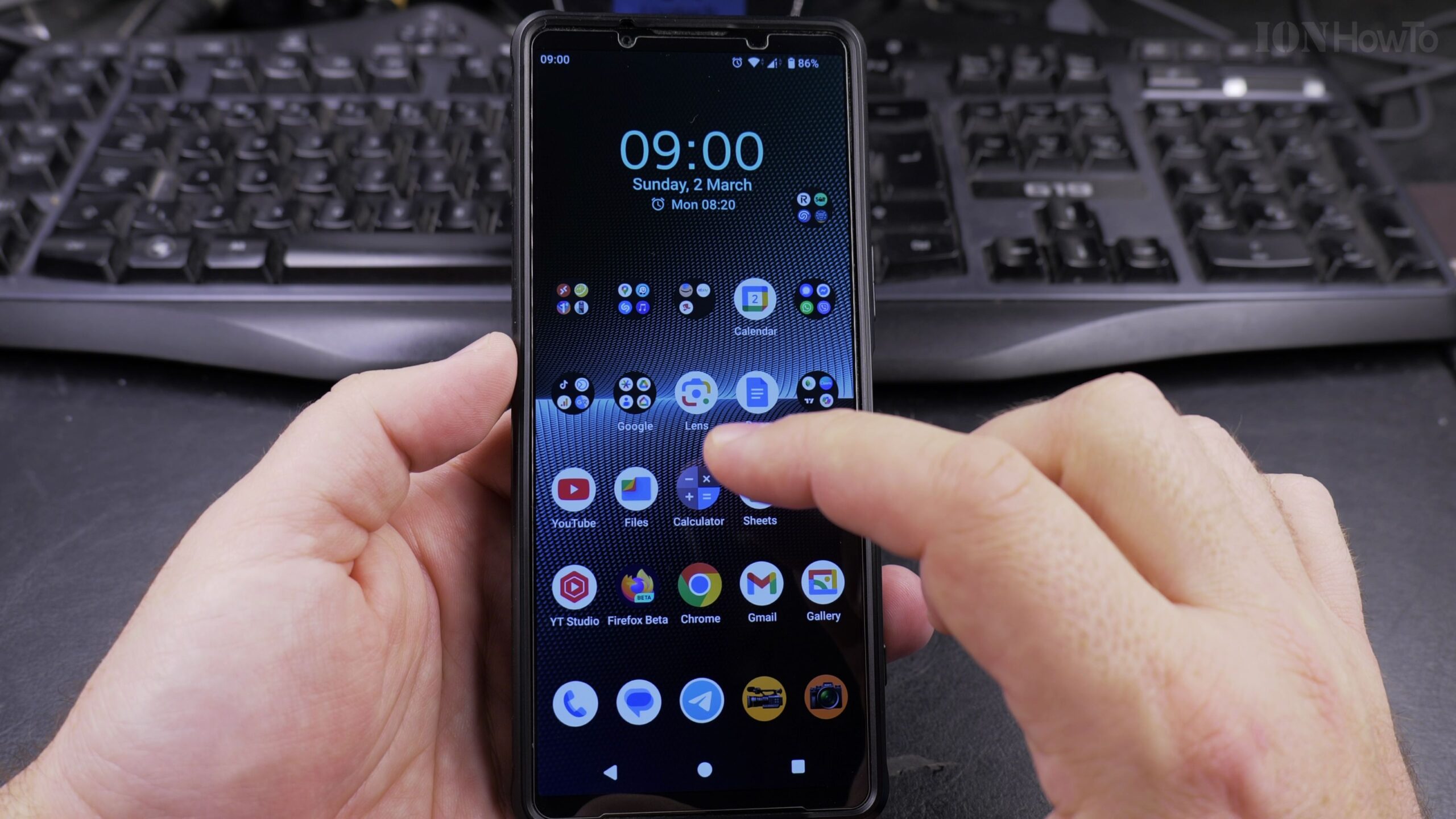
How to Increase Contrast on Android for Better Text Visibility: Step-by-Step Readability Guide
Reading small gray text on a bright screen can quickly cause eye fatigue, particularly under strong outdoor sunlight or for individuals with changing eyesight. Android includes a dedicated accessibility feature called High Contrast Text that sharpens letterforms by converting text into solid black or white with crisp contrasting borders. In this step-by-step guide, I will…
How to Change Keyboard Language on Android Devices: Simple Multilingual Typing Guide
Typing text messages, search queries, or emails on an Android phone is much easier when your virtual keyboard is set to the correct language. If you speak or write in more than one language, having the wrong keyboard active causes frustrating auto-correct mistakes, changes words into English unexpectedly, and hides necessary accent marks. In this…
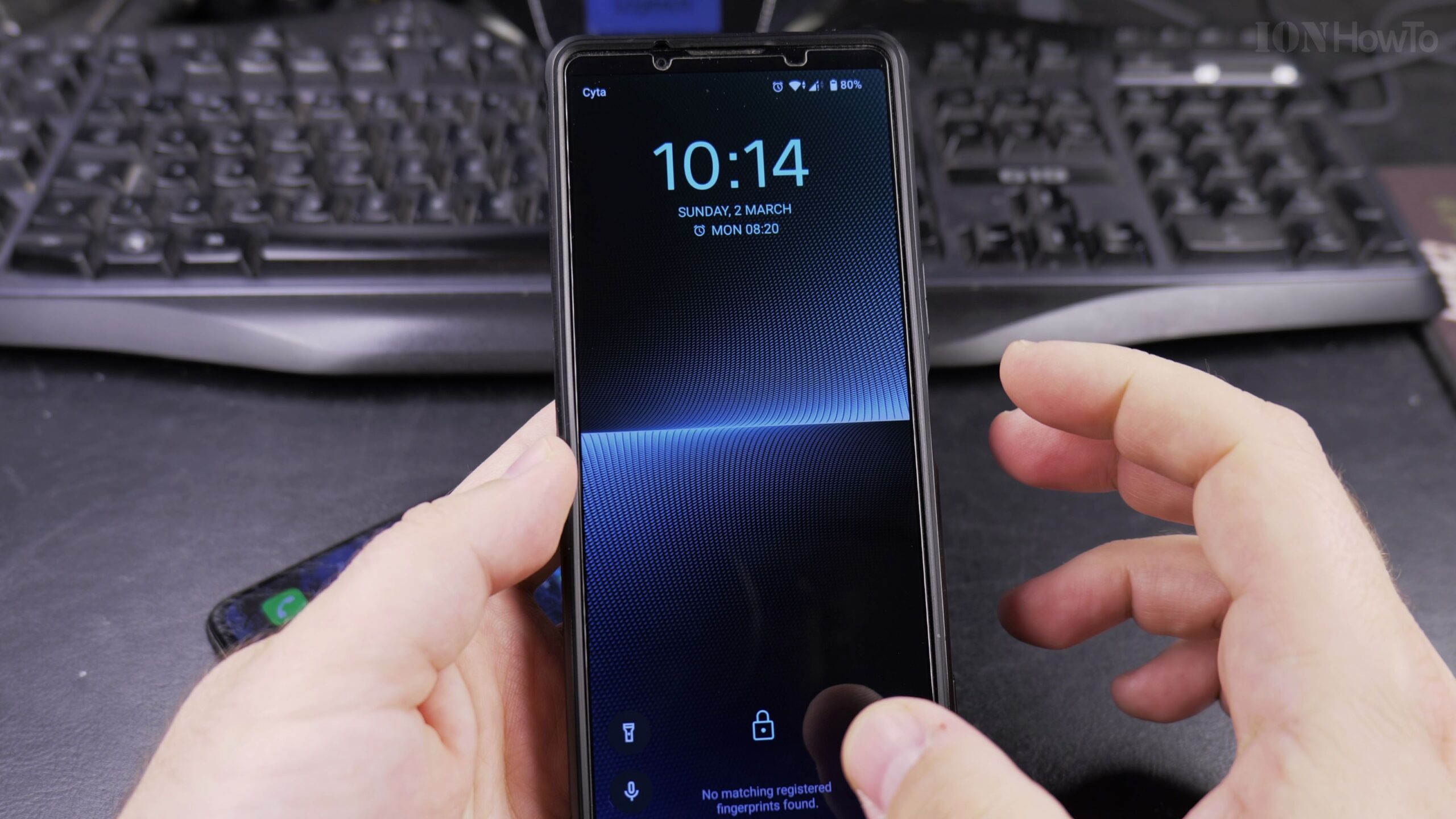
How to Add a Phone Password or PIN on Android Devices: Easy Step-by-Step Guide
Keeping your personal photos, emails, banking applications, and private messages secure is one of the most important steps when setting up any smartphone. If your phone is unlocked, anyone who picks it up can access your information. In this senior-friendly guide, I show you how to set up a secure screen lock PIN or password…
How to Use the Stopwatch on Android Devices: Easy Step-by-Step Guide
Tracking time accurately is essential whether you are boiling eggs in the kitchen, timing your morning walk, or tracking rest intervals during physical therapy exercises. While many people wear a physical wristwatch or digital chronograph, your Android smartphone already has a built-in stopwatch that is accurate right down to the hundredth of a second. In…
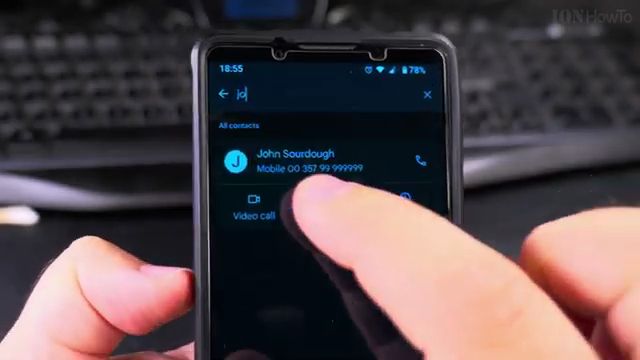
How to Add a Picture to a Contact on Android: Simple Step-by-Step Tutorial
Learn how to add a photo to your phone contacts on Android so you can instantly recognize callers on your screen. Adding custom profile pictures makes your address book easier to browse and helps you spot calls from friends and family members at a glance. In this guide, I show you the steps to set,…
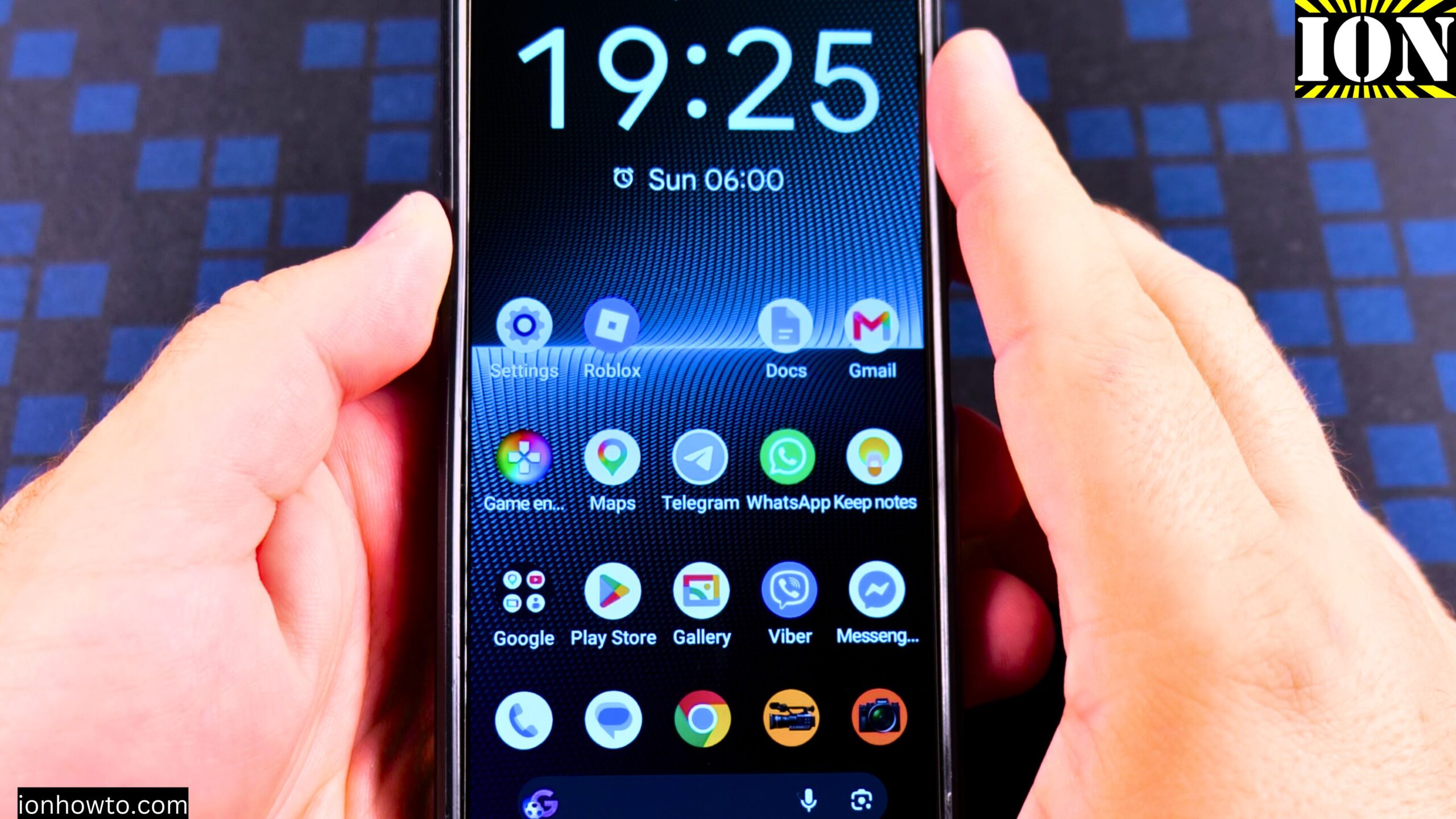
How to Disable 2G on Android
How to Disable 2G on Android Phones and Devices. Learn how to disable 2G on Android phones and tablet devices with this simple step-by-step guide. If you want to turn off 2G network on Android to prevent 2G connection on Android phones, this tutorial shows you exactly where to find the setting and what to…
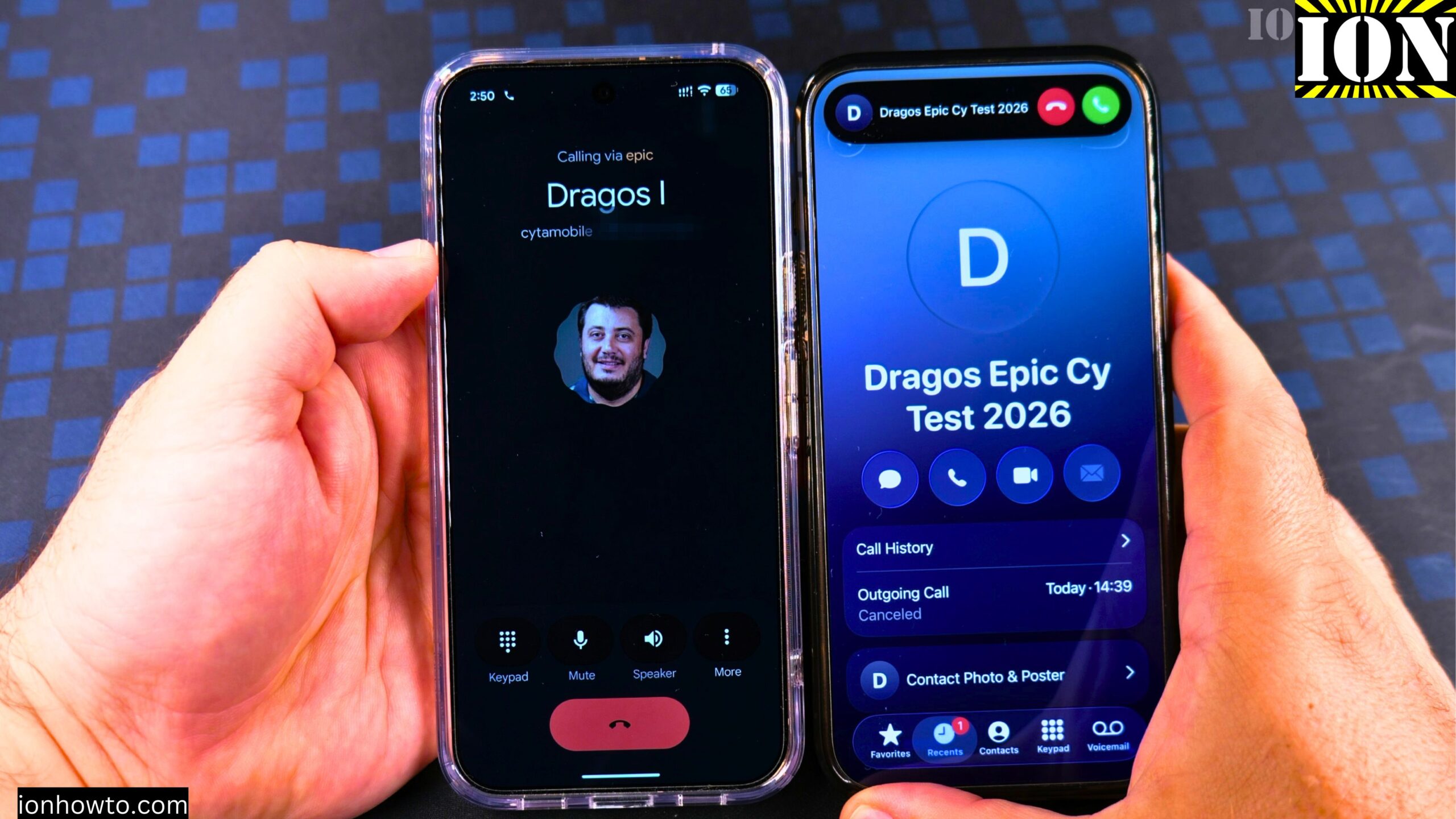
Answer Phone Calls on Android
How to Answer Phone Calls on Android 17. Learn how to answer phone calls on your Google Pixel Android phone. This guide uses the Google Pixel 11 Pro XL running Android 17 as an example. The steps are simple, and I’ll show you exactly what to do when someone calls you. Answering a Call When…
How to Make a Phone Call on Android 17
How to Make a Phone Call on Android 17 Google Pixel 11 Pro XL. What This Guide Covers Learn how to make a phone call on your Google Pixel Android phone. I show you how to do this on a Google Pixel 11 Pro XL running Android 17. I use an iPhone next to it…
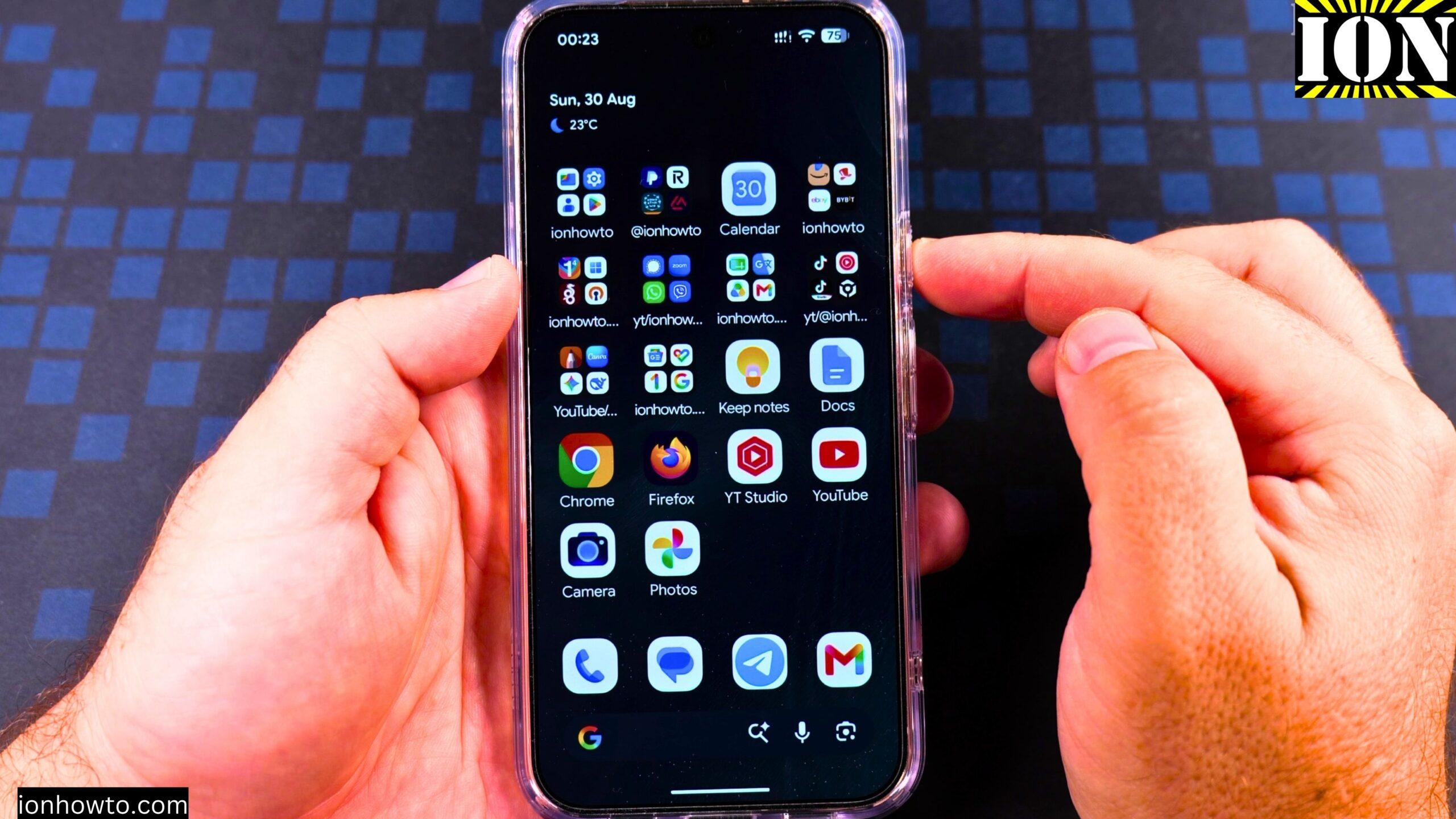
Enable Google Gemini AI Assistant on Android Google Pixel
How to Enable Google Gemini AI Assistant on Google Pixel 11 Pro XL. What This Guide Covers Learn how to turn on the Google Gemini AI assistant on your Android phone when you have no digital assistant active. I show you how to do this on a Google Pixel 11 Pro XL running Android 17.…
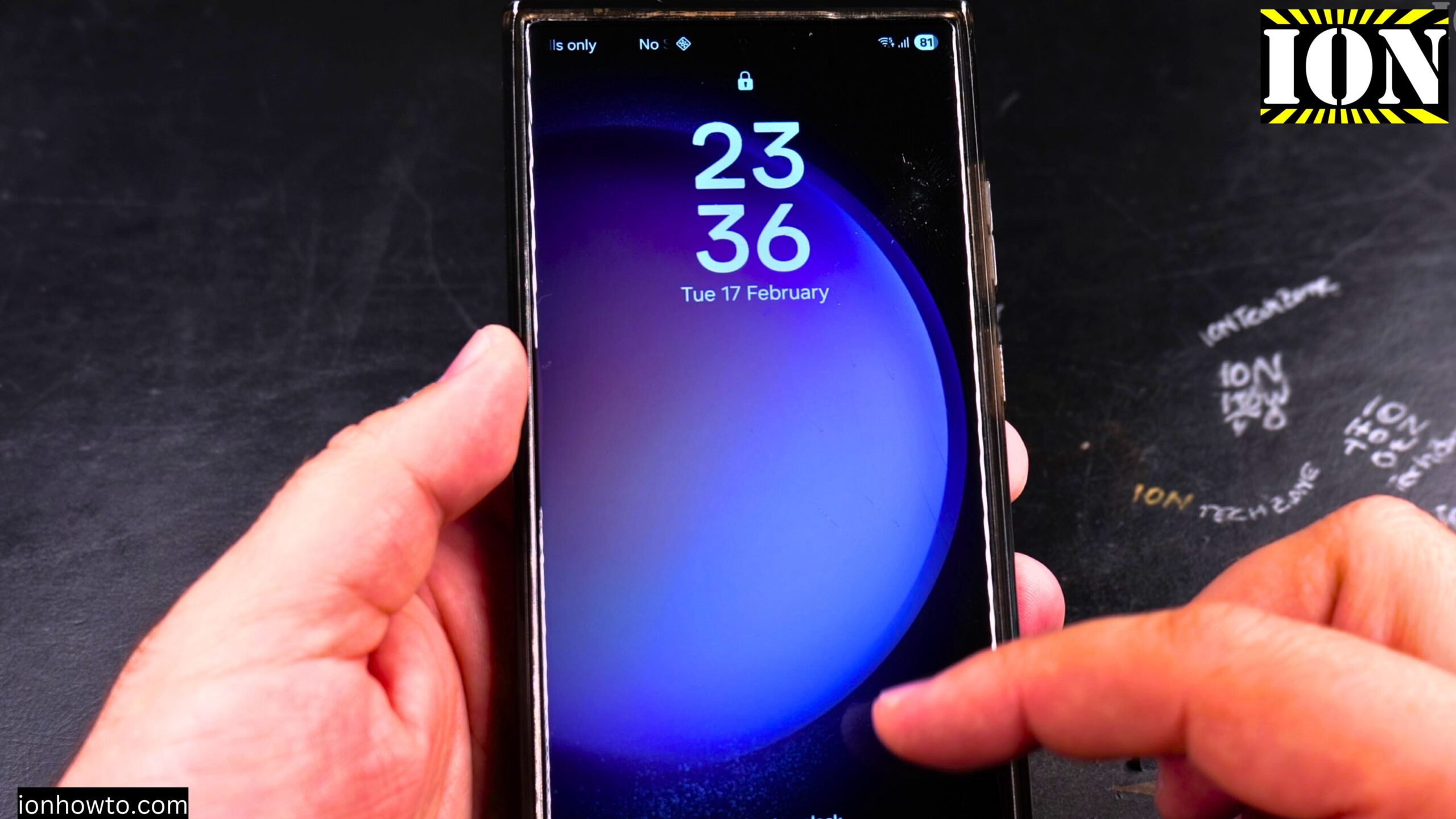
Turn Off Automatic Updates on Samsung Android
How to Turn Off Automatic Updates on Samsung Android Devices. I show you how to turn off automatic updates on your Samsung phone. This guide covers how to stop apps from updating on their own and how to disable automatic system software updates. I’m showing you this on a Samsung S23 Ultra running Android 15…