Category: Android Tips
Everyday Android tips and settings walkthroughs to help you customize your screen, manage notifications, and speed up your phone.
Set Default USB Mode File Transfer on Samsung Android
I show you how to use the developer options to set the default USB mode to allow data transfer by default and not have to enter the phone PIN every time you connect your Samsung Android phone to a laptop or computer.
Check App Cloud on Samsung Android Phone
This is how to check if App Cloud is installed on your Samsung phone. I show you how to check for the App Cloud on your Samsung Galaxy. I’m showing you this on a Samsung S23 Ultra running Android 16 with One UI 8.0.
Get Predictive Text Back on Samsung Android
Did the predictive text bar on your keyboard disappear after a One UI update? I show you how to get the predictive text suggestions back on your Samsung Galaxy keyboard.
Activate New SIM Card on Android
Learn how to activate a new SIM card on your Android phone. I show you the steps to get your SIM card working quickly and easily. I did this using a prepaid SIM card from Cyprus on a Sony Xperia 1 V Global – EU Model XQ-DQ54 running Android 15. Your steps.
Enable VoLTE 4G Calling on Samsung Android
Learn how to enable VoLTE and 4G calling on your Samsung phone. This feature, often called HD Voice, allows you to make clearer voice calls over the 4G LTE network while using mobile data.
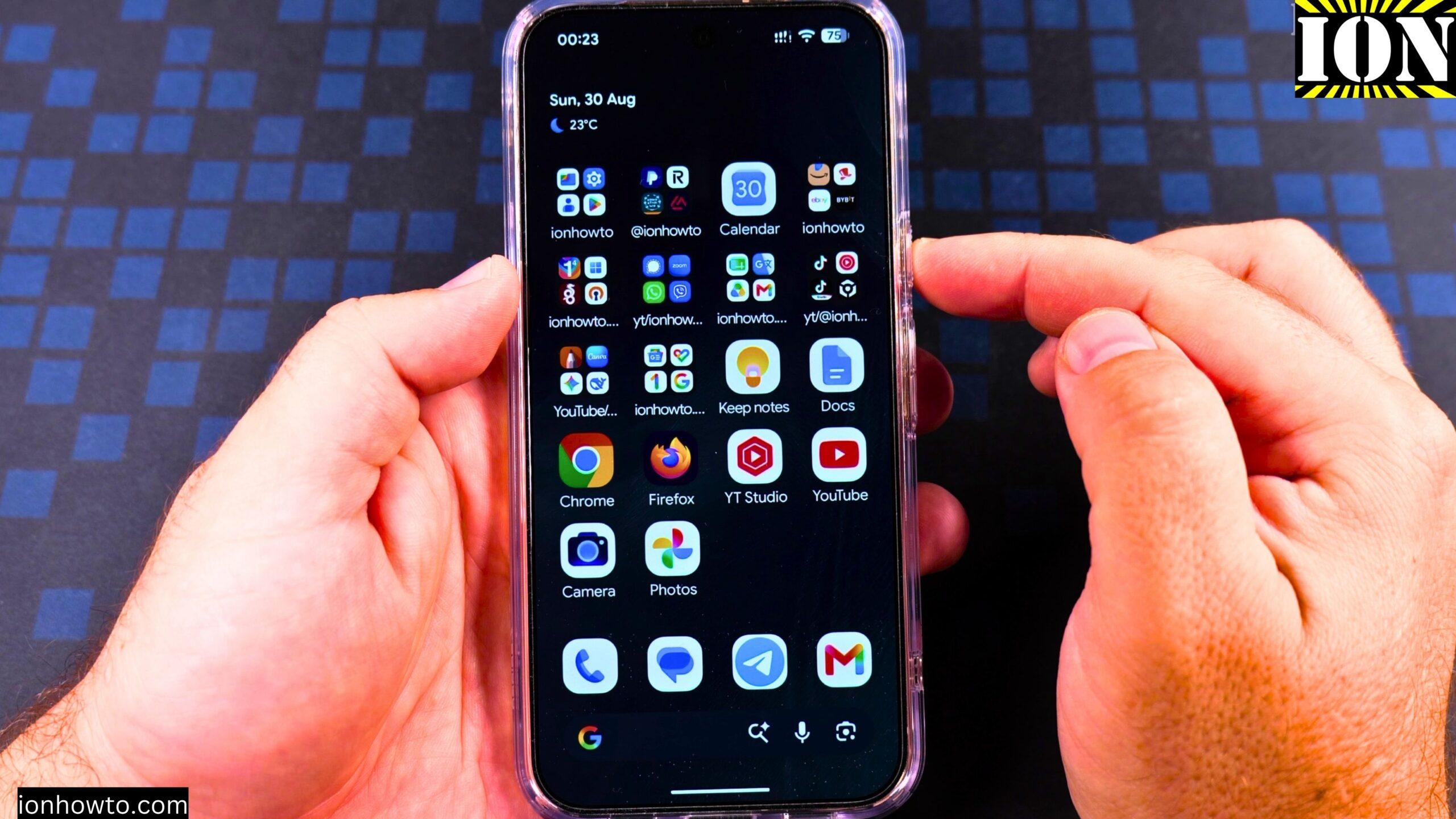
Battery Drain Fix Google Pixel 11 Pro XL
I show you how the battery drain is affecting the Google Pixel 11 Pro XL Android phone.This is happening long after the initial setup. The battery drain is an ongoing problem and it’s more obvious on days when I don’t use the phone.The Google Pixel 11 Pro XL.
How to Power Off Android Phone Google Pixel 11 Pro XL
In this step-by-step video guide I show you multiple ways to power off your Android phone. You can use the soft power button in the quick settings menu to show the power menu or you can press the power button and volume up at the same time to show the power.
Fix Google Wallet NFC Not Working on Android
I show you how to fix Google Play Store Security Updates problems and how to add a payment card to Google Wallet. How to add a second payment card to Google wallet and how to set the default card for contactless payments in store when you use Google Pay to.