
Category: Android Tips
Everyday Android tips and settings walkthroughs to help you customize your screen, manage notifications, and speed up your phone.
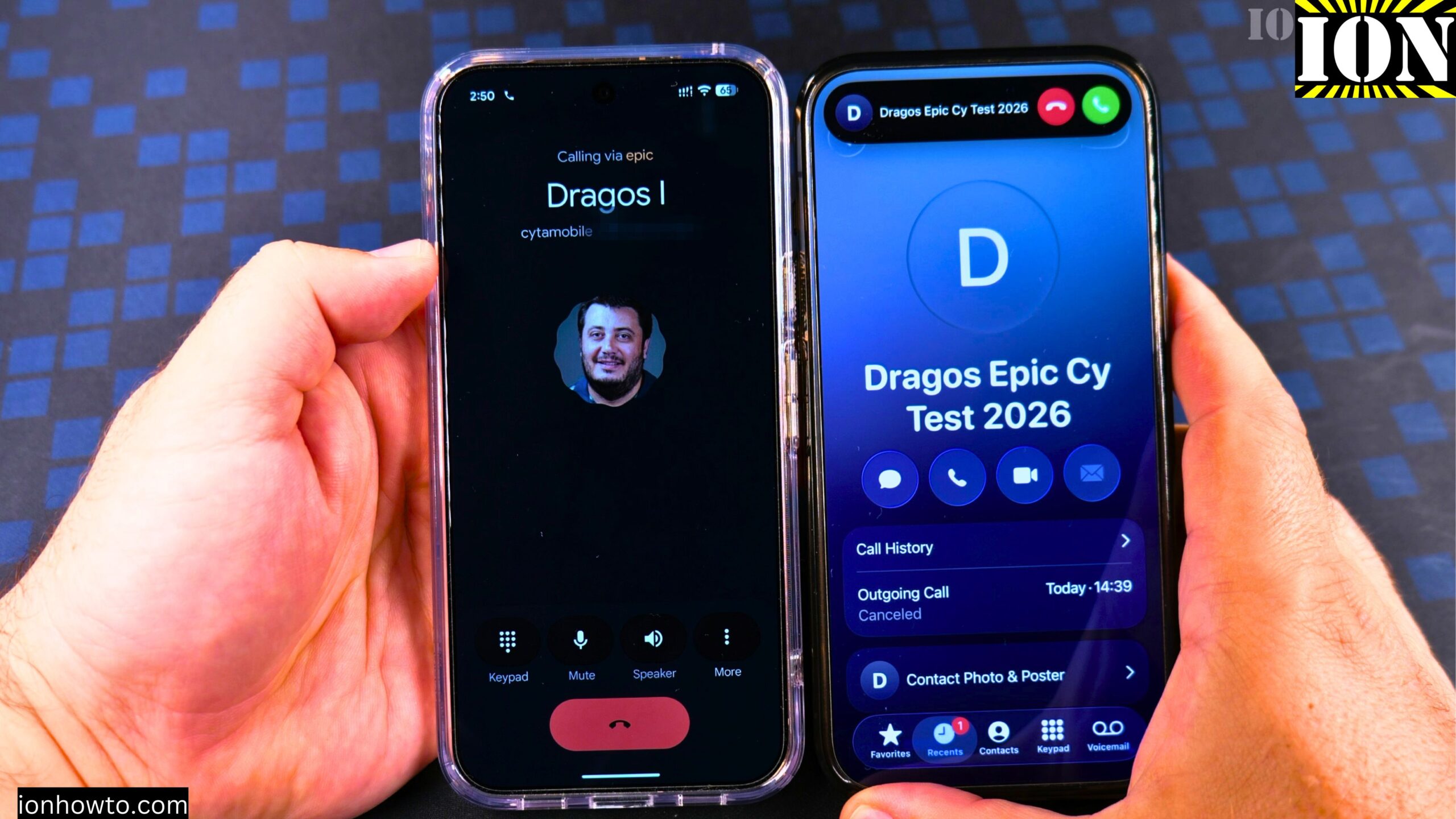
How to Make a Phone Call on Android 17
Learn how to make a phone call on your Google Pixel Android phone. I show you how to do this on a Google Pixel 11 Pro XL running Android 17. I use an iPhone next to it and call myself just to show you how it works. It is really easy.
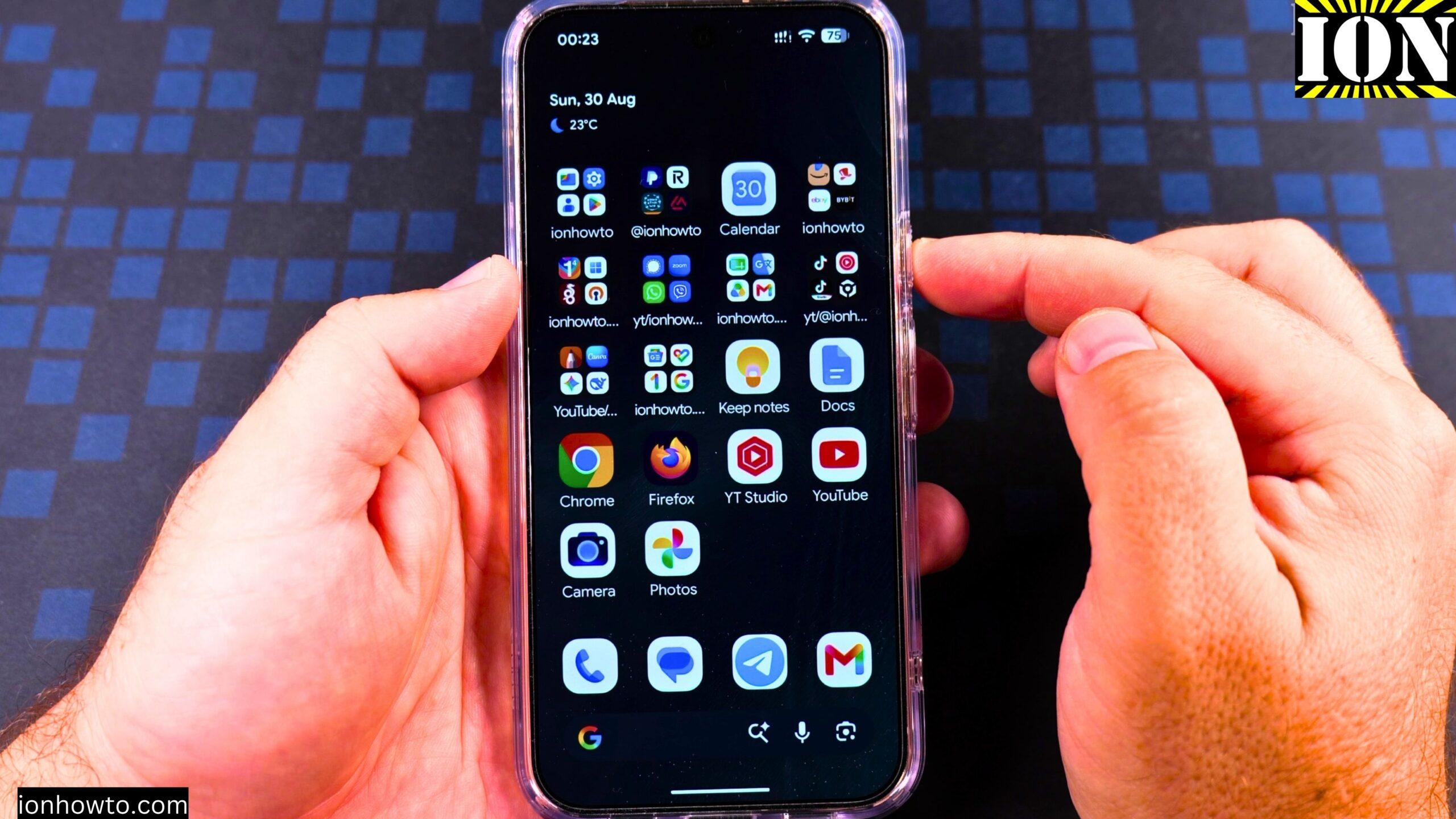
Enable Google Gemini AI Assistant on Android Google Pixel
How to Enable Google Gemini AI Assistant on Google Pixel 11 Pro XL.
Turn Off Automatic Updates on Samsung Android
I show you how to turn off automatic updates on your Samsung phone. This guide covers how to stop apps from updating on their own and how to disable automatic system software updates.
Copy SMS RCS Text Messages on Samsung Android
I show you how to copy text messages on your Samsung phone. This guide works for both standard SMS and newer RCS chats. You can use this method to paste your messages into emails, notes, or other apps.
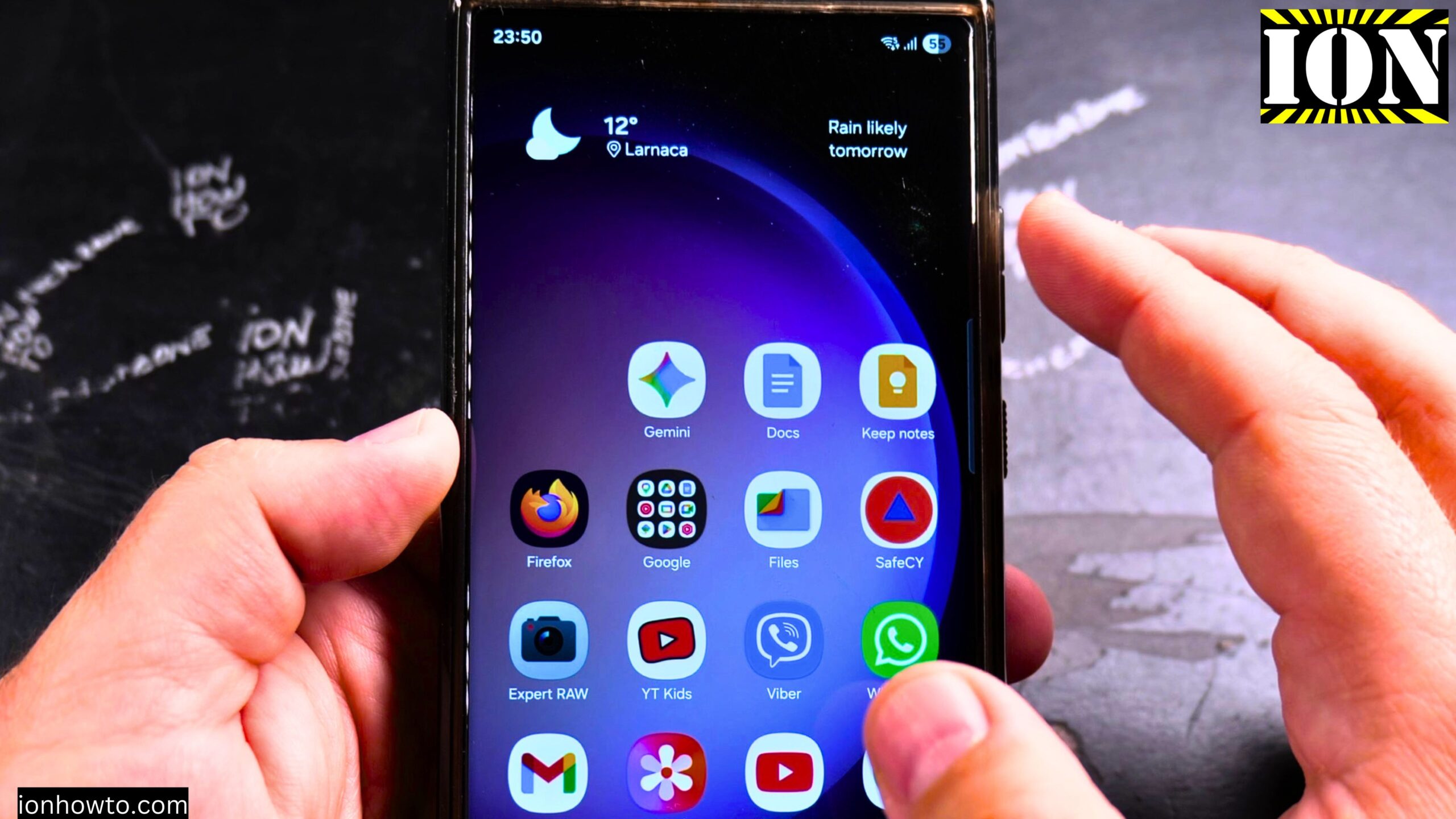
Remove Apps from Samsung Android Home Screen
I show you how to remove apps from the home screen on your Samsung Android phone. This is a simple process for cleaning up your home screen and organizing your apps.
Add Apps to Samsung Android Home Screen
I show you how to add apps to the home screen on your Samsung Android phone. This is a simple process for customizing your phone and making your favorite apps easy to access.
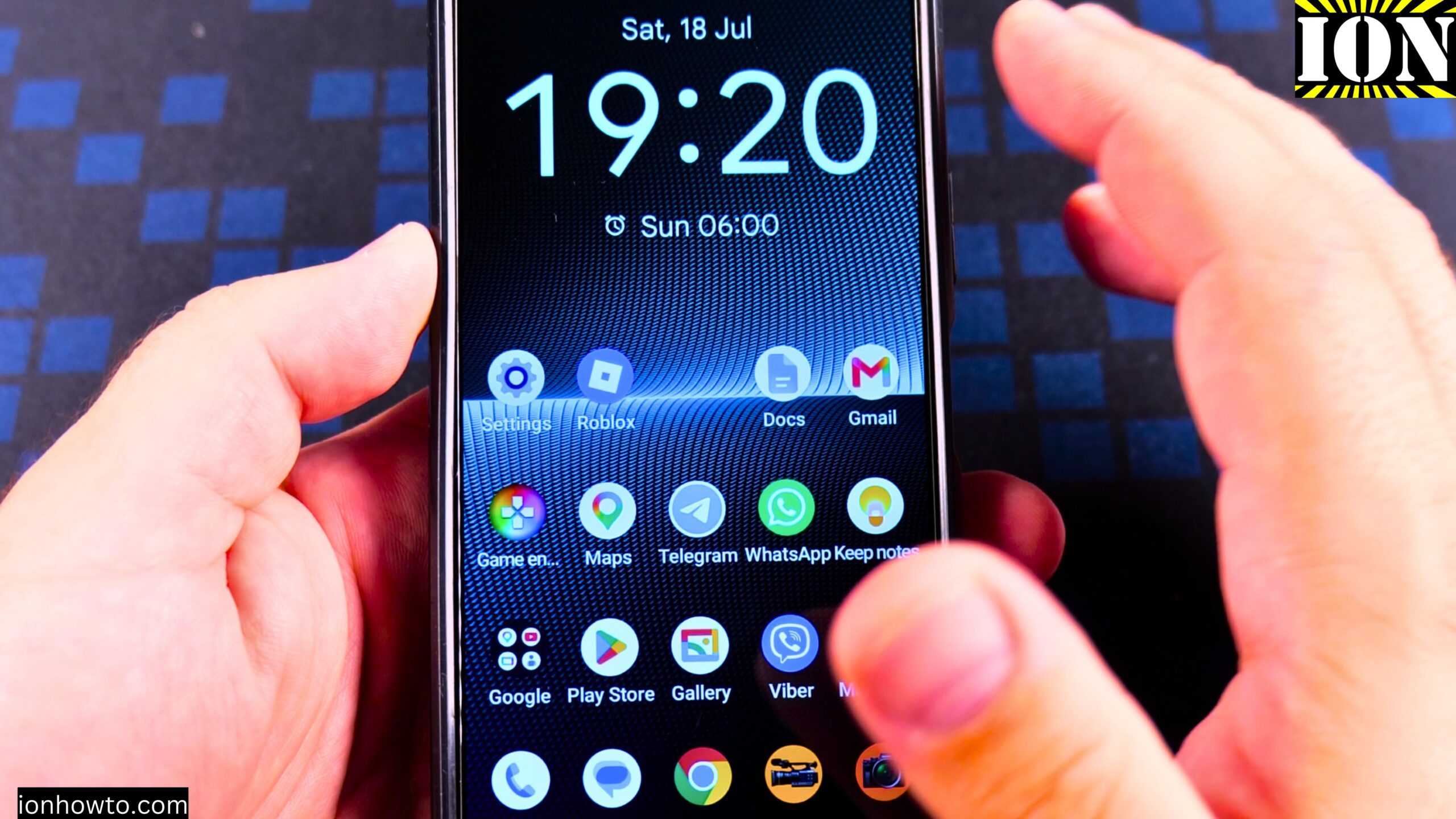
Remove App From Android Home Screen
Learn how to remove an app from your Android home screen without uninstalling it. I show you the steps to clean up your home screen while keeping the app in your app drawer. This is useful if you want to de-clutter your phone but still need quick access to.
Add a Payment Card to Android Google Wallet
In this guide I show you how to add a payment card to Google Wallet on your Android device. Google Wallet allows you to make contactless payments in stores, online, and in apps using your phone instead of your physical card.
Android Touch Screen Taps and Multi-Touch Gestures
I show you how to use the basic and advanced touch screen gestures on your Android phone. Learning these taps and multi-touch gestures helps you navigate your device more efficiently. I demonstrate the essential controls that work across most Android.