
Category: Apple Music & Audio
Step-by-step Apple Music tutorials for iPhone, iPad, and Mac. Learn how to manage your queue, playlists, audio quality, and vocal controls.
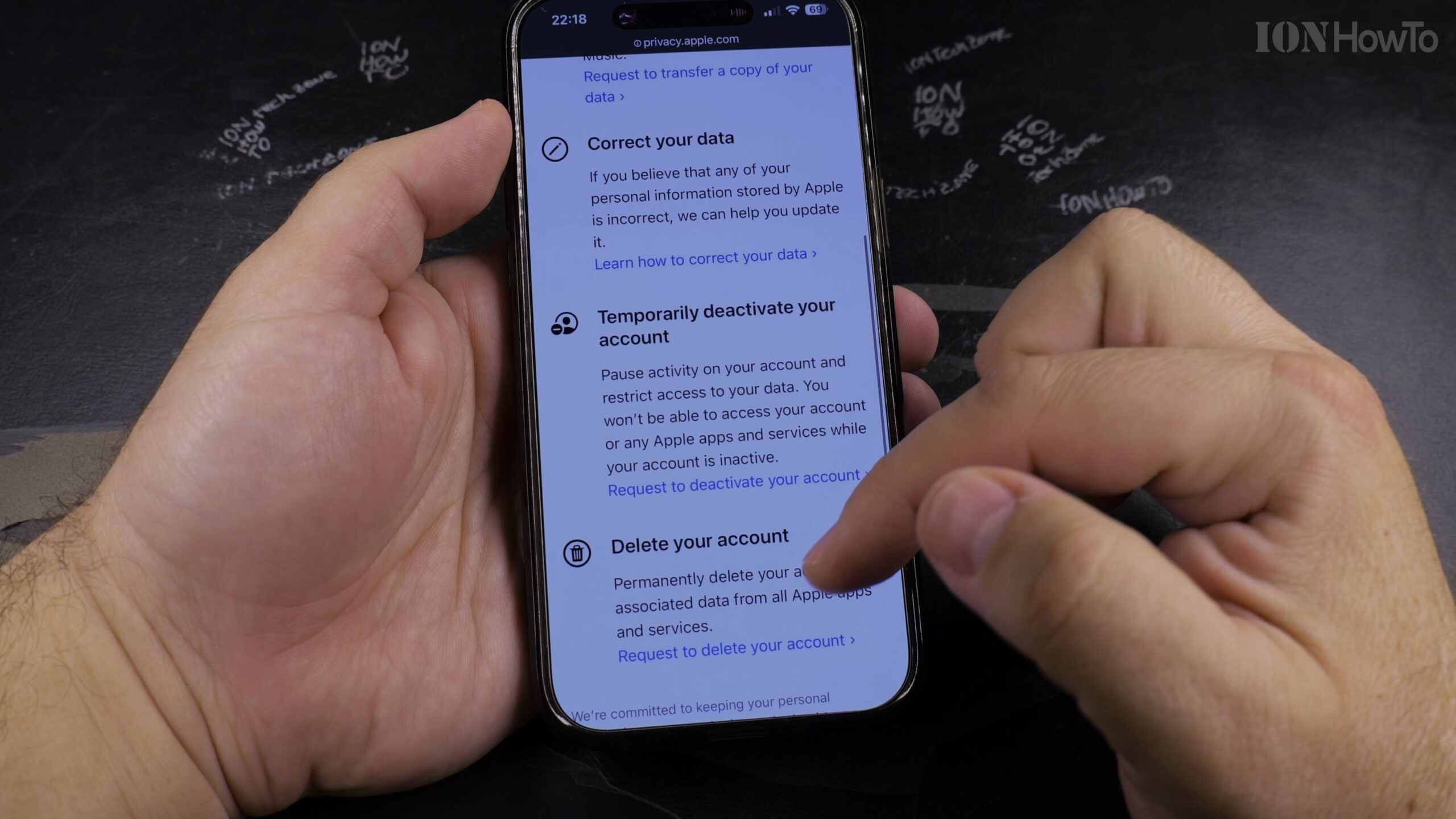
How to Transfer Apple Music Library Playlists to YouTube Music
Switching between streaming platforms or backing up your curated song lists across music apps is straightforward when using official library export tools. In this tutorial, I’ll show you how to transfer your complete Apple Music library and personal playlists directly to YouTube Music.
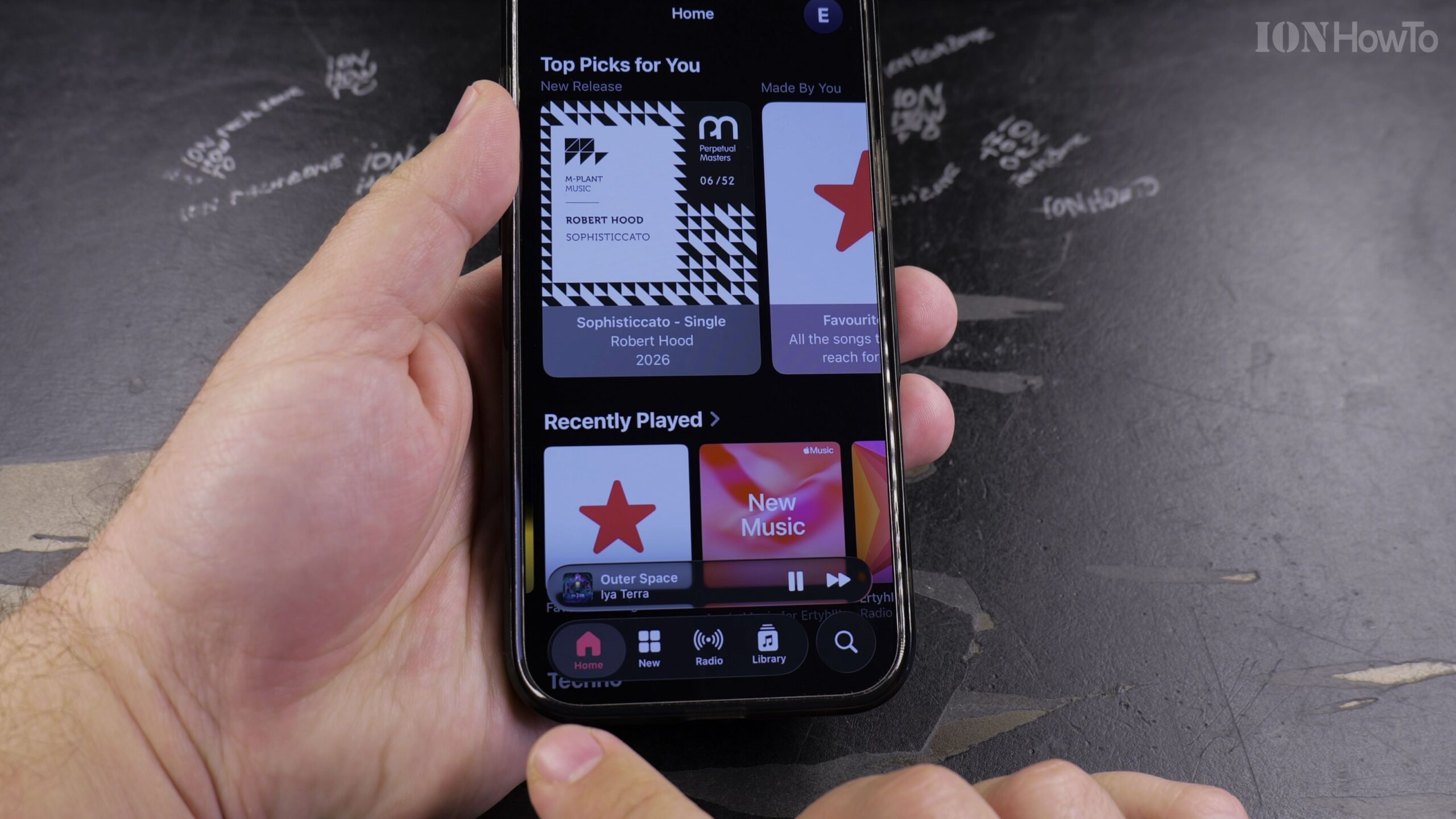
How to Find Your Playlists, Favorites, and Shazam Tracks in Apple Music
The Apple Music app organizes all your custom playlists, favorite tracks, saved albums, and Shazam discoveries inside the Library tab. Here is where to look and how to quickly sort your playlists on iPhone, iPad, or Mac.

Mr.Kitty After Dark dion remix
I made this remix in Logic Pro and if you listen to this let me know how it is. It’s The first song I made that gives me goosebumps even after repeated listening haha.
Turn Off AutoPlay in Apple Music
Apple Music: How to Turn Off AutoPlay. Learn how to disable AutoPlay in Apple Music. This stops the player from continuing to play recommended songs after the current songs in a playlist or album are finished playing. AutoPlay is a great way to keep music playing even if you only played one song. But if…
Listen Offline in Apple Music
Learn how to listen to music offline in Apple Music. If you are on an airplane and you want to listen to your favorite songs offline without having to use the mobile internet or even Wi-Fi, or if you do not have Wi-Fi, maybe you are in some remote place.
How to Get Apple Music for Free
How to Get Apple Music for Free using the Apple Music Free Trial of 3 months or 6 months when buying Apple Devices. Learn how to get an Apple Music subscription for free using a long free trial. A 3 months free trial for Apple Music was available with the.
Sync Apple Music Library Between Devices
Learn how to sync the Apple Music library between your Apple devices. You can sync your Apple Music between your iPhone and iPad easily. Anything that you imported from iTunes or purchases you have in Apple Music will synchronize automatically between your.
How to Stop AutoPlay in Apple Music
Learn how to stop the autoplay function on Apple Music. This shows you how to turn off autoplay and disable the Apple Music player from automatically playing recommended songs after a playlist is finished or an album is finished and the repeat function is.
How to View Play History in Apple Music
Learn how to view the play history and the play queue in Apple Music. This shows you what songs you recently played and what songs are going to be played next in the Apple Music app.
How to Increase Apple Music Volume
Learn how to increase the volume of Apple Music on your iPhone or iPad. If Apple Music sound volume is too low, you can check a few things to increase the sound or music volume in Apple Music.