
Category: EDC, Gear & Survival
Practical guides and reviews for everyday carry (EDC) tools, Swiss Army knives, flashlights, and outdoor preparedness gear.
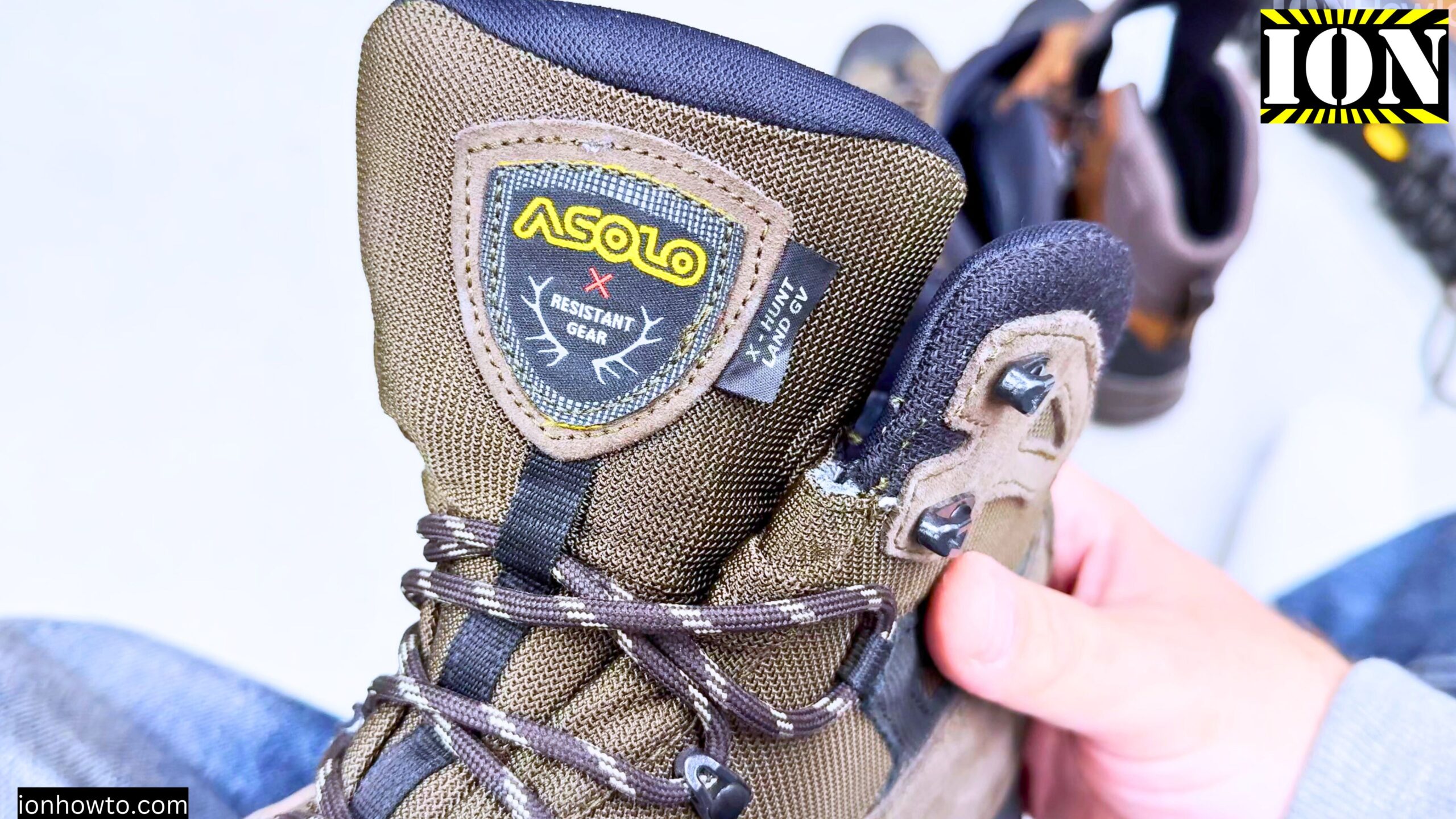
Fix Broken Boots with E6000 Glue
How to Fix Your Hiking Boots with E6000 Glue or B7000 glue. They Will both work very similar. Has your favorite pair of hiking boots started to come apart? Don’t throw them out just yet. A strong, flexible glue like E6000 can often give them a second life. I’ll show you how to glue your…
Decathlon Asolo Solognac Boots
Decathlon Asolo Solognac Boots. If you’re looking at hunting or hiking boots, you might have seen the Decathlon Asolo Solognac boots pop up. It can be a bit confusing with the names, so let’s clear it up. This isn’t a super technical review, just a friendly breakdown of what these boots are all about. Basically,…
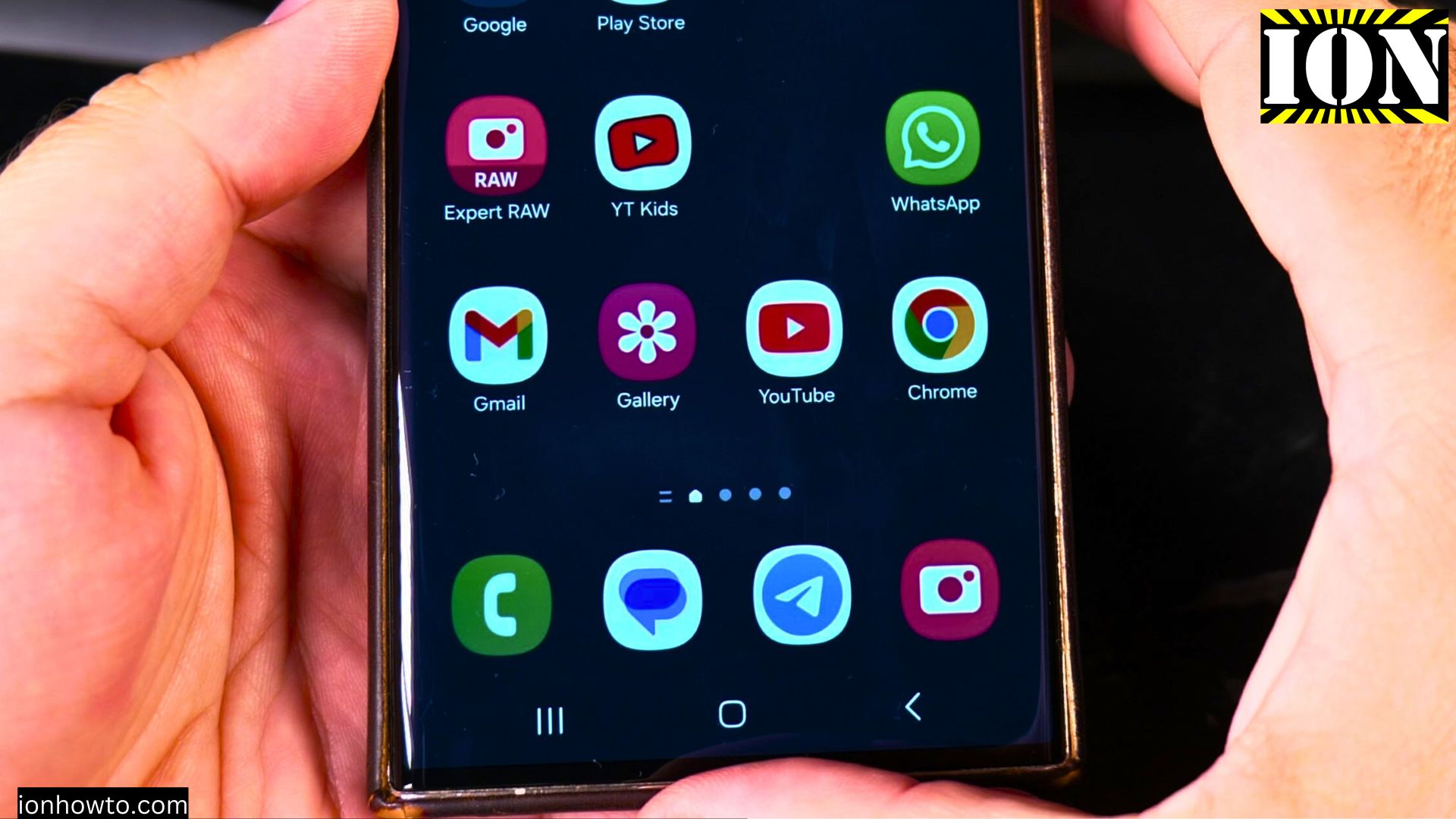
Samsung Galaxy S23 Ultra Cracked Screen UV Glass Super Glue Repair
Android Samsung Galaxy S23 Ultra Cracked Screen UV Glass Super Glue Repair. Samsung S23 Ultra dropped with cracked screen repair AMOLED Display Broken glass. This repair is not perfect but it’s a cheap alternative to Replacing the whole display on your Samsung phone.An original Samsung s23 ultra display is at least 250 EURO but it…
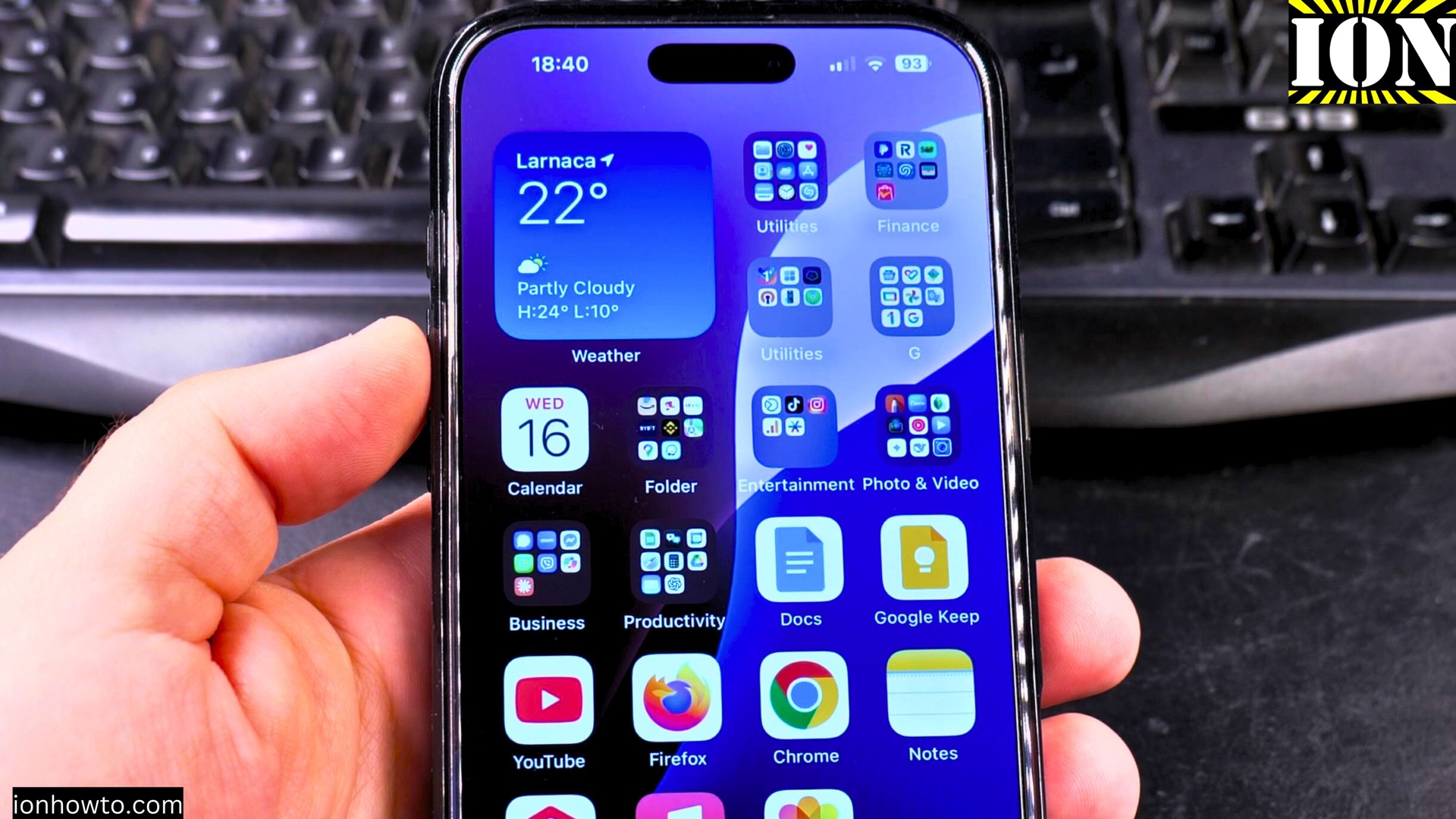
Set Snooze Duration and a Bigger Snooze Button in iOS 26
How to Set Snooze Duration and Get a Bigger Snooze Button in iOS 26. Learn how to change the snooze duration for your iPhone alarm and make the snooze button bigger in iOS 26. If you often use the snooze feature, adjusting these settings can make your mornings easier. iPhone How to Set Snooze Duration…
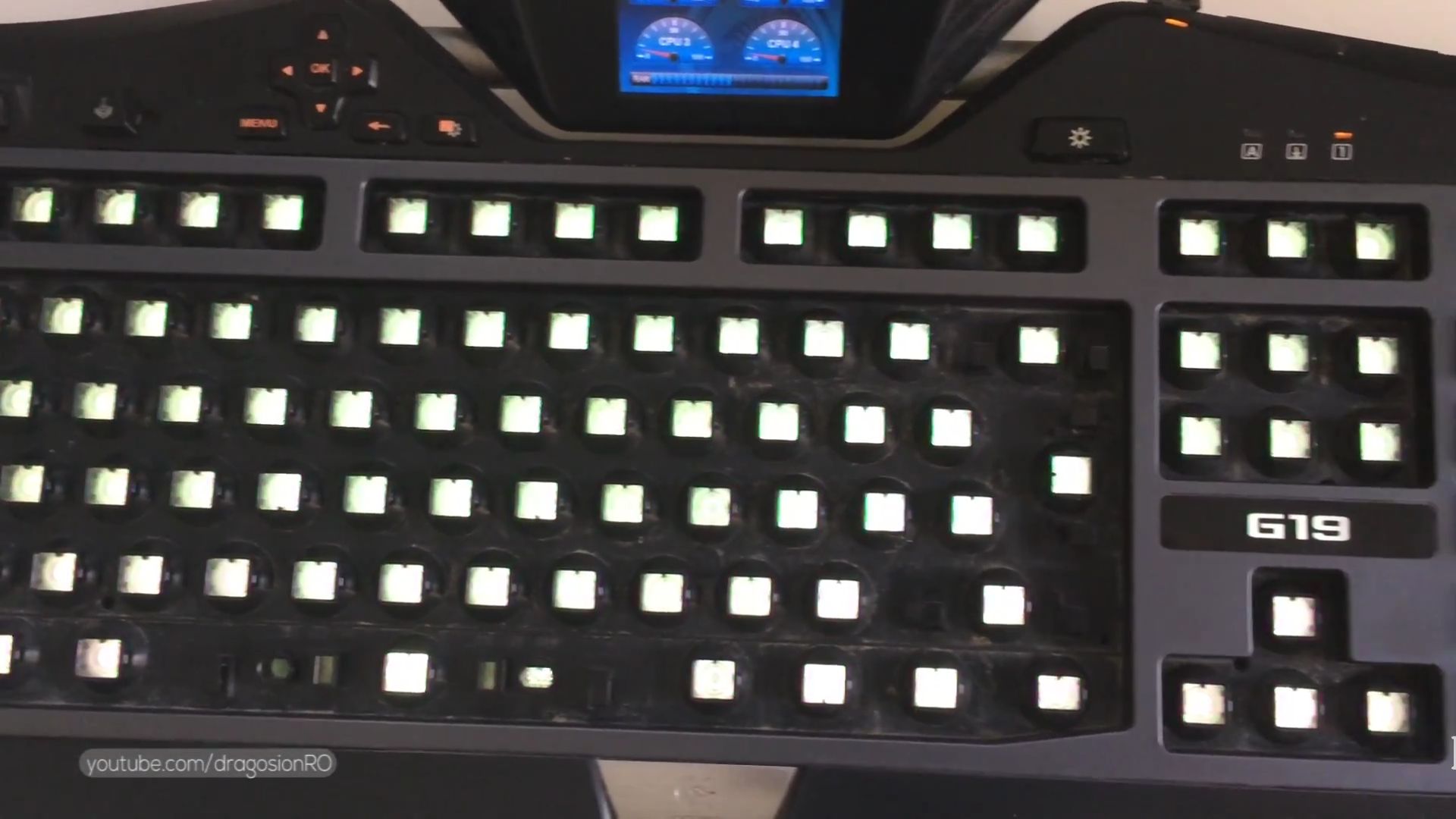
Fix Logitech G19 Keyboard LCD Not Working or Stuck on Logo
How to Fix Logitech G19 Keyboard LCD Not Working or Stuck on Logo. If your Logitech G19 keyboard’s LCD is frozen on the logo or not working properly, don’t worry – I’ll show you how to fix it. The G19’s cool LCD screen should display useful info like system stats or game data, but sometimes…
Turn Off Focus Mode on iPhone
How to Turn Off Focus Mode on iPhone 16 Pro Max iOS 18.5. Learn how to turn off Focus mode on your iPhone 16 Pro Max running iOS 18.5. While Focus helps minimize distractions, you might need to disable it to receive all notifications normally again. How to Turn Off Focus Mode on iPhone. Demonstrated…
Remove Website Shortcut from iPhone Home Screen
How to Remove Website Shortcuts from iPhone Home Screen iOS 18.5. Learn how to remove website shortcuts from your iPhone 16 Pro Max home screen in iOS 18.5. If you’ve added web shortcuts you no longer use, I’ll show you how to clean them up quickly. How to Remove Website Shortcut From iPhone Home Screen.…
iPhone Check if Surface is Level
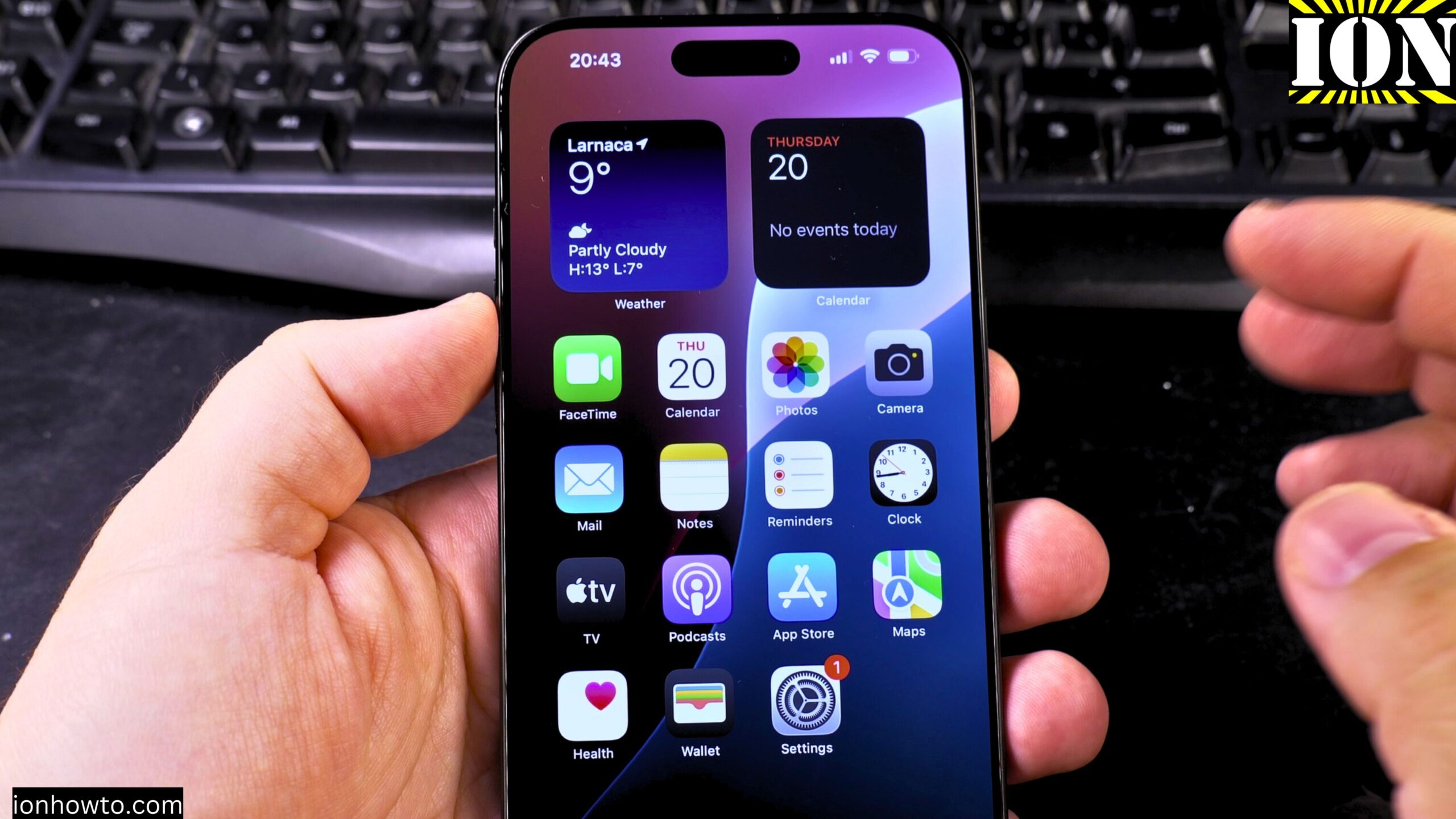
How to Check if a Surface is Level Using the iPhone Measure App. Learn how to use the iPhone Measure app to check if a surface is level. The app includes a built-in level tool that helps you determine if an object or surface is flat or at an angle. I’ll show you the steps…
Measure Objects with iPhone Measure App
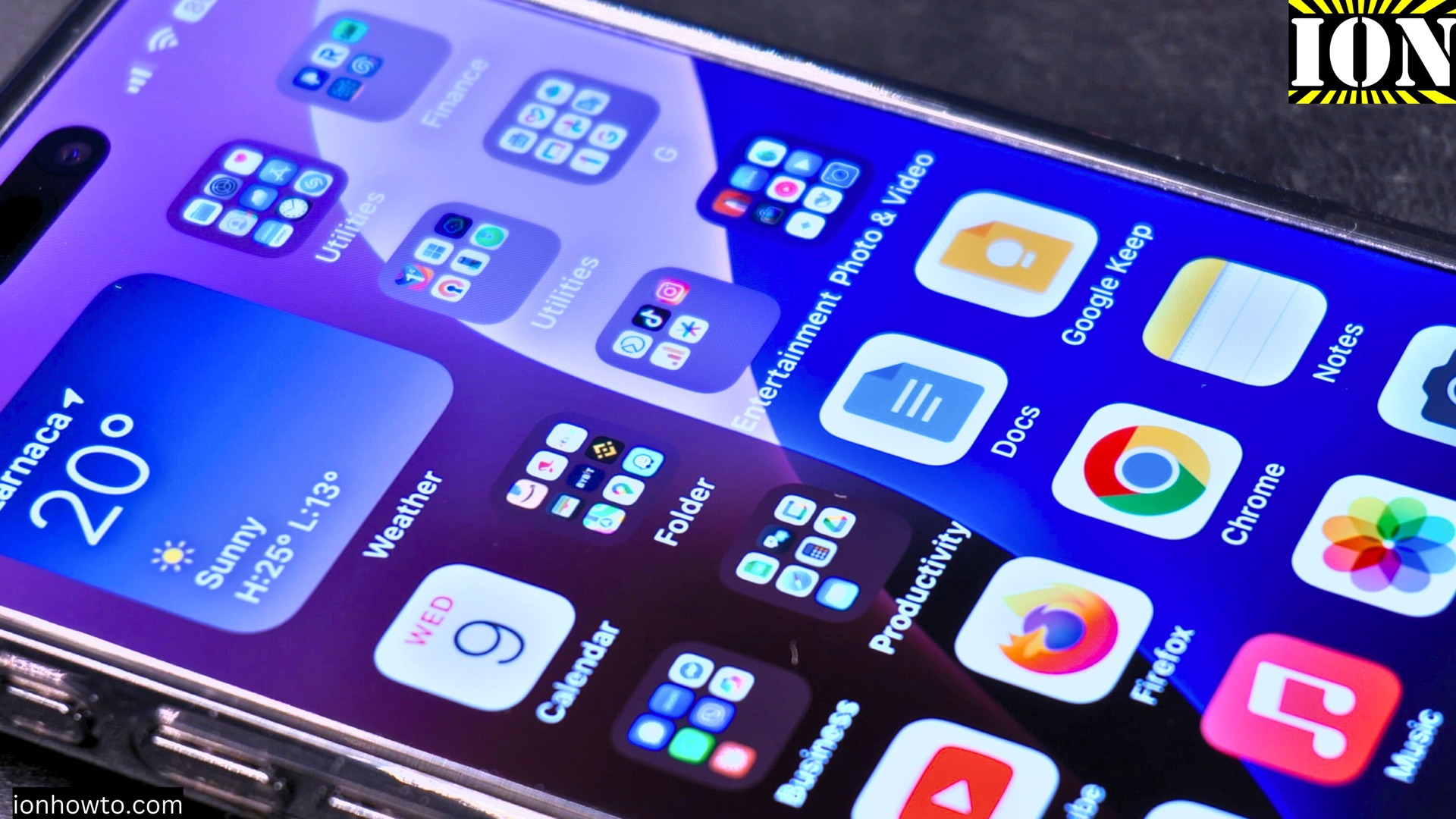
How to Measure Objects with the iPhone Measure App. Learn how to use the iPhone Measure app to measure objects accurately. The Measure app turns your iPhone into a handy tool for checking lengths, heights, and distances. I’ll show you the steps to get the most out of this feature. Demonstrated on iOS 18.5 with…
Copy Text From Photos on iPhone
How to Copy Text From Photos on iPhone. Learn how to extract text and scan QR codes directly from your iPhone photos using Apple’s built-in Live Text feature. This tutorial shows you how to easily copy text from any image in your camera roll. Demonstrated on iOS 18.5 with iPhone 16 Pro Max Titanium Black…