
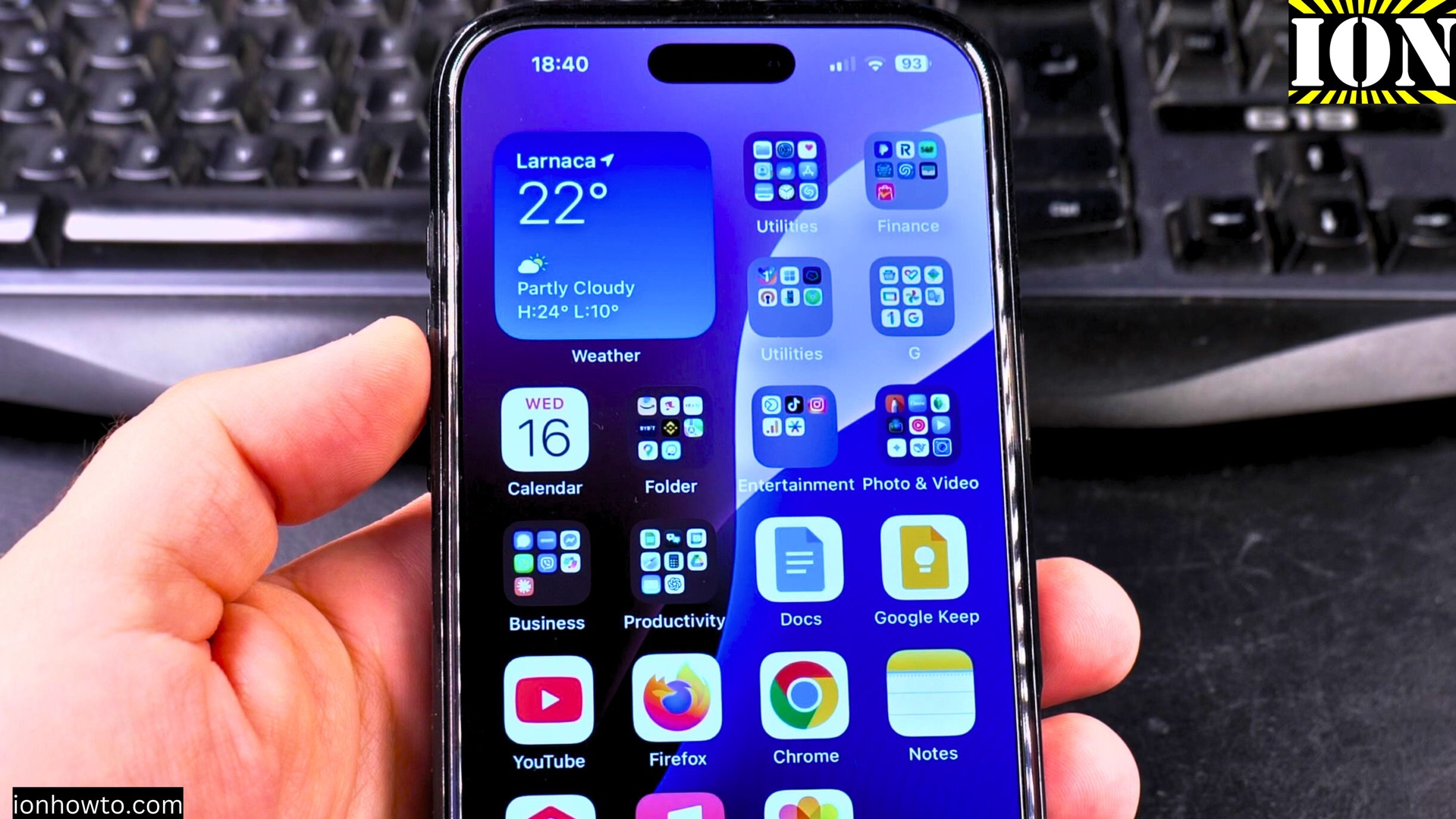
How to Set Snooze Duration and Get a Bigger Snooze Button in iOS 26.
Learn how to change the snooze duration for your iPhone alarm and make the snooze button bigger in iOS 26. If you often use the snooze feature, adjusting these settings can make your mornings easier.
Amazon links
As an Amazon Associate I earn from qualifying purchases:
- iPhone Accessories
- iPhone Charger
- iPhone Cases
- iPhone Screen protector
- iPhone Magsafe
- iPhone Wallet
- iPhone Usb c cable
iPhone How to Set Snooze Duration and the Biggest Alarm Snooze Button in iOS 26 Video
Showing you on iOS 26 Beta on iPhone 16 Pro Max Titanium Black 256GB version Global model A3296 – MYWV3ZD/A
How to Change Snooze Duration in iOS 26
I show you how to customize your iPhone alarm snooze time with these steps:
- Open the Clock app on your iPhone
- Tap the Alarm tab at the bottom
- Select an existing alarm or create a new one by tapping +
- Tap Snooze Options below the time picker
- Choose your preferred snooze duration:
- 5 minutes
- 10 minutes
- 15 minutes
- 30 minutes
- Tap Back to save your changes
How to Make the Snooze Button Bigger
The new iOS 26 update makes it easier to adjust the snooze button size:
- Go to Settings > Accessibility
- Tap Display & Text Size
- Select Button Shapes
- Toggle on Large Alarm Buttons
- Return to your Clock app to see the changes
Now when your alarm goes off, the snooze button will appear much larger and easier to tap when you’re half-asleep.
Troubleshooting Common Alarm Issues
If your snooze button isn’t working properly:
- Make sure you haven’t turned off snooze completely in alarm settings
- Check that you’re not in Do Not Disturb mode
- Restart your iPhone if the alarm app is glitching
- Update to the latest iOS version if available
Additional Alarm Tips
Learn how to set up effective alarms:
- Use different sounds for different alarms
- Try the new “Gentle Wake” feature that starts quiet and gets louder
- Set bedtime alarms for consistent sleep schedules
- Name your alarms for specific purposes (like “Work” or “Gym”)
Final Thoughts
Customizing your snooze settings can really improve your morning routine. The bigger snooze button in iOS 26 is especially helpful for those groggy moments when you need just a few more minutes.
If you found this guide helpful, check out my other posts about iOS features. Let me know in the comments if you have any questions about alarm settings or other iOS 26 functions!


Leave a Reply