
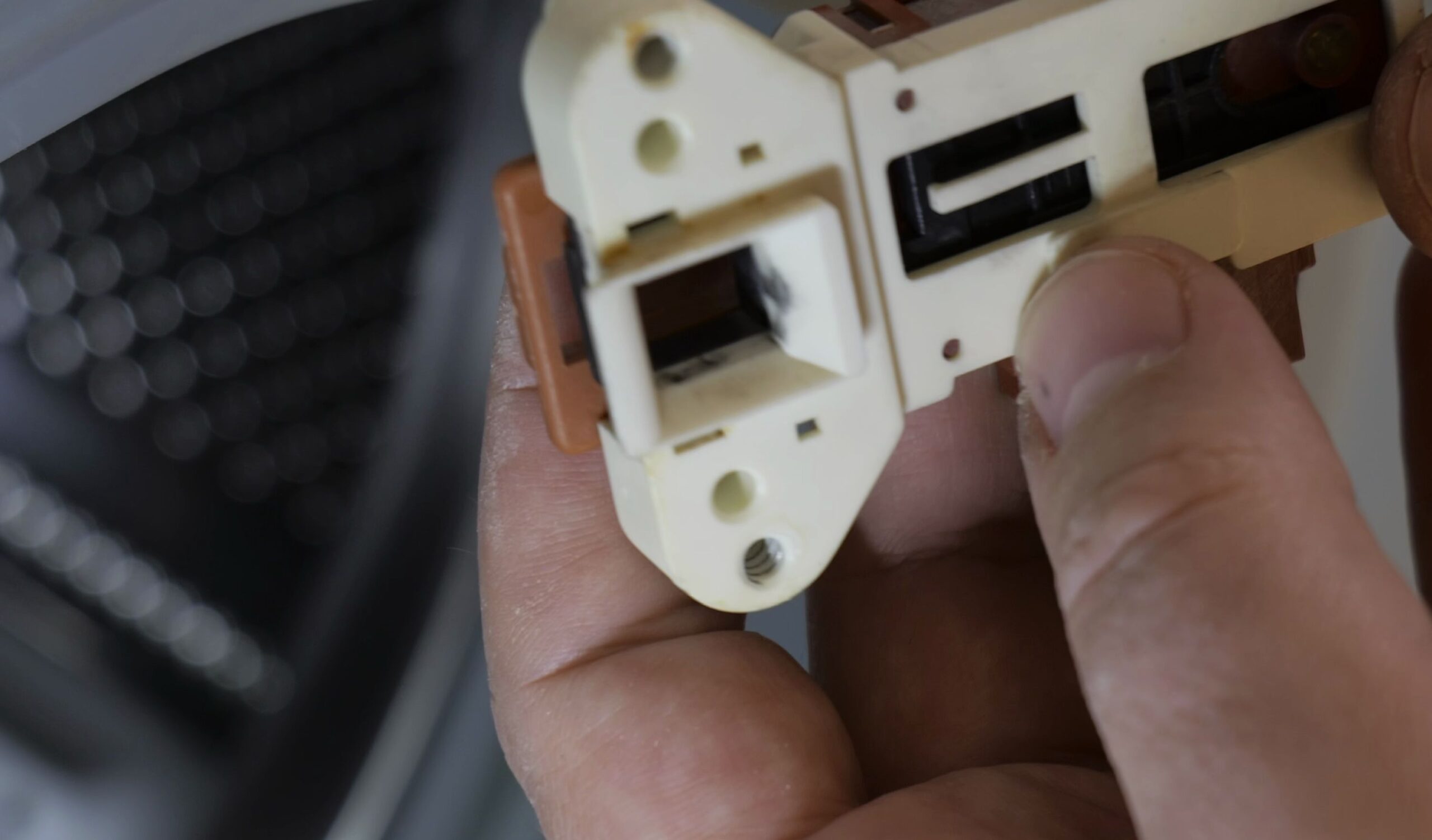
If your front-load washing machine door lock light keeps blinking and the latch never clicks shut, the interlock switch has failed to complete the circuit. I’ll show you how to open, inspect, and service a MetalFlex ZV-446 door lock switch to get your machine running again.
1. Unplug the Washing Machine and Identify the Blinking Error
Disconnect your washing machine power plug from the wall outlet before touching any wiring.
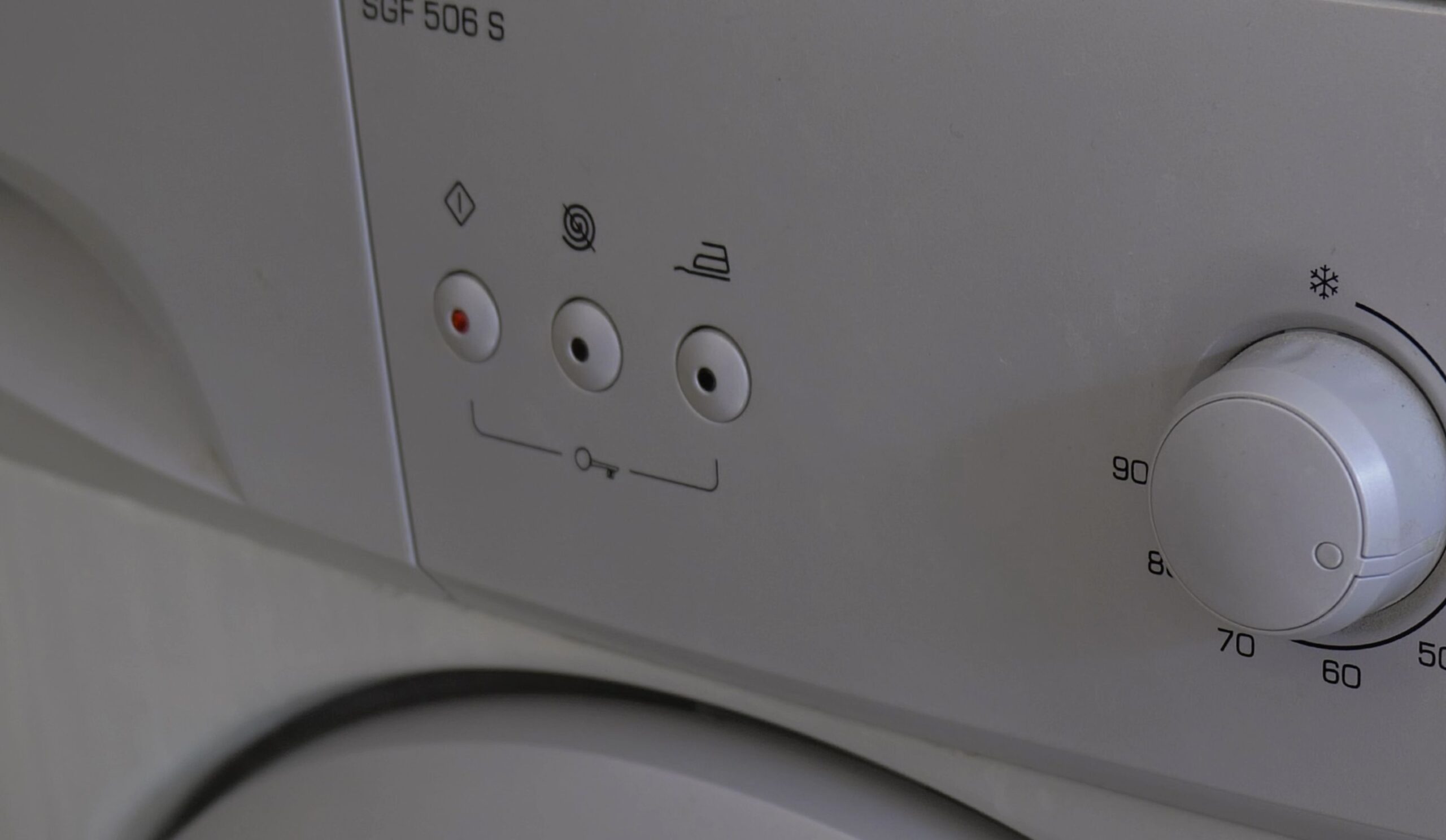
When the door latch mechanism fails, the lock icon on the front display flashes continuously.
Listen closely to the front latch area when starting a cycle. If you hear no physical click, the internal contact arm is not engaging.
2. Remove the Interlock and Note the Wiring Terminals
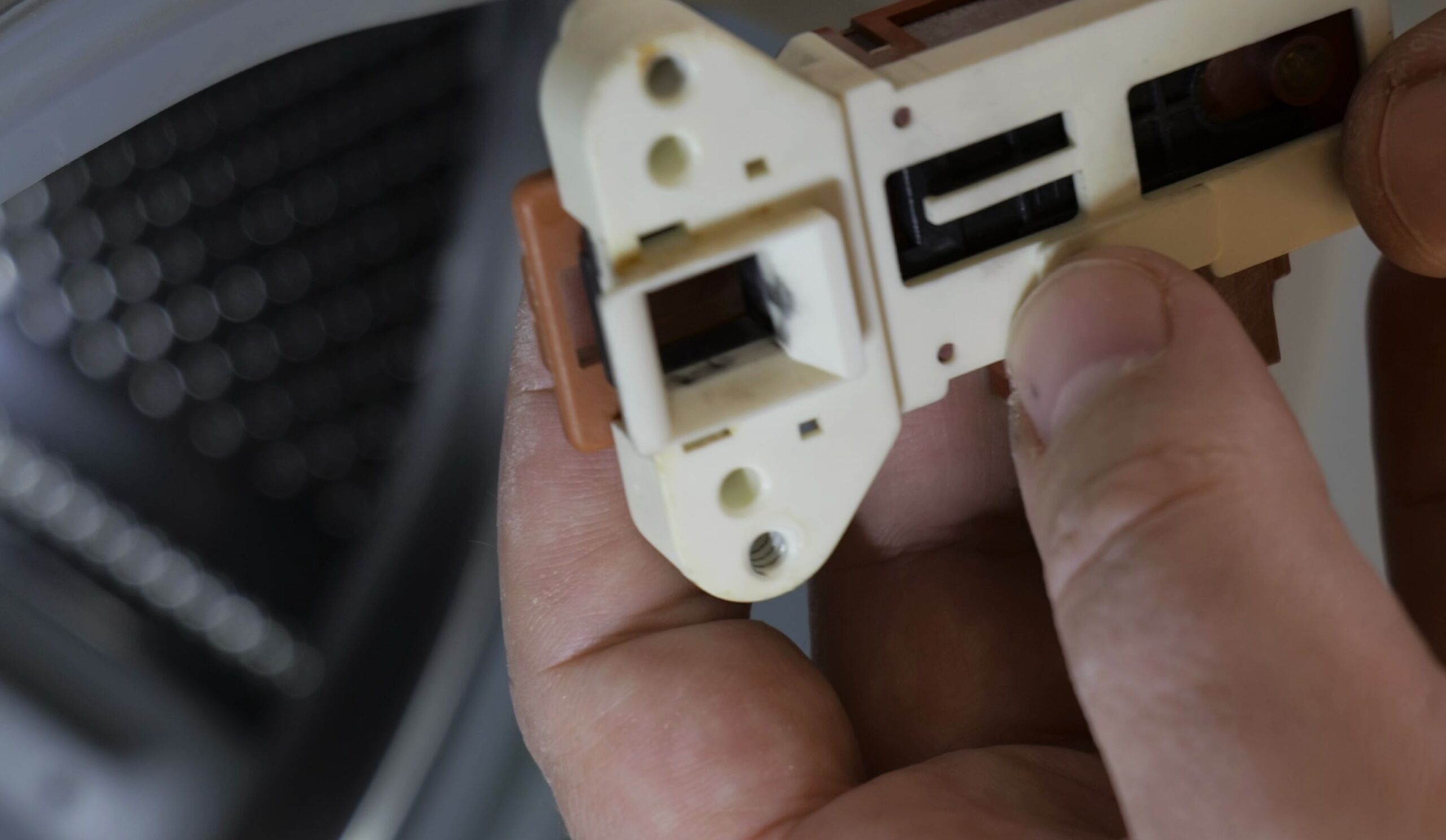
Pull back the rubber door boot seal to reach the two mounting screws on the door frame.
Unscrew the lock assembly and slide the white plastic body out from behind the front panel.
Look at the three colored wires connected to the lock harness terminals.
Note their exact positions: red connects to Neutral (N), black connects to Line (L), and blue connects to Contact (C).
3. Open the Switch Casing and Inspect the Internal PTC Heater
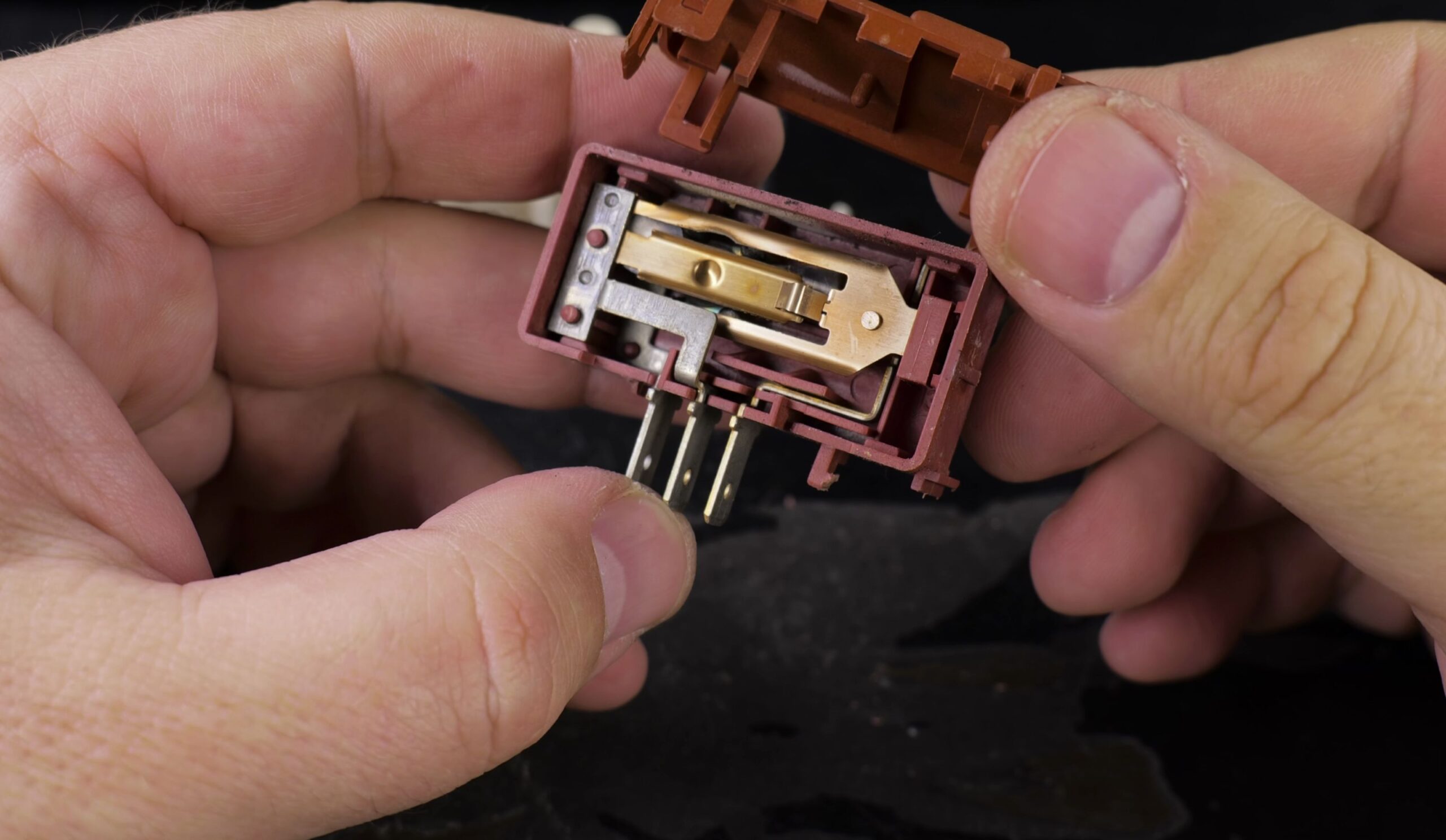
Use a small flathead screwdriver to release the small plastic retaining clips around the white housing.
Carefully separate the two halves of the plastic casing so the internal spring does not fly out.
Inspect the small ceramic PTC heating pill seated inside the center pocket.
When powered, this ceramic pill warms up and flexes a bimetal strip that pushes the main switch contact closed.
4. Clean Carbon Deposits and Adjust the Contact Screw
Look at the silver electrical contact points on the moving copper leaf spring.
Dip a cotton swab in isopropyl alcohol and wipe away black carbon soot from both contact pads.
If carbon pitting is severe, gently scrape the metal surface using fine sandpaper or a precision tip.
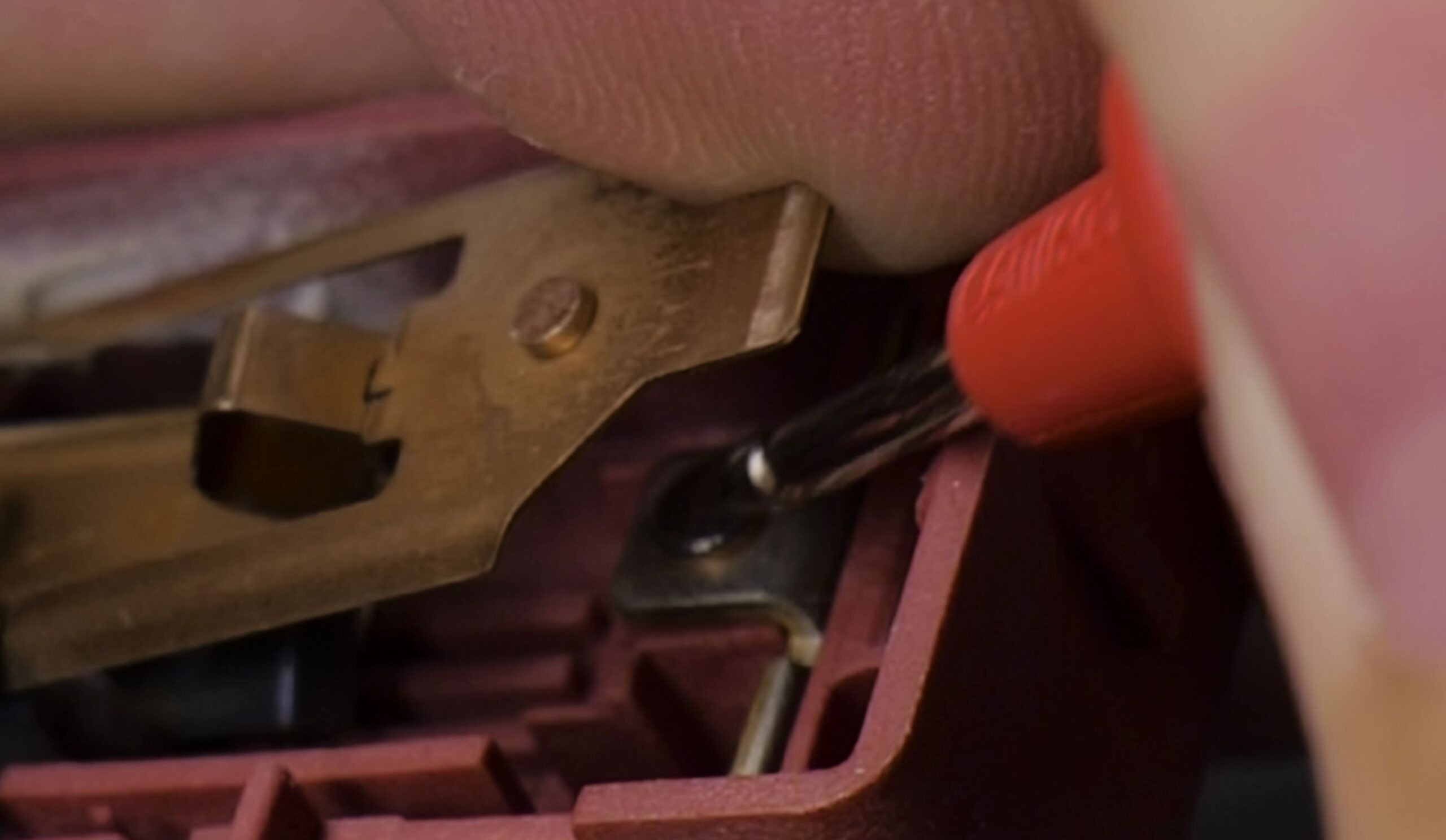
Locate the small adjustment screw on the side of the housing. Turn it slightly so the contact closes firmly when the bimetal heats.
Apply a tiny drop of glue to the screw threads so washing machine vibrations will not loosen your setting.
Helpful Tips
Front-load washer interlocks take roughly one to two minutes to cool down after a cycle finishes. Never yank the door handle immediately when the cycle stops, as forcing the lock can snap the plastic latch arm.
If cleaning the contacts does not restore latching, the internal PTC pill has cracked and the complete MetalFlex ZV-446 unit must be replaced.
For more home DIY fixes and repair guides, check our tutorial on replacing ethernet cables in conduits or browse our Household Repairs and Fixing Electronics hubs.


Leave a Reply