
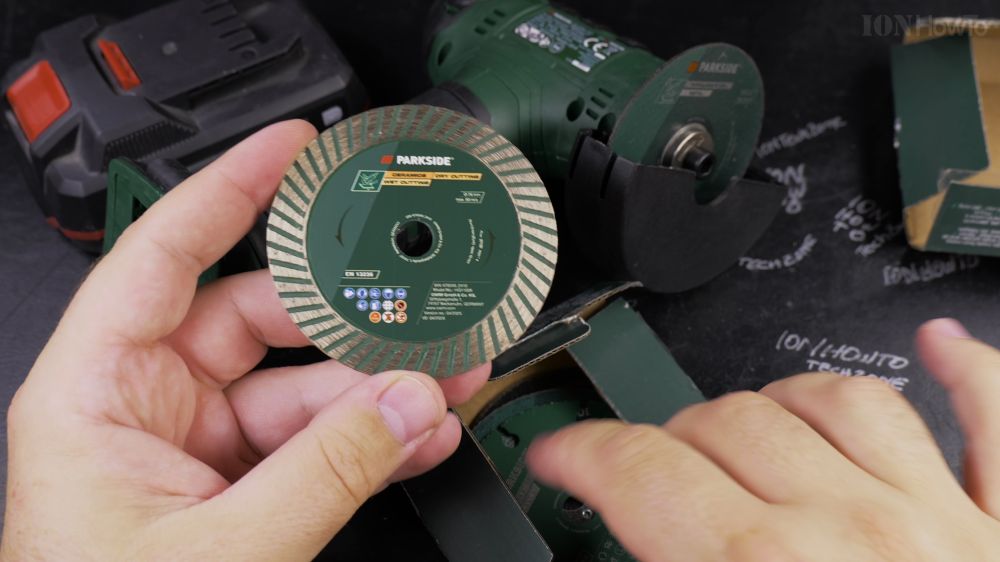
If your Parkside mini angle grinder cutting disc is worn down or chipped, changing it takes less than two minutes. I’ll show you how to lock the spindle and swap in a fresh 76mm disc safely.
1. Disconnect the Battery Pack
Slide the rechargeable battery pack off the handle base before touching any blades to ensure the tool cannot turn on accidentally.
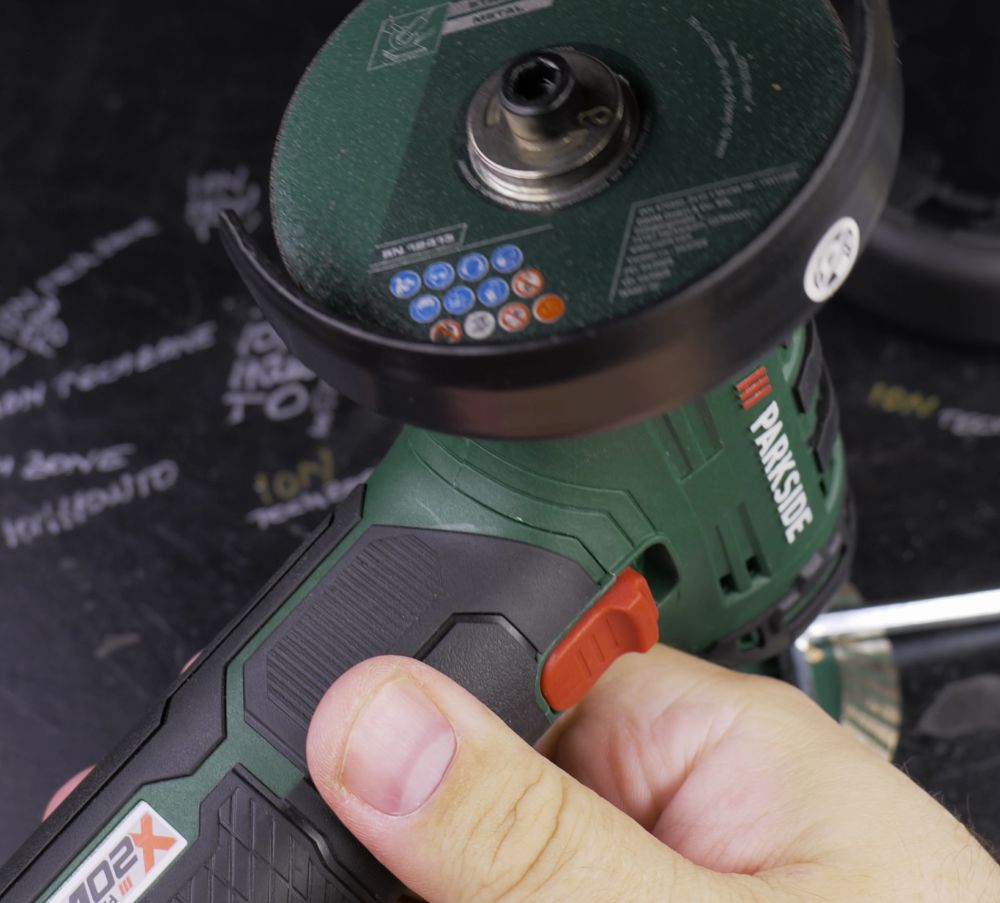
2. Engage the Spindle Lock
Press and hold down the **spindle lock button** located on top of the grinder head, and rotate the cutting disc by hand until the pin clicks securely into place.
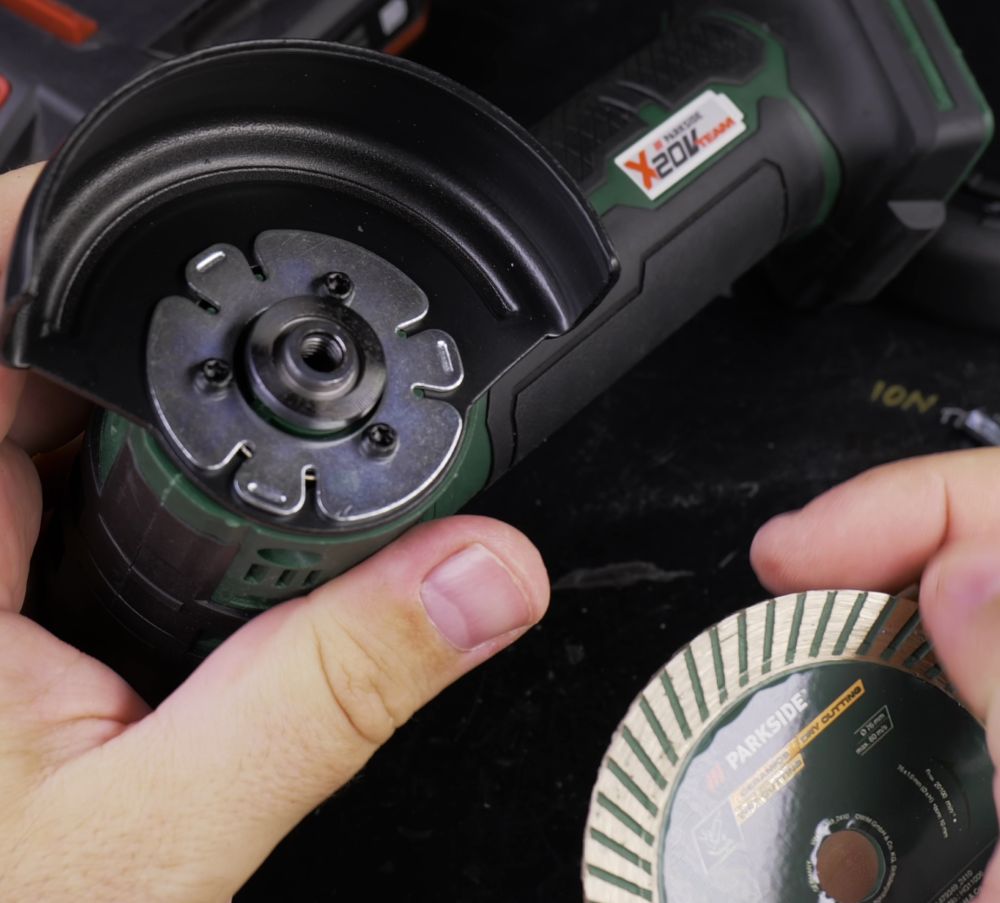
3. Loosen the Retaining Bolt
Insert your hex Allen key into the center screw. While keeping the lock button firmly pressed, turn the screw **counterclockwise** to loosen and remove it along with the clamping washer.
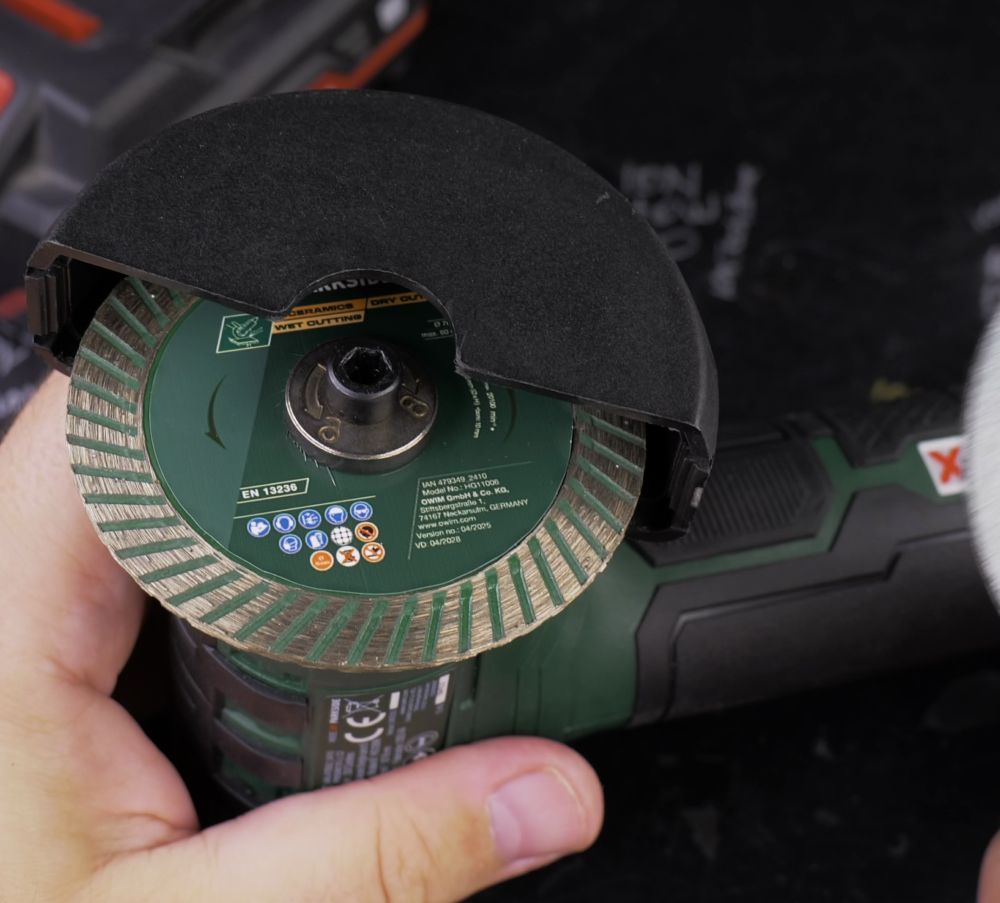
4. Remove the Old Disc
Lift off the worn cutting disc from the central arbor spindle.
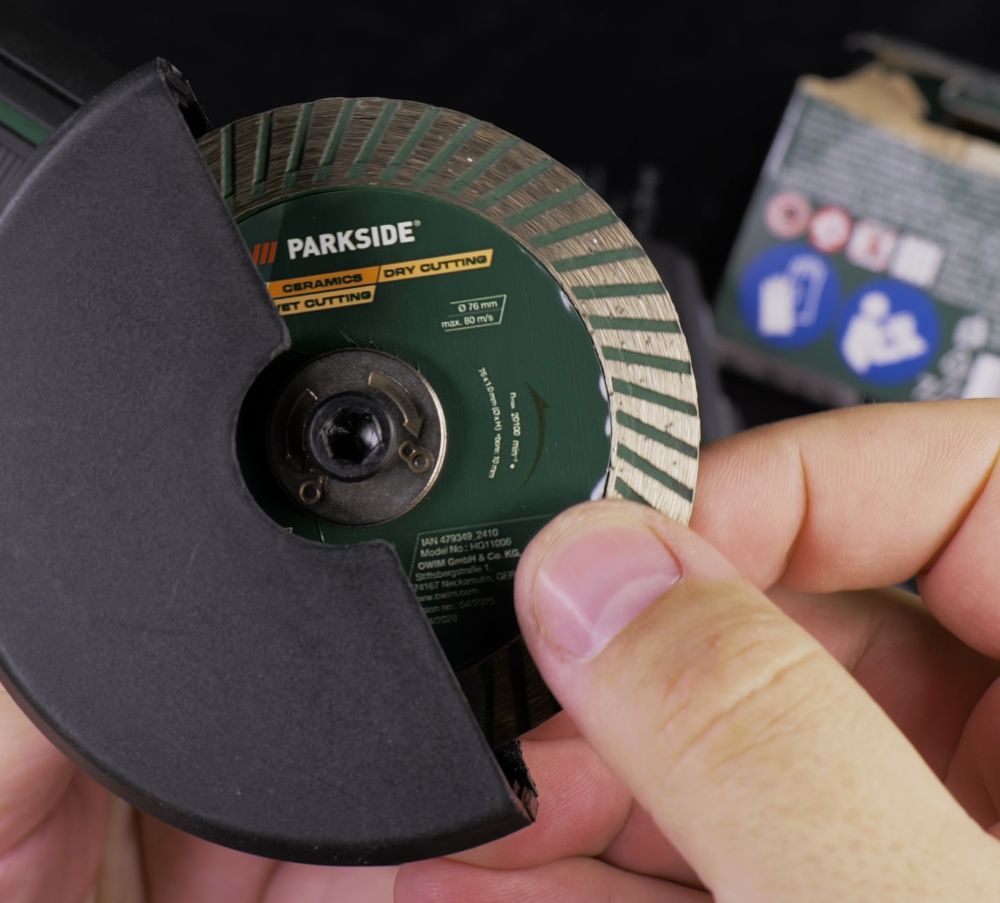
5. Install the New 76mm Disc
Place your replacement 76mm disc onto the spindle, ensuring the rotation arrow printed on the blade matches the direction arrow molded into the plastic guard.
6. Tighten and Test
Thread the retaining washer and bolt back in. Turn clockwise with the Allen key while holding the spindle lock until snug, then snap the battery back in.
Helpful Tips
Never over-tighten the center screw with excessive force, as normal tool operation naturally keeps the flange secure. Always wear eye protection when testing a newly mounted abrasive blade. For more workshop tool walkthroughs, explore our How-To collection.


Leave a Reply