
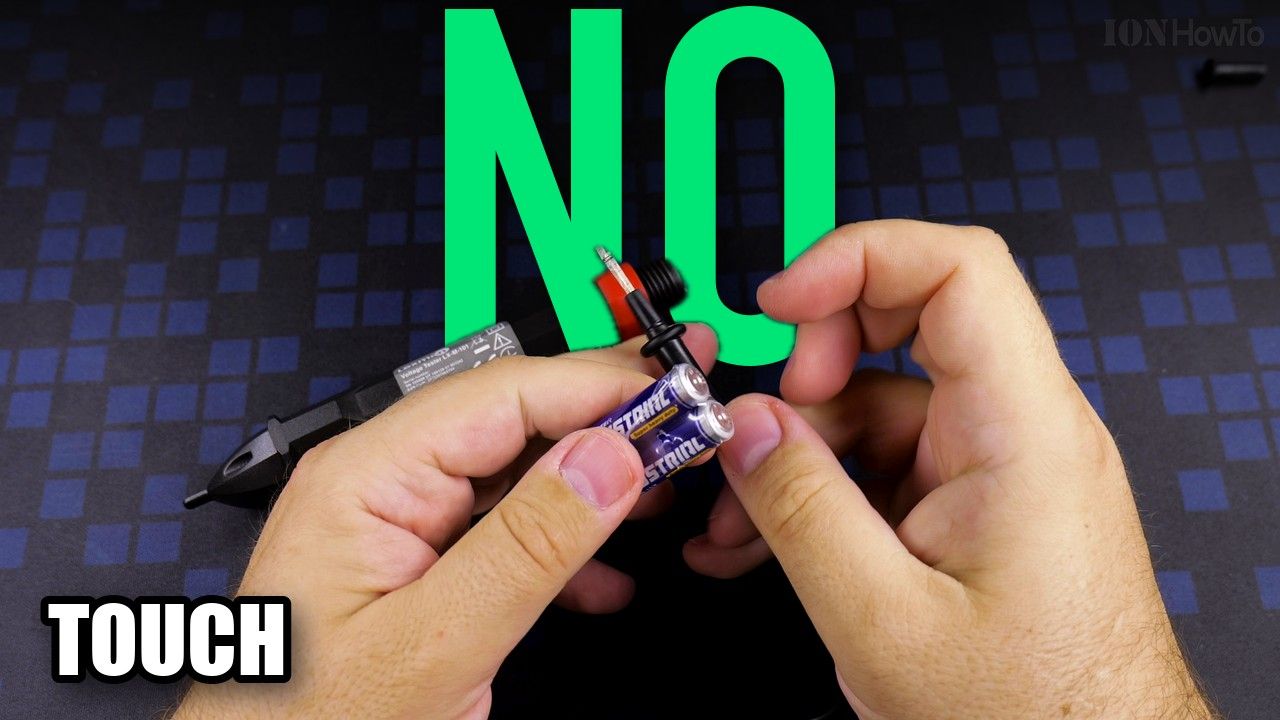
Lexman is the Leroy Merlin house brand, and this pocket non-contact voltage tester was cheap enough that I picked one up. It covers 12 to 1000 V AC, is rated CAT III 1000 V, and, to my surprise, has a small flashlight built in. I tested it on a wall socket.
Pick your step
- Load the two AAA batteries
- Switch on and pick a sensitivity level
- Prove it works on a socket you know is live
- Use low sensitivity to tell live from neutral
- Try high sensitivity around devices
Recommended Amazon Gear and Accessories
Disclosure: This article contains Amazon affiliate links. As an Amazon Associate, I earn from qualifying purchases at no extra cost to you.
1. Load the two AAA batteries
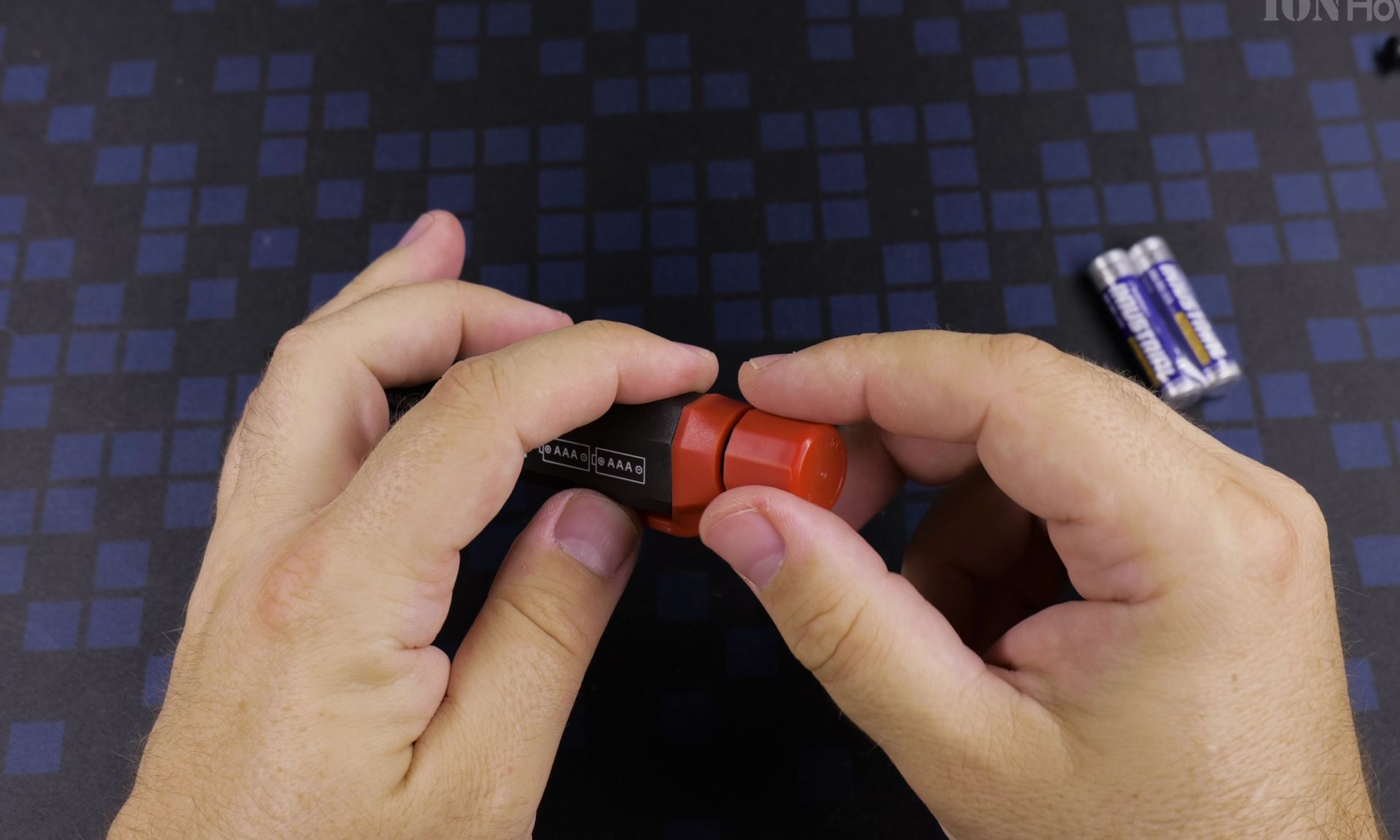
They are included. Pull off the back cap and slide them in plus end first, the same way as in a flashlight, with the spring at the cap end.
2. Switch on and pick a sensitivity level
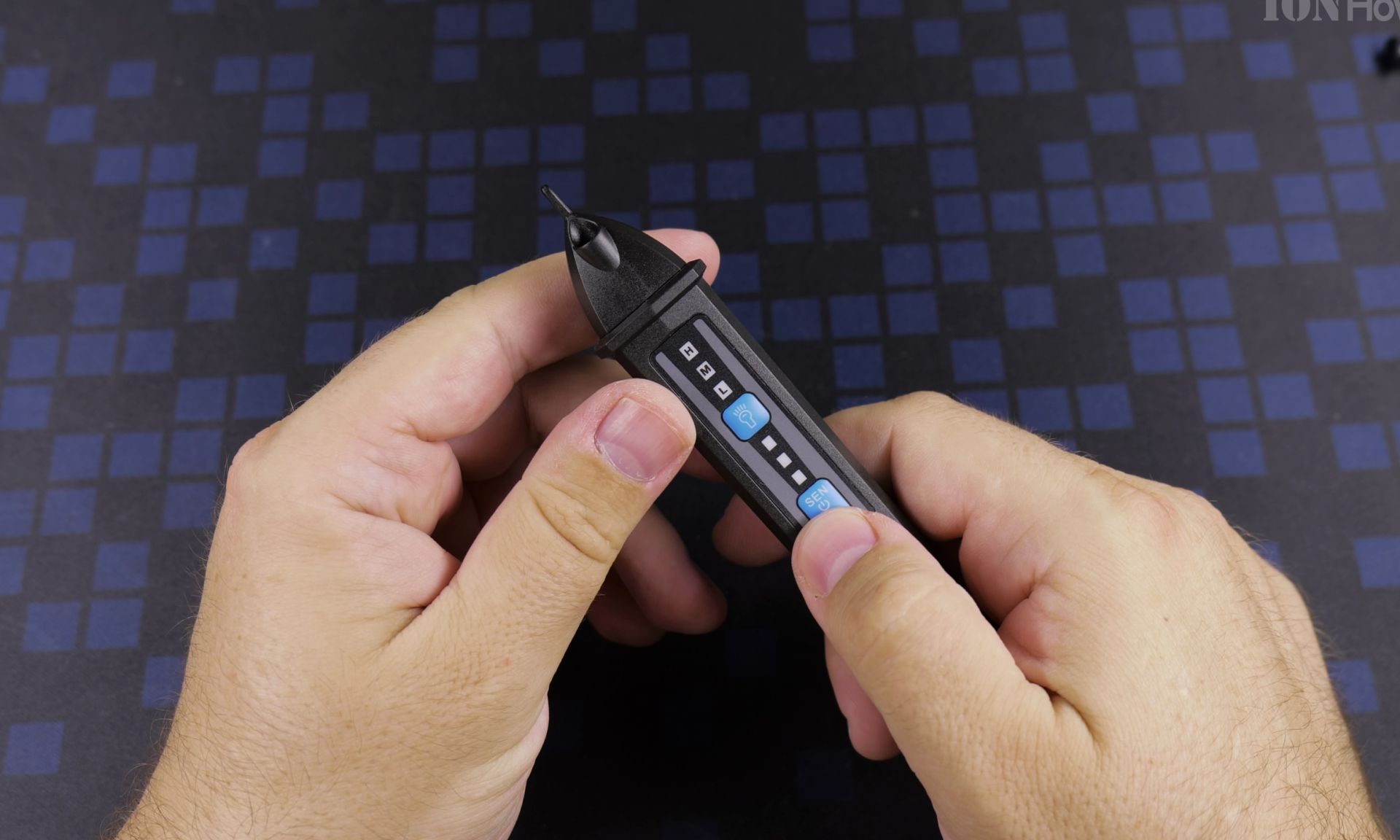
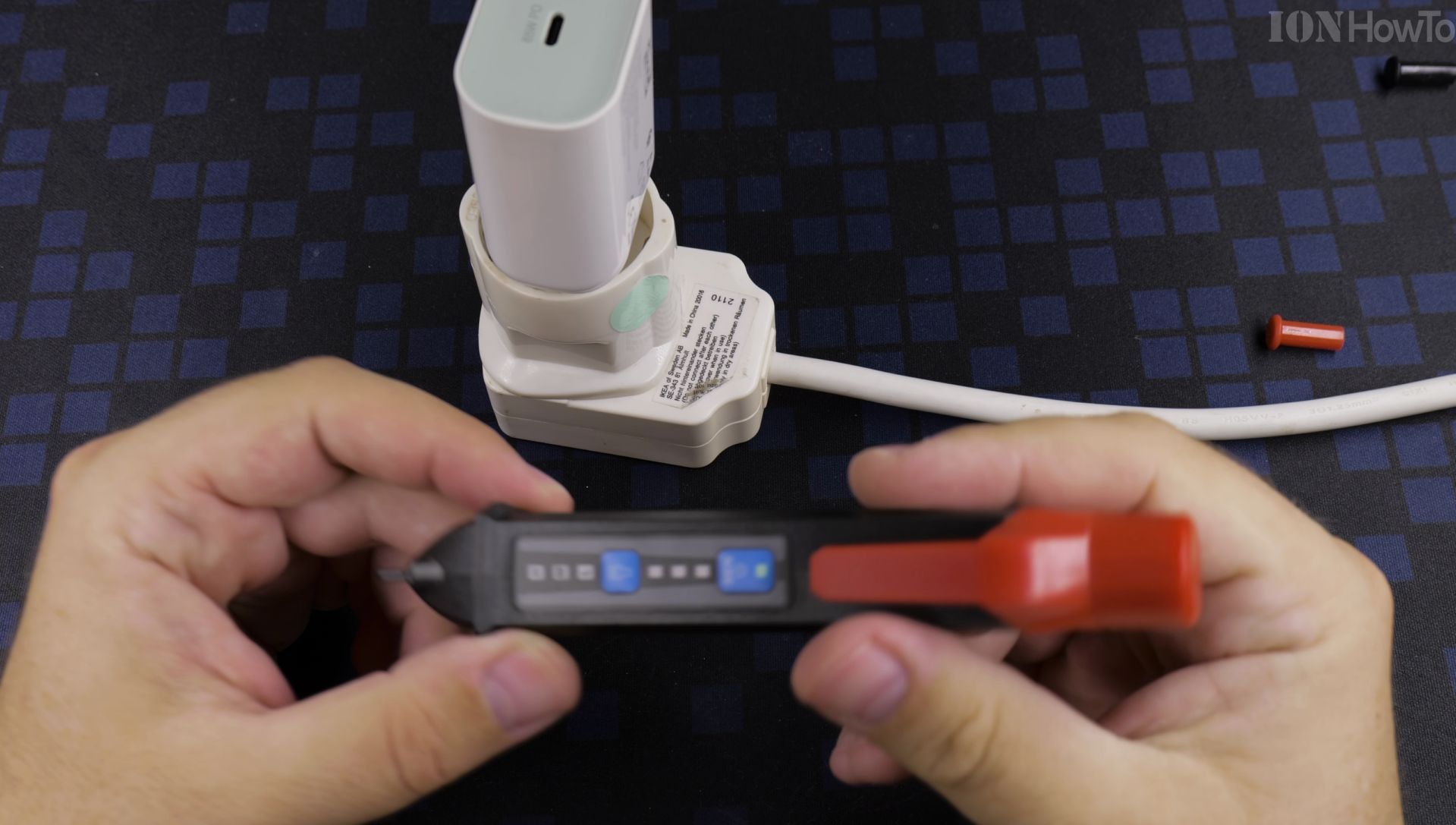
A green light means it is on. The second button cycles through low, medium and high, shown by one, two or three red lights. Both buttons are stiff on purpose, so they do not get pressed by accident in a pocket.
3. Prove it works on a socket you know is live
Hold the tip near a working socket and wait for the beep. If the batteries are flat it stays silent, and a silent tester can make a live wire look safe.
4. Use low sensitivity to tell live from neutral
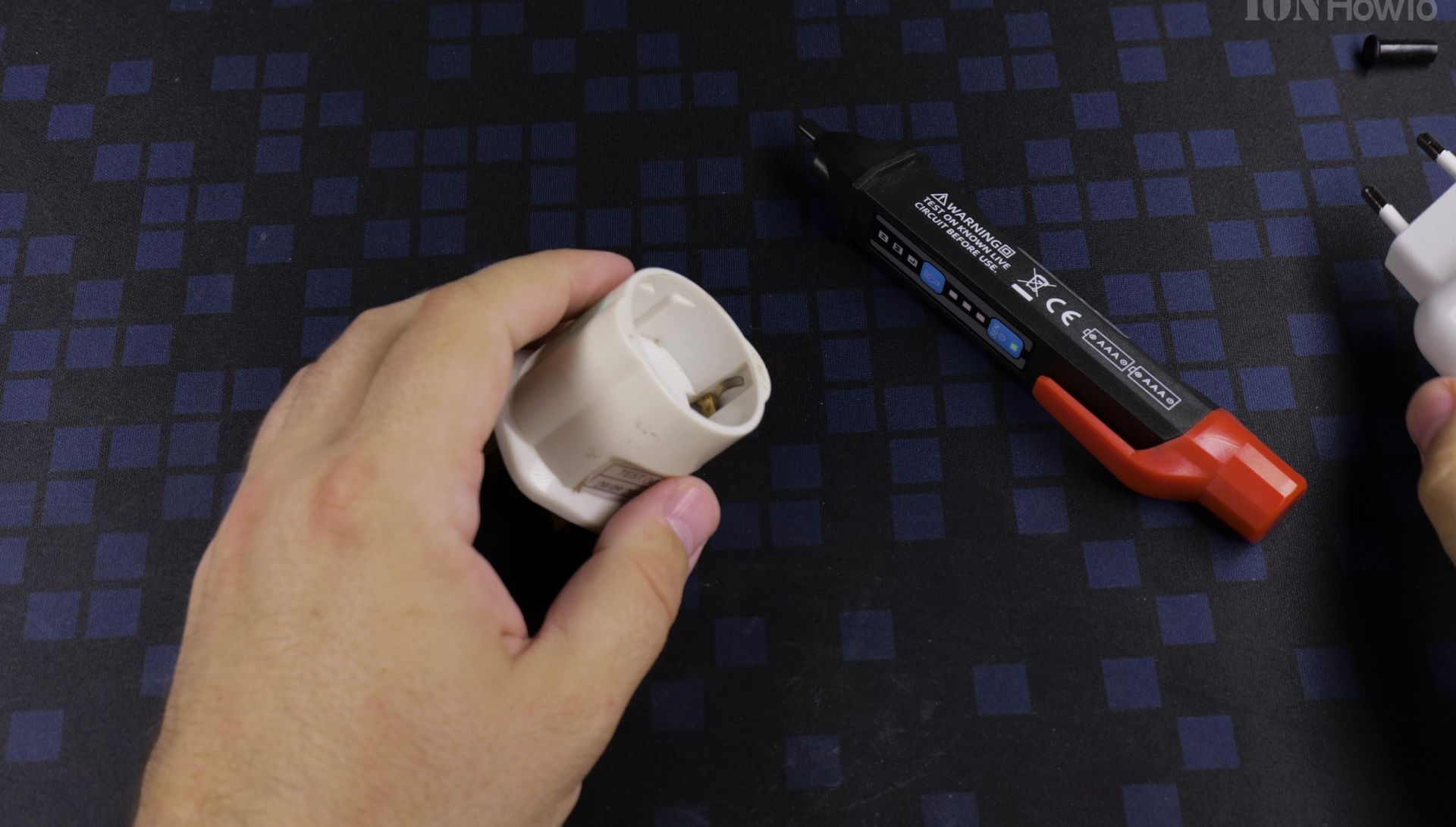
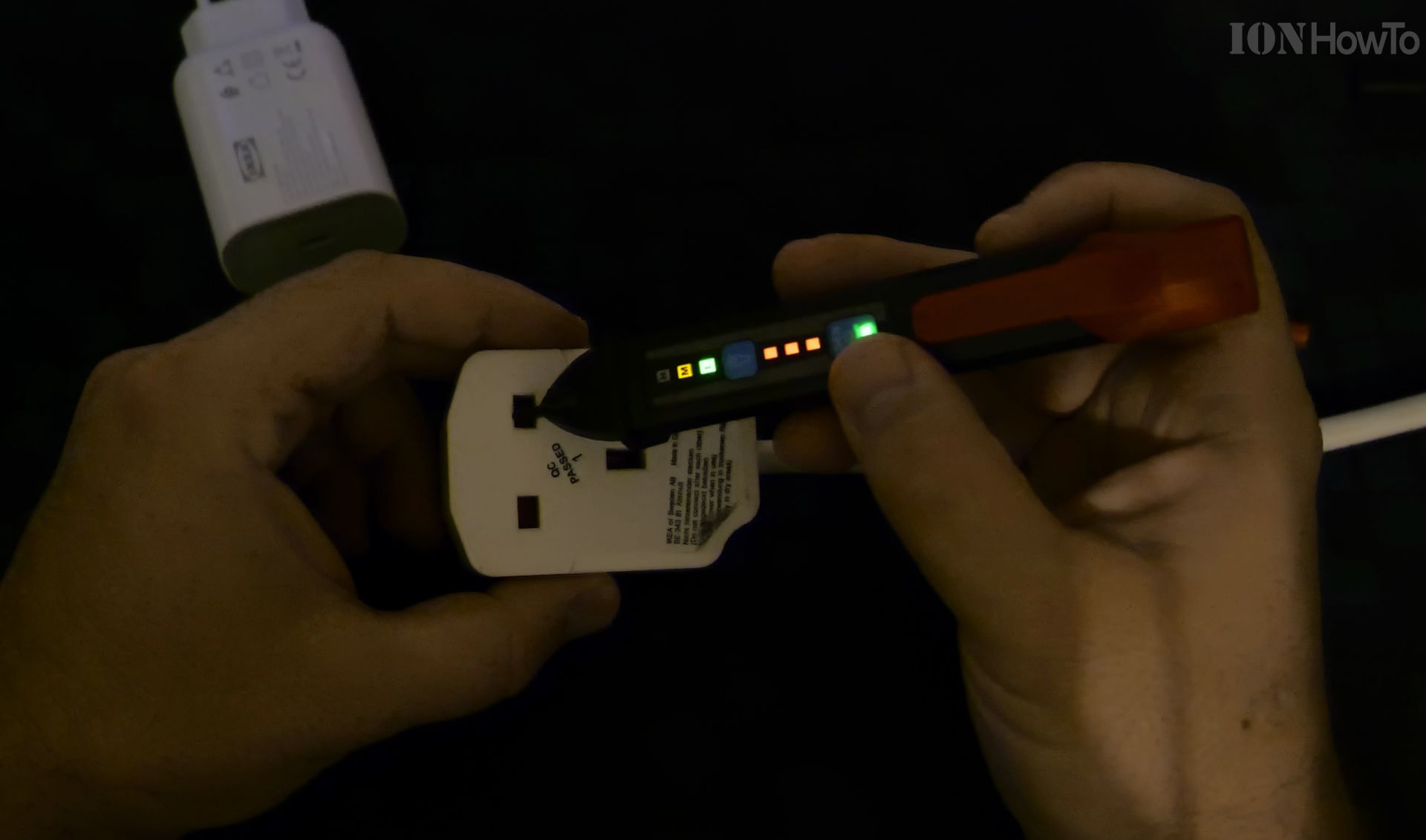
On medium, both holes made it beep. On low, only one hole did, and that is the live one. Neutral and earth stayed quiet.
5. Try high sensitivity around devices
On high it beeped just from being near a plugged-in IKEA 65W charger, and even when I held it near some cables. That is handy for tracing a cable, but too sensitive for deciding which wire is live.
What the lights tell you
- Green light: on, batteries fine.
- Green turns red: batteries down to about 2.4 V. Replace them soon. At 2.1 V it switches off.
- One, two or three red lights: low, medium or high sensitivity.
- Tip light: the flashlight, switched by its own button, useful in dark corners and junction boxes.
Use it safely
- Switch off the breaker before you work on any wiring. The pen is a check, not a guarantee.
- It turns itself off after 3 minutes, so turn it on again between jobs.
- Reach for a multimeter when you need the actual voltage, not just a yes or no.
Related Guides
- Highlighter pen hacks – Browse more tutorials and practical guides in this section.


Leave a Reply