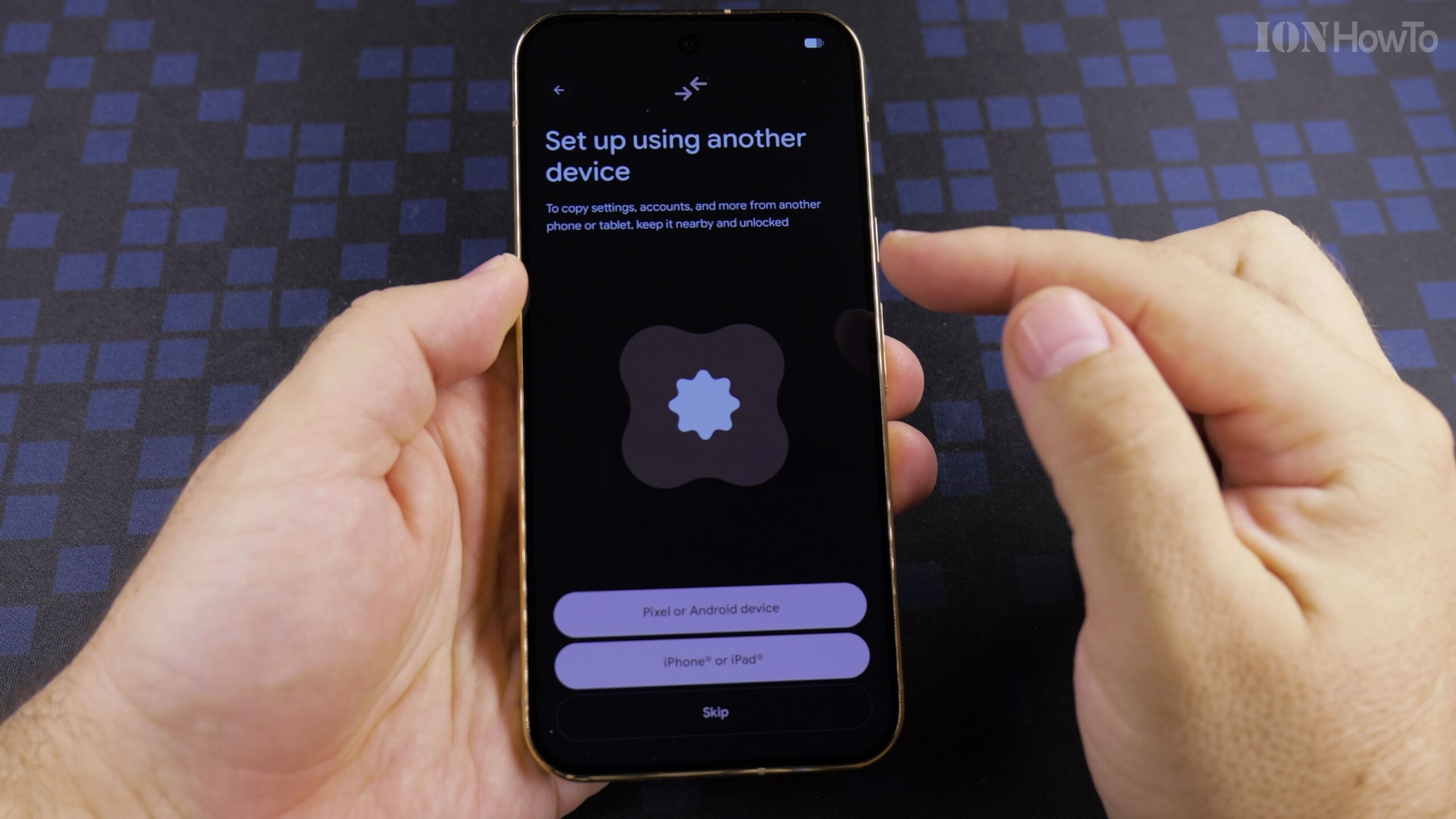
How to Set Up Google Pixel 11 Pro XL as a New Phone (Quick Step-by-Step Guide)
If you just unboxed the Google Pixel 11 Pro XL and want a fast, straightforward walkthrough to get it running as a new phone without transferring old device clutter, this concise step-by-step guide covers the essential Android 17 setup screens.
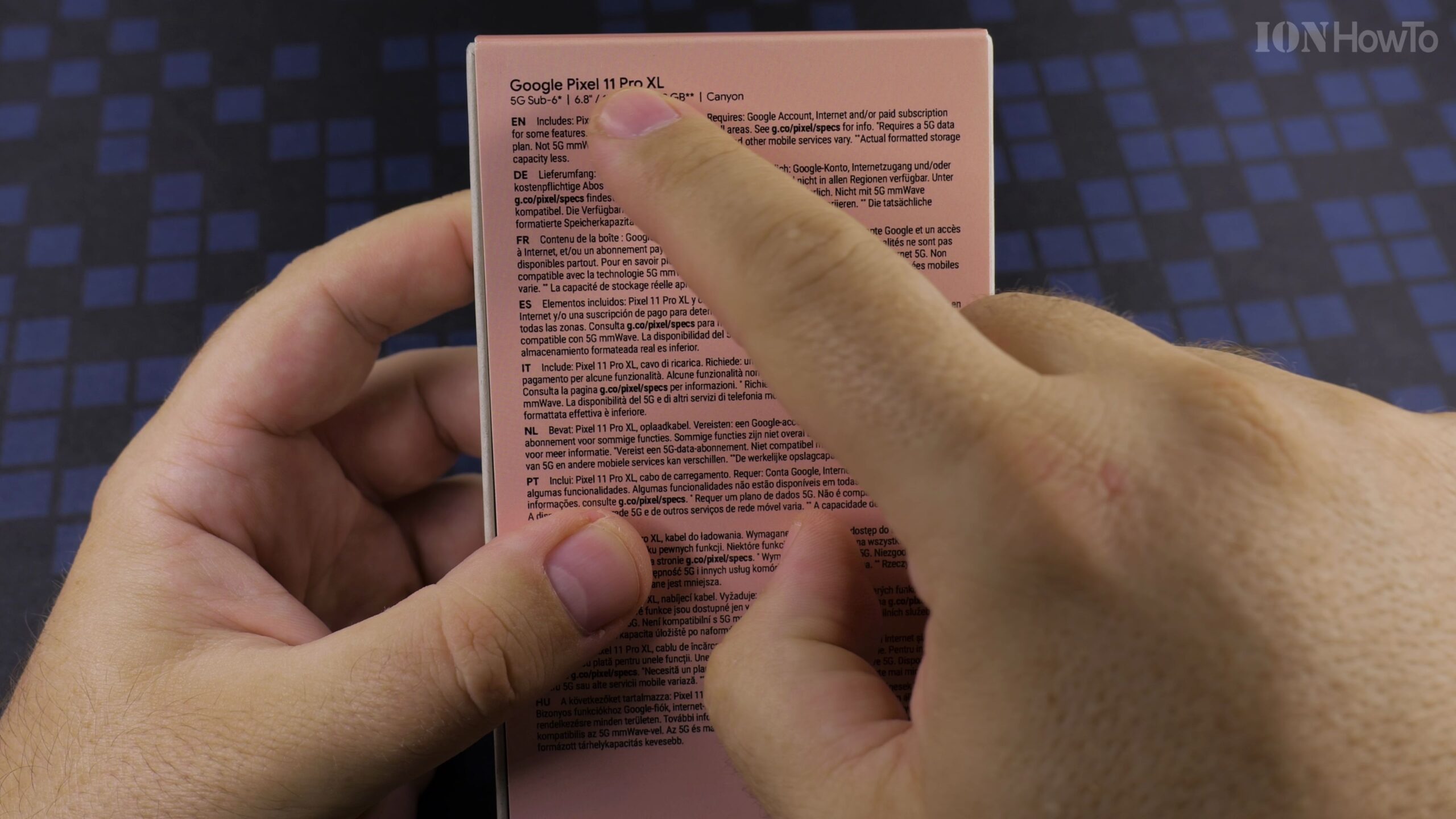
Unboxing Google Pixel 11 Pro XL Canyon 512GB (16GB RAM): Extended Step-by-Step Guide
Before powering on a new flagship smartphone, taking a close look at the retail packaging, hardware specifications, and included accessories helps you verify everything in the box. Here is our extended step-by-step unboxing of the Google Pixel 11 Pro XL in the Canyon color finish with 512GB storage and 16GB RAM (Model G4HCD) preinstalled with…
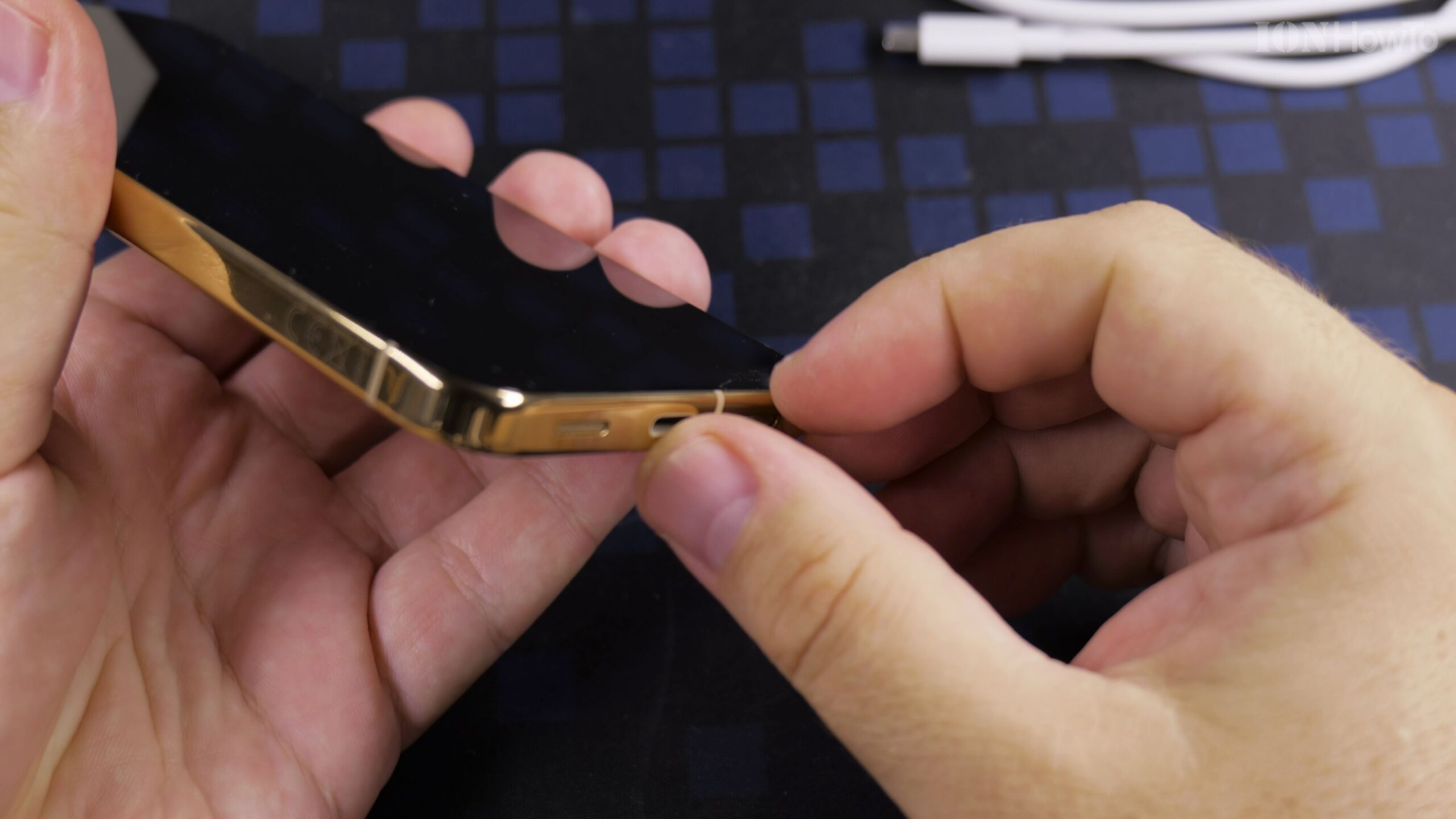
Google Pixel 11 Pro XL First Time Setup as a New Phone: Complete Extended Walkthrough
Setting up your Google Pixel 11 Pro XL as a brand-new phone gives you a clean start without carrying over old clutter or unused apps. In this extended step-by-step guide, we cover every screen of the initial Android 17 configuration on the Google Pixel 11 Pro XL Canyon 512GB (16GB RAM) from first boot to…
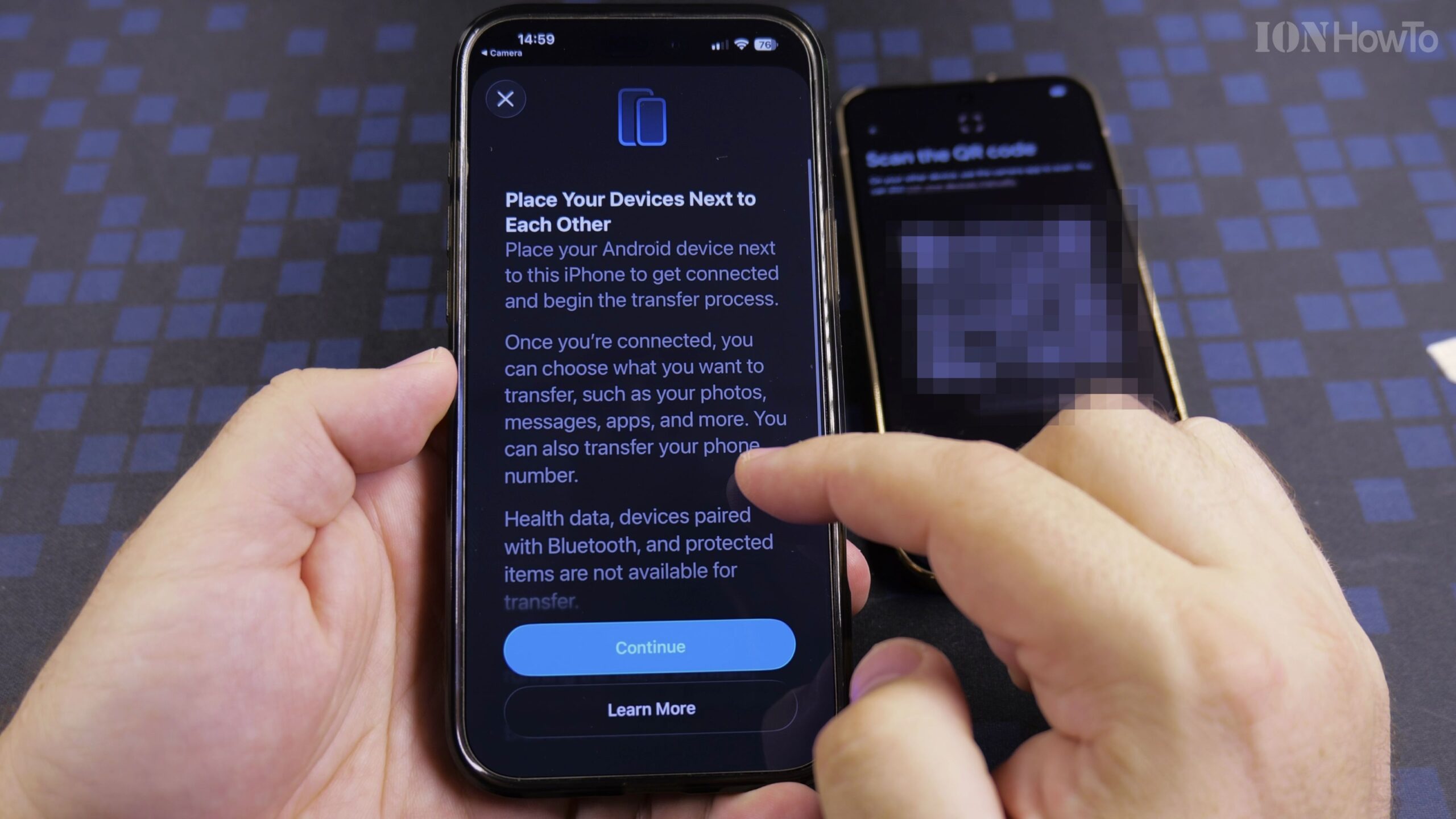
How to Transfer Data from iPhone to Google Pixel 11 Pro XL Step-by-Step
Moving from an iPhone to a new Android smartphone is much simpler when you use the built-in Transfer to Android feature during initial setup. In this complete guide, we walk through how to set up the Google Pixel 11 Pro XL (Canyon, 512GB with 16GB RAM running Android 17) and copy your settings, contacts, photos,…
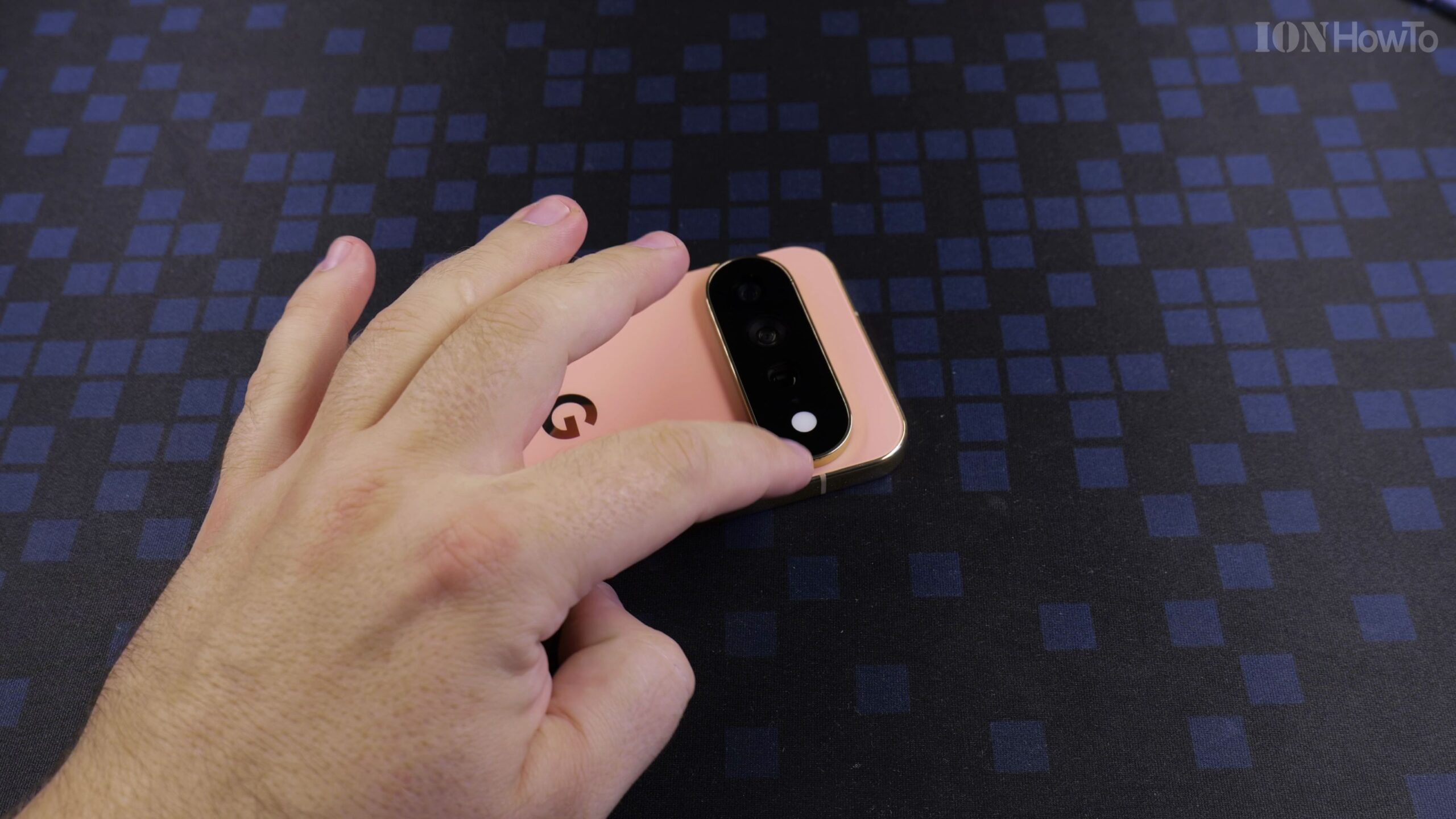
HiLight Notifications Gemini AI Assistant Light and Flashlight on Google Pixel 11 Pro XL
On the Google Pixel 11 Pro XL, notification indicators have evolved into HiLight—an intelligent lighting system surrounding the camera module that illuminates when Gemini AI.
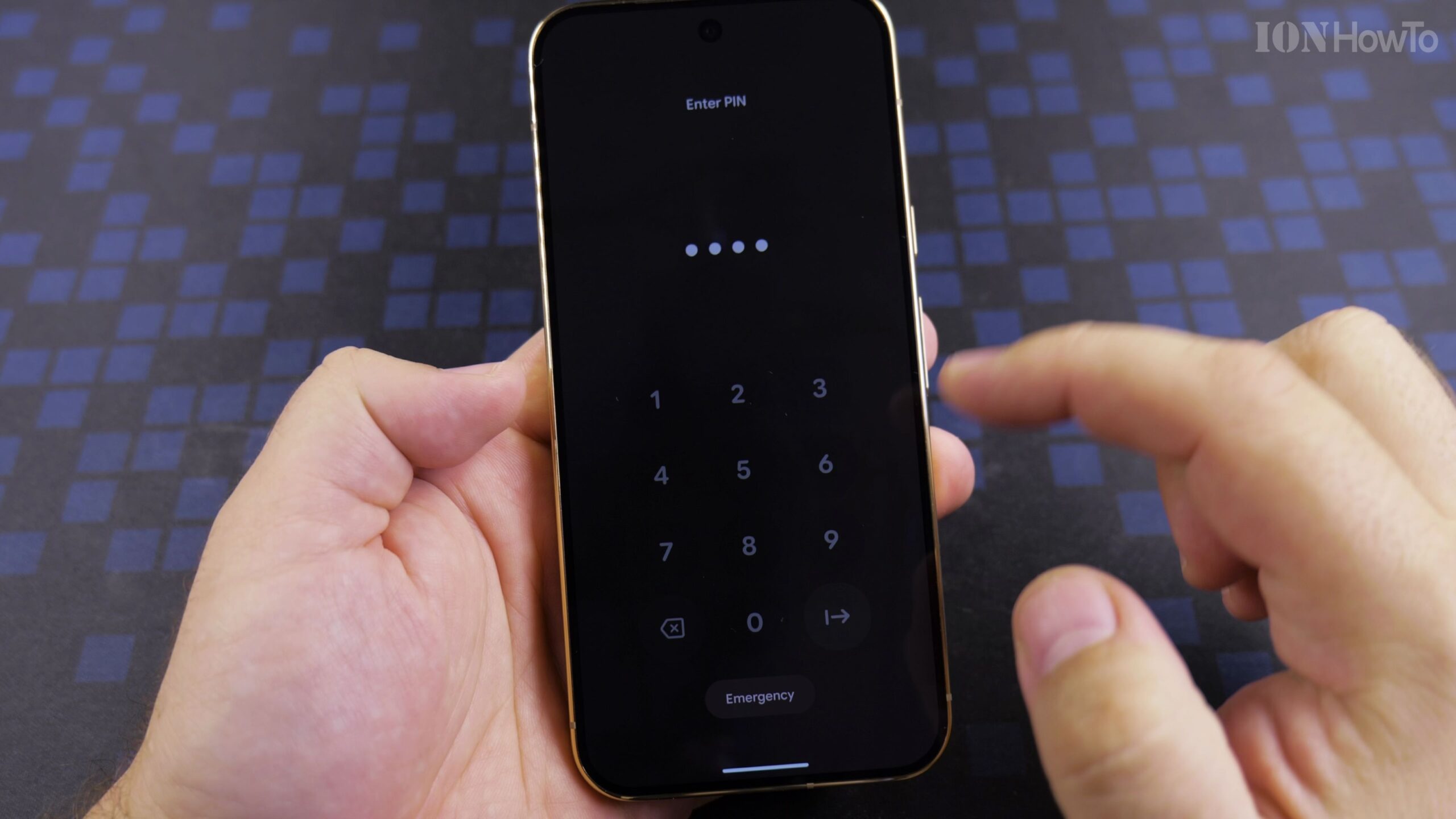
Install Spigen Ultra Hybrid Clear Case on Google Pixel 11 Pro XL Canyon Color ACS11451 Guide
The Google Pixel 11 Pro XL in Canyon color has one of the most distinctive colorways in modern smartphones. The Ultra Hybrid combines a rigid anti-yellowing polycarbonate.
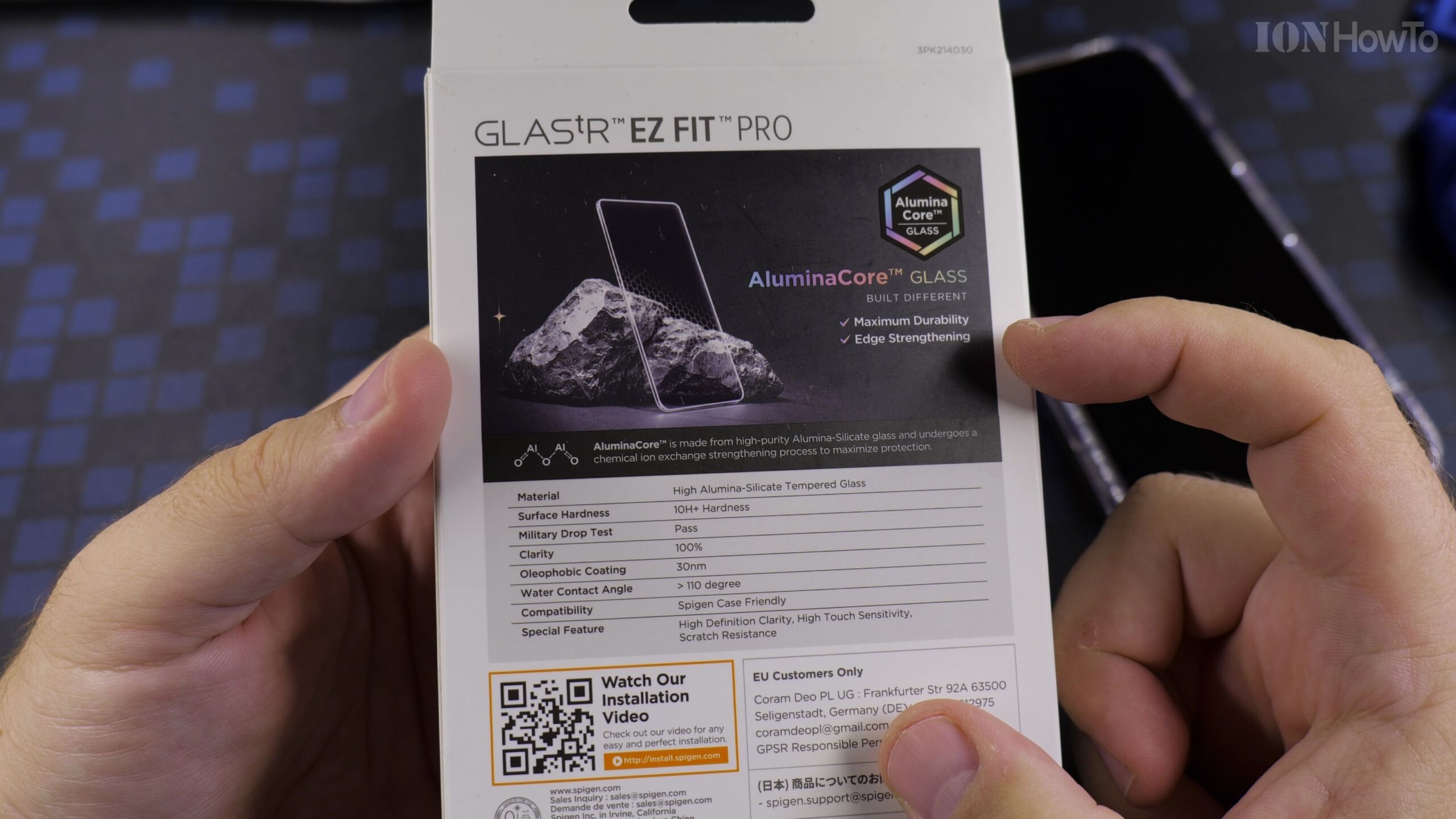
Spigen GLASStR EZ Fit Pro Screen Protector on Google Pixel 11 Pro XL Installation Guide
Applying tempered glass manually can be tricky, but Spigen custom EZ Fit housing aligns the glass automatically with microscopic precision, preventing misaligned camera cutouts or.
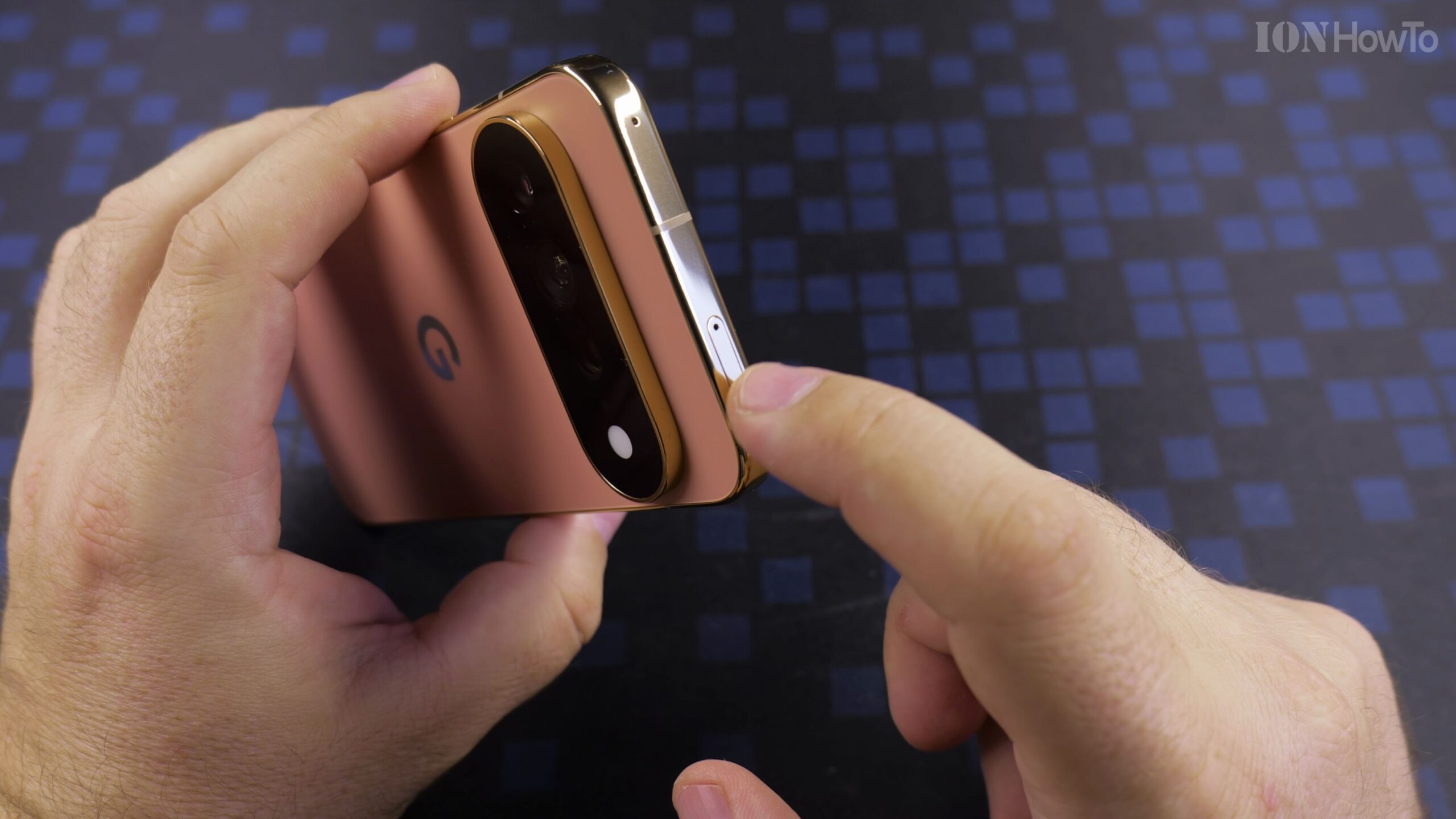
How to Setup Google Pixel 11 Pro XL: Transfer Settings from iPhone or Android Guide
Setting up a new flagship phone is exciting, and Google modern transfer assistant makes moving from an iPhone or older Android phone virtually seamless. You can transfer contacts,.
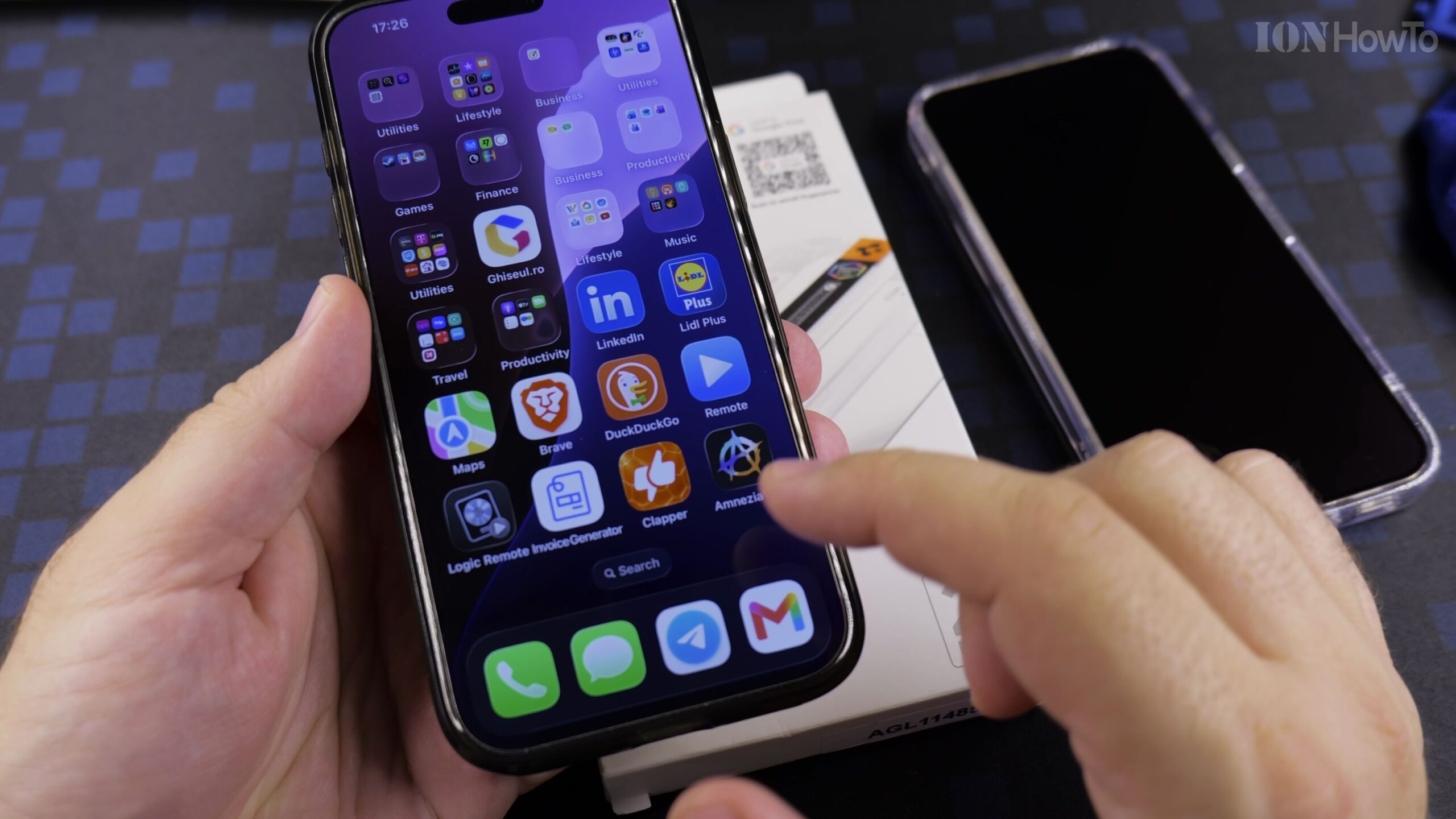
Spigen GLASStR EZ Fit Pro Screen Protector on Google Pixel 11 Pro XL: Full Installation Guide
Installing a tempered glass screen protector freehand often results in crooked edges and trapped dust bubbles. Spigen EZ Fit solves this with a custom auto-alignment tray that.
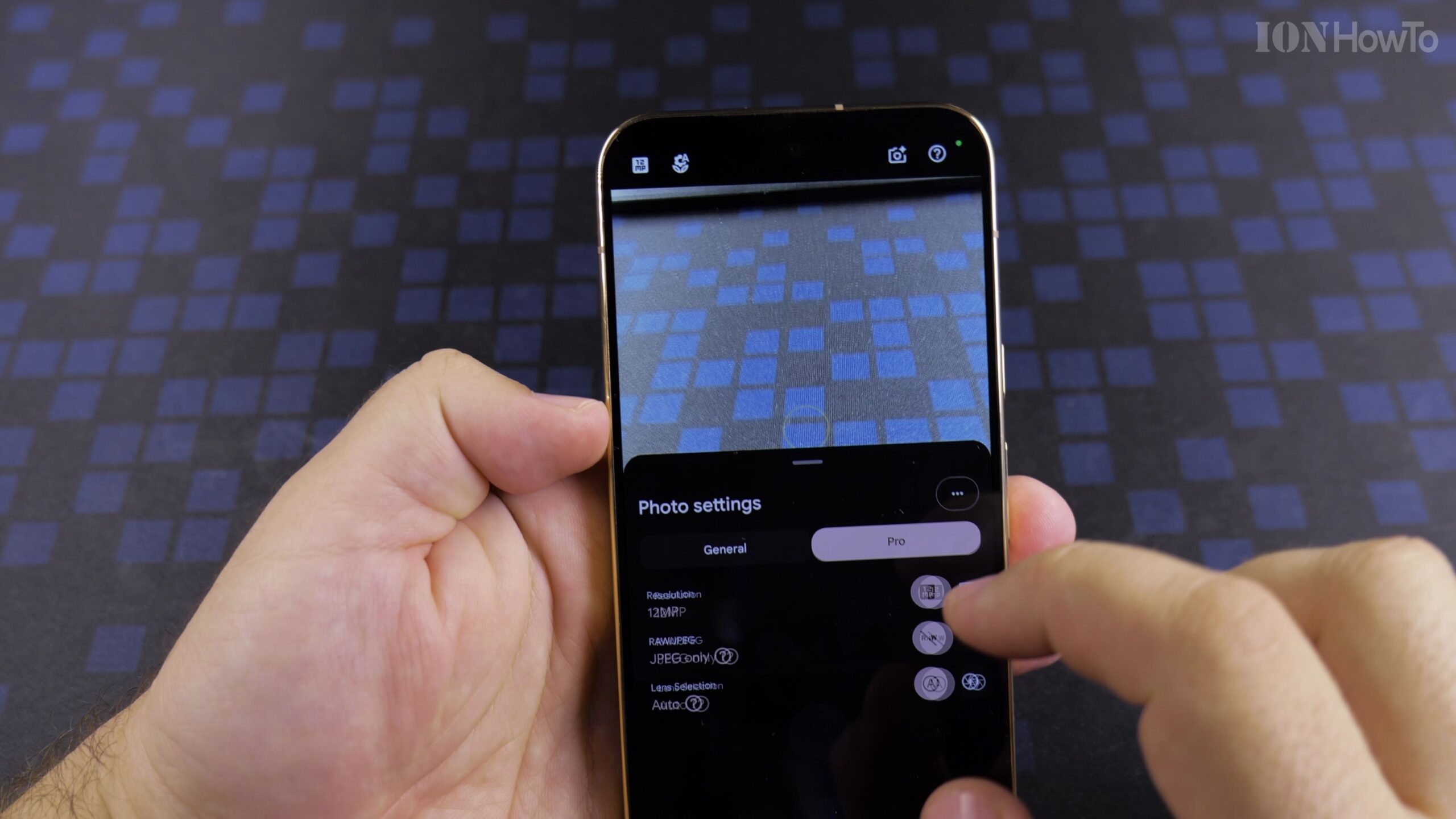
Change Google Pixel 11 Pro XL Settings After Setup: GCam Camera Settings Guide
The Google Pixel 11 Pro XL features state-of-the-art camera hardware, but default factory settings compress images to 12.5 megapixels and limit video recording to save storage..
