
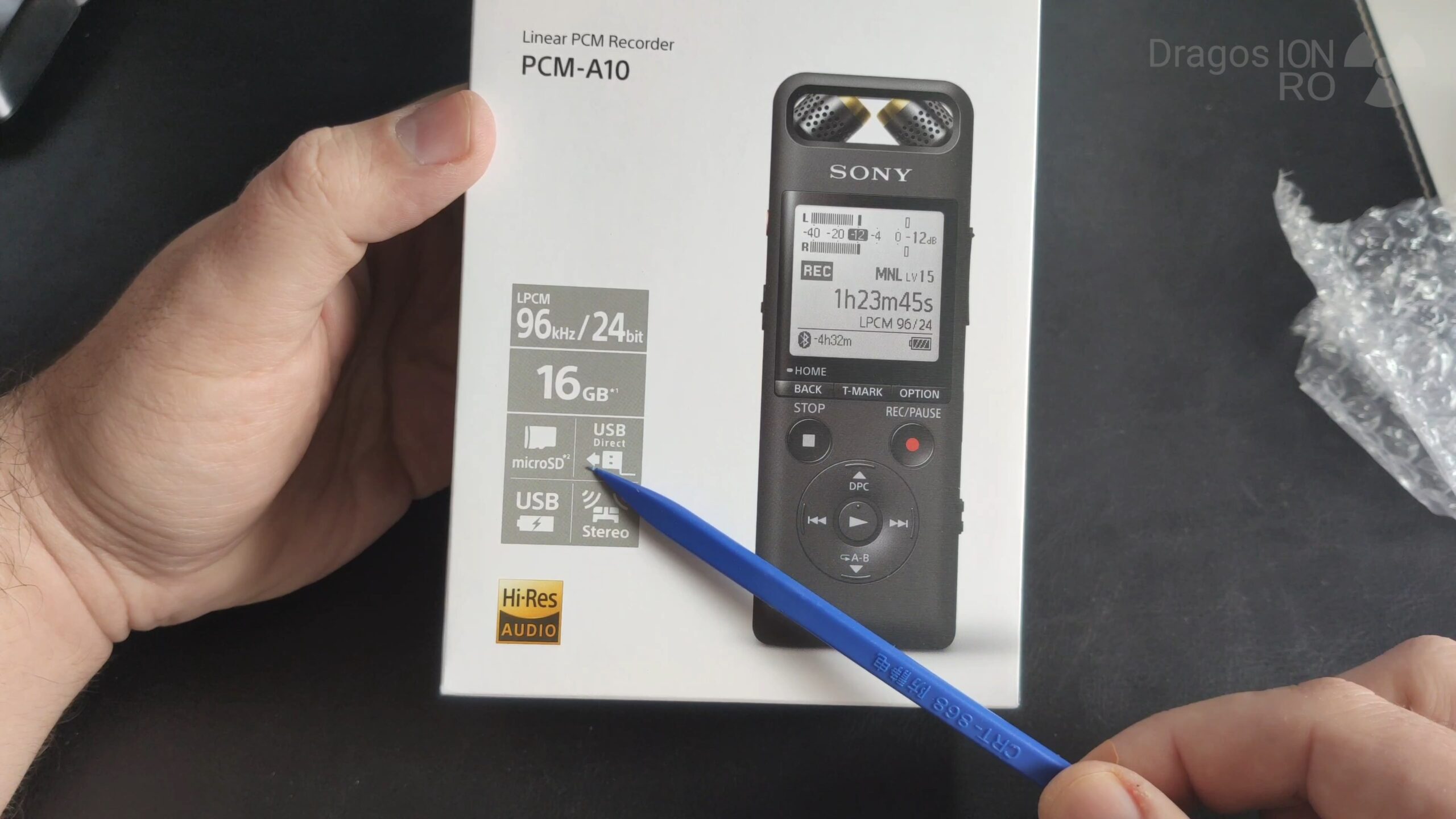
Sony PCM-A10 Unboxing & First Tests, A Tiny Powerhouse Recorder.
Learn how to unbox and get started with the Sony PCM-A10 portable recorder. If you’re looking for a compact, high-quality audio recorder for everything from voice memos to music, I’ll show you what comes in the box and run some quick tests to check the noise levels.
You can find the Sony PCM-A10 on Amazon here:
https://rex.red/sony-pcm-a10
We earn money from qualifying purchases using our affiliate links.
This portable Hi-Res digital recorder is great for voice, meetings, soft music, loud music, and ambient recording. In this first look, I’m testing the noise level in quiet recordings at different built-in microphone gain levels.
Manufacturer: SONY
Model: PCM-A10
Model in South Korea: R-CMI-SOK-PCM-A10
Internal Battery: Li-ion, model LIS1427HEPCC, 3.7V, 570 mAh
Key Specs:
- Records Linear PCM up to 96kHz / 24-bit in WAV or MP3.
- Has 16GB of internal memory (about 12.8GB usable).
- Features a Micro-SD card slot for more storage.
- Has a built-in USB Type-A connector (no cable needed!).
- Offers stereo XY, Wide, or direct microphone patterns.
- A true Hi-Res audio recorder in a tiny package.
Unboxing the Sony PCM-A10
The box is simple and effective. I purchased this online and was a bit unsure if it was new and authentic, but everything inside confirmed it was the real deal. The recorder itself was sealed in a plastic bag for protection.
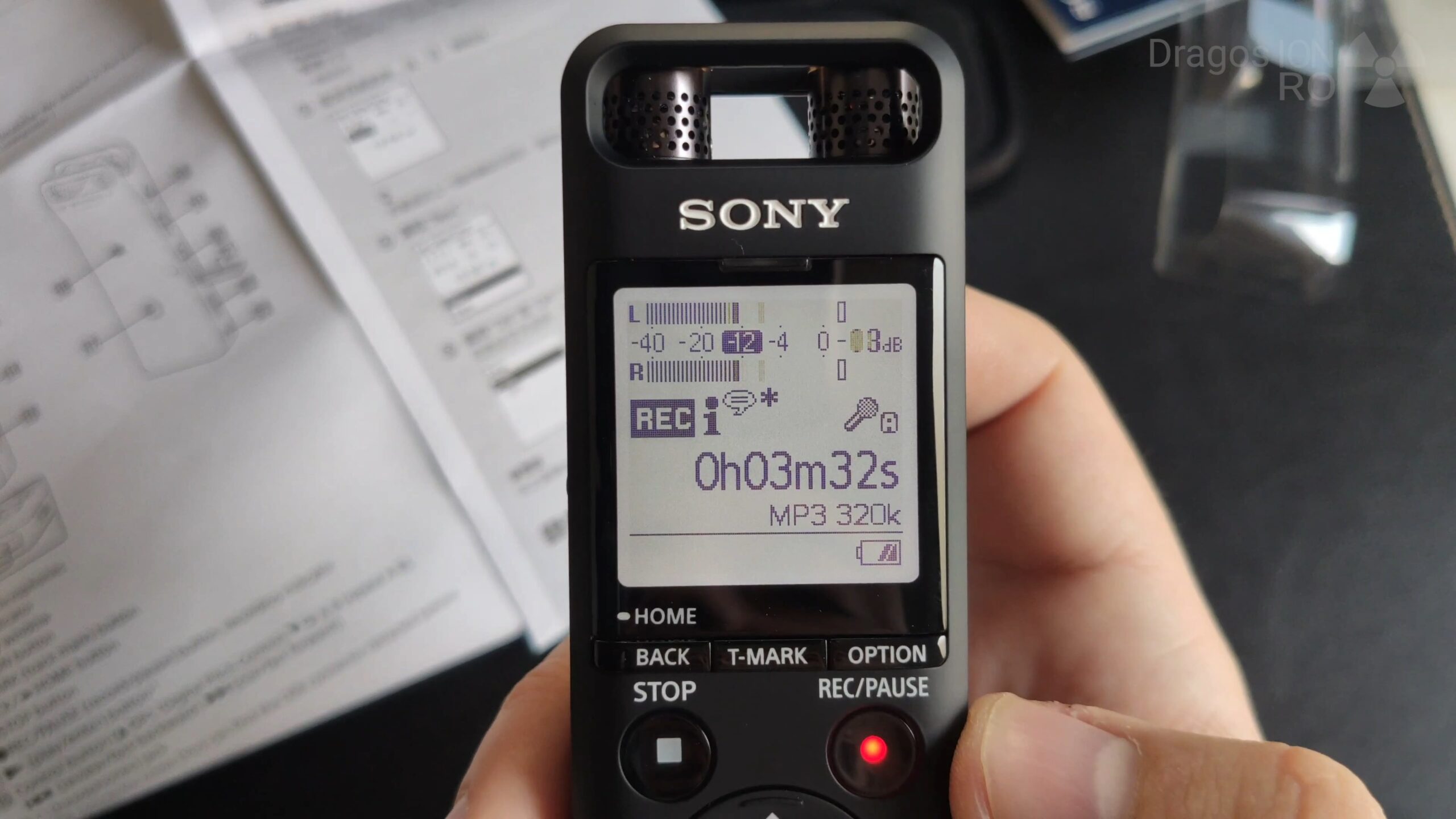
In the box, you get:
- The Sony PCM-A10 recorder.
- A soft carrying pouch.
- A foam wind cover (great for light winds).
- A warranty guide (mine was for South Korea).
- An instruction manual in English and Korean.
The recorder feels surprisingly solid and well-built for its size. It’s heavier than you’d expect, likely due to the battery, which gives it a quality feel. The buttons have a good, tactile response not too soft, not too hard.
First Look & Key Features
Powering it on for the first time, the screen greeted me with a “Congratulations” message in English. Here’s a quick tour of the device:
On the Top:
- The directional microphone capsules. You can adjust their position to change the pickup pattern (XY 90-degree, Wide, or Direct for voice).
- An input for an external microphone.
- A Hold switch and a sliding Power button.
On the Side:
- A microSD card slot for expanding the 16GB internal storage.
- A small speaker for playback.
On the Front:
- A handy loop for attaching a wrist strap or headphones.
- Clearly labeled menu and playback controls.
On the Right:
- Volume up/down buttons for playback.
The record button is perfectly placed for one-handed operation. Press it once to start, and press it again to stop. The included soft pouch is useful for more than just storage. If you place the recorder in it while recording, it dampens handling noise if you touch the device or the surface it’s on.
Testing the Built-in Microphones & Noise Levels
I wanted to see how quiet the recorder could be in a silent room. The built-in mics have an adjustable gain (sensitivity) level. I recorded my voice and the room tone at different settings to hear the difference.
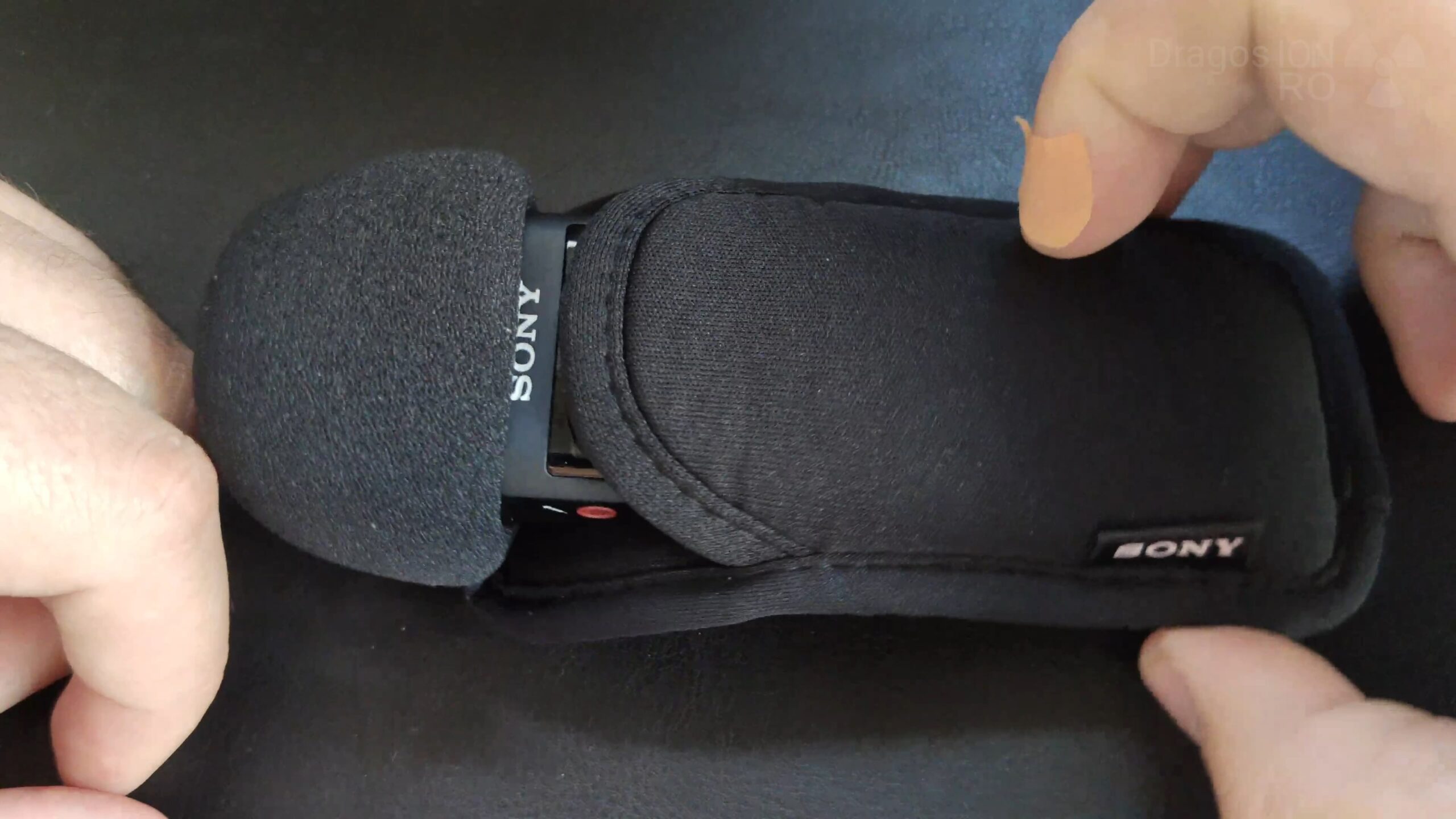
Here are the steps for a basic noise test:
- Find a quiet room.
- Turn on the recorder and select your desired quality (I used a standard WAV setting).
- Go into the menu and find the recording level (gain) setting.
- Start recording. Speak at a normal volume from about 30-40cm away.
- Stop speaking for 10-15 seconds to capture the “room tone” or noise floor.
- Stop recording. Change the recording level and repeat.
My Quick Findings:
- At a medium level (around 20), my voice was clear and the background noise was extremely low, almost inaudible.
- At a lower level (15), my voice was still good up close, and the noise floor dropped even further.
- At the lowest level I tried (10), I had to speak very close to the mic for a good level. The upside? The noise floor was practically non-existent, just digital silence.
This shows the A10 is excellent for capturing clean audio in quiet environments. For noisier situations, you can safely turn the gain up.
Using the Sony Recorder App
A cool feature is the ability to control the recorder from your smartphone. Learn how to set it up:
- Enable Bluetooth on your phone.
- Turn on the PCM-A10 and go to its Bluetooth settings to make it discoverable.
- Download the free “Sony Recorder” app from your phone’s app store.
- Open the app and follow the pairing instructions.
- Once connected, you can start/stop/pause recordings and change settings right from your phone.
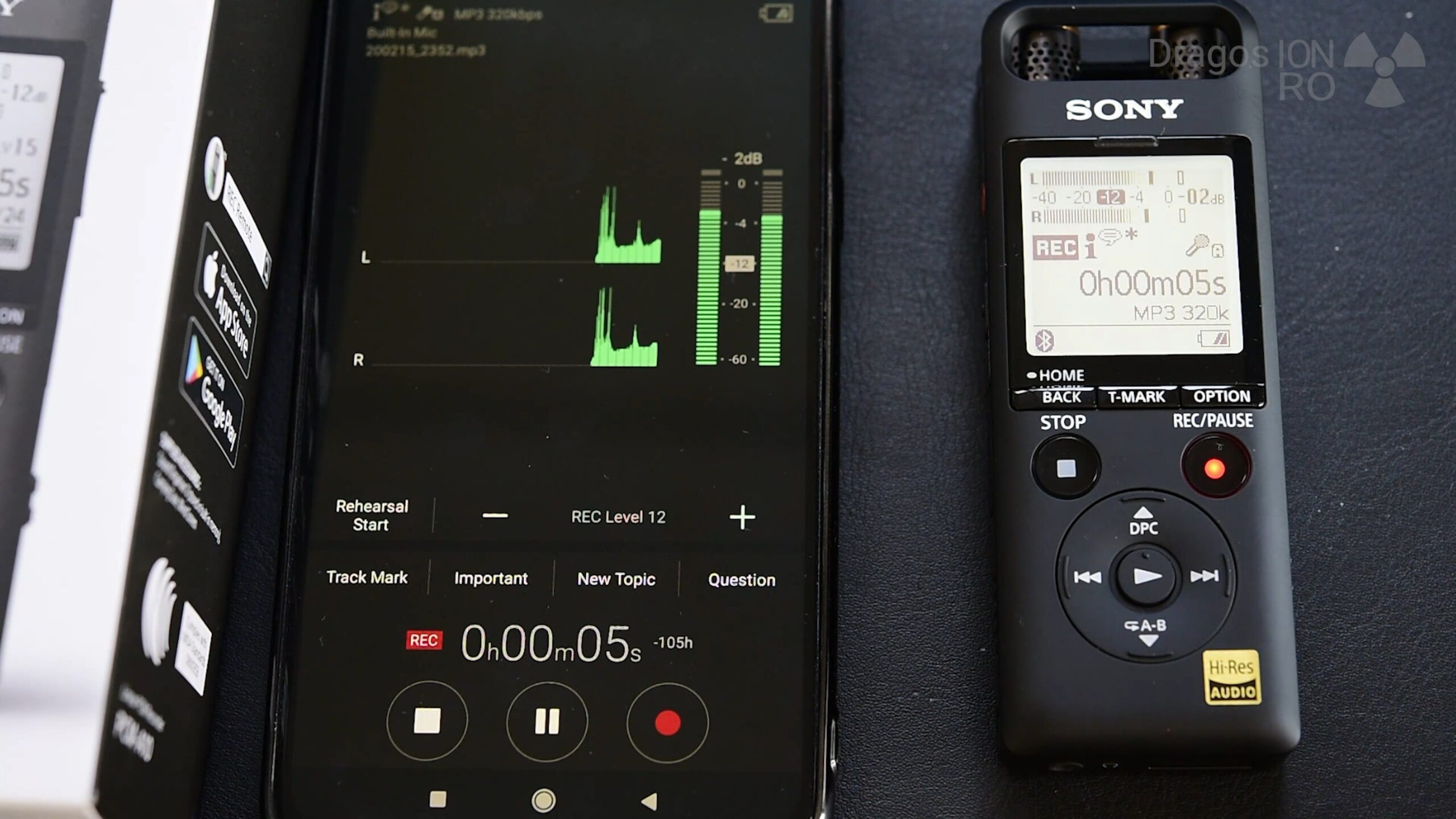
This is perfect for placing the recorder at a distance (like on a desk or stage) and controlling it discreetly from your seat.
Final First Impressions
This little recorder packs a serious punch. The build quality is fantastic, the audio is clean, and features like Bluetooth app control and the built-in USB plug make it incredibly convenient. For anyone moving up from a phone’s microphone for videos, podcasts, or field recording, this is a huge leap in quality.
I hope this hands-on look helps you. If you have this recorder or are thinking of getting one, let me know your thoughts or questions in the comments below.


Leave a Reply