Tag: Sony Xperia

Switch Between Front and Back Camera on Android
How to Switch Between Front and Back Camera on Android. Learn how to quickly switch between your Android phone’s front and back cameras. Whether you want to take a selfie or shoot something in front of you, toggling between cameras takes just one tap. I’ll show you the different methods to flip cameras while taking…
Use Android Flash as Video Light
How to Keep Flash On While Recording Videos on Android. Learn how to use your Android phone’s flashlight as a constant light source while recording video. If you shoot in dark rooms or at night, this simple setting can make a huge difference. I’ll show you the steps to turn on the flash and keep…
How to Enable In-App Purchases on Android
How to Enable and Secure In-App Purchases on Android. Learn how to enable in-app purchases on your Android device to allow apps to charge you for extra content. If you want to allow apps to make purchases, I show you how to make in-app purchases easier while also keeping them secure. I am showing you…
Change Wallpaper on Android Lock Screen and Home Screen
How to Change Wallpaper on Android Lock Screen and Home Screen. Learn how to add or change wallpapers on both your lock screen and home screen. I show you the steps to customize your Android device with new backgrounds. I am showing you on a Sony Xperia 1 V running Android 15. The process works…
Move Address Bar in Android Chrome
How to Move the Address Bar Back to Top in Android Chrome. Learn how to move the address bar back to the top in Android Chrome. If you previously moved it to the bottom and want to return it to its original position, I show you the steps to change it. I am showing you…
How to Activate a New SIM Card on Android
How to Activate a New SIM Card on Android. Learn how to activate a new SIM card on your Android phone. I show you the steps to get your SIM card working quickly and easily. If you have a new SIM card, this guide will help you set it up on your Android device. You…
Check if Your USB Cable Has USB3.0 Pins
How to Check if Your USB Cable Has 3.0 Pins. Learn how to tell if your USB cable or connector is USB 3.0. If you’re trying to figure out the difference between USB 2.0 and USB 3.0, there is a simple way to check just by looking at the pins inside the connector. This guide…
USB-A to USB-C Adapter on Android
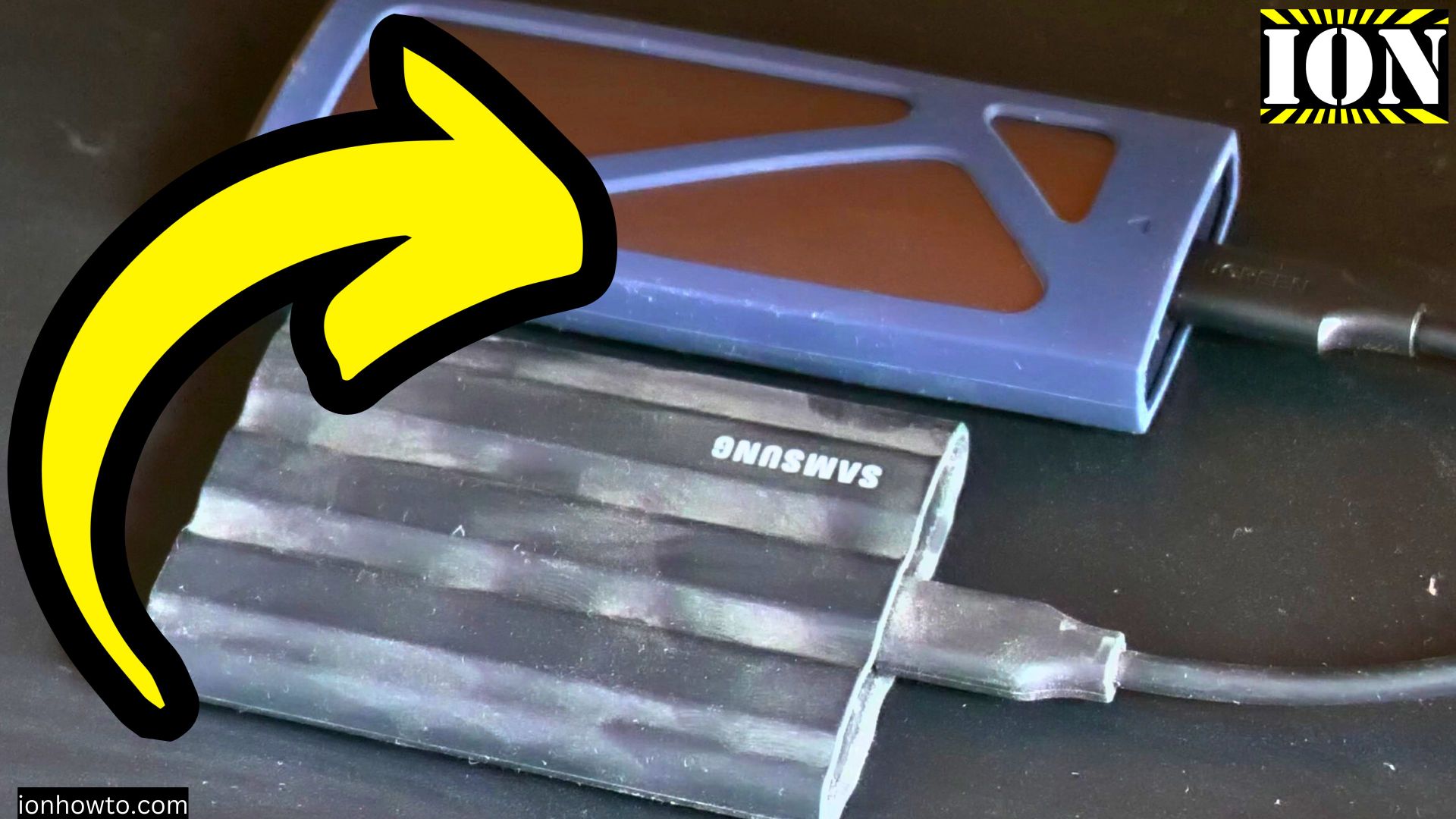
USB to USB-C Adapter on Android. Test with the Sony Xperia 1 V. Learn how to use a USB to USB-C adapter on your Android phone for fast data transfers. If you have an external SSD, flash drive, or hard drive with a regular USB Type-A cable, you can connect it to your USB-C Android…
Add Reminders to Android Calendar Using Google Assistant
How to Add Reminders to Your Android Calendar Using Google Assistant or Manually. Learn how to add reminders to your Android calendar. If you want to quickly set a reminder with your voice or type in details manually, there are two easy ways to do it. I’ll show you this on a Sony Xperia 1V…
How to Disable Fast Charging on Android
How to Disable Fast Charging on Android Devices. Learn how to turn off fast charging on your Android phone. If you want your battery to last longer over the years or you live in a hot climate and want to keep your phone cooler while charging, slowing things down can help. I’ll show you this…