
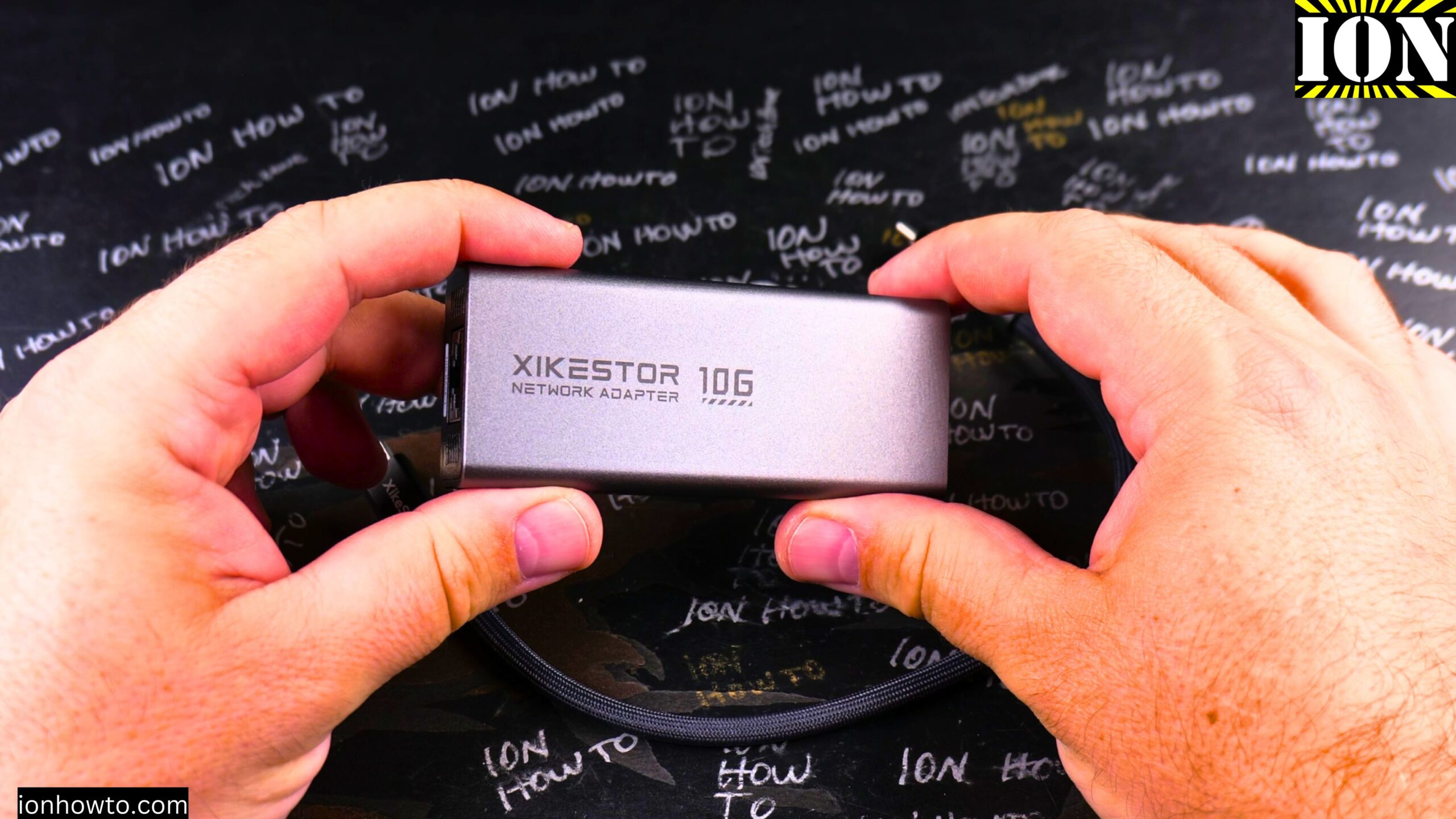
Speed Test on iPhone: XikeStor SKN U319GT Realtek RTL8159 USB-C 3.2 RJ45 10G Base-T 10Gb Adapter.
What This Adapter Is
This is a 10Gb Ethernet adapter that connects to your iPhone through USB-C. It uses the Realtek RTL8159 chip and supports USB-C 3.2. The model is the XikeStor SKN U319GT. It comes with a USB-C cable in the box.
What You Need
- An iPhone with USB-C, like the iPhone 16 Pro Max
- The XikeStor SKN U319GT adapter
- An Ethernet cable
- A network with internet access
- Optionally, a USB-C extension cable for more flexibility
How to Connect It
- Plug the adapter into your iPhone’s USB-C port.
- The power light on the adapter turns on.
- Go to your iPhone settings and look for Ethernet. It should show up as Ethernet 1.
- Connect your Ethernet cable to the adapter.
- You should see two green lights on the adapter.
- The iPhone will automatically configure the connection and get an IP address.
- Your iPhone will now use Ethernet instead of Wi-Fi.
Speed Test on iPhone XikeStor SKN U319GT Realtek RTL8159 Video
What Speed You Get
I tested this with iPerf running on my computer. The link between the computer and the iPhone is 10Gb. From the iPhone 16 Pro Max to the computer, I got around 5Gb speed. In the other direction, I got around 4Gb. That is pretty good for just an iPhone.
I did not have to install any drivers. It just works.
How It Compares to Wi-Fi
When I removed the adapter and used Wi-Fi, the speed dropped a lot. Even though the iPhone supports Wi-Fi 7, it is nowhere near the speed of this adapter. I got about four to five times faster internet by using the Ethernet adapter.
Things to Keep in Mind
- The adapter can feel a bit clunky when plugged in. A USB-C extension cable can help with that.
- The cable I used was a Cat6 cable that I had some issues with before. A better cable might help, but I think the iPhone itself is the limit here.
- The adapter does not get hot at all during the test.
- You can see the lights blinking when the test is running.
Final Thoughts
This is a pretty good setup. You can get super fast 10Gb or 5Gb internet on your iPhone without any configuration. Just plug it in and it works. If you want faster internet on your iPhone than Wi-Fi can give you, this adapter is a great option.
Related Guides and Helpful Resources
If you found this guide helpful, check out these related step-by-step tutorials and category resources on ION HowTo:
- Disable iPhone eSIM Instead of Deleting: Learn how to temporarily toggle off an electronic SIM without deleting cellular plans.
- Turn Off Siri Caller Name Announcement: Silence Siri from announcing incoming caller names aloud through headphones.
- How to Remove an Apple AirTag Speaker: Step-by-step guide to silencing an AirTag for specialized anti-theft item tracking.
- Apple iPhone Guides: Explore our full collection of tutorials and step-by-step articles in this category.


Leave a Reply