
Category: Android Tips
Everyday Android tips and settings walkthroughs to help you customize your screen, manage notifications, and speed up your phone.
How to Copy Cut Paste Text on Samsung Galaxy Android
Learn how to easily copy, cut, and paste text on your Samsung Galaxy device. I’ll show you the steps to move text between apps and documents.
Enable and Use Glide Typing on Android Devices
Learn how to activate and master glide typing (also called swipe typing) on your Android phone for faster text input. I’ll show you how to set it up and use it effectively.
How to Delete Photos and Videos on Android
Learn how to clear storage on your Android device by removing or moving photos and videos. I’ll show you both deletion and transfer options to manage your storage effectively.
How to Enable NFC on Samsung Android
Learn how to turn on NFC (Near Field Communication) on your Samsung Galaxy phone for contactless payments and quick device connections. I’ll show you where to find the NFC settings and how to use them with Google Pay.
Enable Swipe Typing on Samsung Android Keyboard
Learn how to turn on swipe typing (also called glide typing) on your Samsung Galaxy phone for faster text input. I’ll show you where to find this setting and how to use it effectively.
Add Flashlight to Android Lock Screen
Learn how to add a convenient flashlight shortcut to your Android lock screen for quick access without unlocking your phone. I’ll show you the steps to enable this useful feature.
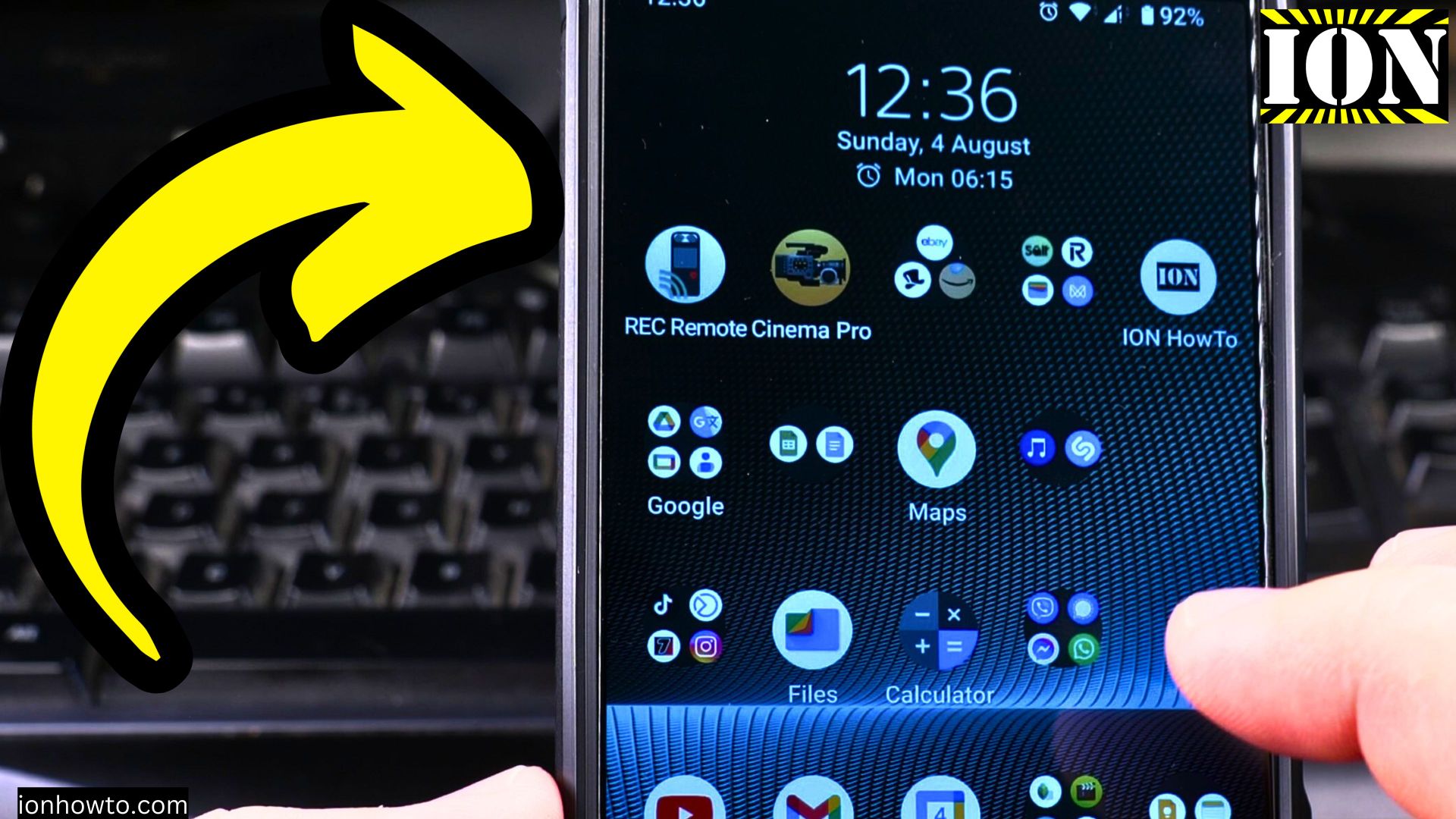
Fit More Apps on Android Home Screen
Learn how to organize your Android home screen to fit more apps while keeping it clean and functional. I’ll show you several ways to maximize space without clutter.
How to Adjust Brightness on Samsung Android
Learn how to control your Samsung Galaxy’s screen brightness for better visibility and battery life. I’ll show you all the brightness settings and customization options available.
How to Take a Screenshot on Samsung Android
Learn how to capture your screen on Samsung Galaxy phones using different methods. I’ll show you the simple ways to take and edit screenshots on your device.
Delete Clipboard History on Samsung Android
Learn how to clear your clipboard history on Samsung Galaxy phones to protect sensitive information and free up space. I’ll show you how to manage copied items in your clipboard.