
Category: Android Tips
Everyday Android tips and settings walkthroughs to help you customize your screen, manage notifications, and speed up your phone.
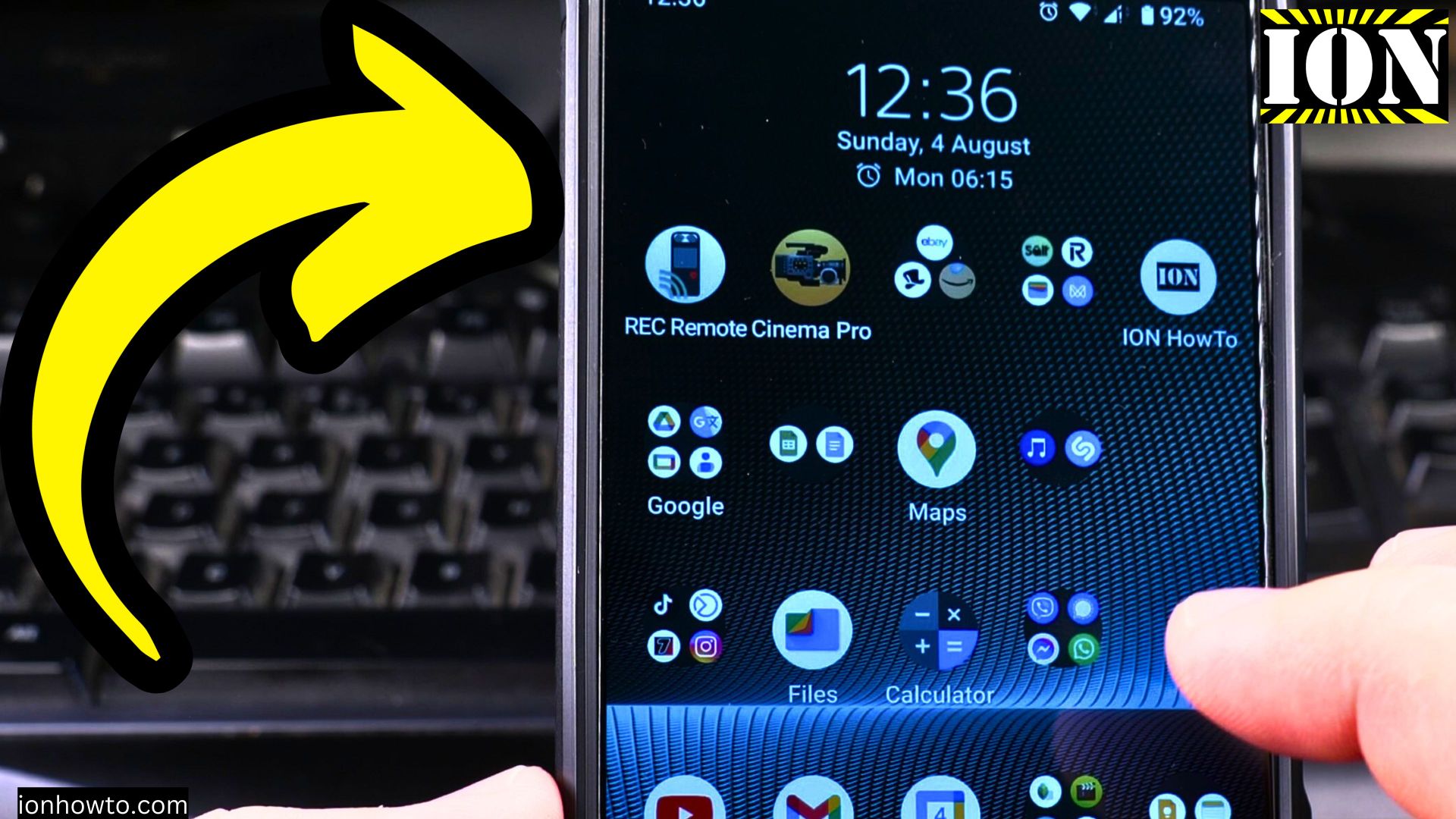
How to Enable Charging Sounds on Android Devices
Charging sound can be useful, it: This method works on a many Android devices, including: If you can’t find the charging sound option: Other than charging sounds, you can also change other audio and vibration settings:
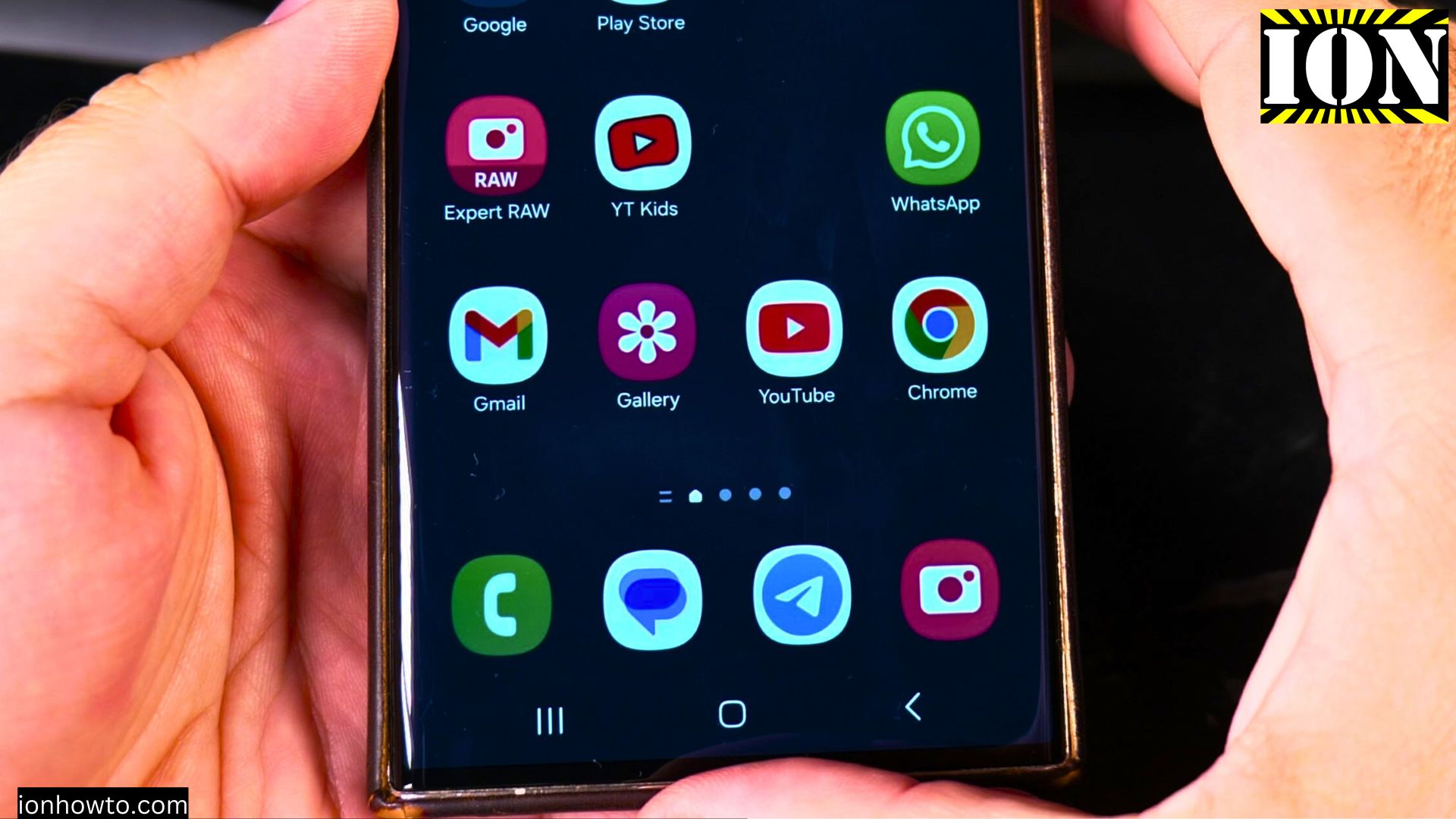
How to Enable AutoCorrect on Samsung Android Devices
Samsung Android devices have a built-in AutoCorrect feature that can save you from those awkward autocorrect fails or flies if autocorrect would make a mistake.Autocorrect can help you type faster and more accurate.
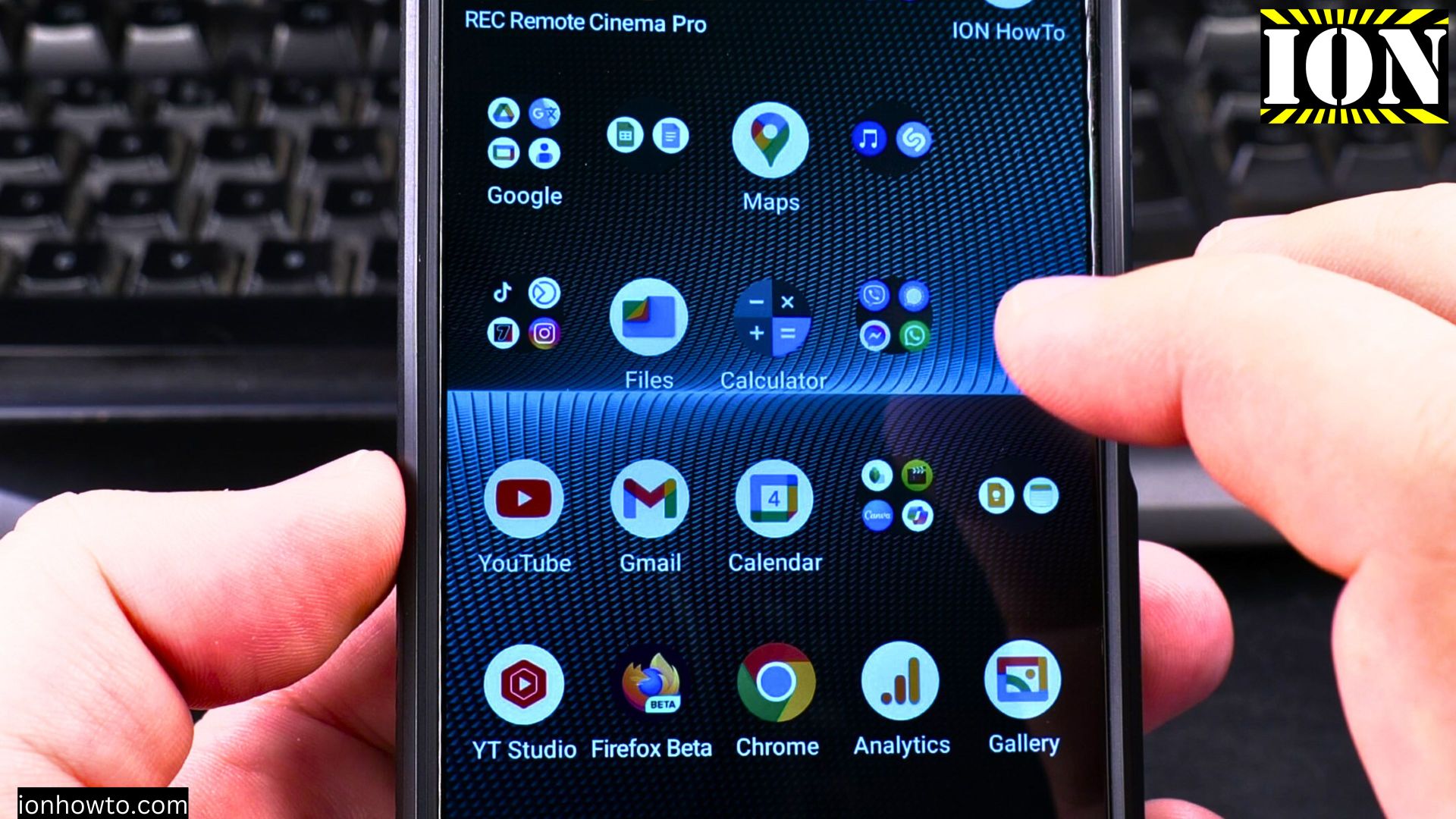
How to Disable Charging Sounds on Android Devices
When you are plugging in your phone to charge at night or in a quiet room, the charging sound can be disruptive. This guide will help you silence charging notifications on different Android devices.
How to Disable Autocorrect on Samsung Galaxy Android Devices
You know when autocorrect decides to “help” you by changing your words into something completely different or worse bad words. Autocorrect can be helpful but many times it will get things wrong. Especially if you type in another langu6than the keyboard set.
How to Disable Tapping Touch Sounds on Android Devices
Touch sounds might seem like a minor problem but they can be surprisingly disruptive to you and those around you. These are a few reasons why you might want to silence your phone’s tapping sounds:
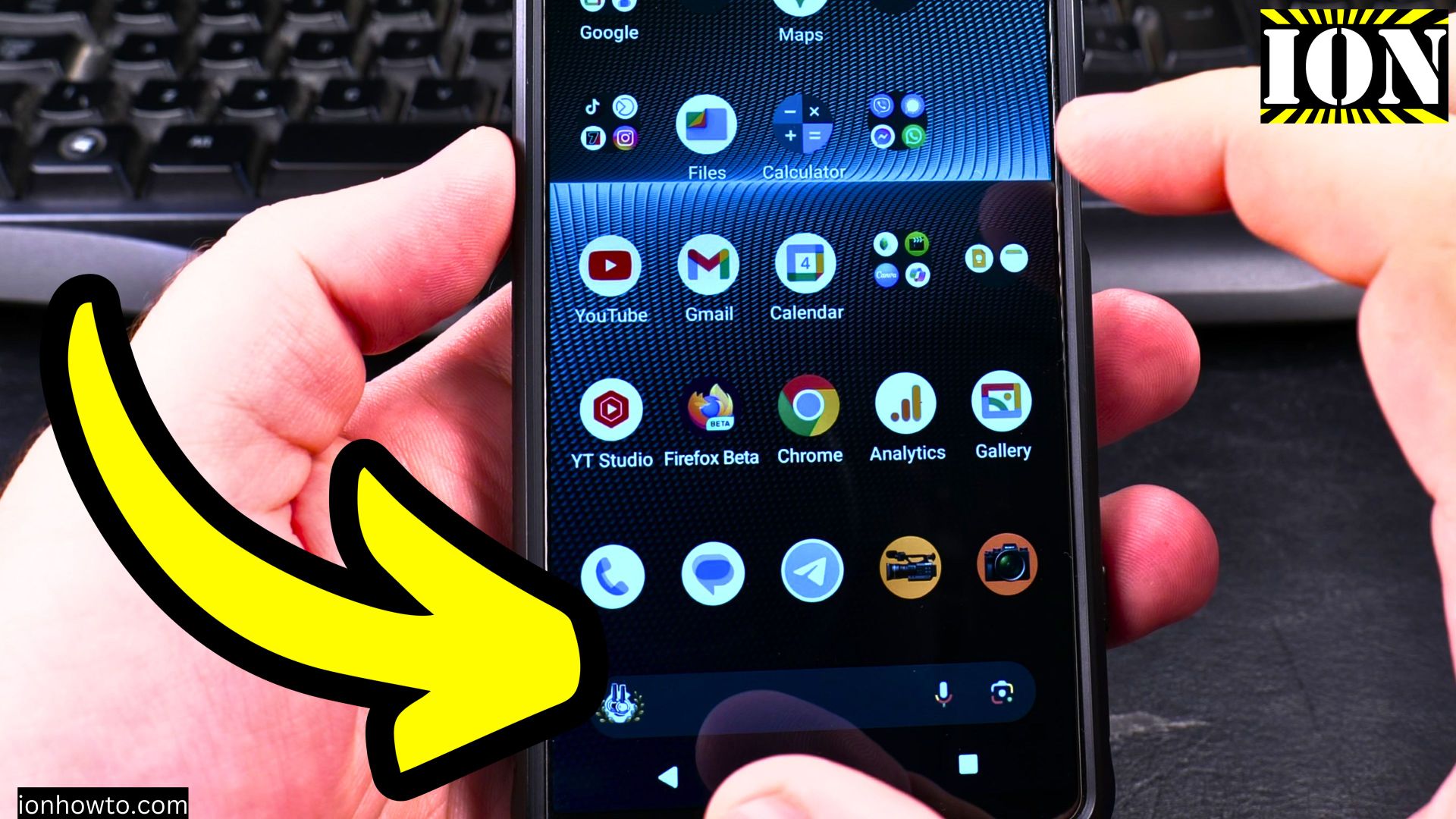
Enable the Search Bar on Android Devices
How to enable the search bar on Android devices. Steps to add the Google Search widget to your home screen. Benefits of using the search bar on Android.
Find Unknown Trackers on Samsung Galaxy Android
Your Samsung Galaxy Android phone has a built-in feature that can detect unwanted tracking devices. I show you in the video how to use it. Bluetooth trackers are small devices that people usually use to find their keys or wallets. But sometimes, these.
Connect Sony WH-1000XM5 Bluetooth Headphones to Android
How to Connect Sony WH-1000XM5 Bluetooth Headphones to Android.Connecting Sony WH-1000XM5 ANC Bluetooth headphones to your Android phone. I’m using a Sony Xperia 1V with Android 14 for this guide, these steps work for most Android phones and Bluetooth.
Android 5G Mobile Data Settings
I show you in the video on the Sony Xperia 1V running Android 14. Instructions below for Android 14 snd Android 15. Open the 5G settings: How to set up data warnings and limits:
Make Google Assistant Read Articles Aloud on Android
In this video, I will show you how to make Google Assistant read articles aloud on your Android device. This feature can be incredibly useful when you want to listen to articles while outside, during exercising, or when you prefer to listen instead of.