
Category: Android Tips
Everyday Android tips and settings walkthroughs to help you customize your screen, manage notifications, and speed up your phone.
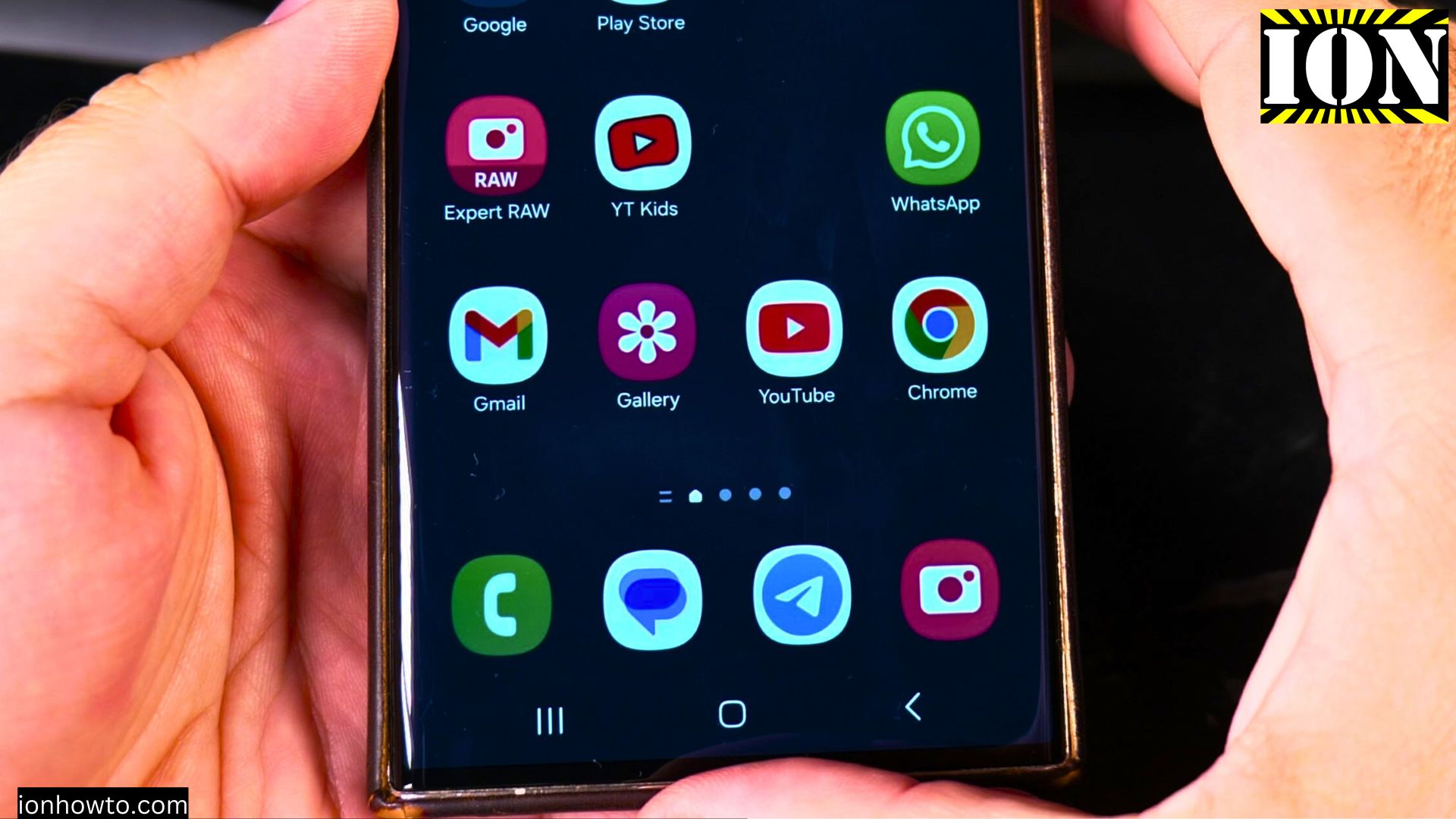
Replace Bixby with Google Gemini on Samsung
Learn how to switch from Bixby to Google Gemini as your default assistant on Samsung devices. I’ll show you how to set up Gemini while keeping or removing Bixby.
Turn Off Bixby Side Button on Samsung
Learn how to stop your Samsung phone’s side button from opening Bixby. I’ll show you how to change what the button does or disable Bixby completely.
Enable Bixby Side Button on Samsung
Learn how to set up your Samsung phone’s side button to launch Bixby. I’ll show you the steps to enable this feature and troubleshoot common issues.
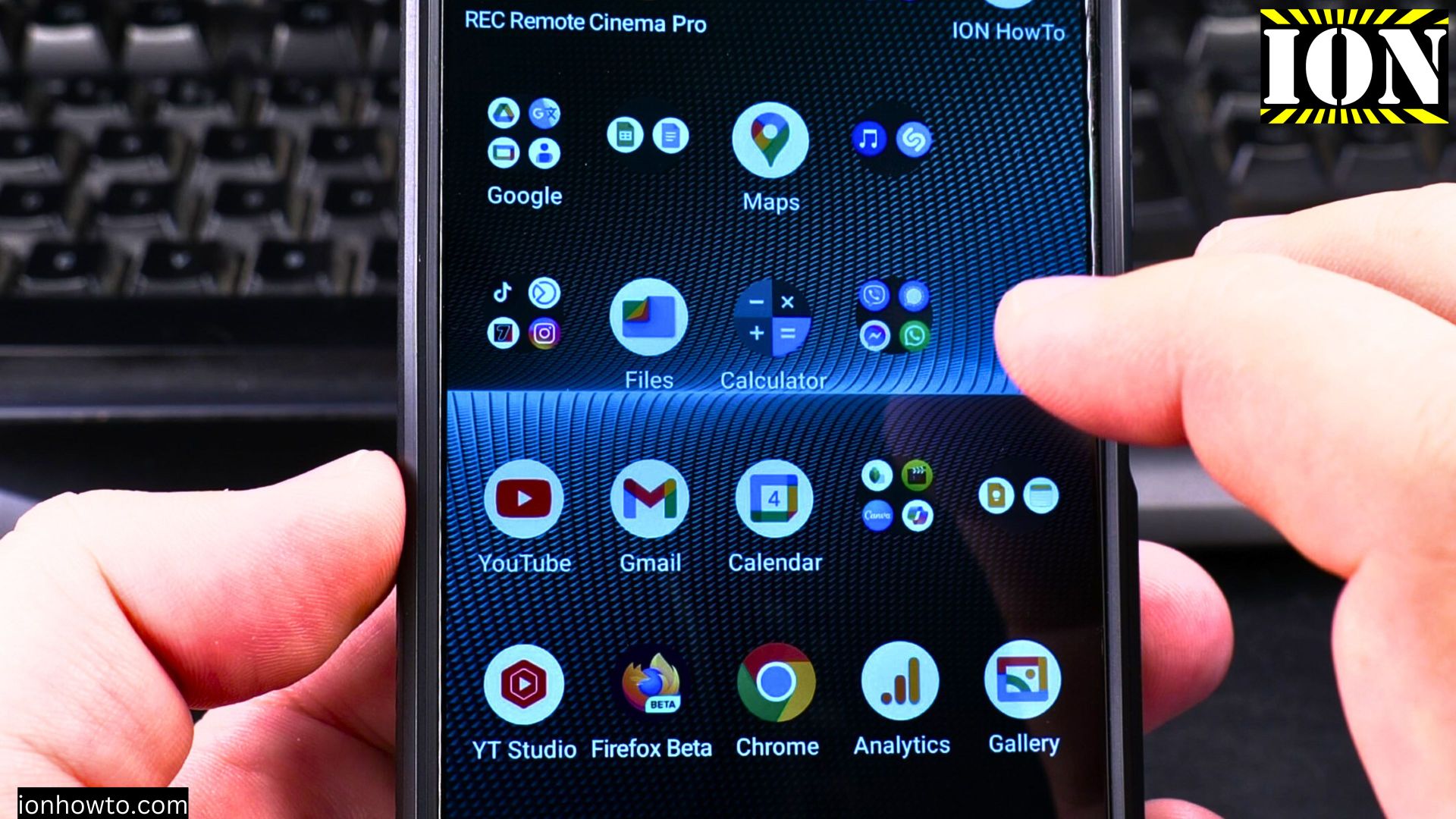
How to Force Android to Connect to 2.4GHz Wi-Fi
Maybe you’re setting up a smart home device that only works on 2.4GHz, or you need better range through walls. Whatever the reason, here’s how to make it happen.
How to Enable and Use Hey Google on Android with Gemini AI
If you want to make your Android device more hands-free, this is for you. In this post, I’ll explain how to enable and use Hey Google on your Android device, how to set it up with Gemini AI, and even how to turn it off if you decide it’s not for you.
How to Enable LDAC Bluetooth Audio on Android Devices
If you’re an audiophile or just someone who loves great sound, you’ve probably heard about LDAC. It’s a high-quality audio codec developed by Sony that lets you enjoy superior sound quality over Bluetooth. If you’re using an Android device and want to get.
How to Enable and Use Hey Google with Gemini AI on Samsung Android
If you’ve have a Samsung Android phone and you want to learn how to use Gemini AI with the “Hey Google” voice assistant, this post is for you.
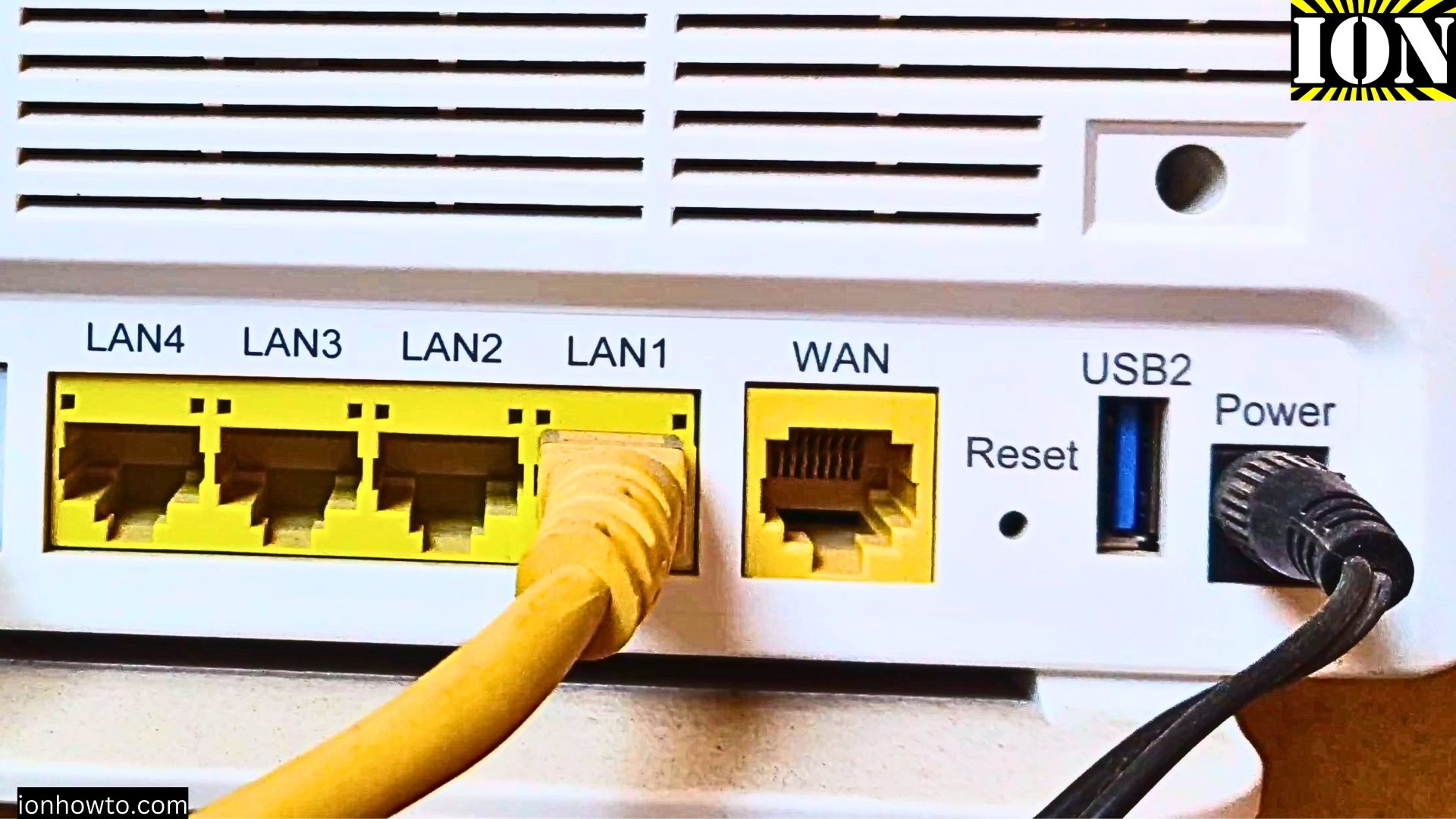
Connect Android Device to Internet With Ethernet Adapter
You can connect your Android phone or tablet to the internet using an Ethernet cable. Wi-Fi and mobile data are the most common options for most people, using an Ethernet adapter can be great in situations where Wi-Fi is too busy or you need the most stable.
USB-C Adapter for Flash Drive on Android Phone
If you have an Android phone or tablet with a USB-C port, a simple USB-C adapter can help you transfer files and use peripherals like a mouse.
Google Search Without Typing Using Voice Commands on Android
How to Search on Google Without Typing Using Voice Commands in Google Assistant or Gemini AI on Android Devices. Searching on Google without typing might sound difficult but it’s actually really easy to do with Google Assistant or the new Gemini AI on your.