
Category: Android Tips
Everyday Android tips and settings walkthroughs to help you customize your screen, manage notifications, and speed up your phone.
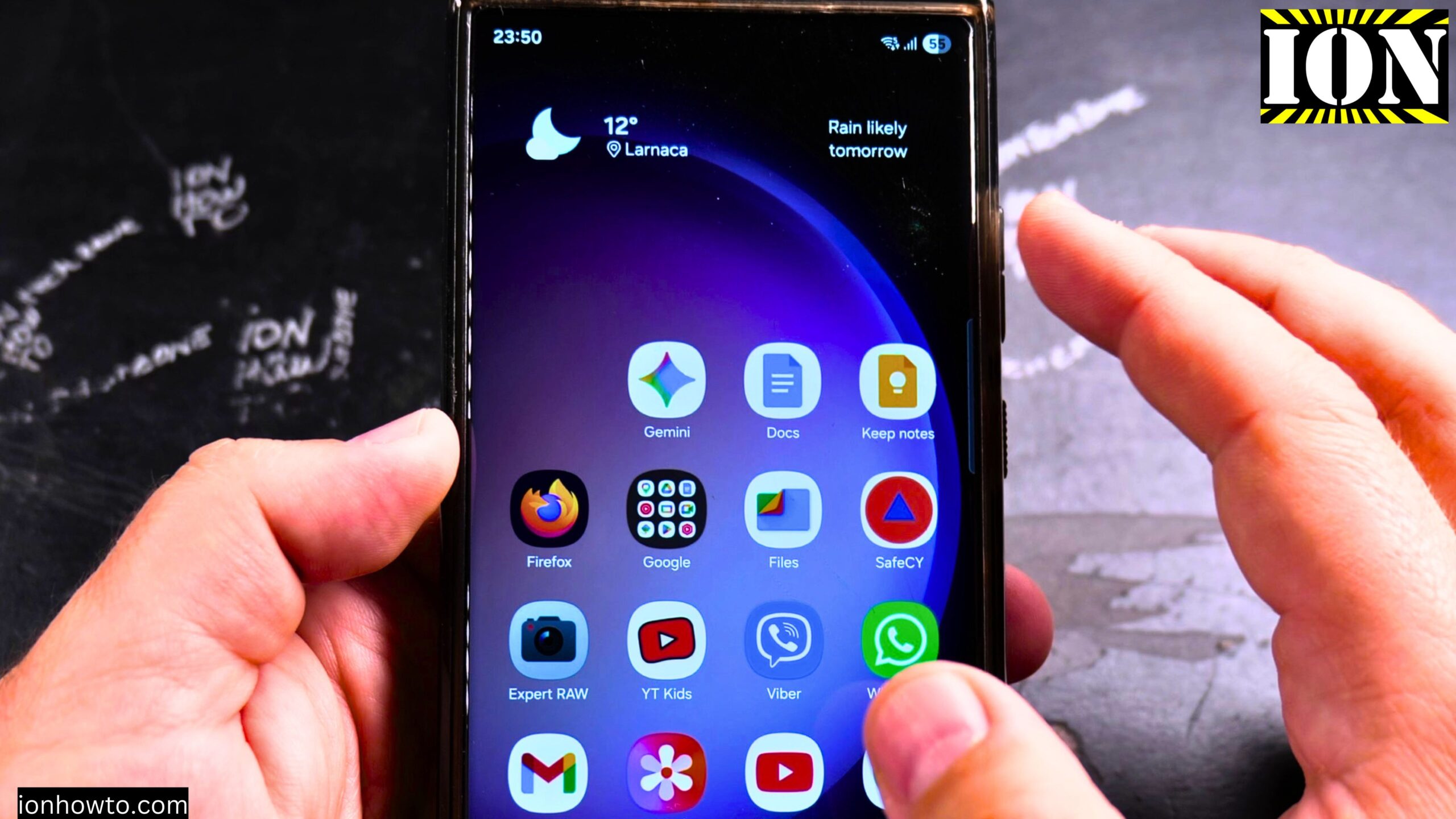
Remove Weather Widget from Samsung Home Screen
Learn how to delete the weather widget from your Samsung phone’s home screen. I’ll show you the steps to remove this widget completely or replace it with a different one if you prefer.
How to Add Weather Widget on Samsung Home Screen
Learn how to add a weather widget to your Samsung phone’s home screen. I’ll show you the steps to place a weather forecast widget on your main screen or any home screen page.
How to Remove Weather Widget Background on Samsung
Learn how to make your weather widget transparent on Samsung devices. I’ll show you the steps to remove or change the background of your weather widget for a cleaner home screen look.
How to Change Weather Widget Location on Samsung
Learn how to update the location settings for your weather widget on Samsung devices. I’ll show you the steps to change cities, add multiple locations, or fix incorrect weather locations.
How to Enable Mobile Data Roaming on Samsung
Learn how to turn on data roaming for your Samsung device when traveling internationally. I’ll show you the steps to enable this feature so you can use mobile data abroad without Wi-Fi.
Fix Samsung Screen Auto Rotate Stuck in Portrait Mode
Learn how to fix your Samsung phone when the auto rotate button is missing or harder to find and your screen gets stuck in portrait mode. I’ll show you the steps to troubleshoot and restore screen rotation on your device.
Find Hidden Apps on Samsung
Learn how to find hidden apps on your Samsung phone running One UI 7 with Android 15. If you cannot find certain apps that you know are installed, I’ll show you where to look and how to make them visible again.
Change Color Palettes on Samsung Home Screen
Learn how to change color palettes on your Samsung home screen to customize your phone’s appearance. I’ll show you how to apply different color schemes that automatically match your wallpaper or let you choose specific colors.
Change App Drawer to Vertical Scroll in Samsung
Learn how to switch your Samsung phone’s app drawer from horizontal pages to vertical scrolling in One UI 7. I’ll show you the steps to change this setting and customize your app drawer layout.
Change App Drawer to Horizontal Scroll on Samsung
Learn how to switch your Samsung phone’s app drawer from vertical scrolling back to horizontal pages in One UI 7. I’ll show you the steps to change this setting and return to the traditional side-swiping app drawer layout.