Category: Apple iPhone

iPhone Choose Line for Texts with Dual SIM
iPhone How to Choose a Line for Text Messages with Dual SIM. Learn how to select which line to use when sending text messages on an iPhone with multiple SIMs. If you use a physical SIM and an eSIM together, this helps you control which number appears as the sender. I will show you this…
iPhone Remove Photo from Contact
iPhone How to Remove Photo from Contact. Learn how to remove a photo from a contact on your iPhone. If you want to delete an outdated picture or prefer having no image for certain contacts, this is quick to do. I will show you this on an iPhone 16 Pro Max running iOS 26 Beta…
Customize iPhone Home Screen Widgets Apps Folders
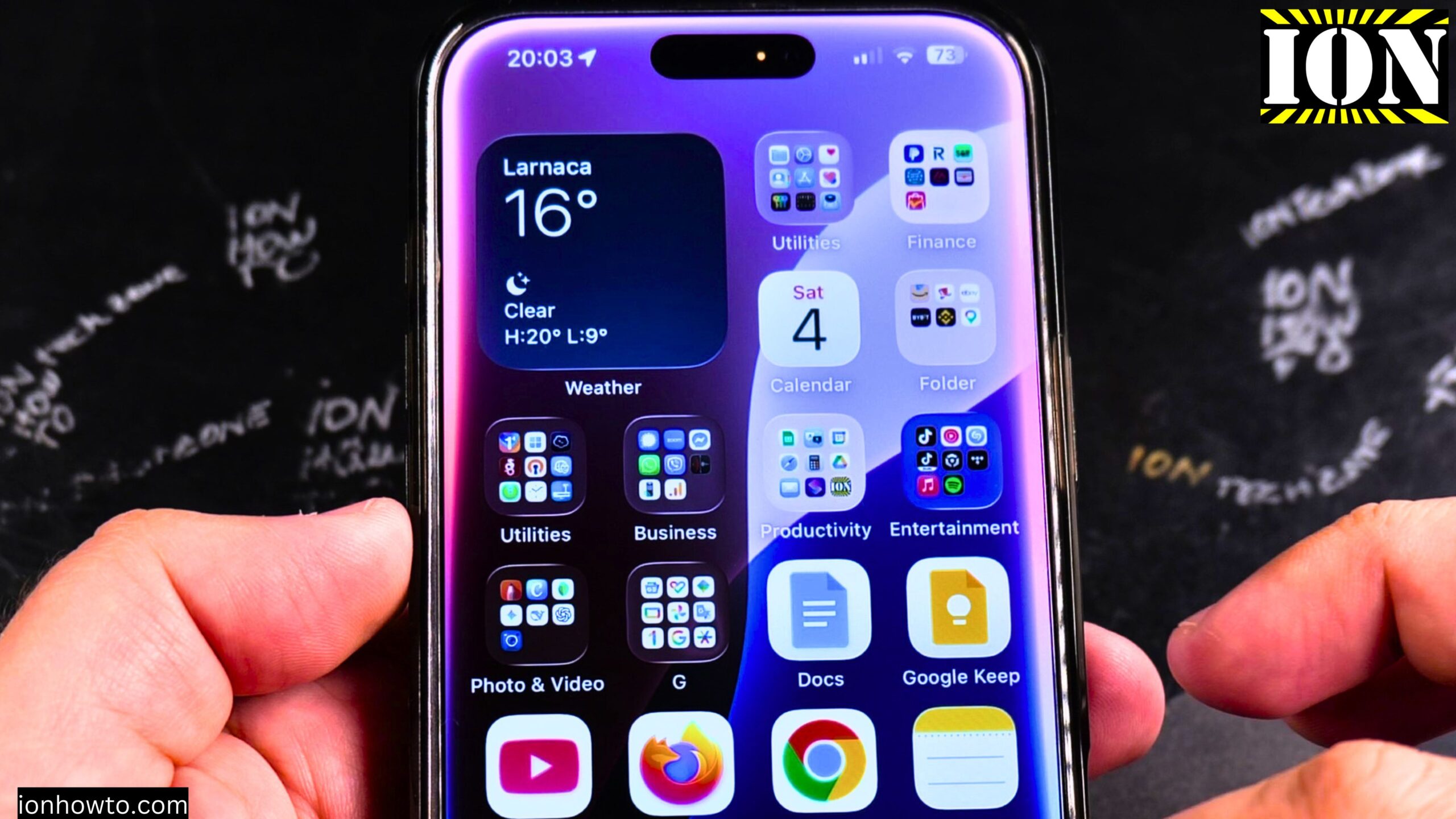
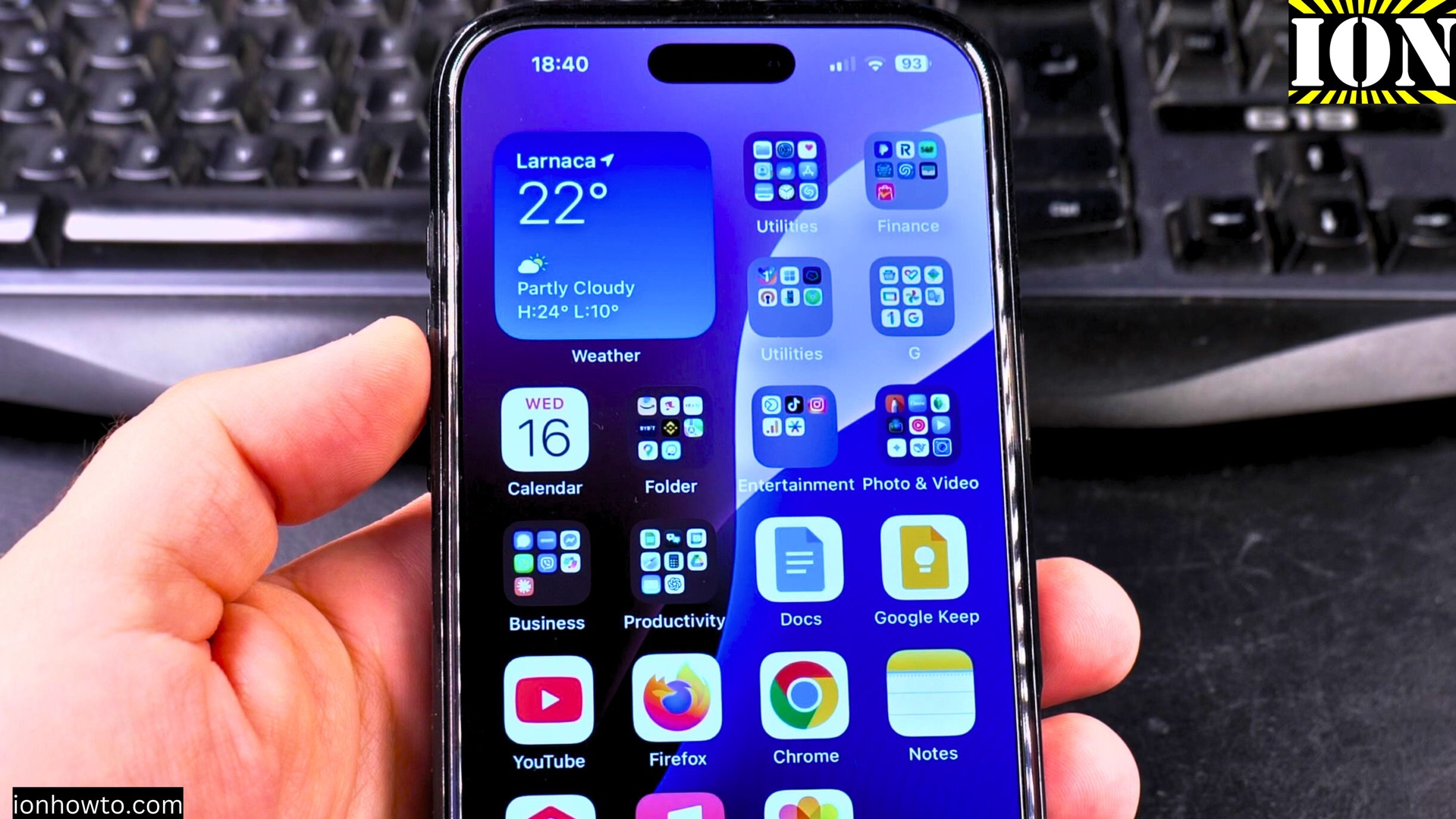
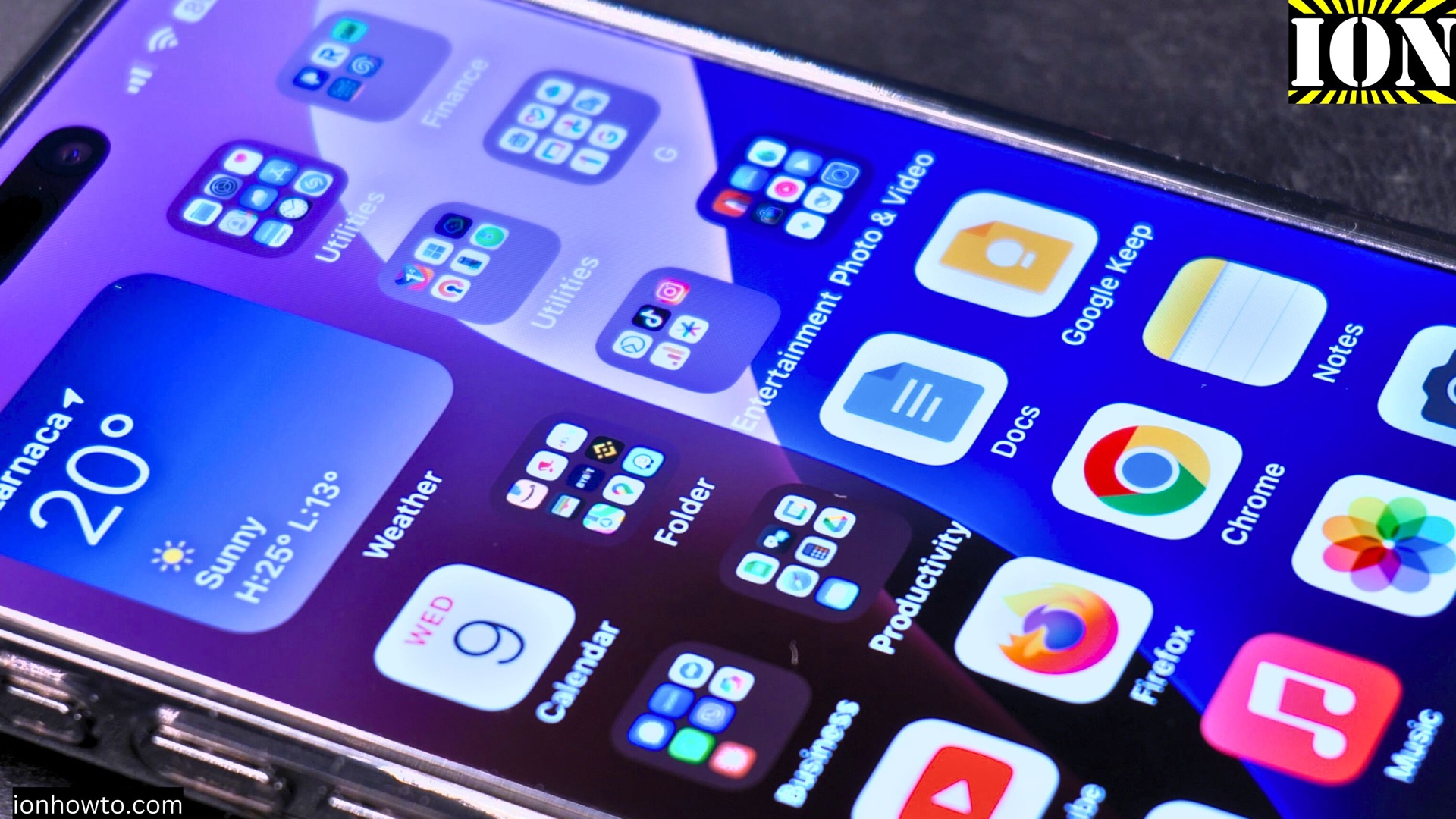
How to Customize iPhone 16 Pro Max Home Screen Widgets, Apps, Folders & More. Learn how to customize your iPhone 16 Pro Max home screen. I will show you how to add widgets, group apps into folders, create widget stacks, and organize everything just the way you like it. This guide is demonstrated on an…
Set Up Face ID on iPhone
How to Set Up Face ID on iPhone 16 Pro Max Step-by-Step Guide. Learn how to set up Face ID on your iPhone 16 Pro Max. Face ID is a fast and secure way to unlock your phone, sign in to apps, and make payments with Apple Pay. I will show you this on an…
iPhone Display Settings
iPhone Display Settings – Dark Mode, True Tone, Night Shift & Always On Display. Learn how to set up the display settings on your iPhone to optimize screen comfort and battery life. I’ll cover Dark Mode, text size adjustments, True Tone, Night Shift, and Always On Display. This guide is demonstrated on an iPhone 16…
iPhone 16 Pro Max Sound Haptics Settings To Change
iPhone 16 Pro Max Sounds & Haptics Settings To Change. Learn how to adjust the Sounds and Haptics settings on your iPhone 16 Pro Max running iOS 18.3 or iOS 18.4. I’ll show you which settings to change for better notifications, custom ringtones, and improved vibration feedback. This guide is demonstrated on an iPhone 16…
Wi-Fi 5GHz vs 6GHz at Home
Wi-Fi 5GHz vs 6GHz: Comparison Guide Frequency Shift: Understanding What Actually Changes When I first connected my new iPad 13 Pro M5 to the 6GHz band, I expected it to feel faster. What I didn’t expect was how fundamentally different the experience would be. After months of side-by-side testing with identical devices on both bands,…
Decline Calls on iPhone
How to Decline Incoming Calls on iPhone. I show you how to decline a call on your iPhone. This is the direct way to send a call to voicemail if enabled when you do not want to answer. I show you the steps to reject an incoming call using the on-screen button or the iPhone…
SIM and eSIM Name on iPhone
Change SIM and eSIM Name on iPhone. How to Change Name for SIM and eSIM on iPhone. I show you how to change the name label for your eSIM and physical SIM cards on your iPhone. This helps you identify different lines if you use multiple numbers on one device. Learn the steps to customize…
Choose Calls Line on iPhone Dual eSIM
Choose Calls Line with Dual SIM and eSIM on iPhone.How to Choose a Line for Calls with eSIM and Physical SIM Dual SIM on iPhone. I show you how to select which line to use when making a phone call on an iPhone with multiple SIMs. If you use a physical SIM and an eSIM…